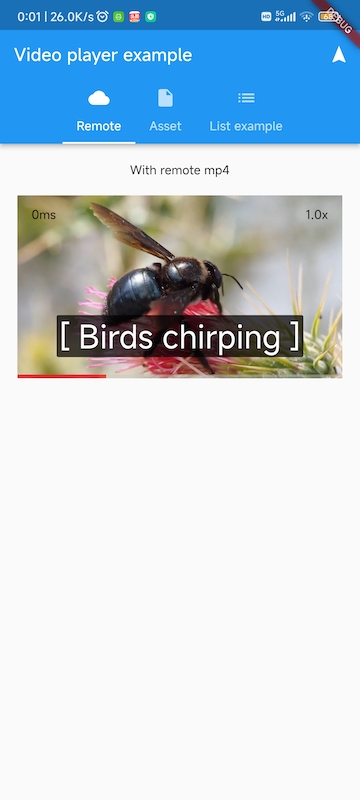
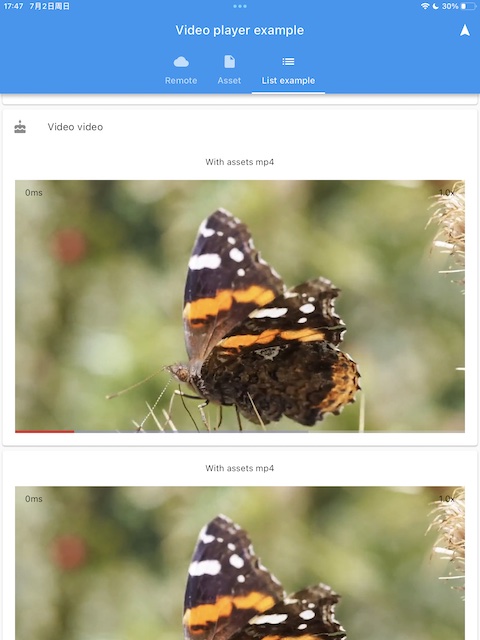
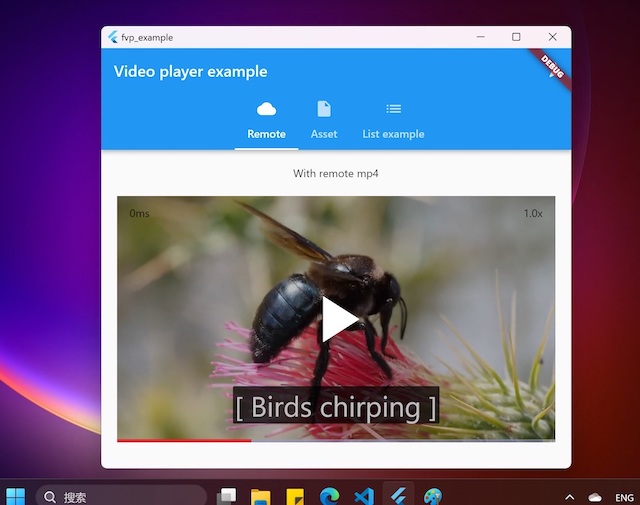
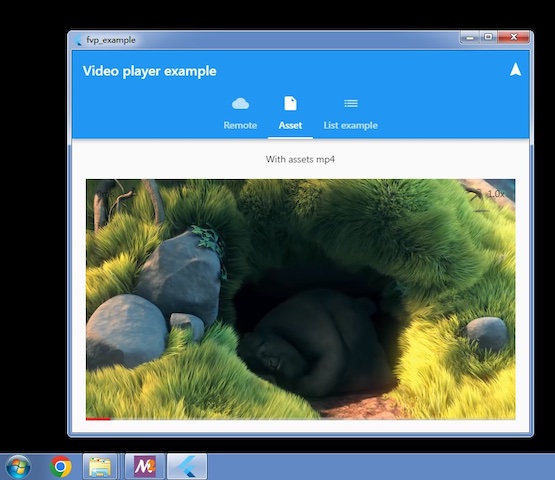
video_player-Plugin und Backend-APIs. Unterstützt alle Desktop-/Mobilplattformen mit Hardware-Decodern und optimierten Renderings. Unterstützt die meisten Formate über FFmpeg.
Aus öffentlichen Paketdaten erstellte Orientierung.
FVP ist ein Flutter-Plugin, das die VideoPlayer-Funktionalität mit Backend-APIs integriert und eine leistungsstarke Videowiedergabe auf allen wichtigen Plattformen einschließlich Android, iOS, macOS, Windows und Linux ermöglicht. Durch die Nutzung von Hardware-Decodern und optimierter Rendering-Techniken bietet es reibungslose Wiedergabe mit Unterstützung für eine breite Palette an Videoformaten über die FFmpeg-Integration. Für konsistente und effiziente Cross-Plattform-Performance entwickelt, stellt FVP auch auf ressourcenbeschränkten Geräten zuverlässige Videowiedergabe sicher.
Anwendungsfälle
Plattformübergreifende Videowiedergabe
Streaming-Anwendungen
Offline-Videoplayer
Bildungsaufgaben mit Videoinhalten
medienreiche interaktive Erlebnisse
Hauptmerkmale
Hardware-beschleunigte Decodierung
Formatunterstützung mit FFmpeg
Optimierte Darstellung auf allen Plattformen
Konsistente API über Mobil und Desktop
Eingebaute Backend-API-Integration
Geeignet für
Entwickler, die medienintensive Apps erstellen
Apps mit breiter Formatkompatibilität
Projekte, die mehrere Betriebssysteme zielen
Hochleistungs-Videowiedergabe erfordert
Anwendungen, die sowohl lokale als auch remote Videoquellen verwenden
Hinweise
Benötigt FFmpeg-Kompilierung für vollständige Formatunterstützung
Kann die App-Größe aufgrund nativer Abhängigkeiten erhöhen
Für erweiterte Funktionen kann eine plattformspezifische Einrichtung erforderlich sein
Eingeschränkte Dokumentation im Vergleich zu Mainstream-Plugins
Mögliche Komplexität bei der Behandlung benutzerdefinierter Codecs
Original-README
Originaler README-Schnappschuss aus dem verknüpften Quell-Repository. Aktuelle Inhalte finden Sie im Repository.
FVP
A plugin for official Flutter Video Player to support all desktop and mobile platforms, with hardware accelerated decoding and optimal rendering. Based on libmdk. You can also create your own players other than official video_player with backend player api
Prebuilt example can be download from artifacts of github actions.
project is create with flutter create -t plugin --platforms=linux,macos,windows,android,ios -i objc -a java fvp
Features
All platforms: Windows x64(including win7) and arm64, Linux x64 and arm64, embedded linux, macOS, iOS, Android(requires flutter > 3.19 because of minSdk 21) and HarmonyOS 5.0+.
You can choose official implementation or this plugin's
Optimal render api: d3d11 for windows, metal for macOS/iOS, OpenGL for Linux, Android(Impeller support) and HarmonyOS.
Hardware decoders are enabled by default
Dolby Vision support on all platforms
Minimal code change for existing Video Player apps
Support most formats via FFmpeg demuxer and software decoders if not supported by gpu. You can use your own ffmpeg 4.0~7.1(or master branch) by removing bundled ffmpeg dynamic library.
High performance. Lower cpu, gpu and memory load than libmpv based players.
Support audio without video
HEVC, VP8 and VP9 transparent video
Small footprint. Only about 10MB size increase per cpu architecture(platform dependent).
How to Use
Add fvp in your pubspec.yaml dependencies: flutter pub add fvp. Since flutter 3.27, fvp must be a direct dependency in your app's pubspec.yaml.
(Optional) Add 2 lines in your video_player examples. Without this step, this plugin will be used for video_player unsupported platforms(windows, linux), official implementation will be used otherwise.
import'package:fvp/fvp.dart'as fvp;
fvp.registerWith(); // in main() or anywhere before creating a player. use fvp for all platforms.
You can also select the platforms to enable fvp implementation
registerWith(options: {'platforms': ['windows', 'macos', 'linux']}); // only these platforms will use this plugin implementation
Now we also expose this backend player api so you can create your own players easily, and gain more features than official video_player, for example, play from a given position, loop in a range, decoder selection, media information detail etc. You can also reuse the Player instance without unconditionally create and dispose, changing the Player.media is enough.
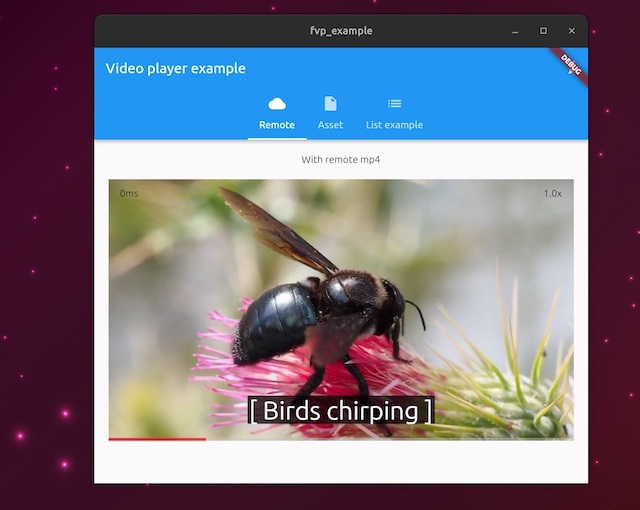
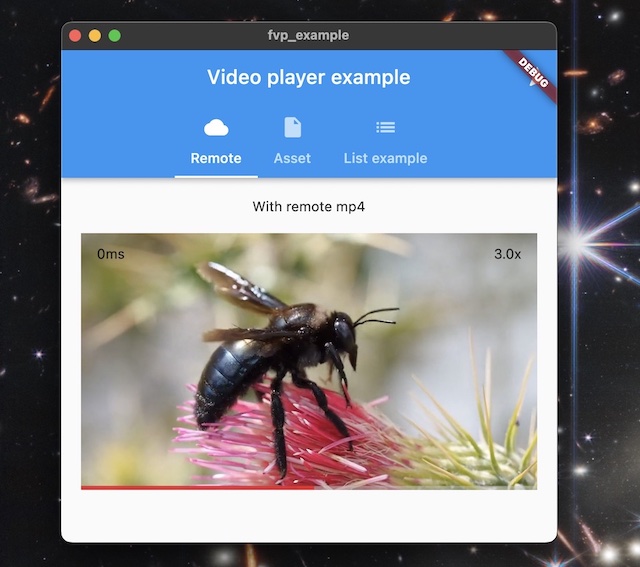
This is an example
VideoPlayerController Extensions
With this extension, we can leverage mature video_player code without rewriting a new one via backend player api, but gain more features, for example snapshot(), record(), fastSeekTo(), setExternalSubtitle().
import'package:fvp/fvp.dart'as fvp;
fvp.registerWith(); // in main() or anywhere before creating a player. use fvp for all platforms.// somewhere after controller is initialized
_controller.record('rtmp://127.0.0.1/live/test');
Upgrade Dependencies Manually
Upgrading binary dependencies can bring new features and backend bug fixes. For macOS and iOS, in your project dir, run
For other platforms, set environment var FVP_DEPS_LATEST=1 and rebuilt, will upgrade to the latest sdk. If fvp is installed from pub.dev, run flutter pub cache clean is another option.
To use an immutable SDK release or mirror, set its base URL and expected SHA-256. The platform archive name, such as mdk-sdk-android.7z, is appended to the URL.
Replace the SHA-256 placeholder with the archive's 64-character digest. Both options can also be set as CMake cache variables. A non-empty CMake value takes precedence over the corresponding environment variable. When FVP_DEPS_SHA256 is set, the downloaded archive is verified and the extracted SDK cache is reused only if its recorded checksum matches. FVP_DEPS_LATEST is ignored in this mode.
Design
Playback control api in dart via ffi
Manage video renderers in platform specific manners. Receive player ptr via MethodChannel to construct player instance and set a renderer target.
Callbacks and events in C++ are notified by ReceivePort
Function with a one time callback is async and returns a future
Enable Hardware Decoders for Embedded Linux
delete libffmpeg.so.* in your app bundle, which is copied from libmdk sdk.
Raspberry Pi: install ffmpeg and system ffmpeg libraries with v4l2 acceleration will be used.
Rockchip: build and install https://github.com/nyanmisaka/ffmpeg-rockchip . You may also need environment var export GL_UBO=1 for arm mali driver on linux 6.x kernel to avoid gl driver bug.
Enable Subtitles
libass is required, and it's added to your app automatically for windows, macOS, ohos and android(remove ass.dll, libass.dylib and libass.so from mdk-sdk if you don't need it). For iOS, download and add ass.framework to your xcode project. For linux, system libass can be used, you may have to install manually via system package manager.
If required subtitle font is not found in the system(e.g. android), you can add assets/subfont.ttf in pubspec.yaml assets as the fallback. Optionally you can also download the font file by fvp like this