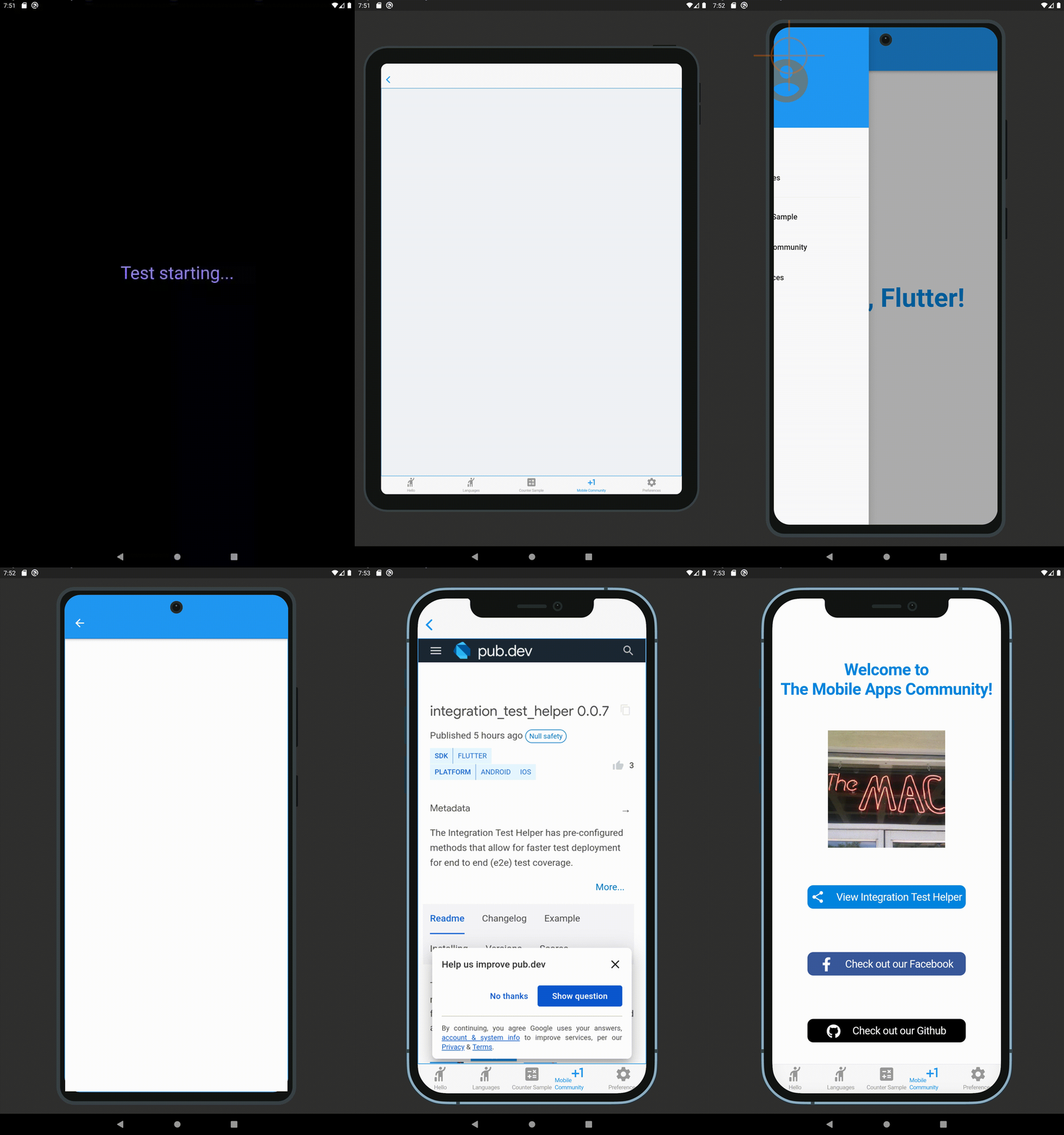
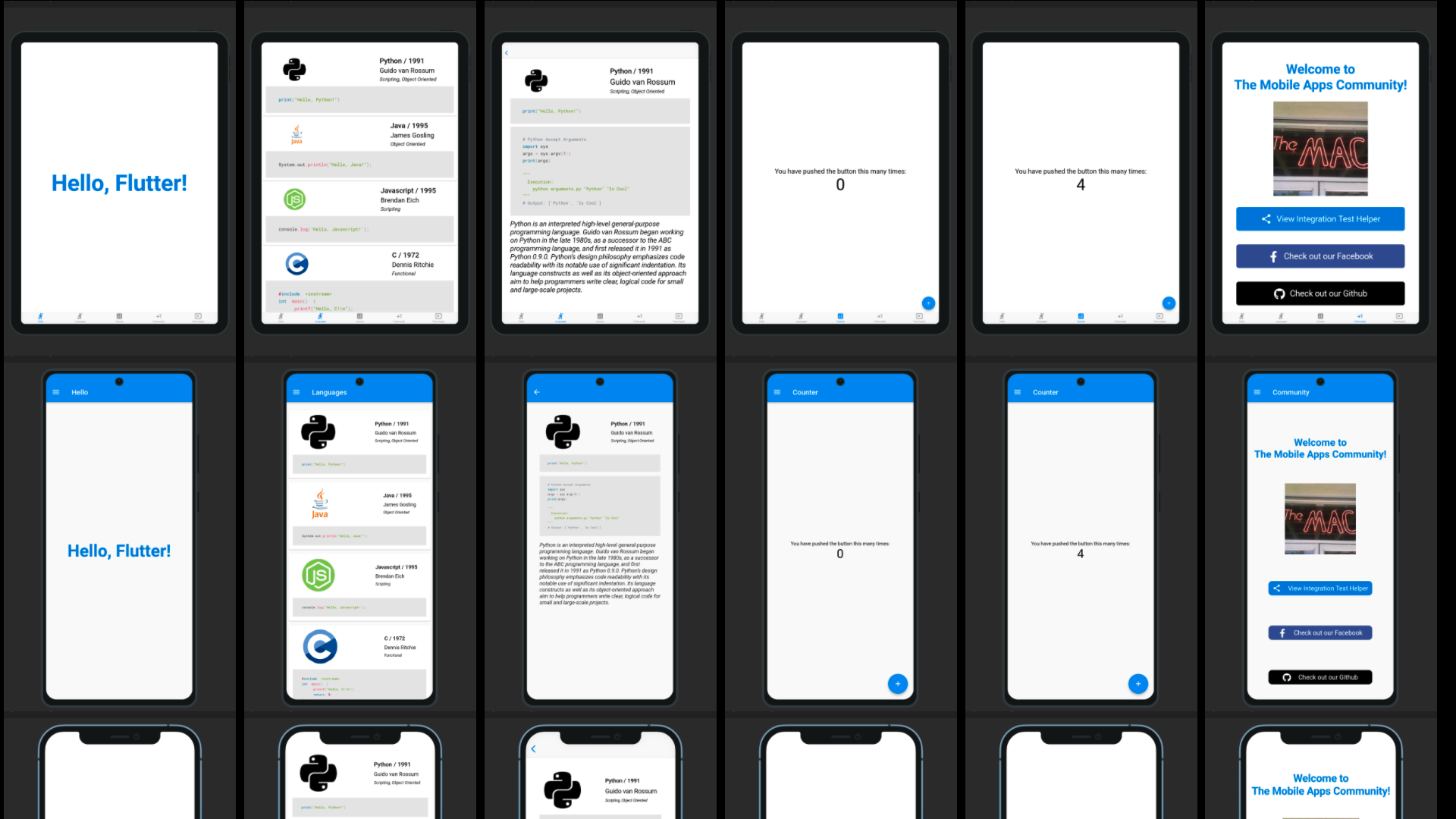
Integrationstest-Vorschau verfügt über vorab konfigurierte Methoden, die eine schnellere Bereitstellung von End-to-End-(E2E)-Testabdeckung ermöglichen (unter Verwendung der Android- und iOS-Plattform-UIs).
Aus öffentlichen Paketdaten erstellte Orientierung.
Integration Test Preview bietet vorkonfigurierte Methoden, um End-to-End-(e2e)-Tests in Flutter-Anwendungen mit nativen Android- und iOS-Benutzeroberflächen zu beschleunigen. Es vereinfacht die Testkonfiguration und -ausführung und ermöglicht Entwicklern eine umfassende e2e-Testabdeckung mit minimalem Boilerplate. Das Paket integriert sich nahtlos in Flutter’s integration_test-Framework und ist für schnelle Testbereitstellung über Plattformen hinweg konzipiert. Es unterstützt Tests auf echten Geräten und Emulatoren und sorgt für zuverlässiges Verhalten, das den Produktionsumgebungen entspricht.
Anwendungsfälle
Beschleunigung der E2E-Testentwicklung
Testen von nativen Plattform-UI-Interaktionen
Vereinfachung der Bereitstellung von Tests über Plattformen hinweg
End-to-End-Überprüfung von App-Workflows
Verkürzung der Testeinstellzeit
Unterstützung von CI/CD-Pipelines
Hauptmerkmale
vorkonfigurierte Testmethoden
Native Android- und iOS-UI-Tests
Minimale Boilerplate-Code
Nahtlose Integration mit integration_test
Schnelle Testbereitstellung
Plattformübergreifende Kompatibilität
Geeignet für
Flutter-Teams, die sich auf E2E-Tests konzentrieren
Entwickler, die schnellere Testzyklen suchen
Projekte, die eine native Plattformüberprüfung erfordern
CI/CD-getriebene Entwicklungsworkflows
Teams, die automatisierte Testpraktiken übernehmen
Hinweise
Android- und iOS-Plattform-Einrichtung erforderlich
Beschränkt auf den Testumfang für End-to-End-Tests
Keine Unterstützung für Web- oder Desktop-Plattformen
Abhängig vom integration_test-Framework
Kann bei komplexen Szenarien zusätzliche Konfiguration erfordern
Original-README
Originaler README-Schnappschuss aus dem verknüpften Quell-Repository. Aktuelle Inhalte finden Sie im Repository.
Integration Test Preview has pre-configured methods that allow for faster test deployment for end to end (e2e) test coverage (using Android and iOS platform UIs). This package is based upon the Integration Test Helper and Device Preview packages, and does much more with the combination of the two of them. It also allows for specific device size preview screenshots for the app stores, generated locally in your project path.
Features
Integration Test Preview Example
When running a test using a IntegrationTestPreview subclass, you can assign the devices that you want to test against (and take screenshots for). The following is an example of how you can test all your features end to end on multiple screen types:
import'package:flutter_test/flutter_test.dart';
import'package:integration_test_preview/integration_test_binding.dart';
import'package:device_frame/src/devices/devices.dart';
import'package:device_frame/src/info/info.dart';
import'package:example/main.dart'as app;
import'app_feature_groups.dart';
voidmain() async {
const minutesPerDevice = 3;
finalList<DeviceInfo> testDevices = [
Devices.ios.iPhone12, Devices.android.samsungGalaxyNote20, Devices.ios.iPadPro11Inches,
];
final totalExpectedDuration = Duration(minutes: testDevices.length * minutesPerDevice);
final binding = IntegrationTestPreviewBinding.ensureInitialized();
testWidgets('Testing end to end multi-screen integration', (WidgetTester tester) async {
final main = app.setupMainWidget();
final integrationTestGroups = ScreenIntegrationTestGroups(binding);
await integrationTestGroups.initializeDevices(testDevices, state: ScreenshotState.RESPONSIVE);
await integrationTestGroups.initializeTests(tester, main);
}, timeout: Timeout(totalExpectedDuration)
);
}
Reviewing the screenshot results
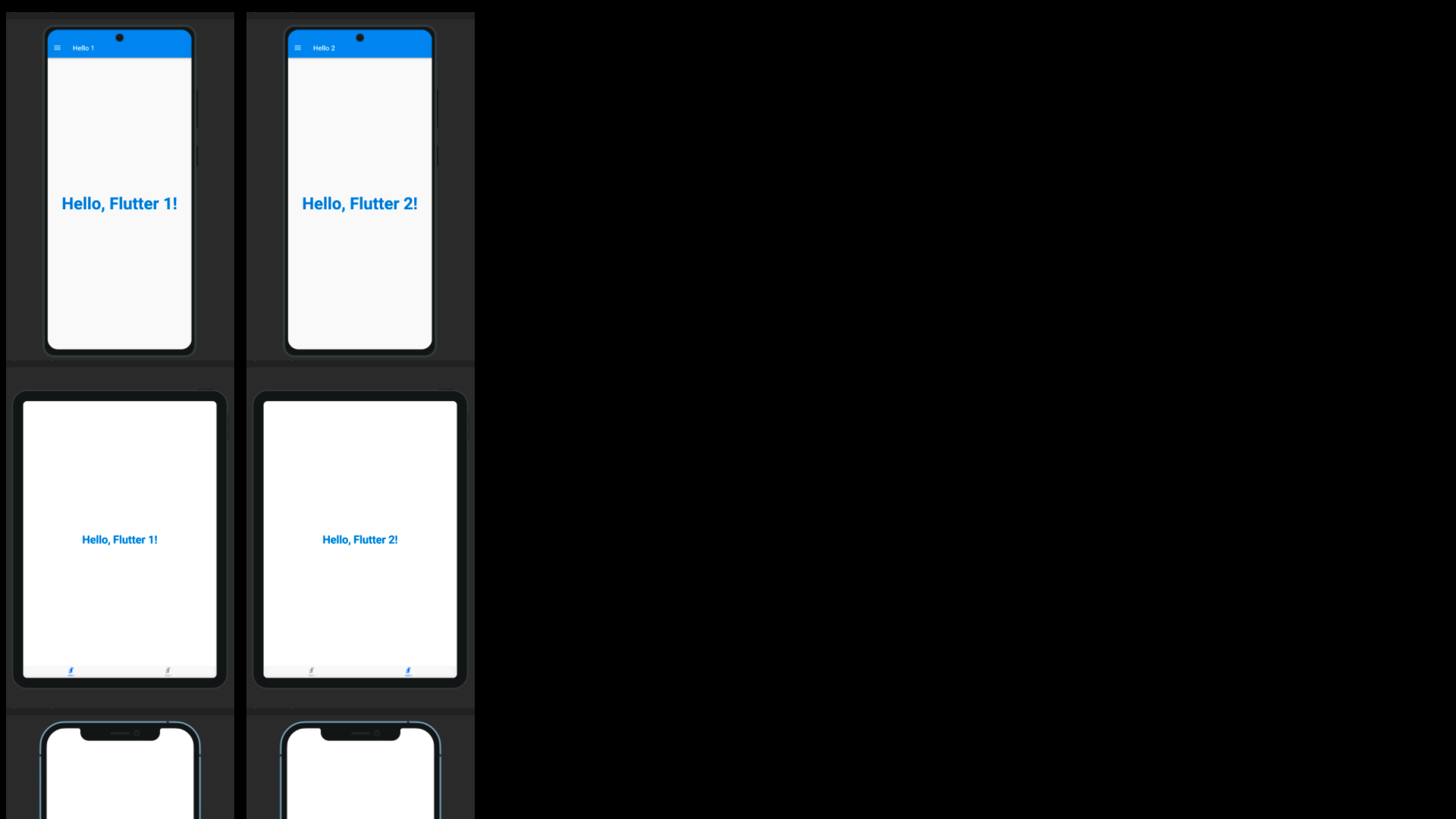
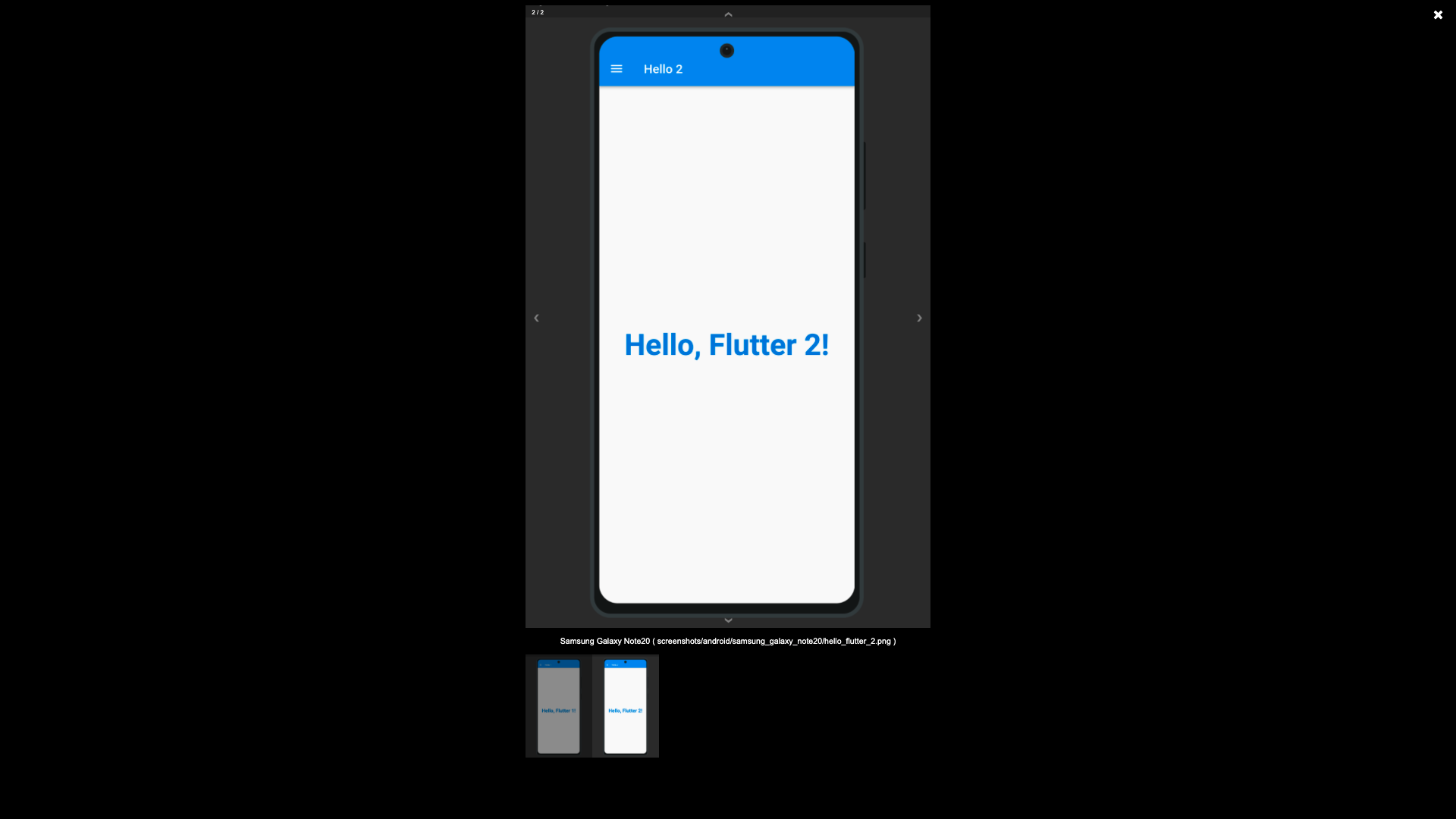
The screenshots generated using the Screenshot State, by default are written to the screenshots directory, this is possible using the test_driver/app_features_test.dart custom integrationDriver example below. The custom integrationDriver implementation allows for the generated screenshots to be displayed in an HTML page by the name of screenshots.html in your project directory.
The following file examples can be combined together (as a Hello World for the Integration Test Preview) to demonstrate how the package works. First you create a way to switch between platforms, a base Widget file that can switch between platforms (Android/iOS/etc.), create a driver file for saving to the screenshots directory, an IntegrationTestPreview subclass for grouping Widget tests against the grouped widgets.
Subclass IntegrationTestPreview (in integration_test/app_feature_groups.dart)
The Integration Test Preview supports platform specific implementations, for methods like the showHelloFlutter
method. This method uses the Drawer for Android and accomodates the Android environment UI interations. And uses
the Tab Bar for iOS and accomodates the iOS environment UI interations.