Aus öffentlichen Paketdaten erstellte Orientierung.
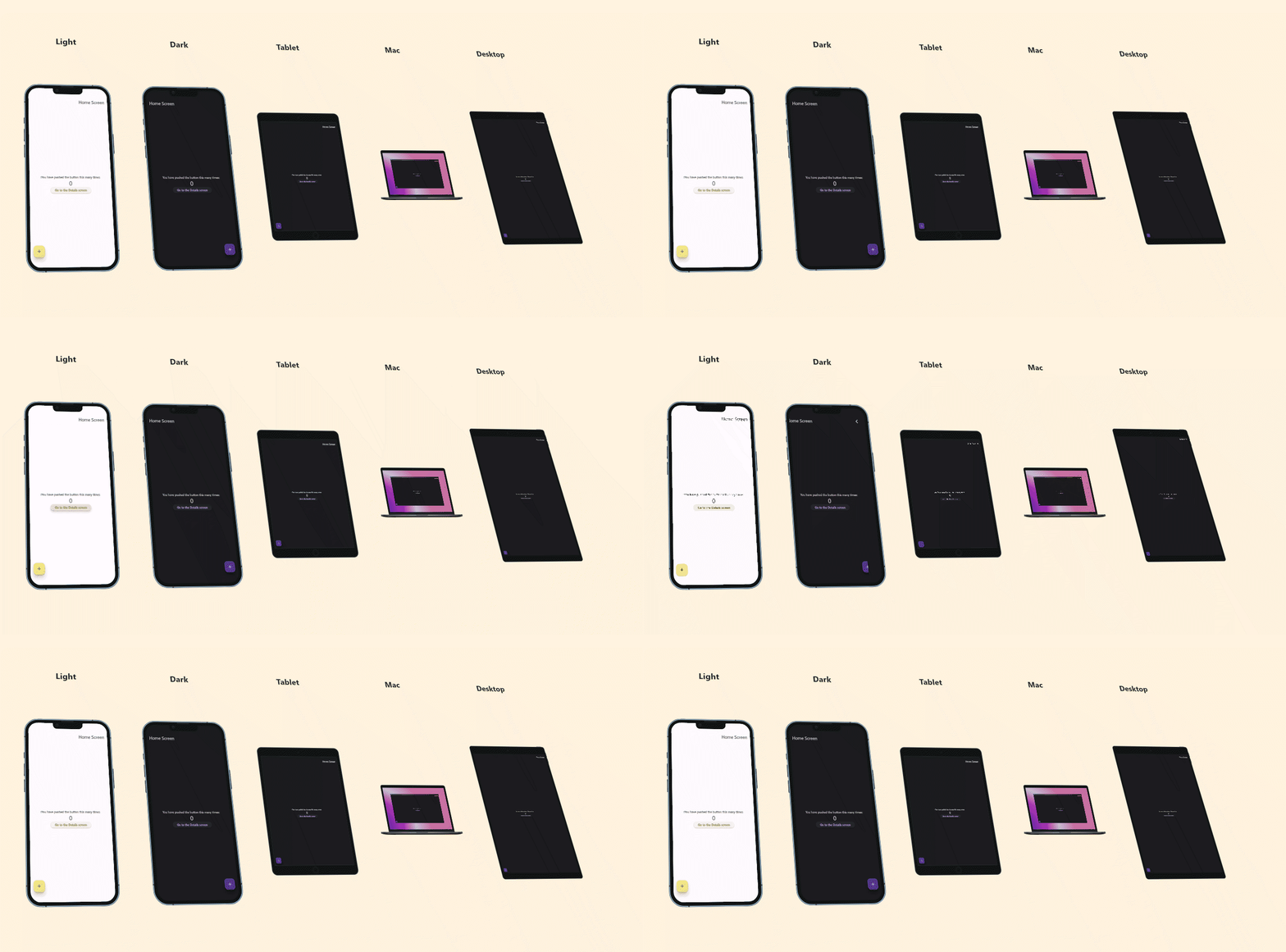
Der Multi App Viewer ist ein Testwerkzeug, das Entwicklern ermöglicht, eine einzelne App gleichzeitig mit verschiedenen Konfigurationen anzuzeigen und zu durchsuchen, wodurch eine schnelle Vergleichbarkeit des Verhaltens unter verschiedenen Einstellungen möglich wird. Er unterstützt mehrere Plattformen wie Android, iOS, Web, macOS, Windows und Linux und ist somit ideal für plattformübergreifende Tests. Das Werkzeug erhöht die Entwicklungseffizienz, da es die Notwendigkeit verringert, die App bei jeder Konfigurationsänderung neu zu bauen oder neu zu starten. Es integriert sich nahtlos über Flutter Pub und ist für den Einsatz in Entwicklungs- und QA-Abläufen konzipiert.
Anwendungsfälle
Vergleich von UI/UX unter verschiedenen Themen
Testen des App-Verhaltens mit unterschiedlichen Umgebungseinstellungen
Überprüfung von Lokalisierungsänderungen über Sprachen hinweg
Debuggen plattformspezifischer Rendern Probleme
Schnelle Konfigurationsiteration während der Entwicklung durchführen
Hauptmerkmale
Echtzeit-App-Zustandswechsel
Unterstützung mehrerer Geräteplattformen
Live-Vorschau von Konfigurationsunterschieden
Einfache Integration über Flutter Pub
Eingebaute Navigation zwischen App-Instanzen
Geeignet für
Flutter-Entwickler
QA-Tester
UI/UX-Designer
Cross-Platform-App-Teams
Schnellprototyping-Umgebungen
Hinweise
Nicht für Produktionsbuilds vorgesehen
Benötigt manuelle Einrichtung von Konfigurationsprofilen
Kann den Speicherverbrauch bei mehreren Instanzen erhöhen
Nur zum Anzeigen; nicht für automatisierte Tests
Am besten nur in Entwicklungs-Umgebungen verwenden
Original-README
Originaler README-Schnappschuss aus dem verknüpften Quell-Repository. Aktuelle Inhalte finden Sie im Repository.
Multi App Viewer
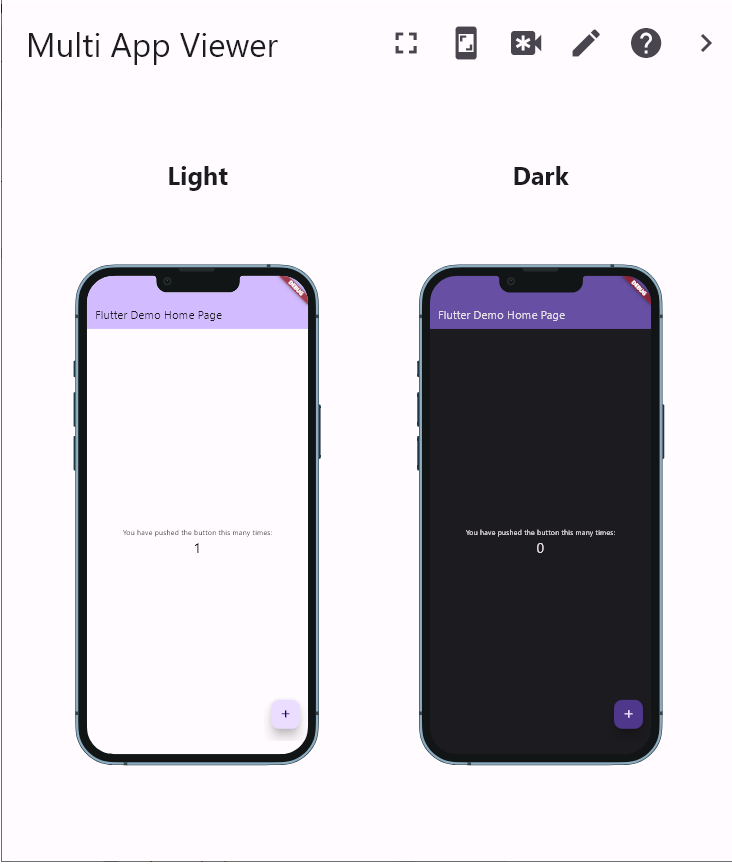
Multi App View is a developer tool to view and navigate multiple instances of one app with
different visual settings, at the same time.
While developing and debugging your app, during a hot reload the MAV frame should keep the
interactive formatting but on restart it will use the initial view.
Configurations are not app specific, you can reuse them in different projects.
and an onNavigationCallback to handle and forward navigation events to the rest of the instances. The callback depends on the way of navigation in your app.
For example with go_router
If you use a state management solution, the MAV event bus might not be needed. For example, Provider counter example works out of the box when ' Providers are above MyApp instead of inside it. '
Scripts
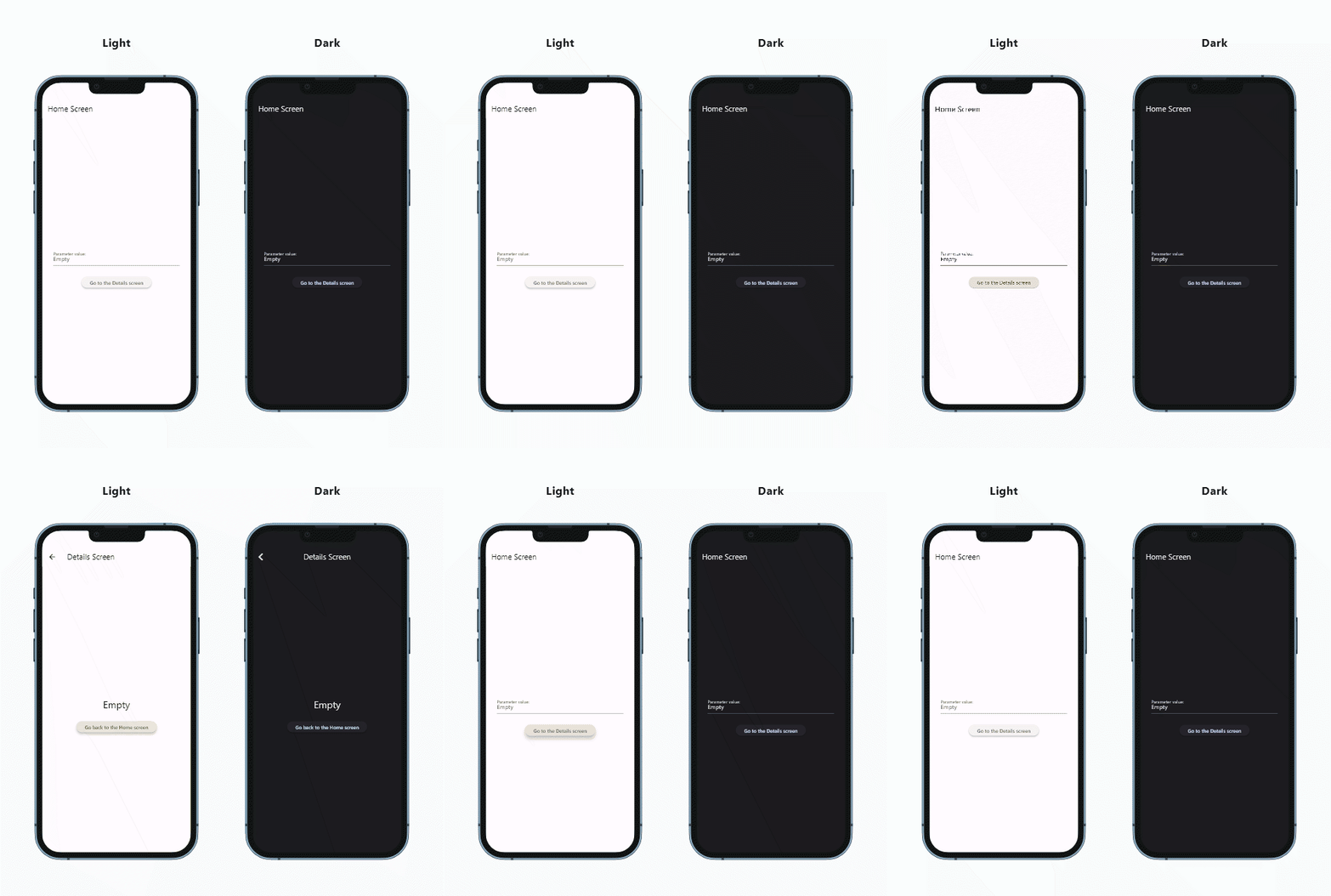
Scripts are lists of navigation, configuration change and synchronization commands.
For example:
List script = [
FrameConfiguration.fourPiece(),
// navigates to details with value 33
(-1, 'details', {'id1': '33'}),
// navigates back to main
(-1, '/', {'id1': '33'}),
// send value 99 to all listeners
('_counterValue', 99)
];
// runs the script when the toolbar menu Run scrip invoked MavFrame.buttonScript = script;
// runs the script when the app load or reloads MavFrame.autoRunScript = script;
// repeats the script until the stop button is pressedMavFrame.autoRepeat = true;
Additional information
Mentions
Although the device_preview package is not used directly, it is still an exceptional inspiration for
Flutter development.
The dashboard package is used for complex layouts. That's a very promising solution.
Disclaimer
Showing the same app in multiple slots at the same time is not an end user scenario. Therefore, this
is a development tool not a release feature.
Most of the Flutter apps are not reentrant (and that's OK). Running them in parallel with themself has conflicts on
statics, globals, keys, local or server resources. These conflicts may result in data loss, endless loops,
tricky and hard to detect bugs.
The itemBuilder and the itemInherited permits further customization and isolation of the instances.
Performance degradations are natural as more and more items are started at the same time.
Make sure that Multi App View does not impact the release quality of your app by separating/removing all
related code from release builds and
have separate run configurations with and without Multi App View.
Screens and platforms
Of course, all instances run on the same platform even if the device frames are different.
Big screen is good. I use the desktop target where I develop.
If you want to make a distributable with the Multi App Viewer, swap the original main.dart file with the new you've created in the Getting Started.
Use it internally only, since the Multi App View is not for release versions.
This is a pure dart library, it should work on all platforms - more or less.
Multi App Viewer tries to minimize the impact on the hosting app, for example no additional permission are required. That's why the file save/load is a bit simplified...
The config file save and load was not tested on Linux, MacOs and IoS. Please submit an issue if you
encounter problems.
Lot of apps will not run with Multi App View if they are non reentrant. For example, in the Gallery App the Reply sample fails on a GlobalKey when running more than one instance, all others work.
Running on different platform may have different results. For example, an app running on Android may fail on restoration ids, but may run on Windows and on Web.