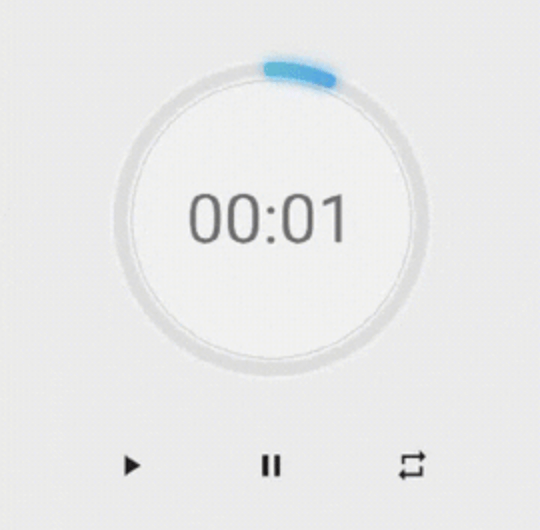
Ein Paket, das Ihnen hilft, schnell einen Timer mit einer schönen Benutzeroberfläche zu erstellen. Es ist hochgradig anpassbar – Sie können Farbe, Dicke des Timers und den Schriftstil der Uhr ändern.
Aus öffentlichen Paketdaten erstellte Orientierung.
NeonCircularTimer ist ein Flutter-Paket, das entwickelt wurde, um visuell ansprechende Kreis-Timer mit minimalem Aufwand zu erstellen. Es bietet eine schicke, anpassbare Oberfläche, bei der Benutzer Farben, Strichstärke und Textstil für die Timer-Anzeige anpassen können. Ideal für Countdowns, Fitness-Apps oder jede App, die einen dynamischen Zeitindikator benötigt, unterstützt es alle wichtigen Plattformen wie Android, iOS, Web, macOS, Windows und Linux. Das Paket verbessert die Benutzererfahrung durch flüssige Animationen und moderne Neon-inspirierte Ästhetik.
Anwendungsfälle
Fitness-Tracking
Lernsession-Timer
Spiel-Countdowns
Ereignis-Erinnerungen
Interaktive App-Oberflächen
Hauptmerkmale
Hochgradig anpassbare Erscheinung
Glatte animierte Übergänge
Unterstützt mehrere Plattformen
Einstellbare Strichbreite und Farben
Anpassbare Textformatierung
Neon-artige visuelle Effekte
Geeignet für
Entwickler, die Countdown-Funktionen erstellen
designorientierte Anwendungen
Plattformübergreifende Timer-Implementierungen
Apps, die ansprechende Benutzeroberflächenelemente benötigen
Projekte mit ästhetischer Ausrichtung
Hinweise
Kann eine Leistungsoptimierung auf Geräten mit geringer Leistung erfordern
Anpassungsoptionen können die Komplexität erhöhen
Beschränkt auf kreisförmigen Timer-Entwurf
Nicht geeignet für nicht-Countdown-Zeitanzeigen
Benötigt externe Animationsbibliotheken für fortgeschrittene Effekte
Original-README
Originaler README-Schnappschuss aus dem verknüpften Quell-Repository. Aktuelle Inhalte finden Sie im Repository.
neon_circular_timer
Make a timer application with a fancy neon effect and beautiful UI
v0.0.3 and above now the timer has also a neumorphic border
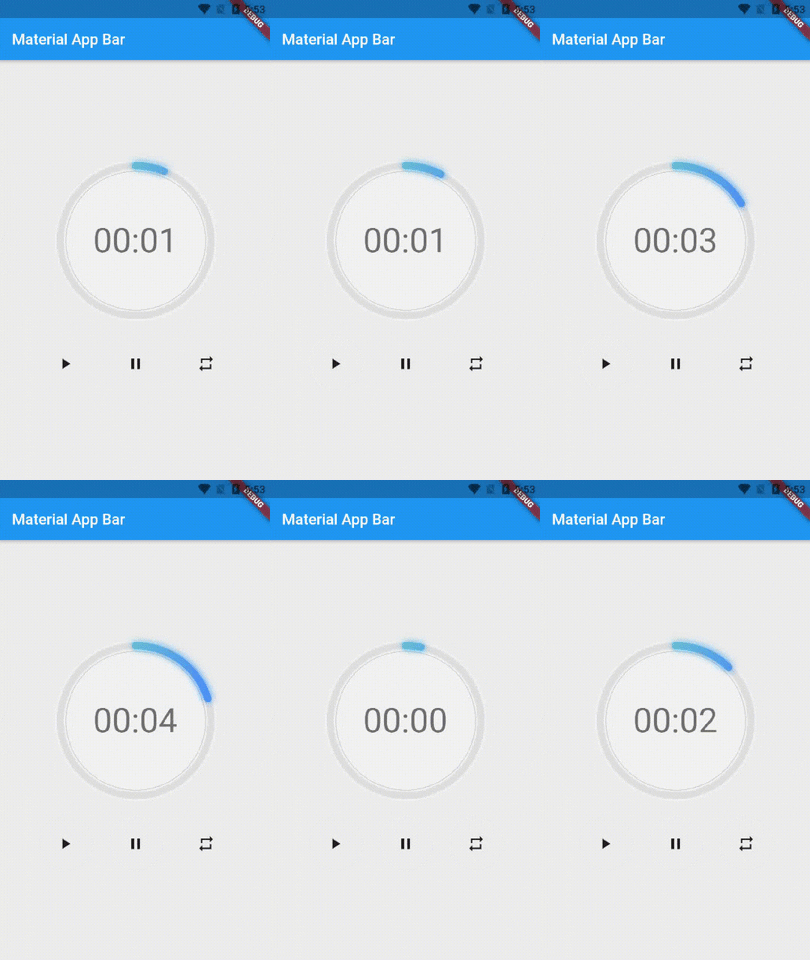
Preview of example
Usage
Use neumorphicEffect to show or hide the neumorphic border
Use isTimerTextShown to show or hide the text
With neumorphicEffect is true and isTimerTextShown is false
Controls (i.e Start, Pause, Resume, Restart) the Countdown Timer.
width
double
required
Width of the rectangle that surrounds the circle ( Diameter of the Countdown Timer).
neonColor
Color
Colors.white54
neon Color for Countdown Widget.
neonGradient
Gradient
null
neon Gradient for Countdown Widget. Note that neonColor will not be effective if gradient is provided.
neumorphicEffect
bool
true
show neumorphic border
innerFillColor
Color
Colors.black12
Filling Color for Countdown Widget.
innerFillGradient
Gradient
null
Filling Gradient for Countdown Widget. Note that fillColor will not be effective if gradient is provided.
outerStrokeColor
Color
Colors.white
border Color for Countdown Widget.
backgroundColor
Color
Colors.white54
must be provided if you choose to use neumorphic effect .
outerStrokeGradient
Gradient
null
border Gradient for Countdown Widget. Note that backgroundColor will not be effective if gradient is provided.
strokeWidth
double
10.0
Border Thickness of the Countdown Ring.
strokeCap
StrokeCap
StrokeCap.round
Begin and end contours with a flat edge and no extension.
textStyle
TextStyle
Theme.of(context).textTheme.headline3
Text Style for Countdown Text.
textFormat
String
TextFormat.MM_SS
Format for the Countdown Text.
isReverse
bool
false
Handles Countdown Timer (true for Reverse Countdown (max to 0), false for Forward Countdown (0 to max)).
isReverseAnimation
bool
false
Handles Animation Direction (true for Reverse Animation, false for Forward Animation).
isTimerTextShown
bool
true
Handles visibility of the Countdown Text.
autoStart
bool
true
Handles the timer start.
onStart
VoidCallback
null
This Callback will execute when the Countdown Starts.
onComplete
VoidCallback
null
This Callback will execute when the Countdown Ends.
About the Controller
to get the time in seconds use :
controller.getCurrentTimeInSeconds();
to get the time formated into the selected TextFormat use:
controller.getTime();
to control the timer use :
controller.restart(); // to reset the timer
controller.start(); // to start the timer from 0
controller.pause(); // to pause the timer
controller.resume(); // to continue from the value where the timer stopped