Aus öffentlichen Paketdaten erstellte Orientierung.
Ein Flutter-Paket, das die QR-Code-Erkennung in mobilen Anwendungen ermöglicht und native Scanning-Bibliotheken nutzt – ZXing für Android und MTBBarcodeScanner für iOS. Es bietet eine einfache, einbettbare Kameransicht zur Echtzeit-Erkennung von QR-Codes. Das Paket ist für nahtlose Integration mit minimalem Aufwand konzipiert und daher ideal für Apps, die eine schnelle Datenabrufung über QR-Codes erfordern. Es unterstützt sowohl Front- als auch Rückkamera-Modi und bietet anpassbare Overlay-Anzeigen. Der Scanner arbeitet effizient unter verschiedenen Lichtbedingungen und auf unterschiedlichen Geräten.
Anwendungsfälle
In-Store-Produktinformationssuche
Digitale Ticket- oder Boardingpass-Überprüfung
Benutzerauthentifizierung über QR-Codes
Kontaktloses Daten-Sharing zwischen Geräten
Bestandsverwaltung in Einzelhandels-Apps
Hauptmerkmale
Native Scannleistung unter Android und iOS
Einfache Integration mit Flutter-Widgets
Unterstützung für mehrere Kamerarichtungen
Anpassbare Scan-Overlay und Feedback
Echtzeit-QR-Code-Erkennung
Leichte und schnelle Initialisierung
Geeignet für
Mobile Apps, die eine QR-Scanning-Funktion benötigen
Einzelhandels- und Veranstaltungsmanagement-Apps
Authentifizierungs- und Anmelde-Systeme
Apps, die kontaktlose Datenübertragung erfordern
Entwickler, die eine plattformübergreifende Barcode-Unterstützung suchen
Hinweise
Benötigt Kameraberechtigungen zur Laufzeit
Die Leistung kann sich bei älteren Geräten unterscheiden
Beschränkt auf das Scannen von QR-Codes (nicht andere Barcodes)
Möglicherweise sind zusätzliche Stile für die UI-Konsistenz erforderlich
Keine integrierte Fehlerbehandlung für fehlgeschlagene Scans
Original-README
Originaler README-Schnappschuss aus dem verknüpften Quell-Repository. Aktuelle Inhalte finden Sie im Repository.
Project in Maintenance Mode Only
Since the underlying frameworks of this package, zxing for android and MTBBarcodescanner for iOS are both not longer maintaned, this plugin is no longer up to date and in maintenance mode only. Only bug fixes and minor enhancements will be considered.
I am developing a new plugin mobile_scanner that uses the latest version of MLKit for detecting barcodes and QR codes. On Android it also uses the latest version of CameraX, and on iOS the native AVFoundation for best camera performance.
QR Code Scanner
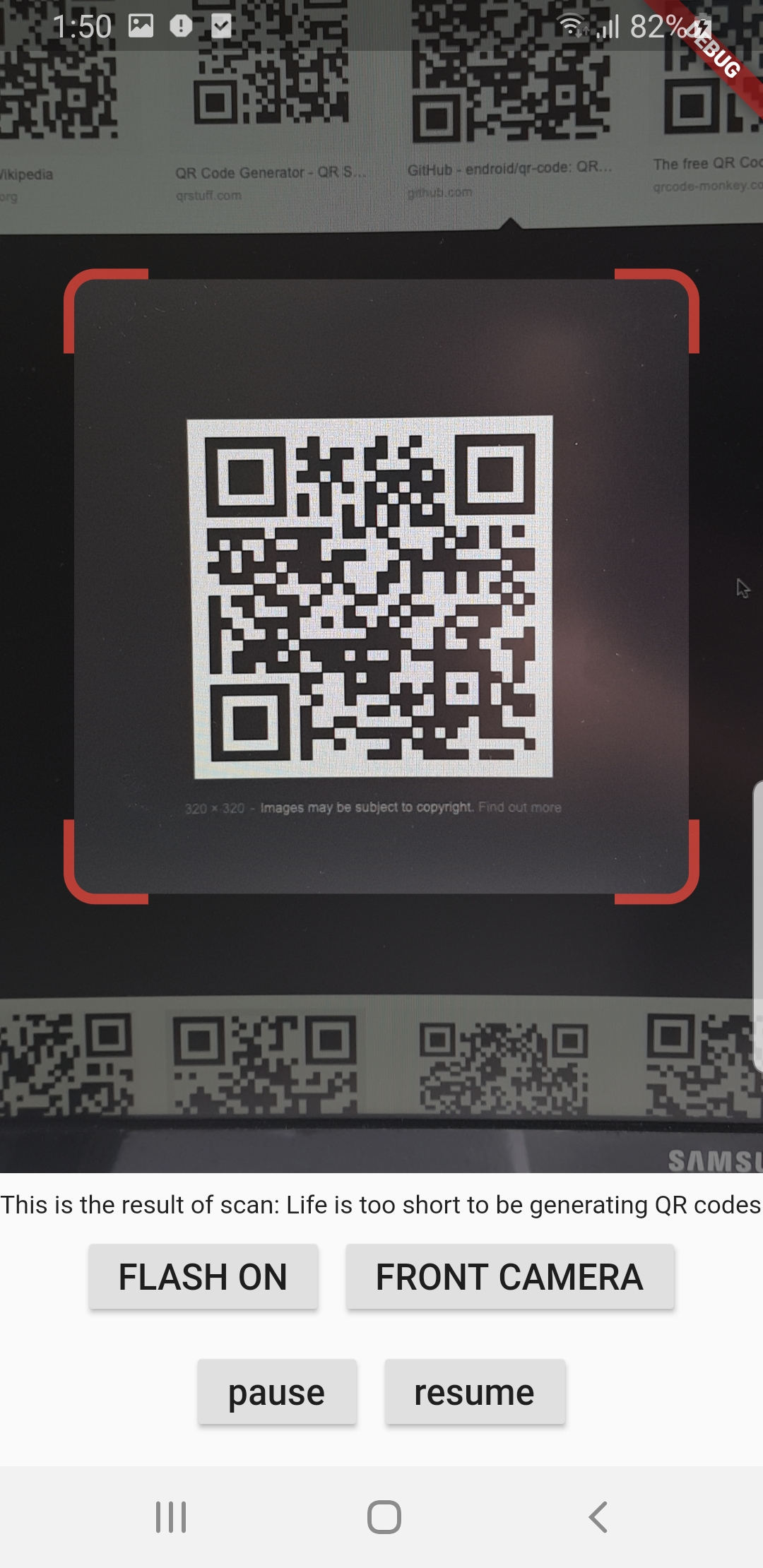
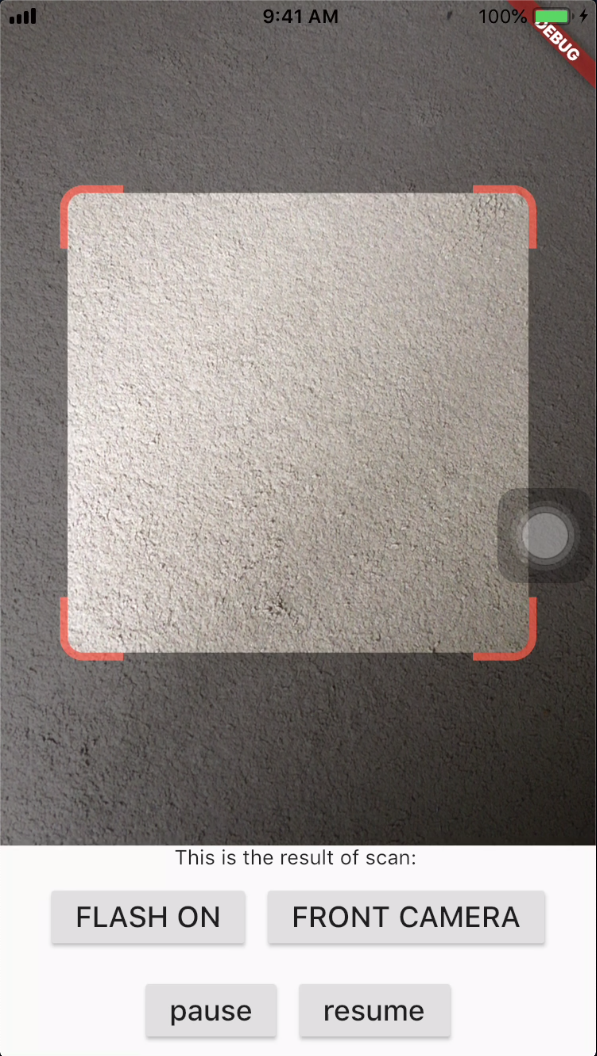
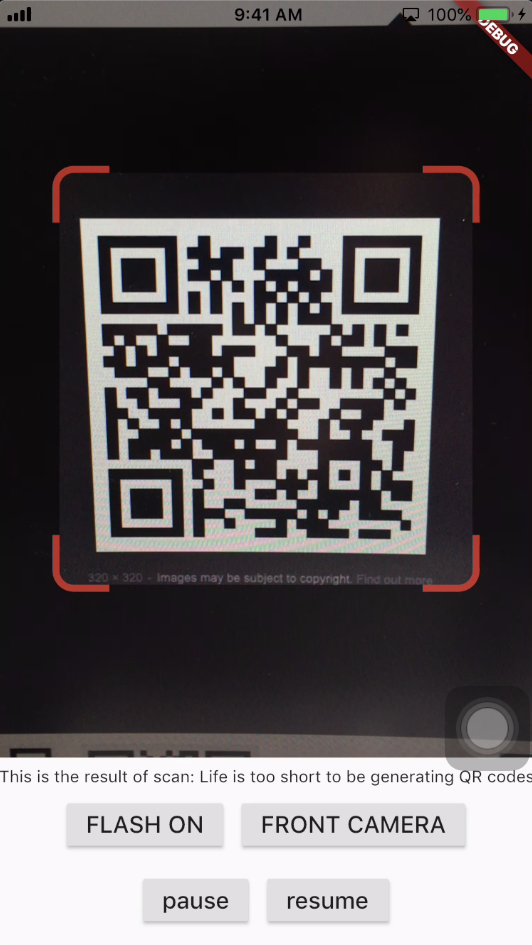
A QR code scanner that works on both iOS and Android by natively embedding the platform view within Flutter. The integration with Flutter is seamless, much better than jumping into a native Activity or a ViewController to perform the scan.
Screenshots
Android
iOS
Get Scanned QR Code
When a QR code is recognized, the text identified will be set in 'result' of type Barcode, which contains the output text as property 'code' of type String and scanned code type as property 'format' which is an enum BarcodeFormat, defined in the library.
class_QRViewExampleStateextendsState<QRViewExample> {
finalGlobalKey qrKey = GlobalKey(debugLabel: 'QR');
Barcode? result;
QRViewController? controller;
// In order to get hot reload to work we need to pause the camera if the platform// is android, or resume the camera if the platform is iOS.@overridevoidreassemble() {
super.reassemble();
if (Platform.isAndroid) {
controller!.pauseCamera();
} elseif (Platform.isIOS) {
controller!.resumeCamera();
}
}
@overrideWidgetbuild(BuildContext context) {
returnScaffold(
body: Column(
children: <Widget>[
Expanded(
flex: 5,
child: QRView(
key: qrKey,
onQRViewCreated: _onQRViewCreated,
),
),
Expanded(
flex: 1,
child: Center(
child: (result != null)
? Text(
'Barcode Type: ${describeEnum(result!.format)} Data: ${result!.code}')
: Text('Scan a code'),
),
)
],
),
);
}
void_onQRViewCreated(QRViewController controller) {
this.controller = controller;
controller.scannedDataStream.listen((scanData) {
setState(() {
result = scanData;
});
});
}
@overridevoiddispose() {
controller?.dispose();
super.dispose();
}
}
Android Integration
In order to use this plugin, please update the Gradle, Kotlin and Kotlin Gradle Plugin:
In android/build.gradle change ext.kotlin_version = '1.3.50' to ext.kotlin_version = '1.5.10'
In android/build.gradle change classpath 'com.android.tools.build:gradle:3.5.0' to classpath 'com.android.tools.build:gradle:4.2.0'
In android/gradle/wrapper/gradle-wrapper.properties change distributionUrl=https\://services.gradle.org/distributions/gradle-5.6.2-all.zip to distributionUrl=https\://services.gradle.org/distributions/gradle-6.9-all.zip
In android/app/build.gradle change
defaultConfig{...minSdkVersion 16} to
defaultConfig{...minSdkVersion 20}
Warning
If you are using Flutter Beta or Dev channel (1.25 or 1.26) you can get the following error:
Please note: on web, only QR codes are supported. Other barcodes and 2D codes cannot be scanned.
Web support is in very early stage. Features such as flash, pause or resume are not implemented. Moreover, the camera
preview does not respect the surrounding constraints. This is not at last due to Flutter's early state of platform views
on web.
Flip Camera (Back/Front)
The default camera is the back camera.
await controller.flipCamera();
Flash (Off/On)
By default, flash is OFF.
await controller.toggleFlash();
Resume/Pause
Pause camera stream and scanner.
await controller.pauseCamera();
Resume camera stream and scanner.
await controller.resumeCamera();
SDK
Requires at least SDK 20.
Requires at least iOS 8.
TODOs
iOS Native embedding is written to match what is supported in the framework as of the date of publication of this package. It needs to be improved as the framework support improves.
In future, options will be provided for default states.
Finally, I welcome PR's to make it better :), thanks