Aus öffentlichen Paketdaten erstellte Orientierung.
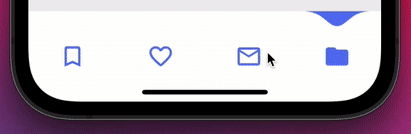
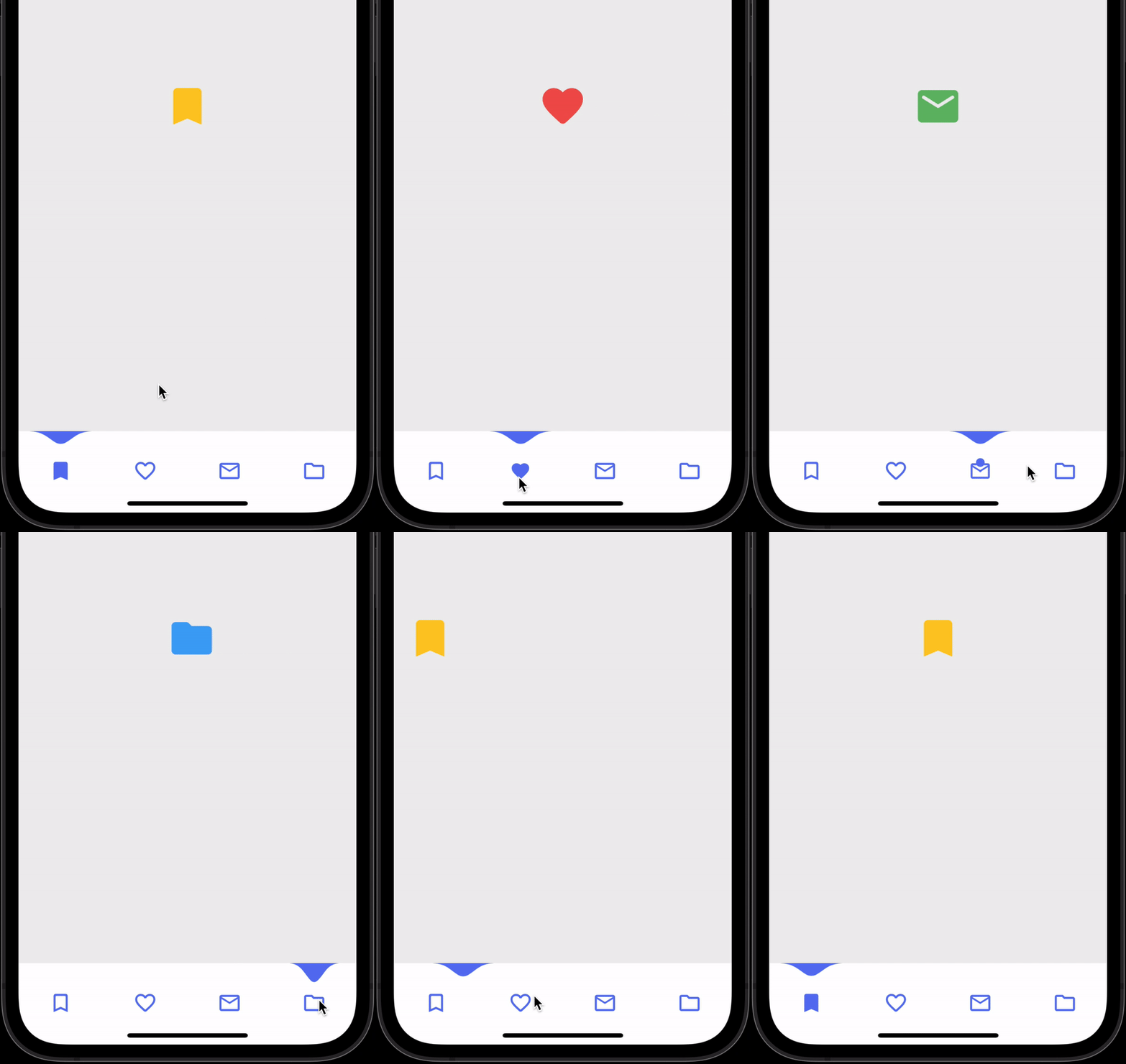
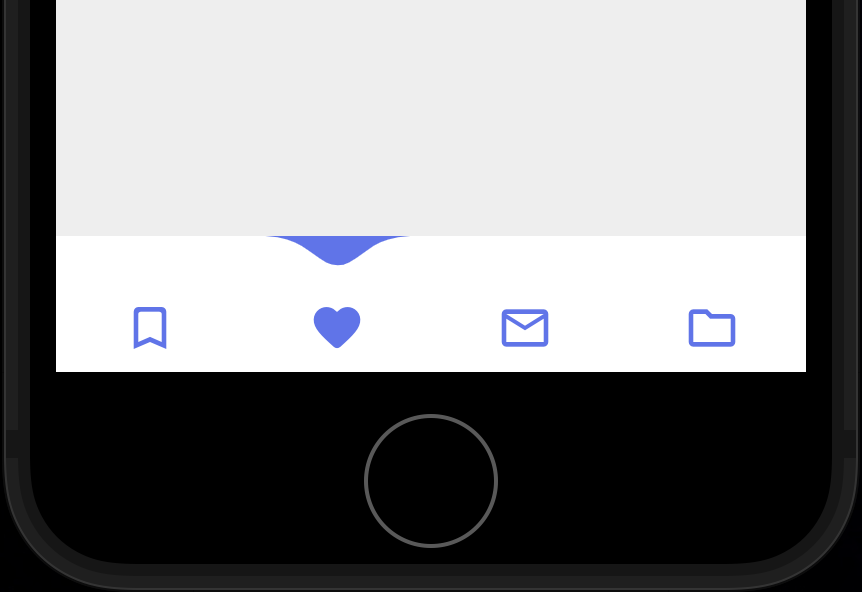
Eine untere Navigationsleiste mit einem charakteristischen Tropfen-Effekt, der das ausgewählte Element optisch als herabfallende Tropfen hervorhebt. Speziell für Flutter-Anwendungen entwickelt, verbessert sie die Benutzerinteraktion durch eine reibungslose, animierte Rückmeldung. Das Paket unterstützt mehrere Plattformen wie Android, iOS, Web, macOS, Windows und Linux und ist somit vielseitig für plattformübergreifende Entwicklung geeignet. Es ist leichtgewichtig und einfach über einen einfachen Pub-Befehl zu integrieren. Ideal für Apps, die ein modernes und ansprechendes Navigationserlebnis suchen.
Anwendungsfälle
Mobile App-Navigation
Plattformübergreifende Anwendungen
Interaktive Benutzeroberflächenelemente
Moderne Design-Oberflächen
Benutzerengagement-Funktionen
Hauptmerkmale
Wassertröpfchen-Animations-Effekt
Glatte Auswahlrückmeldung
Multiplattform-Unterstützung
Einfache Integration über pub
Anpassbare Erscheinung
Leicht und leistungsstark
Geeignet für
Flutter-Entwickler
designorientierte Apps
Apps mit hoher Benutzerinteraktion
Moderne UI/UX-Projekte
Plattformübergreifende mobile Entwicklung
Hinweise
Kann die Leistung auf Low-End-Geräten beeinträchtigen
Begrenzte Anpassungsmöglichkeiten für Animationen
Nicht geeignet für minimalistische Designs
Erfordert sorgfältige Farbkombination
Animation kann Benutzer in einigen Kontexten ablenken
Original-README
Originaler README-Schnappschuss aus dem verknüpften Quell-Repository. Aktuelle Inhalte finden Sie im Repository.
Add WaterDropNavBar() as bottomNavigationBar of Scaffold() and body would be PageView() with NeverScrollableScrollPhysics() don't try to upate the seleted index from onPageChanged or will see some weird behaviour. Insted of PageView() You can use Stack() or AnimatedSwitcher for custom page transition animation.
API Reference
barItems → List<BarItem>
List of bar items that shows horizontally, Minimum 2 and maximum 4 items. required
onItemSelected → OnButtonPressCallback
Callback When individual barItem is pressed. required
selectedIndex → int
Current selected index of the bar item. required
backgroundColor → Color
Background Color of the bar. optional [Colors.white]
waterDropColor → Color
Color of water drop which is also the active icon color. optional [Color(0xFF5B75F0)]
inactiveIconColor → Color
Inactive icon color by default it will use water drop color. optional [waterDropColor]
iconSize → double
Each active & inactive icon size, default value is 28 don't make it too big or small. optional [28]
bottomPadding → double
Additional padding at the bottom of the bar. If nothing is provided the it will use
[MediaQuery.of(context).padding.bottom] value. optional
Do and don't
Don't make icon size too big.
Use complementary filled and outlined icons for best result.
backgroundColor and waterDropColor of WaterDropNavBar() and Scaffold()'s backgroundColor (or whatever widget you are using) must be different (see the example app) This will visualize that the water drop is hanging from the top.
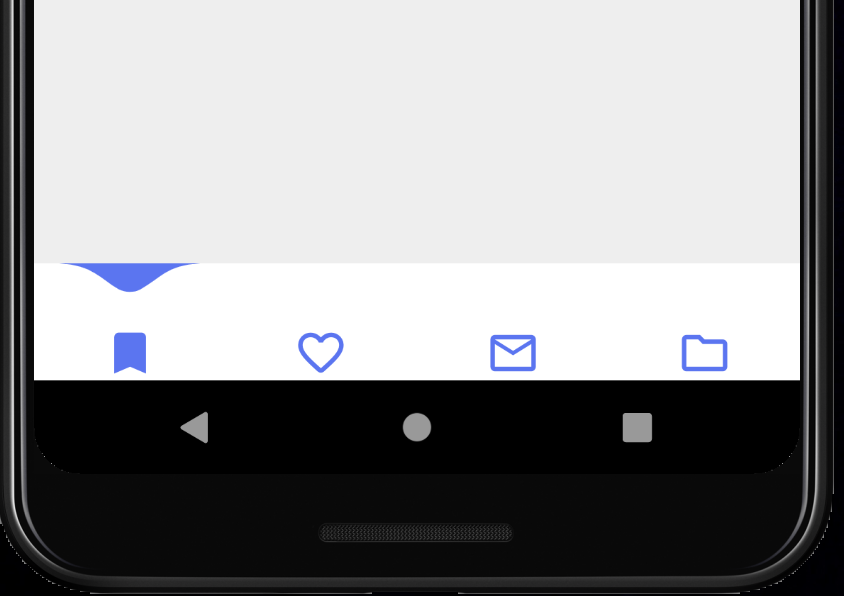
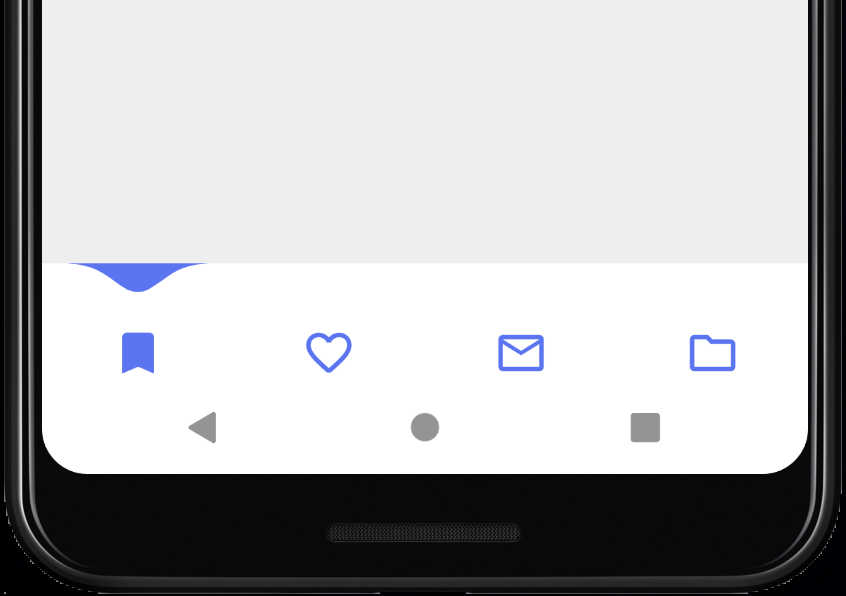
Some android phones might have black navigation bar, this looks ugly. It's recommended to wrap Scaffold with AnnotatedRegion<SystemUiOverlayStyle> to change that black navigation bar color to WaterDropNavBarbackgroundColor. Check the example app. Like this 👇
returnAnnotatedRegion<SystemUiOverlayStyle>(
value: constSystemUiOverlayStyle(
//this color must be equal to the WaterDropNavBar backgroundColor
systemNavigationBarColor: Colors.white,
systemNavigationBarIconBrightness: Brightness.dark,
),
child: Scaffold(
body: // code here
)
);
result 👇
You can additionally provide some bottomPadding to add padding at the bottom of the bar, I think 8 is enough.
iPhone
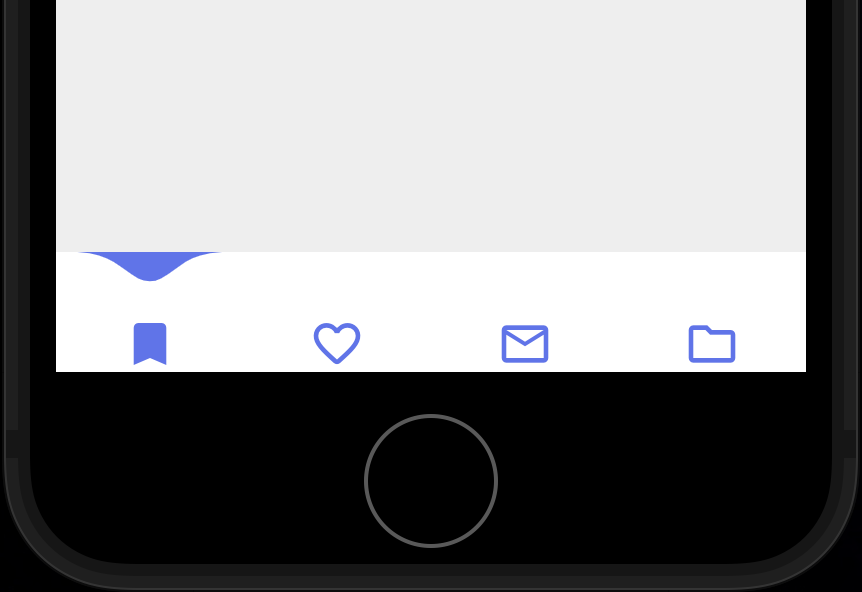
iPhones without swipe home gesture might have such issue where icons are pushed to the bottom. Provide some bottomPadding. I added 8 padding here.
result 👇
Now you might ask how do you know which phone is using swipe home gesture?
Well, you can check bottom padding (using MediaQuery.of(context).padding.bottom) and if it's less than 34 or something then provide some bottom padding. Definitely try running different simulators and see.
FAQ
How do I change the height?
The height must be constant because the animation is in vertical direction. According to me 60 is perfect. But if you think needs to be reduced then please create an issue with a screenshot. I will see if I can do something.
How do I add drop shadow?
Wrap WaterDropNavBar with DecoratedBox or Container and pass BoxDecoration to decoration property. BoxDecoration takes list of boxShadow there you can pass your drop shadow.