सार्वजनिक जानकारी से बना चयन मार्गदर्शन। केवल संदर्भ हेतु।
Awesome Card एक Flutter पैकेज है जो विकासकर्ताओं को उनके एप्लिकेशन में दिखाने वाले आकर्षक क्रेडिट कार्ड विजेट बनाने में सुविधा प्रदान करता है। यह एक कस्टमाइज़ेबल और रिस्पॉन्सिव कार्ड UI प्रदान करता है, जो भुगतान फॉर्म, चेकआउट स्क्रीन या वित्तीय ऐप्स के लिए आदर्श है। पैकेज कई प्लेटफॉर्मों का समर्थन करता है, जिसमें Android, iOS, Web, macOS, Windows और Linux शामिल हैं, जिससे उपकरणों के बीच डिज़ाइन स्थिर रहता है। सहज विन्यास विकल्पों के साथ, यह कार्ड इनपुट फ़ील्ड और स्टाइलिंग के एकीकरण को सरल बनाता है। सुरक्षित और आकर्षक कार्ड डिस्प्ले घटकों की आवश्यकता वाले ऐप्स के लिए आदर्श है।
उपयोग
भुगतान फॉर्म इंटरफेस
चेकआउट स्क्रीन्स
वित्तीय एप्लिकेशन डैशबोर्ड
कार्ड प्रबंधन विशेषताएं
उपयोगकर्ता प्रोफ़ाइल कार्ड प्रदर्शित करता है
मुख्य विशेषताएँ
कस्टमाइज़ेबल कार्ड डिज़ाइन
प्लेटफॉर्म के आसपास प्रतिक्रियाशील लेआउट
फॉर्म इनपुट के साथ आसान एकीकरण
कई ऑपरेटिंग सिस्टम का समर्थन करता है
निर्मित कार्ड नंबर प्रारूपण
इनके लिए उपयुक्त
Flutter विकासकर्ता भुगतान ऐप बना रहे हैं
कार्ड कंपोनेंट्स की आवश्यकता वाले UI डिजाइनर
क्रॉस-प्लेटफॉर्म कार्ड UI की आवश्यकता वाले ऐप्स
साफ सफाई भुगतान अनुभव पर केंद्रित विकासकर्मी
विचार योग्य बातें
पूर्ण भुगतान प्रोसेसिंग शामिल नहीं है
संवेदनशील डेटा के हैंडलिंग के लिए मैन्युअल हैंडलिंग की आवश्यकता होती है
उत्पादन भुगतान गेटवे के लिए नहीं बनाया गया है
सुरक्षा के सर्वोत्तम अभ्यास के साथ सबसे अच्छा उपयोग किया जाता है
सीमित उपयोग UI रेंडरिंग, लेनदेन तर्क नहीं
मूल README
संबंधित सोर्स रिपॉज़िटरी के मूल README का स्नैपशॉट। नवीनतम सामग्री के लिए रिपॉज़िटरी देखें।
Awesome Card
A Flutter package to create a beautiful, animated Credit Card widget in your application.
Stay tuned for the latest updates:
✨ Features
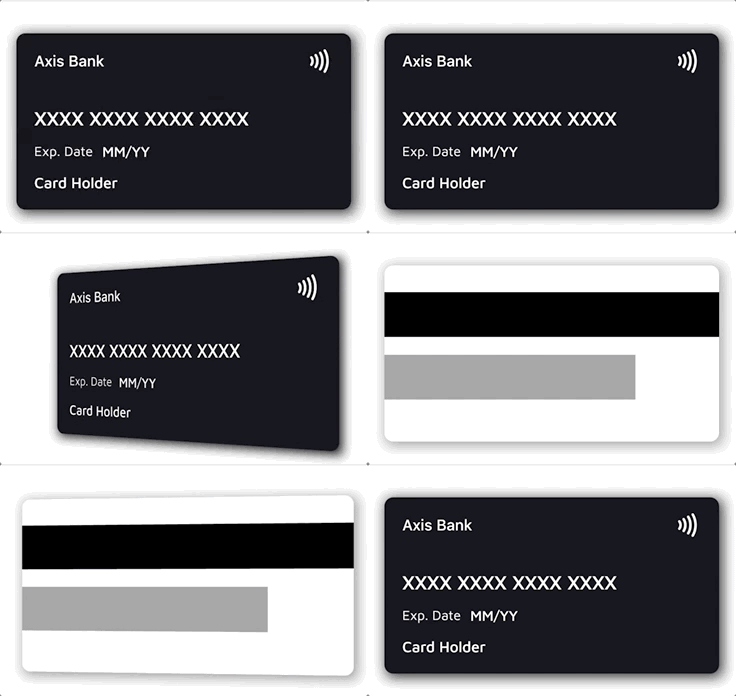
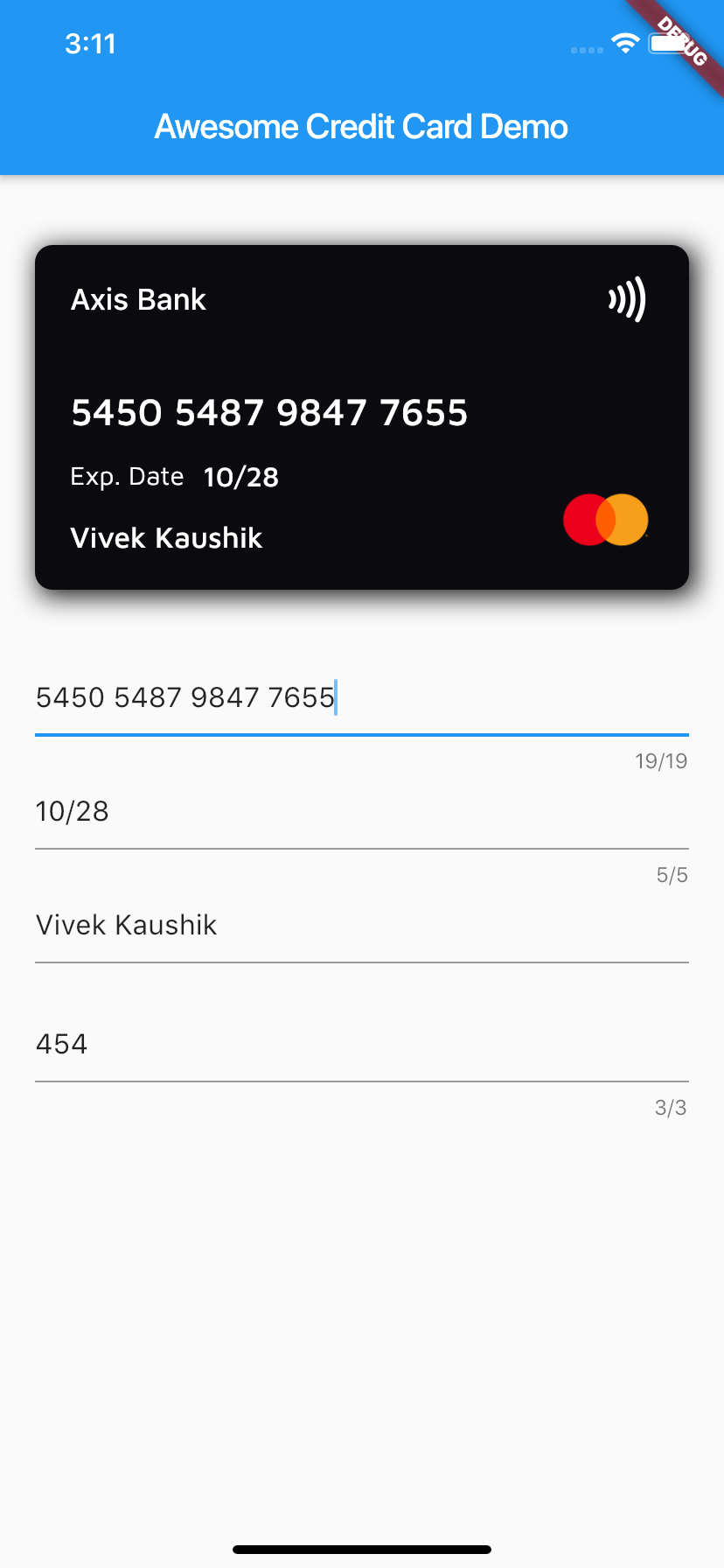
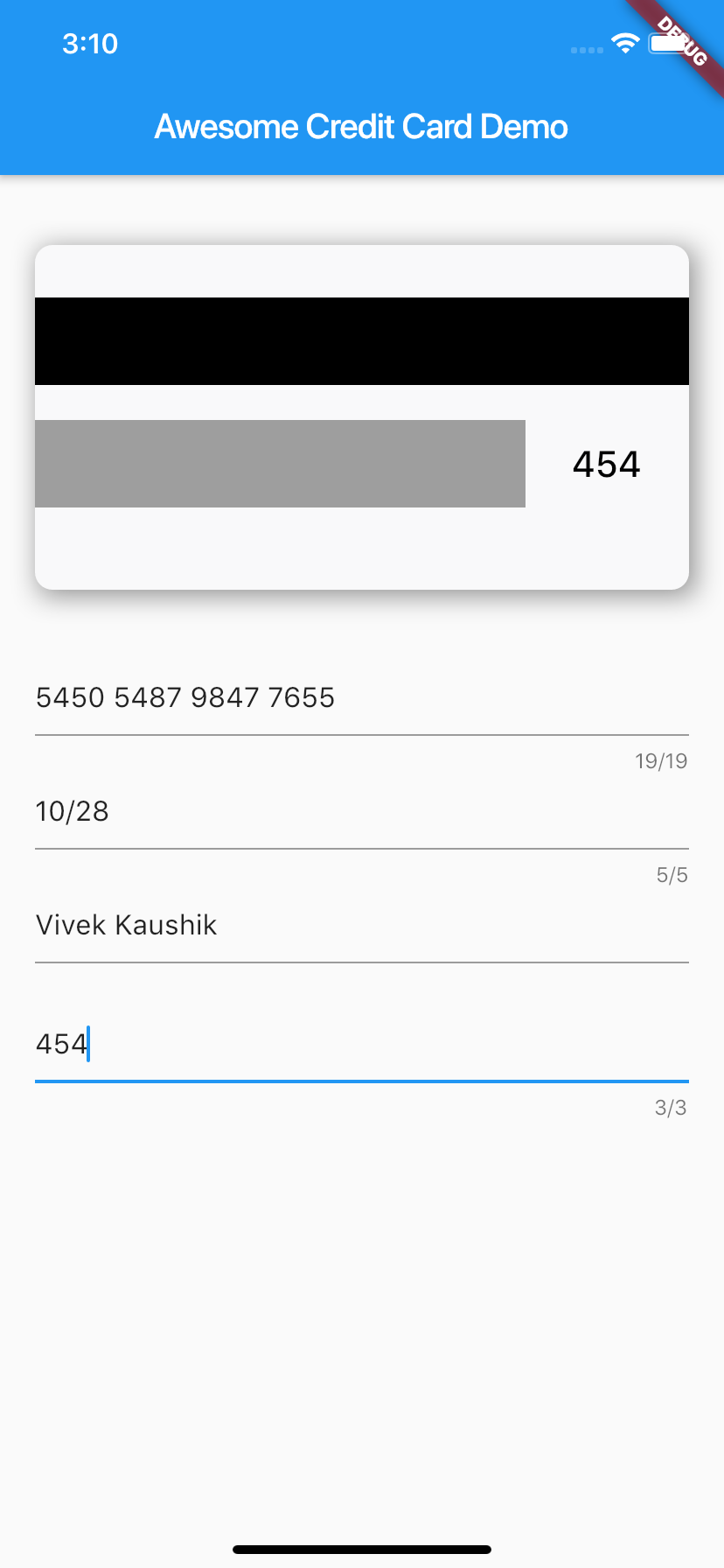
💳 Realistic credit card widget with front and back sides
🔄 Smooth 3D flip animation between front and back
🔍 Automatic card brand detection from the number (Visa, Mastercard, Amex, RuPay, Elo, Discover, Diners Club, JCB, Maestro)
🎭 Automatic number masking per brand (e.g. Amex XXXX XXXXXX XXXXX)
🎨 Customizable backgrounds, text styles, labels, and fully custom layouts
📏 Responsive — content scales down gracefully on narrow cards instead of overflowing
📳 Optional contactless indicator and card shadow
📱 Screenshots
⚙️ Installation
Add the dependency to your pubspec.yaml:
dependencies:awesome_card:^1.2.0
Requires Dart 3 / Flutter 3.10 or newer.
Then import it in your Dart file:
import'package:awesome_card/awesome_card.dart';
🚀 Quick start
The only required parameters are the two backgrounds — everything else has
sensible defaults:
Every text field's style can be overridden. Each style is merged over the
default, so a partial override (e.g. only fontSize) keeps the default
font, weight, and color for everything else:
Text colors default to frontTextColor (white) on the front and
backTextColor (black) on the back.
Backgrounds
Any widget works as a card background — a Container, gradient, or image:
// Built-in solid backgrounds
frontBackground: CardBackgrounds.black,
backBackground: CardBackgrounds.white,

// Solid color from a hex value
frontBackground: CardBackgrounds.custom(0xff1b447b),

// Anything else — e.g. a gradient
frontBackground: Container(
  decoration: BoxDecoration(
    gradient: LinearGradient(colors: [Colors.indigo, Colors.blueAccent]),
  ),
),
Fully custom layouts
To replace the entire front or back content (e.g. to center the card number
or add extra elements), pass your own widget — it is stacked on top of the
background and receives the full card area:
When cardType is not provided, the brand is detected from cardNumber and
the matching icon and number mask are applied automatically. Supported brands:
Brand
Example prefixes
Visa
4
Mastercard
51–55, 2221–2720
American Express
34, 37
RuPay
60, 6521, 6522
Elo
401178, 431274, 6362, 6516, 6550, …
Discover
6011, 65, 644–649
Diners Club
300–305, 36, 38
JCB
35, 2131, 1800
Maestro
50, 56–69
The detection helpers are exported and can be used standalone:
To force a specific brand regardless of the number, pass cardType. To force
a specific mask, pass mask.
Custom brands
Brands the package doesn't ship (regional or store cards) can be registered
via customBrands. They are checked before the built-in detection and
support their own icon and optional number mask: