सार्वजनिक जानकारी से बना चयन मार्गदर्शन। केवल संदर्भ हेतु।
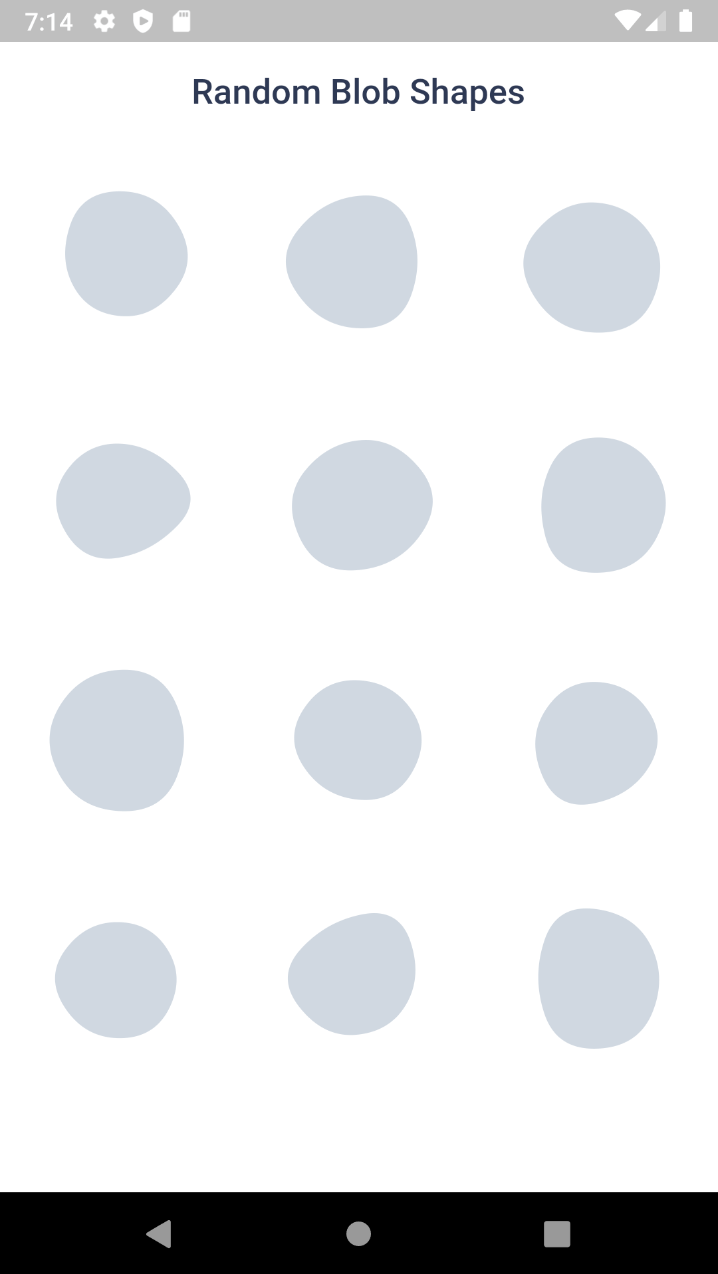
Blobs एक Flutter पैकेज है जो विकासकर्ताओं को कई प्लेटफॉर्मों पर दिखने में सुंदर, कस्टमाइज़ करने योग्य ब्लॉब—जैविक, तरल आकृतियाँ—बनाने की अनुमति देता है। यह निश्चित और यादृच्छिक ब्लॉब उत्पादन, चिकनी एनीमेशन, और डिज़ाइन में उपयोग के लिए SVG निर्यात का समर्थन करता है। पृष्ठभूमि, चित्रण या सजावटी तत्वों के लिए आदर्श, यह ऐप में गतिशील, कलात्मक आकृतियों के एकीकरण को सरल बनाता है। पैकेज हल्का है और Android, iOS, Web, macOS, Windows और Linux पर बिना किसी समस्या के काम करता है।
उपयोग
एप्प बैकग्राउंड डिज़ाइन
एनिमेटेड UI तत्व
सजावटी चित्रण
SVG-आधारित ग्राफिक्स
इंटरैक्टिव कला घटक
मोबाइल और वेब ऐप विजुअल्स
मुख्य विशेषताएँ
निर्धारित और यादृच्छिक ब्लॉब उत्पादन
चिकनी एनीमेशन
SVG निर्यात समर्थन
क्रॉस-प्लेटफॉर्म संगतता
कस्टमाइज़ किए गए आकृति पैरामीटर
Flutter विजेट्स के साथ आसान एकीकरण
इनके लिए उपयुक्त
रचनात्मक तत्वों की खोज कर रहे UI डिज़ाइनर
कलात्मक इंटरफेस बना रहे विकासकर्मी
कार्बनिक आकृतियों की आवश्यकता वाले प्रोजेक्ट्स
दृश्य-भारी लेआउट वाले एप्स
इंटरैक्टिव डिजाइन का प्रोटोटाइपिंग
क्रॉस-प्लेटफॉर्म ऐप विकास
विचार योग्य बातें
बहुत सारे एनिमेटेड ब्लॉब्स के साथ प्रदर्शन प्रभाव
सटीक ज्यामिति पर सीमित नियंत्रण
सजावट के लिए बेहतर है, कार्यात्मक उपयोग के लिए नहीं
निम्न-स्तर के उपकरणों पर अनुकूल रेंडरिंग के लिए ट्यूनिंग की आवश्यकता हो सकती है
जटिल वेक्टर संचालन के लिए आदर्श नहीं
मूल README
संबंधित सोर्स रिपॉज़िटरी के मूल README का स्नैपशॉट। नवीनतम सामग्री के लिए रिपॉज़िटरी देखें।
Blob.animatedRandom() - Generate blobs and animate the shape change
Blob.fromID() - Use one or more ID's for fixed blobs
Blob.animatedFromID() - Animate the shape change
⚙️ Blob Size
Size of the blob (mandatory).
Blob.random(size:200),
⚙️ Customise shape
edgesCount is the nodes count. More the value, more the complexity. Minimum is 3 and max is 300. But for cool shapes you can stick between 3-20. Default is 7
minGrowth is the minimum size of the blob. Smaller the value, more the randomness. Value should be an interger between 2-9. Default is 4.
You can use BlobController, if you want to change the shape programatically. As o now it has only one method called change(). When you call this, the shape will be changed and returns some useful info of the blob (BlobData).
When you set debug to true, it will show you circles and lines that connect the blob points.
Blob.random(
 size:200,
 debug:  true,
),
Clipper
Sometime you might want to clip the widget by blob shape. In such cases you can use BlobClipper(). You can either provide id or edgesCount and minGrowth options.
Blobs shape are created by BlobGenerator(). Both widgets and clipper uses this internally to create the shape and then it is painted to canvas. This will return BlobData.