पैकेज, रिपॉज़िटरी और ऐप श्रेणियाँ खोजें

flutter_animated_button कवर
पैकेज विवरणv2.0.4

flutter_animated_button

एक फ्लटर पैकेज प्रोजेक्ट जिसमें कुछ मनोरंजक और सुंदर बटन एनीमेशन हैं।

AndroidiOSWebmacOSWindowsLinux
30-दिन डाउनलोड
1.6 हज़ार
लाइक
306
Pub अंक
150

पैकेज इंस्टॉल करें

flutter pub add flutter_animated_button

पैकेज अवलोकन

सार्वजनिक जानकारी से बना चयन मार्गदर्शन। केवल संदर्भ हेतु।

एक फ्लटर पैकेज जो विभिन्न दृश्यात्मक रूप से आकर्षक और चिकनी बटन एनीमेशन प्रदान करता है। विभिन्न प्लेटफॉर्मों पर डायनामिक, आकर्षक बटन इंटरैक्शन के साथ उपयोगकर्ता इंटरफेस को बढ़ावा देने के लिए डिज़ाइन किया गया है। पैकेज तैयार-उपयोग एनीमेटेड बटन प्रदान करता है जिन्हें ऐप में आसानी से एकीकृत किया जा सकता है ताकि दृश्य प्रतिक्रिया और उपयोगकर्ता अनुभव में सुधार किया जा सके। विस्तृत कस्टम कोडिंग के बिना झलक जोड़ने के लिए विकासकर्ताओं के लिए आदर्श है।

उपयोग

  • इंटरैक्टिव बटन के साथ ऐप यूआई में सुधार
  • फॉर्म में विजुअल फीडबैक जोड़ना
  • मोबाइल और वेब ऐप्स में उपयोगकर्ता एंगेजमेंट में सुधार करना
  • आधुनिक लैंडिंग पेज बनाना
  • गेमिफाइड ऐप तत्वों का डिज़ाइन

मुख्य विशेषताएँ

  • बहुत सारे पूर्व-निर्मित एनीमेशन शैलियाँ
  • न्यूनतम कोड के साथ आसान एकीकरण
  • क्रॉस-प्लेटफॉर्म संगतता
  • कस्टमाइज़ किए गए बटन आउटपुट
  • स्मूथ ट्रांजिशन प्रभाव
  • हल्का और कार्यक्षम

इनके लिए उपयुक्त

  • एनिमेटेड कंपोनेंट्स की तलाश में UI/UX डिजाइनर
  • इंटरैक्टिव फ्लटर ऐप्स बनाने वाले डेवलपर्स
  • Flutter एनिमेशन का अनुसंधान कर रहे शुरुआती लोग
  • उत्साहित उपयोगकर्ता बातचीत की आवश्यकता वाले ऐप्स
  • आधुनिक, चमकदार इंटरफेस पर केंद्रित प्रोजेक्ट्स

विचार योग्य बातें

  • बंडल आकार में थोड़ा वृद्धि हो सकती है
  • निम्न-स्तर के उपकरणों पर एनीमेशन प्रदर्शन को प्रभावित कर सकते हैं
  • प्रदान किए गए थीम्स के बाहर सीमित कस्टमाइजेशन
  • गैर-महत्वपूर्ण UI तत्वों के लिए सबसे उपयुक्त
  • मूल फ्लटर विजेट उपयोग की समझ की आवश्यकता है

मूल README

संबंधित सोर्स रिपॉज़िटरी के मूल README का स्नैपशॉट। नवीनतम सामग्री के लिए रिपॉज़िटरी देखें।

flutter_animated_button :dizzy: :champagne:


Installing

Depend on it

Add this to your package's pubspec.yaml file:

dependencies:
  flutter_animated_button: <latest_version>
Import it

Now in your Dart code, you can use:

import 'package:flutter_animated_button/flutter_animated_button.dart';


Contribute to Development

Your contribution will help improve the plugin

Buy Me A Coffee

Usage

You can override the animationDuration of animation of the button by setting its duration in each AnimatedButton class, also you can get animationController for animation status and animation value during the animation. You can change text style, selected textColor and background color of button by textStyle,selectedTextColor,backgroundColor and selectedBackgroundColor. If you want revert animation when button already select then you can do it by isReverse property.

 AnimatedButton(
                width: 200,
                text: 'SUBMIT',
                selectedTextColor: Colors.black,
                transitionType: TransitionType.BOTTOM_TO_TOP,
                textStyle: TextStyle(
                    fontSize: 28,
                    letterSpacing: 5,
                    color: Colors.deepOrange,
                    fontWeight: FontWeight.w300),
              )


Animation On
  • AnimatedOn.onTap
  • AnimatedOn.onHover


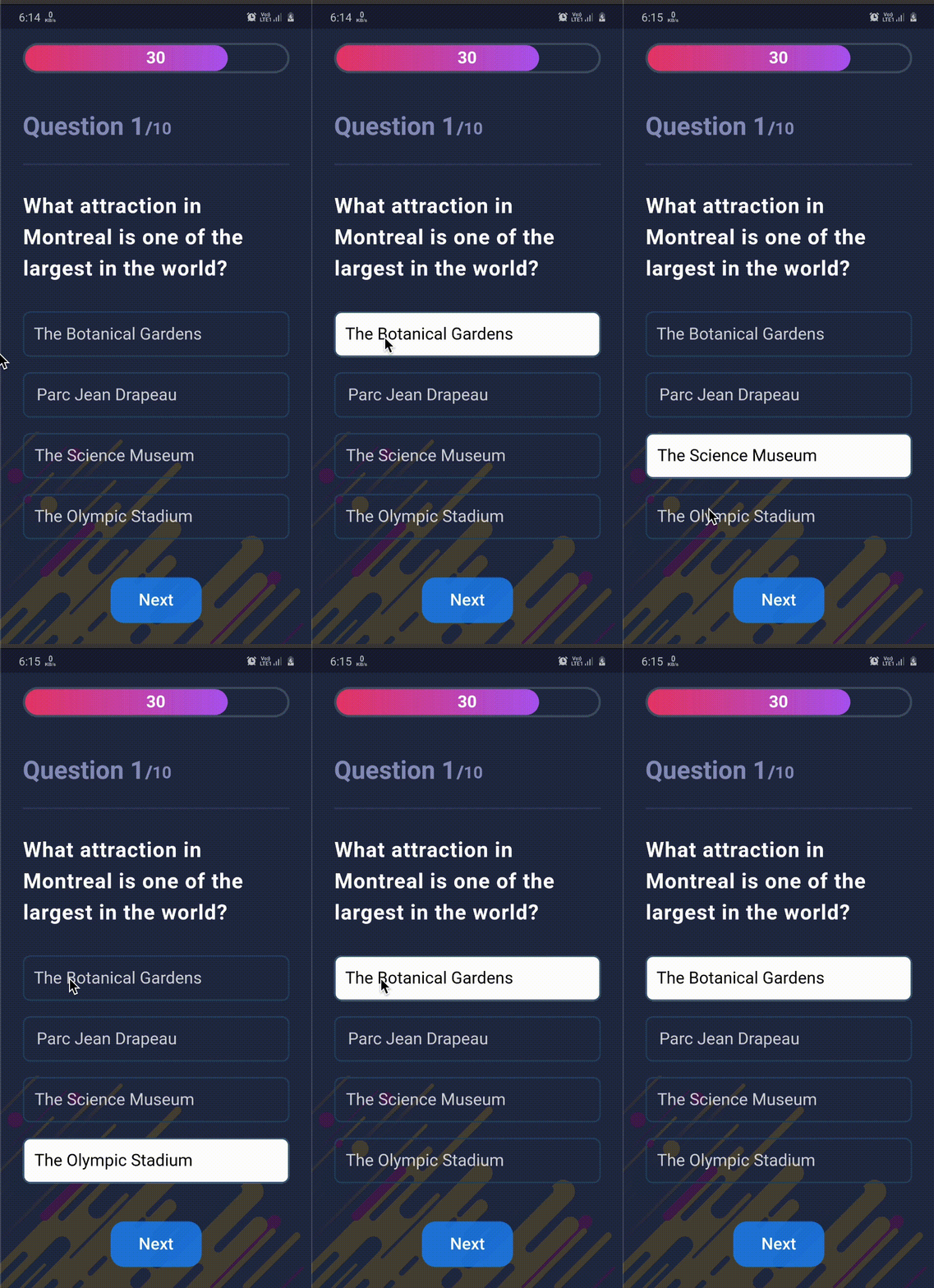
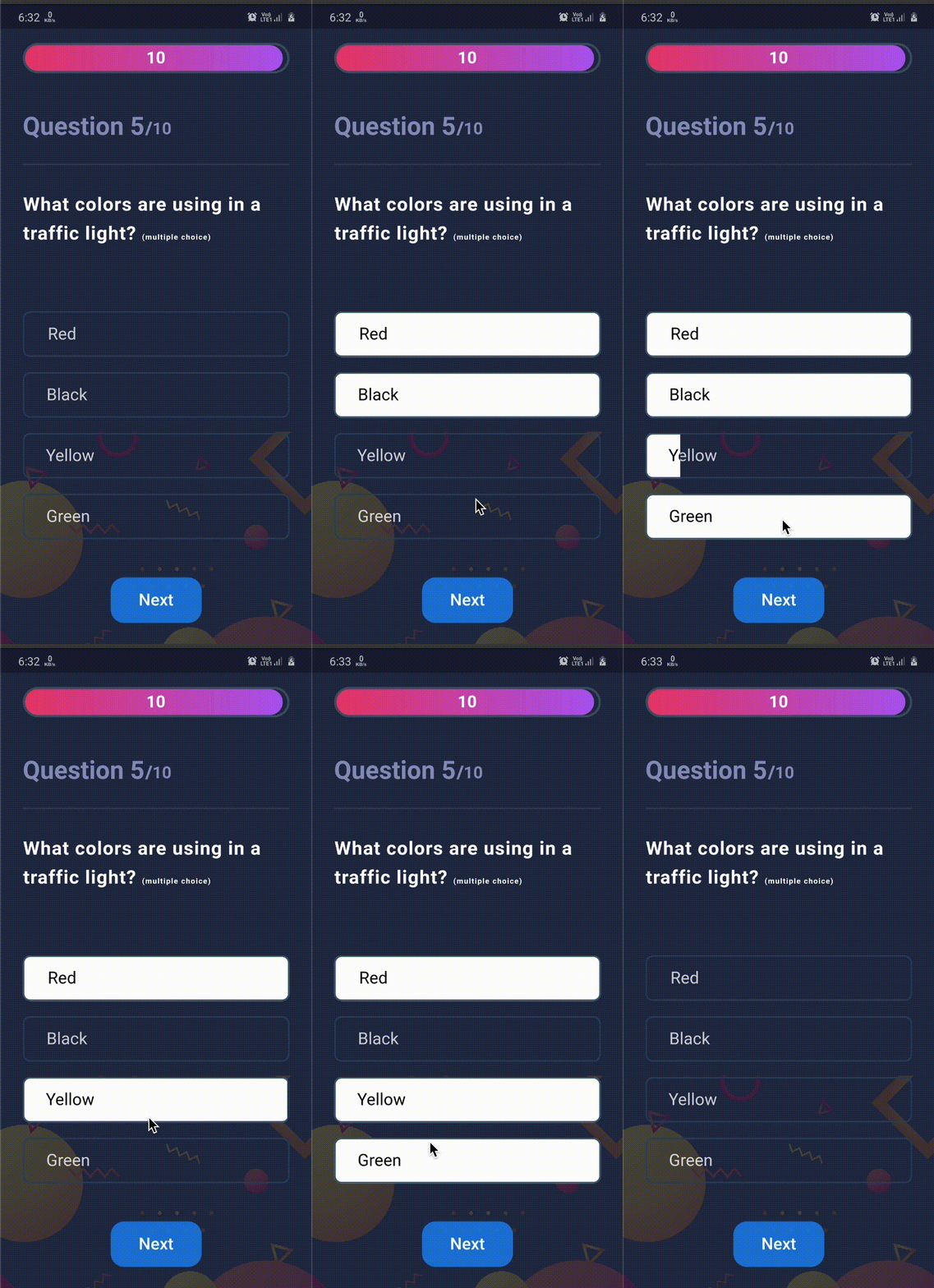
Used in App


Some new animation in latest version :zap:

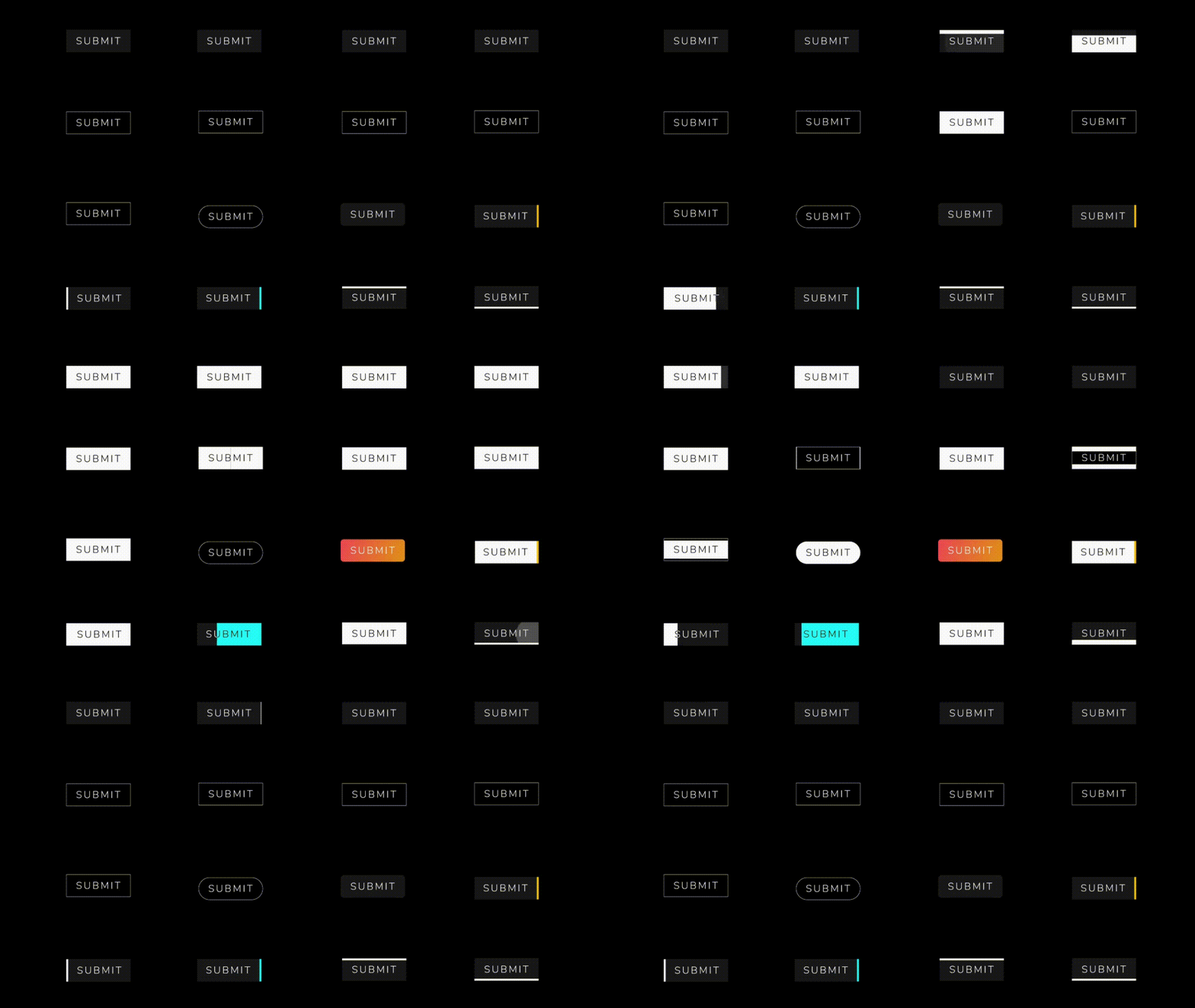
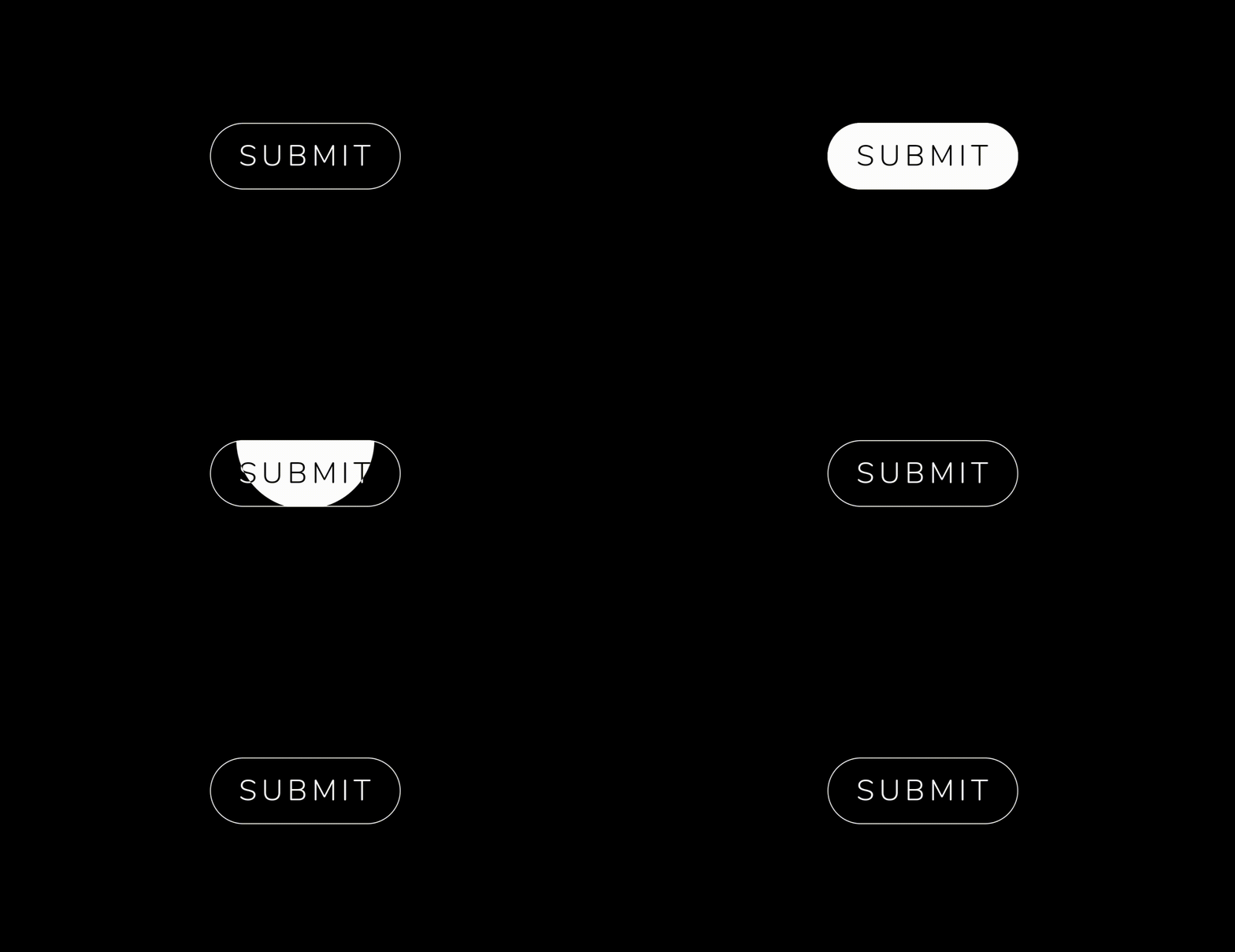
  • Animations : LEFT_TOP_ROUNDER, LEFT_BOTTOM_ROUNDER, BOTTOM_CENTER_ROUNDER, CENTER_ROUNDER...etc
  • Selected button text support

. .

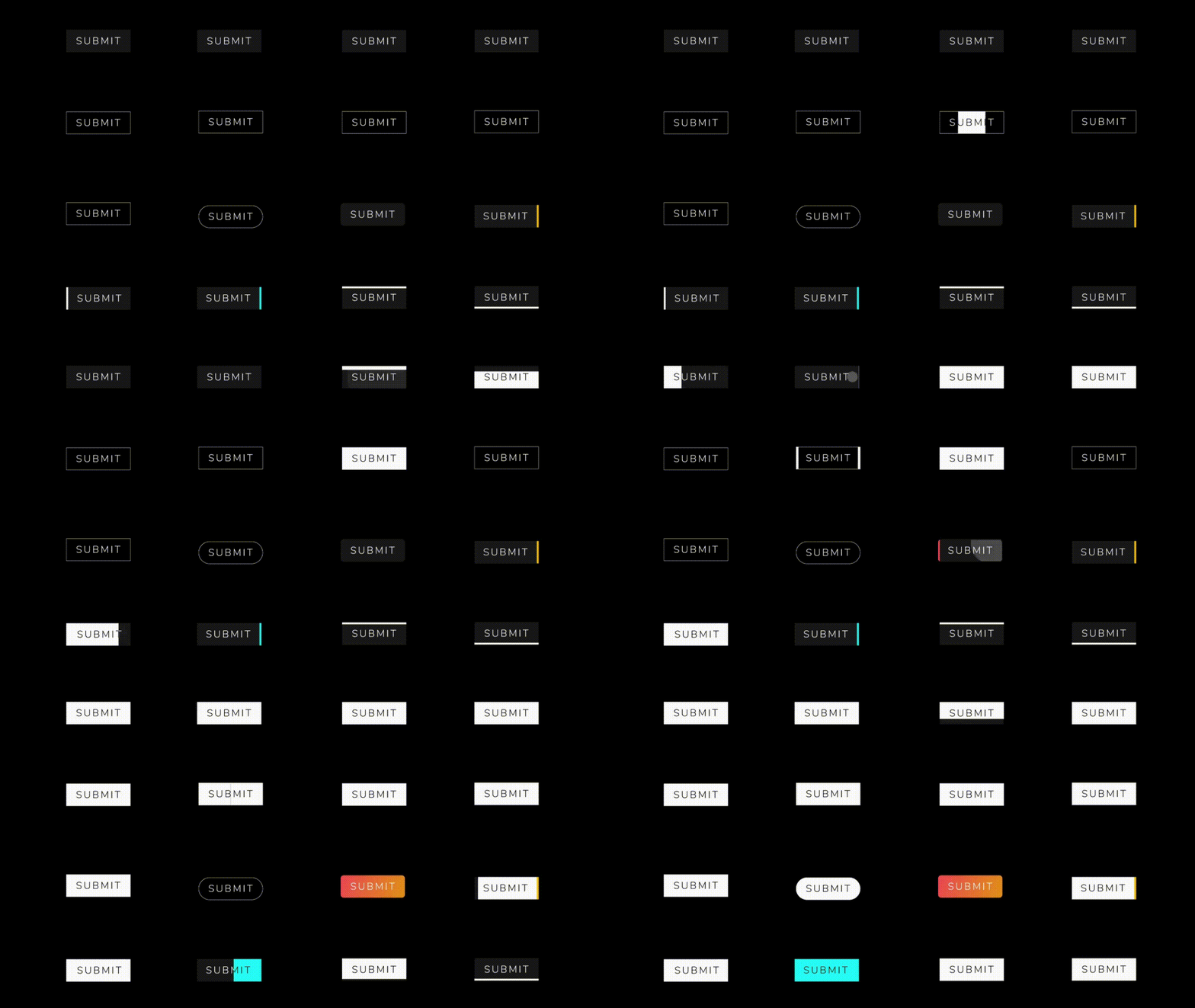
Available Animations :dizzy:

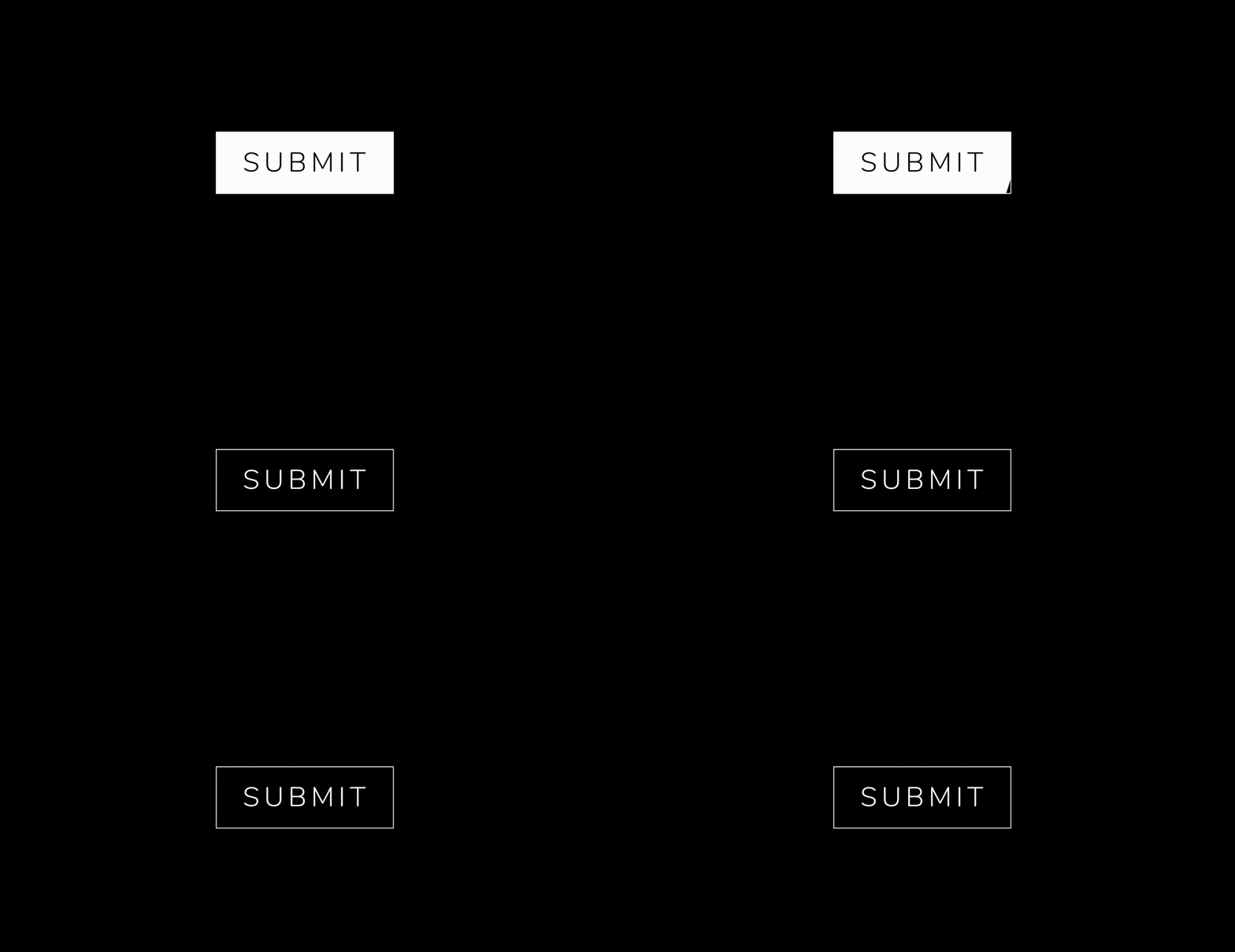
AnimatedButton

  AnimatedButton(
              height: 70,
              width: 200,
              text: 'SUBMIT',
              isReverse: true,
              selectedTextColor: Colors.black,
              transitionType: TransitionType.BOTTOM_TO_TOP,
              textStyle: GoogleFonts.nunito(
                  fontSize: 28,
                  letterSpacing: 5,
                  color: Colors.white,
                  fontWeight: FontWeight.w300),
            ),
  AnimatedButton(
             height: 70,
             width: 200,
             text: 'SUBMIT',
             isReverse: true,
             selectedTextColor: Colors.black,
             transitionType: TransitionType.LEFT_TO_RIGHT,
             textStyle: submitTextStyle,
             backgroundColor: Colors.black,
             borderColor: Colors.white,
             borderRadius: 0,
             borderWidth: 2,
           ),
    AnimatedButton(
              height: 70,
              width: 200,
              text: 'SUBMIT',
              isReverse: true,
              selectedTextColor: Colors.black,
              transitionType: TransitionType.LEFT_TO_RIGHT,
              textStyle: submitTextStyle,
              backgroundColor: Colors.black,
              borderColor: Colors.white,
              borderRadius: 50,
              borderWidth: 2,
            ),

AnimatedButton.strip

  AnimatedButton.strip(
              width: 200,
              height: 70,
              text: 'SUBMIT',
              isReverse: true,
              selectedTextColor: Colors.black,
              stripTransitionType: StripTransitionType.LEFT_TO_RIGHT,
              selectedBackgroundColor: Colors.white,
              textStyle: GoogleFonts.nunito(
                  fontSize: 28,
                  letterSpacing: 5,
                  color: Colors.white,
                  fontWeight: FontWeight.w300),
            ),


Available Animations Types :sparkles:


AnimatedButton
LEFT_TO_RIGHT CENTER_LR_IN LEFT_TOP_ROUNDER RIGHT_TOP_ROUNDER CENTER_ROUNDER
RIGHT_TO_LEFT CENTER_TB_IN LEFT_CENTER_ROUNDER RIGHT_CENTER_ROUNDER -
TOP_TO_BOTTOM CENTER_LR_OUT LEFT_BOTTOM_ROUNDER TOP_CENTER_ROUNDER -
BOTTOM_TO_TOP CENTER_TB_OUT RIGHT_BOTTOM_ROUNDER BOTTOM_CENTER_ROUNDER -
AnimatedButton.strip
LEFT_TO_RIGHT
RIGHT_TO_LEFT
TOP_TO_BOTTOM
BOTTOM_TO_TOP


Bugs or Requests :bug:

If you encounter any problems feel free to open an issue. If you feel the library is missing a feature, please raise a ticket on GitHub and I'll look into it. Pull request are also welcome.

License :closed_lock_with_key:

MIT License

श्रेणियाँ

सोर्स रिपॉज़िटरी

इस पैकेज का उपयोग करने वाले प्रोजेक्ट