सार्वजनिक जानकारी से बना चयन मार्गदर्शन। केवल संदर्भ हेतु।
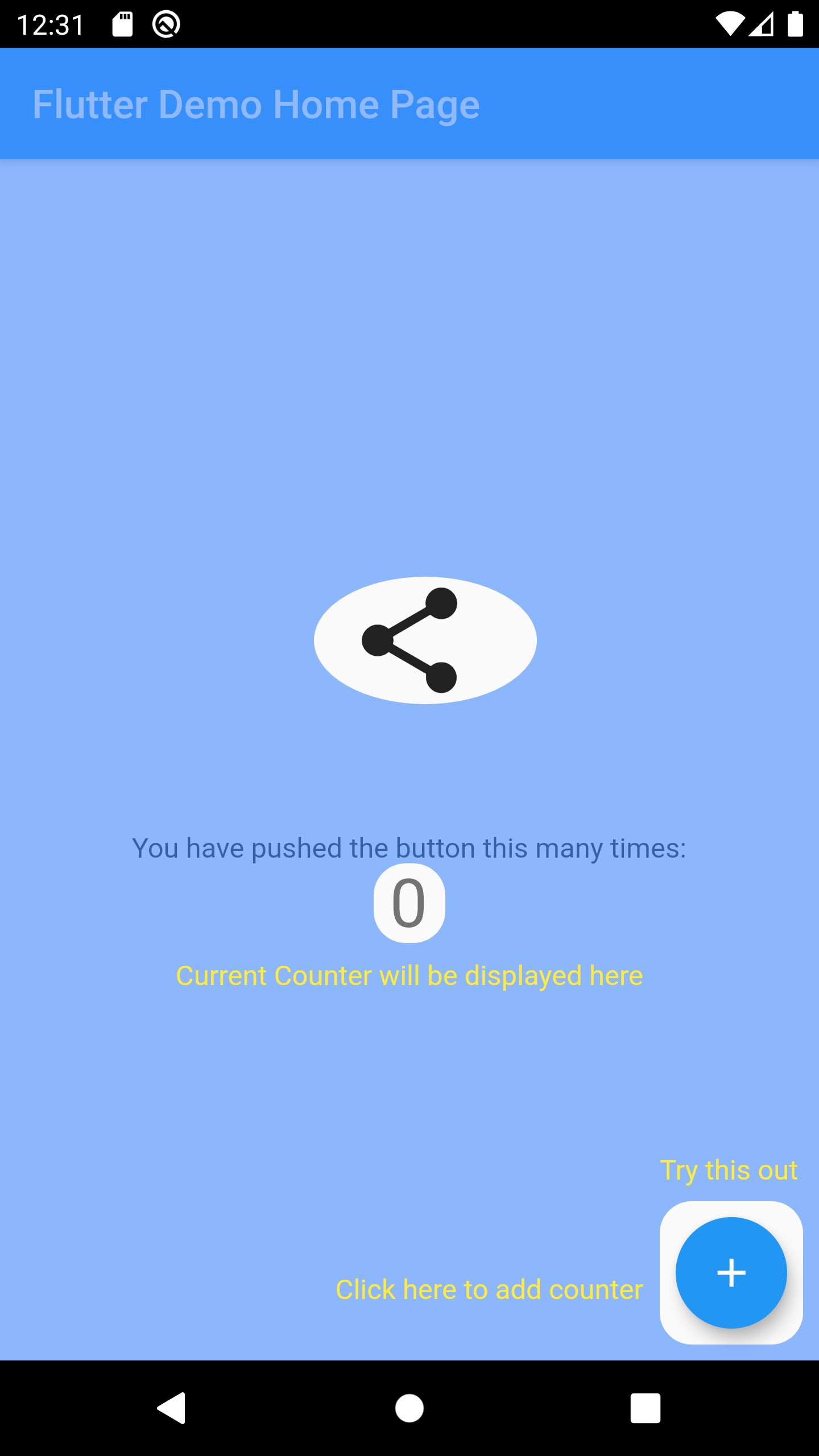
OverlayTutorial एक Flutter पैकेज है जिसका उपयोग विशिष्ट विजेट को आउटलाइन करके ऐप की सुविधाओं के मार्गदर्शन के लिए किया जाता है। यह विकासकर्ताओं को आउटलाइन क्षेत्र के पास इंटरैक्टिव सुझाव प्रदर्शित करने की अनुमति देता है, जिससे ऑनबोर्डिंग और उपयोगकर्ता भागीदारी में सुधार होता है। यह पैकेज Android, iOS, Web, macOS, Windows और Linux जैसे कई प्लेटफॉर्म का समर्थन करता है, जिससे यह क्रॉस-प्लेटफॉर्म एप्लिकेशन के लिए लचीला बनता है। pub add के माध्यम से सरल एकीकरण के साथ, यह उपयोगकर्ता इंटरफ़ेस को बिना खराब किए फीचर खोज में सुधार करता है।
उपयोग
नए उपयोगकर्ताओं का स्वागत
महत्वपूर्ण यूआई तत्वों को हाइलाइट करना
जटिल वर्कफ़्लो के माध्यम से उपयोगकर्ताओं का मार्गदर्शन करना
एप्लिकेशन उपयोगता में सुधार करना
नए फीचर्स का परिचय
एप्लिकेशन कार्यक्षमता पर उपयोगकर्ताओं को शिक्षित करना
मुख्य विशेषताएँ
लक्षित विजेट के ऊपर कटआउट होल
कस्टमाइज़ किए गए संकेत स्थान
प्लेटफॉर्म के अनुकूल समर्थन
pub के साथ आसान एकीकरण
कॉन्फ़िगरेबल ओवरले दिखावट
कई प्लेटफॉर्म लक्ष्यों का समर्थन करता है
इनके लिए उपयुक्त
एप्प ओनबोर्डिंग फ्लो
फीचर खोज उपकरण
उपयोगकर्ता शिक्षा इंटरफेस
मोबाइल और वेब एप्लिकेशन
UX सुधार परियोजनाएँ
इंटरैक्टिव ट्यूटोरियल
विचार योग्य बातें
अनुभव के लिए उत्तम अनुकूलन के लिए सावधानीपूर्वक स्थिति की आवश्यकता हो सकती है
बहुत सारे ओवरले के साथ प्रदर्शन प्रभाव
मूल शैली के अलावा सीमित कस्टमाइज़ेशन
सही विजेट हायरार्की पर निर्भर करता है
स्थिर दस्तावेज़न के लिए उपयुक्त नहीं
सभी लक्षित प्लेटफॉर्मों पर परीक्षण की आवश्यकता है
मूल README
संबंधित सोर्स रिपॉज़िटरी के मूल README का स्नैपशॉट। नवीनतम सामग्री के लिए रिपॉज़िटरी देखें।
overlay_tutorial
A Flutter package for displaying overlay tutorial.
Feature
Allow to display an overlay tutorial with hole cropping.
Allow to display hint aside hole.
Allow to customize hole shape.
Usage
Wrap the widget that you want to create a hole using OverlayTutorialHole. Ensure you have OverlayTutorialScope as a parent of these holes.
Use OverlayTutorialScope.enabled property to control the visibility of the overlay tutorial. If this is false, the entire overlay tutorial will be hidden.
Use OverlayTutorialHole.enabled property to control the visibility of the holes.
OverlayTutorialCustomShapeEntry allows to draw a customized shape
Disabling Widget
Disabling widget is not provided by this package out of the box. You can achieve this using one of the Flutter widget: AbsorbPointer or IgnorePointer. Make sure you do not wrap the OverlayTutorialScope with these widgets as this will disable the widget in OverlayTutorialWidgetHint.