पैकेज, रिपॉज़िटरी और ऐप श्रेणियाँ खोजें

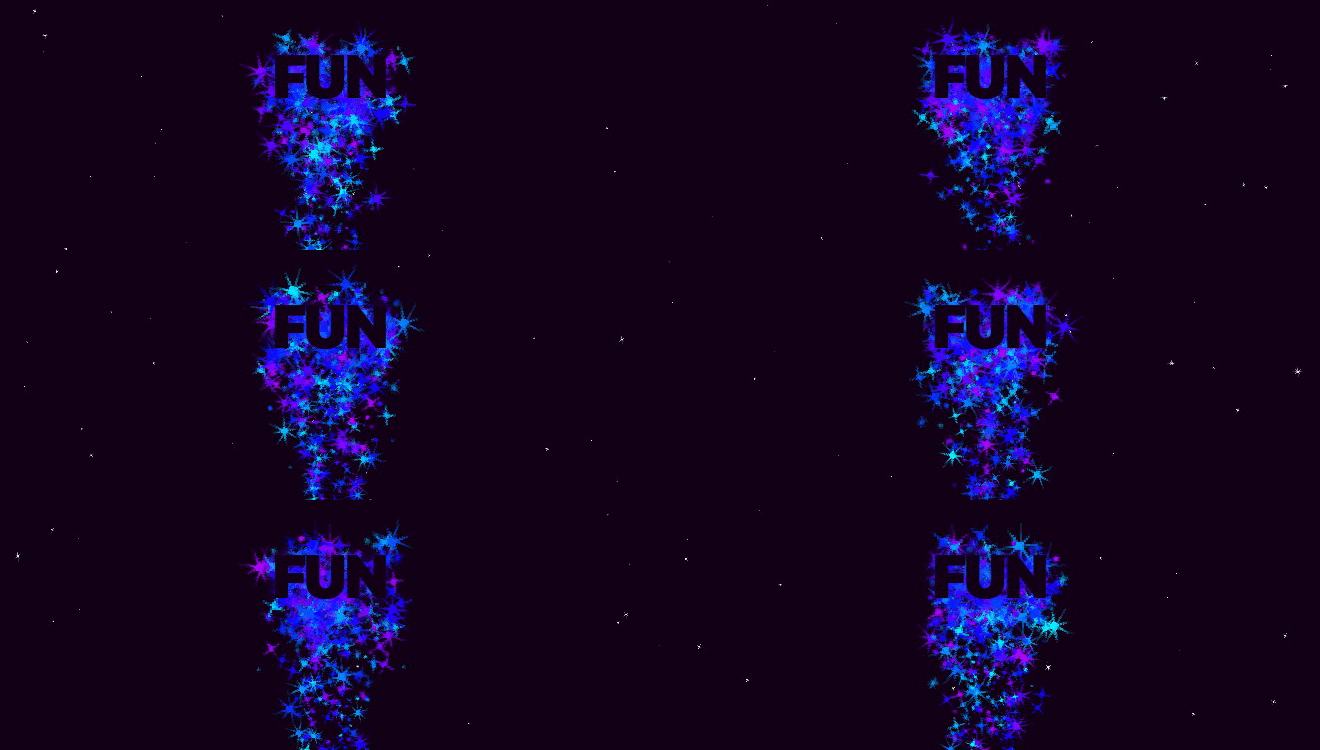
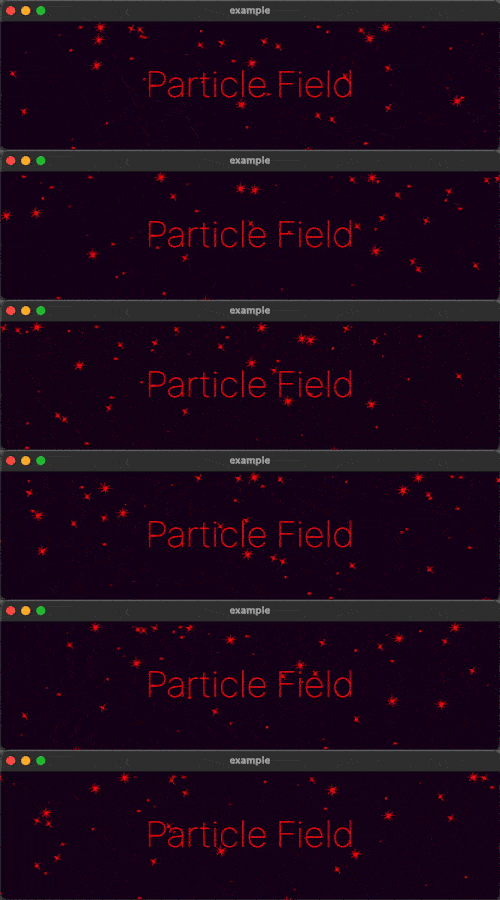
particle_field कवर
पैकेज विवरणv1.0.0

particle_field

अपने UI में उच्च प्रदर्शन वाले कस्टम कण प्रभाव जोड़ने के लिए एक Flutter विजेट।

AndroidiOSWebmacOSWindowsLinux
30-दिन डाउनलोड
1.2 हज़ार
लाइक
143
Pub अंक
150

पैकेज इंस्टॉल करें

flutter pub add particle_field

पैकेज अवलोकन

सार्वजनिक जानकारी से बना चयन मार्गदर्शन। केवल संदर्भ हेतु।

एक उच्च प्रदर्शन वाला Flutter विजेट जो डेवलपर्स को UI के लिए कस्टम पार्टिकल प्रभाव बनाने की अनुमति देता है, सुचारू एनीमेशन और रियल-टाइम इंटरैक्टिविटी के साथ। gskinner.com द्वारा बनाया गया, यह Android, iOS, Web, macOS, Windows और Linux जैसे कई प्लेटफॉर्म का समर्थन करता है। पैकेज दृश्य धमाकेदार पृष्ठभूमि, गतिशील घटाव और अवगत दृश्य अनुभव प्रदान करने के लिए कुशल रेंडरिंग तकनीकों का उपयोग करता है बिना प्रदर्शन में कमी के। छोटे या आकर्षक एनीमेटेड तत्वों के साथ ऐप इंटरफ़ेस को बढ़ाने के लिए आदर्श है।

उपयोग

  • एनिमेटेड बैकग्राउंड प्रभाव बनाना
  • स्प्लैश स्क्रीन को बेहतर बनाना
  • इंटरैक्टिव विजुअल फीडबैक जोड़ें
  • अम्मोर्सिव गेम इंटरफेस का डिज़ाइन
  • गति के माध्यम से डेटा का दृश्यीकरण
  • एप्लिकेशन ओनबोर्डिंग अनुभव में सुधार करना

मुख्य विशेषताएँ

  • उच्च प्रदर्शन रेंडरिंग
  • कस्टमाइज़ किए गए कण व्यवहार
  • रियल-टाइम इंटरैक्शन सपोर्ट
  • क्रॉस-प्लेटफॉर्म संगतता
  • शेडर-आधारित एनीमेशन
  • कॉन्फ़िगरेबल उत्सर्जन पैटर्न

इनके लिए उपयुक्त

  • दृश्य आकर्षण की तलाश में UI डिज़ाइनर
  • Flutter का उपयोग करने वाले गेम विकासकर्ता
  • गतिशील पृष्ठभूमि चाहने वाले ऐप निर्माता
  • इंटरैक्टिव प्रोटोटाइप बिल्डर्स
  • रचनात्मक डिजिटल उत्पाद टीमें

विचार योग्य बातें

  • कम शक्तिशाली उपकरणों पर प्रदर्शन प्रभावित हो सकता है
  • कण प्रणाली अवधारणाओं के समझ की आवश्यकता है
  • सीमित निर्मित-इन प्रीसेट
  • आधुनिक हार्डवेयर के लिए सबसे उपयुक्त
  • मोबाइल के लिए ध्यान से अनुकूलन की आवश्यकता है
  • स्थिर UI घटकों के लिए उपयुक्त नहीं

मूल README

संबंधित सोर्स रिपॉज़िटरी के मूल README का स्नैपशॉट। नवीनतम सामग्री के लिए रिपॉज़िटरी देखें।

Particle Field

A Flutter Widget for adding high performance custom particle effects to your UI.

Simple Example

Easy to use: just write a simple onTick handler to manage a list of particles. Architected to be highly extensible. Utilizes CustomPainter and drawAtlas to offer exceptional performance.

// NOTE: this example uses `rnd` (see "Complimentary Libraries" below)
ParticleField field = ParticleField(
  spriteSheet: sparkleSpriteSheet,
  // top left will be 0,0:
  origin: Alignment.topLeft,
  // onTick is where all the magic happens:
  onTick: (controller, elapsed, size) {
    List<Particle> particles = controller.particles;
    // add a new particle each frame:
    particles.add(Particle(x: rnd(size.width), vx: rnd(-1, 1)));
    // update existing particles:
    for (int i = particles.length - 1; i >= 0; i--) {
      Particle particle = particles[i];
      // call update, which automatically adds vx/vy to x/y
      // add some gravity (ie. increase vertical velocity)
      // and increment the frame
      particle.update(vy: particle.vy + 0.1, frame: particle.frame + 1);
      // remove particle if it's out of bounds:
      if (!size.contains(particle.toOffset())) particles.removeAt(i);
    }
  },
)

See the API Reference for more information.

Complimentary Libraries

The rnd package makes working with random values in your particle systems much simpler. For example, if you wanted 20% of your particles to move left, and 80% right at a velocity of between 2 and 5:

particle.vx = rnd(2, 5) * rnd.getSign(0.8)

If you're looking to add animated effects to your UI in addition to particles, check out the Flutter Animate library for pre-made effects, custom effects, and simplified animated builders.

Text("Hello").animate().fadeIn().slide()

श्रेणियाँ

सोर्स रिपॉज़िटरी

इस पैकेज का उपयोग करने वाले प्रोजेक्ट