पैकेज, रिपॉज़िटरी और ऐप श्रेणियाँ खोजें

playing_cards कवर
पैकेज विवरणv0.4.1+11

playing_cards

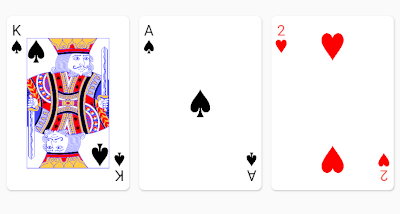
आपके Flutter ऐप में मानक 52 कार्ड डेक को रेंडर करने के लिए एक रेंडरिंग लाइब्रेरी। अगर आप बहुत ज़्यादा फुरसत लिए बिना अच्छी तरह से दिखने वाले प्लेइंग कार्ड रेंडर करना चाहते हैं, तो इस पैकेज का उपयोग करें।

AndroidiOSWebmacOSWindowsLinux
30-दिन डाउनलोड
3
लाइक
145
Pub अंक
150

पैकेज इंस्टॉल करें

flutter pub add playing_cards

पैकेज अवलोकन

सार्वजनिक जानकारी से बना चयन मार्गदर्शन। केवल संदर्भ हेतु।

एक फ्लटर पैकेज जो आपके एप्लिकेशन में दिखाई देने वाले मानक 52-कार्ड डेक को सुंदर बनाने में सरलता प्रदान करता है। गेम विकासकर्ताओं के लिए डिज़ाइन किया गया, इसमें उचित शैली और लेआउट के साथ तैयार कार्ड विजेट्स प्रदान करता है, जिससे कार्ड-आधारित यूआई को बिना विस्तृत कस्टम कोडिंग के त्वरित एकीकरण संभव होता है। लाइब्रेरी कई प्लेटफॉर्मों को समर्थन करती है और उपकरणों पर एक समान, उच्च गुणवत्ता वाले कार्ड दृश्य प्रदान करती है।

उपयोग

  • कार्ड गेम डेवलपमेंट
  • इंटरैक्टिव डेक सिमुलेशन
  • कार्ड वाले शैक्षिक ऐप्स
  • डिजिटल पोकर या सॉलिटेयर ऐप्स
  • कार्ड के साथ UI प्रोटोटाइपिंग

मुख्य विशेषताएँ

  • पूर्व-निर्मित कार्ड विजेट्स
  • क्रॉस-प्लेटफ़ॉर्म समर्थन
  • उच्च-रिज़ॉल्यूशन कार्ड डिज़ाइन
  • Flutter के साथ आसान एकीकरण
  • कस्टमाइज़ करने योग्य कार्ड लेआउट

इनके लिए उपयुक्त

  • गेम डेवलपर्स
  • UI डिजाइनर्स
  • शैक्षिक ऐप निर्माता
  • प्रोटोटाइपिंग टीमें

विचार योग्य बातें

  • मानक 52-कार्ड डेक के सीमित
  • कोई बिल्ट-इन गेम लॉजिक नहीं
  • कार्ड इंटरैक्शन के हैंडलिंग के लिए मैन्युअल हैंडलिंग की आवश्यकता होती है
  • बड़े कार्ड संग्रह के लिए अनअनुकूलित

मूल README

संबंधित सोर्स रिपॉज़िटरी के मूल README का स्नैपशॉट। नवीनतम सामग्री के लिए रिपॉज़िटरी देखें।

playing_cards

The playing_cards package for Flutter allows you to easily render playing cards from a standard 52 card deck. Good defaults are provided out of box, but full customization is possible if a style object is provided.

Getting Started

Here's a quick video overview if you don't like reading :-) https://www.youtube.com/watch?v=f9tOu972nhI

To import:

import 'package:playing_cards/playing_cards.dart';

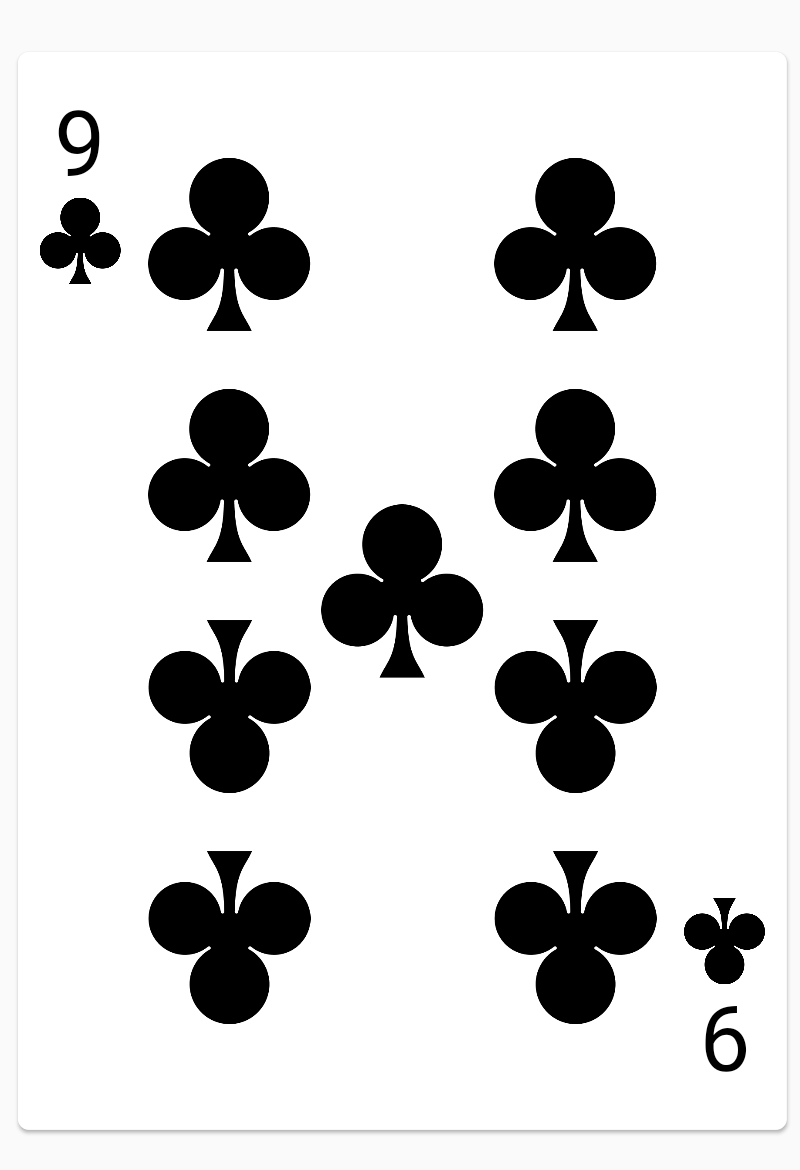
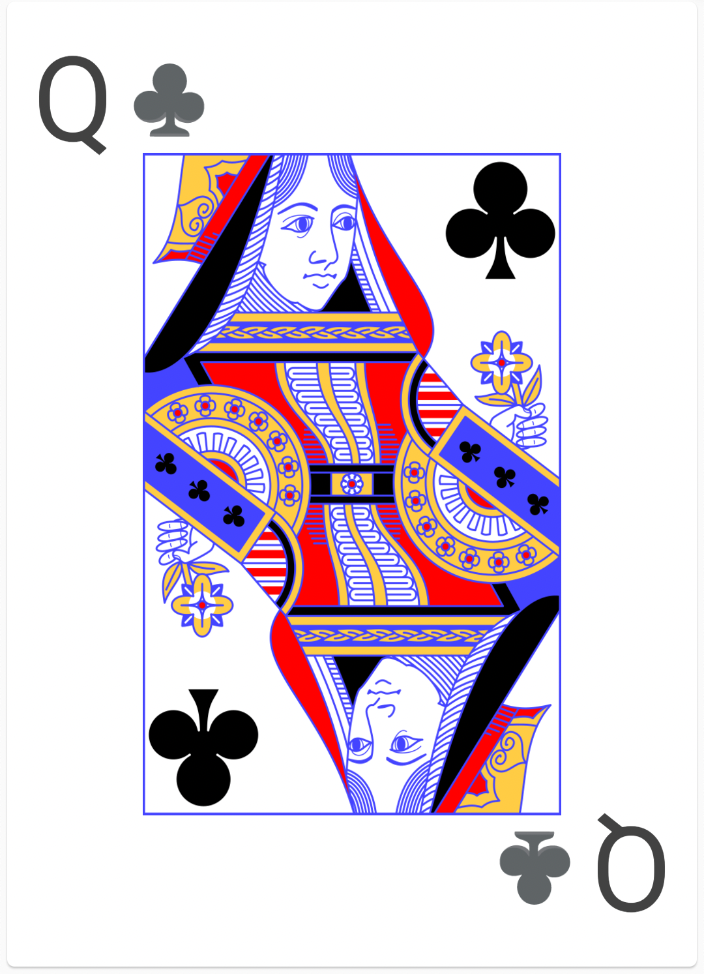
And here is a simple usage to render a nine of clubs:

PlayingCardView(card: PlayingCard(Suit.clubs, CardValue.nine))

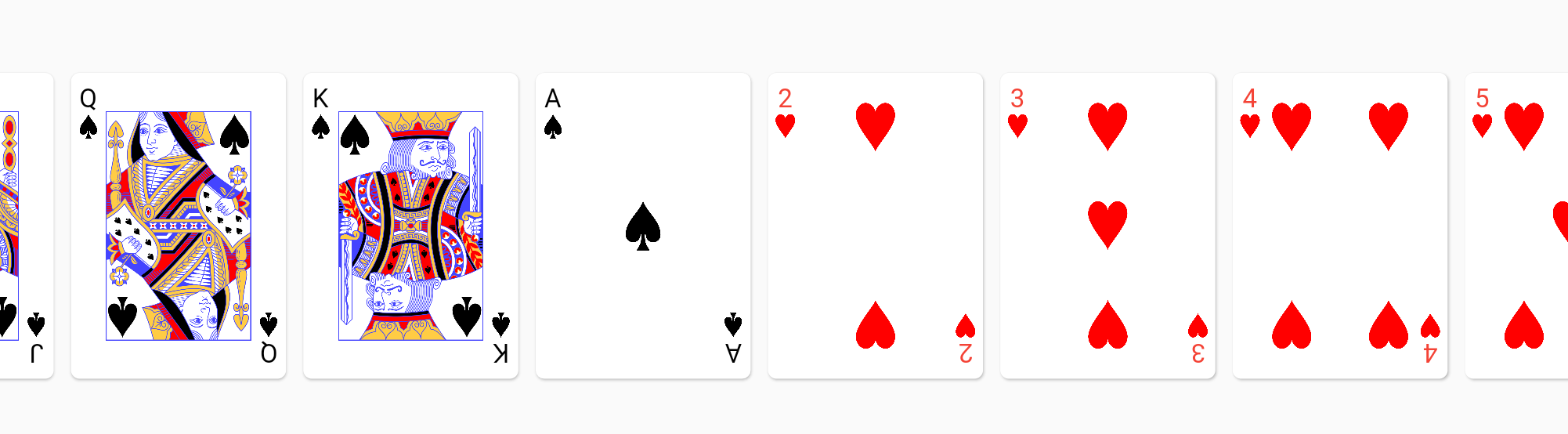
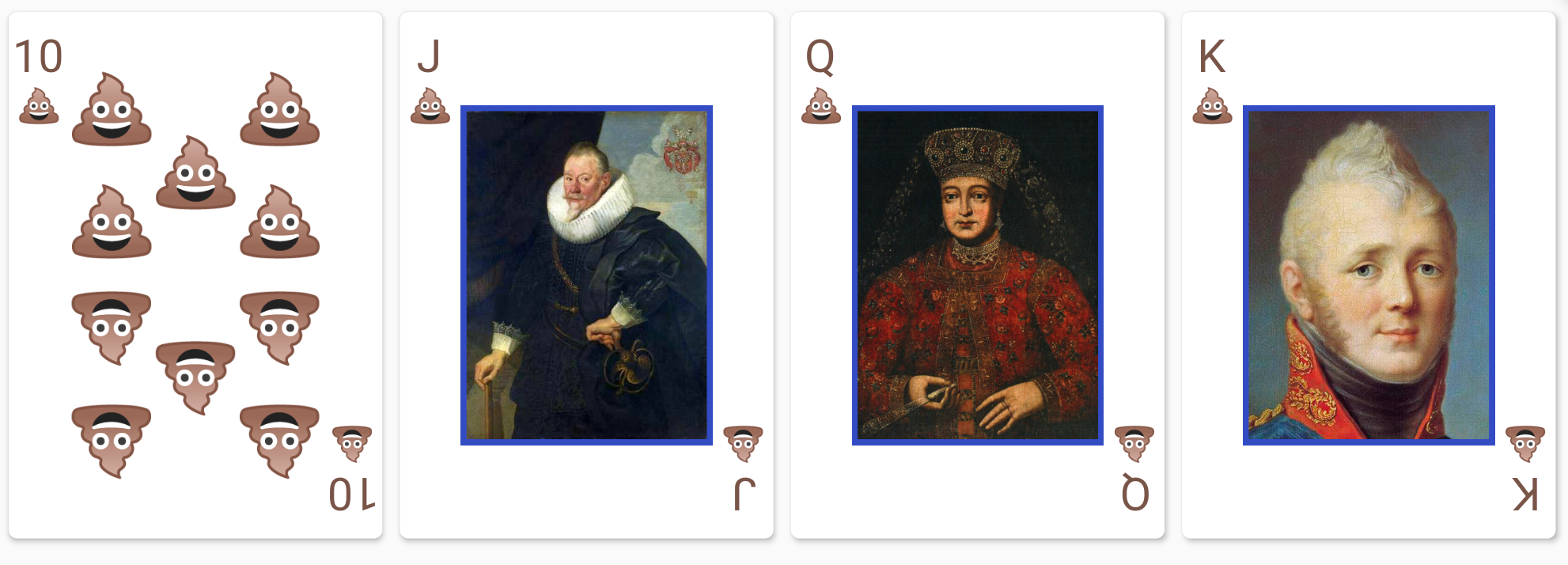
Here is an example of a fully styled deck:

// This style object overrides the styles for spades.
PlayingCardViewStyle myCardStyles = PlayingCardViewStyle(suitStyles: {
  Suit.spades: SuitStyle(
    builder: (context) => FittedBox(
          fit: BoxFit.fitHeight,
          child: Text(
            "💩",
            style: TextStyle(fontSize: 500),
          ),
        ),
    style: TextStyle(color: Colors.brown),
    cardContentBuilders: {
      CardValue.jack: (context) =>
          Image.asset("assets/jack_of_spades.png"),
      CardValue.queen: (context) =>
          Image.asset("assets/queen_of_spades.png"),
      CardValue.king: (context) =>
          Image.asset("assets/king_of_spades.png"),
    })
});
List<PlayingCard> deck = standardFiftyTwoCardDeck();
Container(
  height: 150,
  child: SingleChildScrollView(
    scrollDirection: Axis.horizontal,
    child: Row(
      children: deck.map((e) => PlayingCardView(card: e, style: myCardStyles)).toList(),
    ),
  ),
),

PlayingCardViewStyle also accepts a suitBesideLabel: true option to render the suit next to the rank, instead of below:

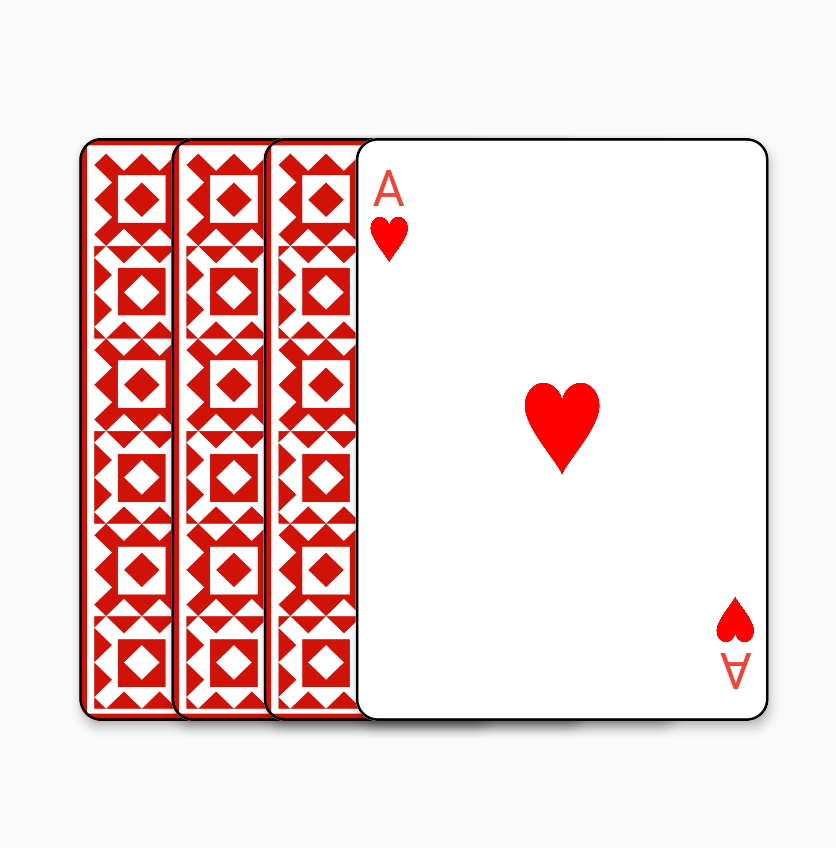
A flat fan widget is also provided for the common use cases of fanning cards out horizontally:

ShapeBorder shape = RoundedRectangleBorder(
  borderRadius: BorderRadius.circular(8),
  side: BorderSide(color: Colors.black, width: 1));
FlatCardFan(children: [
  PlayingCardView(
    card: PlayingCard(Suit.hearts, CardValue.ace),
    showBack: true,
    elevation: 3.0,
    shape: shape),
  PlayingCardView(
      card: PlayingCard(Suit.hearts, CardValue.ace),
      showBack: true,
      elevation: 3.0,
      shape: shape),
  PlayingCardView(
      card: PlayingCard(Suit.hearts, CardValue.ace),
      showBack: true,
      elevation: 3.0,
      shape: shape),
  PlayingCardView(
      card: PlayingCard(Suit.hearts, CardValue.ace),
      elevation: 3.0,
      shape: shape)
])

Jokers

Jokers are modelled as two joker CardValues (joker_1, joker_2) in a single joker Suit.

You can use the standardFiftyFourCardDeck() function in deck.dart to create a deck with two Jokers.

श्रेणियाँ

सोर्स रिपॉज़िटरी

इस पैकेज का उपयोग करने वाले प्रोजेक्ट

अभी कोई डेटा उपलब्ध नहीं है।