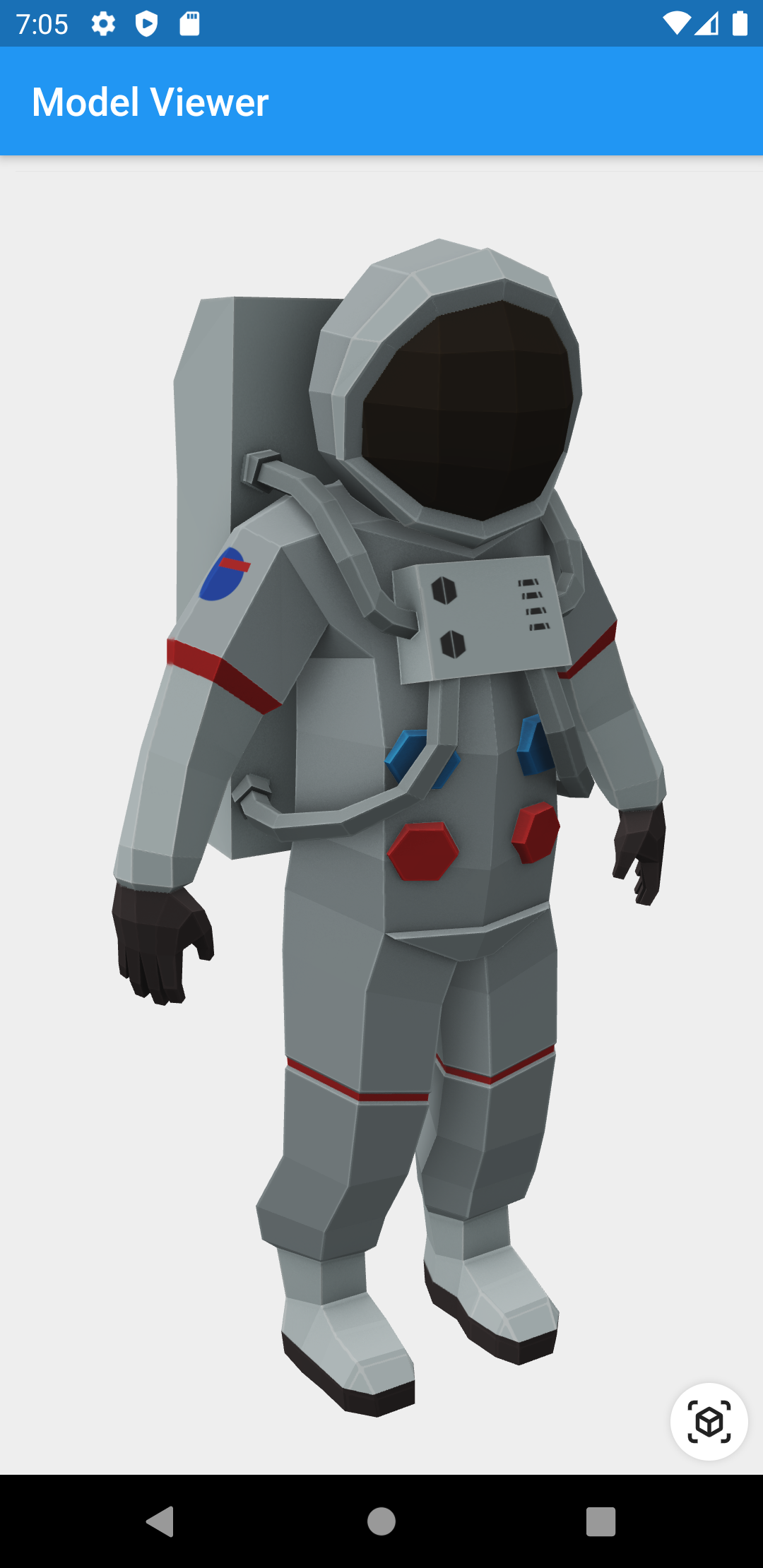
Aus öffentlichen Paketdaten erstellte Orientierung.
Ein Flutter-Widget, das die Darstellung und Interaktion mit 3D-Modellen in den Formaten glTF und GLB ermöglicht. Es bietet eine einfache Möglichkeit, 3D-Inhalte innerhalb von Flutter-Anwendungen einzubetten und zu bearbeiten, mit Funktionen wie Drehung, Zoom und Pan. Ideal für Anwendungen, die immersiv visuelle Erfahrungen erfordern, wie beispielsweise Produktpräsentationen oder Bildungstools. Das Widget nutzt native Plattformfunktionen für optimale Leistung und reibungslose Interaktionen.
Anwendungsfälle
Produktvisualisierung in E-Commerce-Apps
Interaktiver 3D-Lerninhalt
Virtuelle Anprobierungen für Mode oder Accessoires
Erweiterte Realität Integrationen
3D-Modellvorschauen in Design-Tools
Hauptmerkmale
Unterstützt glTF- und GLB-3D-Modellformate
Eingebaute Touch-Gesten für Drehung und Zoom
Hochleistungs-Rendern mit nativen Backends
Einfache Integration mit Flutter-Widgets
Leichtgewichtig und auf die Kern-3D-Ansicht fokussiert
Geeignet für
Entwickler, die 3D-fähige Flutter-Apps erstellen
E-Commerce-Plattformen, die Produkte präsentieren
Bildungs- oder Schulungsanwendungen
AR/VR-Erlebnisse mit 3D-Assets
Hinweise
Beschränkt auf glTF/GLB-Formatunterstützung
Keine integrierte Animation- oder Physikverarbeitung
Benötigt 3D-Modell-Optimierung für beste Leistung
plattformspezifisches Rendering-Verhalten kann variieren
Original-README
Originaler README-Schnappschuss aus dem verknüpften Quell-Repository. Aktuelle Inhalte finden Sie im Repository.
3D Model Viewer for Flutter
This is a Flutter widget for rendering interactive
3D models in the glTF and
GLB formats.
To use this widget on Android 9+ devices, your app must be permitted to make
an HTTP connection to http://localhost:XXXXX. Android 9 (API level 28)
changed the default for android:usesCleartextTraffic from true to
false, so you will need to configure your app's
android/app/src/main/AndroidManifest.xml as follows:
This does not affect Android 8 and earlier. See #7 for more information.
Info.plist (iOS only)
To use this widget on iOS, you need to opt-in to the embedded views preview
by adding a boolean property to your app's ios/Runner/Info.plist file, with
the key io.flutter.embedded_views_preview and the value YES:
Note that due to browsers' CORS security restrictions, the model file
must be served with a Access-Control-Allow-Origin: * HTTP header.
Frequently Asked Questions
Q: Why do I get the error net::ERR_CLEARTEXT_NOT_PERMITTED?
You didn't configure your AndroidManifest.xml as per the installation
instructions earlier in this document. See also #7.
Q: Why does the example app just show a blank screen?
A: Most likely, the platform browser version on your device or emulator is
too old and does not support the features that Model Viewer needs.
For example, the stock Chrome version on the Android 10 emulator is too old
and will display a blank screen; it must be upgraded from the Play Store in
order to use this package. (The stock Chrome version on the Android 11
emulator works fine, however.) See google/model-viewer#1109.
Q: Why doesn't my 3D model load and/or render?
A: There are several reasons why your model URL could fail to load and
render:
It might not be possible to load the model URL due to CORS security
restrictions. The server hosting the model file must send appropriate
CORS response headers for Model Viewer to be able to load the file.
See google/model-viewer#1015.
It might not be possible to parse the provided glTF or GLB file.
Some tools can produce invalid files when exporting glTF. Always
run your model files through the glTF Validator to check for this.
The platform browser might not support the features that Model Viewer
needs. See google/model-viewer#1109.