Aus öffentlichen Paketdaten erstellte Orientierung.
Screenshot Modes ist ein Flutter-Paket, das eine einfache und automatische Möglichkeit zum Erstellen von Screenshots innerhalb Ihrer App bietet. Als Plugin für das device_preview-Paket konzipiert, ermöglicht es Entwicklern, Screenshots nahtlos während der Entwicklung und Tests aufzunehmen und zu verwalten. Es verbessert den Arbeitsablauf, indem es die Screenshot-Funktion direkt in die Vorschauumgebung integriert und so sofortige visuelle Rückmeldung ohne manuelle Eingriffe ermöglicht. Ideal für UI-Tests und Design-Validierung, vereinfacht es den Prozess, App-Zustände auf verschiedenen Geräten und Ausrichtungen zu dokumentieren.
Anwendungsfälle
Benutzeroberflächen-Tests
Designvalidierung
Vorschau auf mehreren Geräten
Automatischer Bildschirmfotos-Abschluss
Entwicklungsdetails
Hauptmerkmale
Integration mit device_preview
Automatische Bildschirmfotografie
Unterstützung für mehrere Gerätemodi
Einfache Einrichtung über pub
Echtzeit-Vorschaubilder
Geeignet für
Flutter-Entwickler
UI/UX-Designer
Test-Automatisierungsingenieure
App-Prototyp-Teams
Qualitätssicherungstester
Hinweise
Benötigt device_preview zum Funktionieren
Beschränkt auf Entwicklungsumgebung
Keine Runtime-Screenshot-Funktion
Nicht für den Produktiveinsatz vorgesehen
Abhängig von device_preview-Updates
Original-README
Originaler README-Schnappschuss aus dem verknüpften Quell-Repository. Aktuelle Inhalte finden Sie im Repository.
screenshot_modes
easy screenshot take for your app
screenshot_modes is a flutter package that work as a plugin for device preview package, take automatics screenshots for pages app
setup this plugin
0- you will need to setup device preview package first before using this plugin. it is just a few step.
simple mode :
simple mode you will just select device frame you want and function navigate to page and the plugin will make it work ,
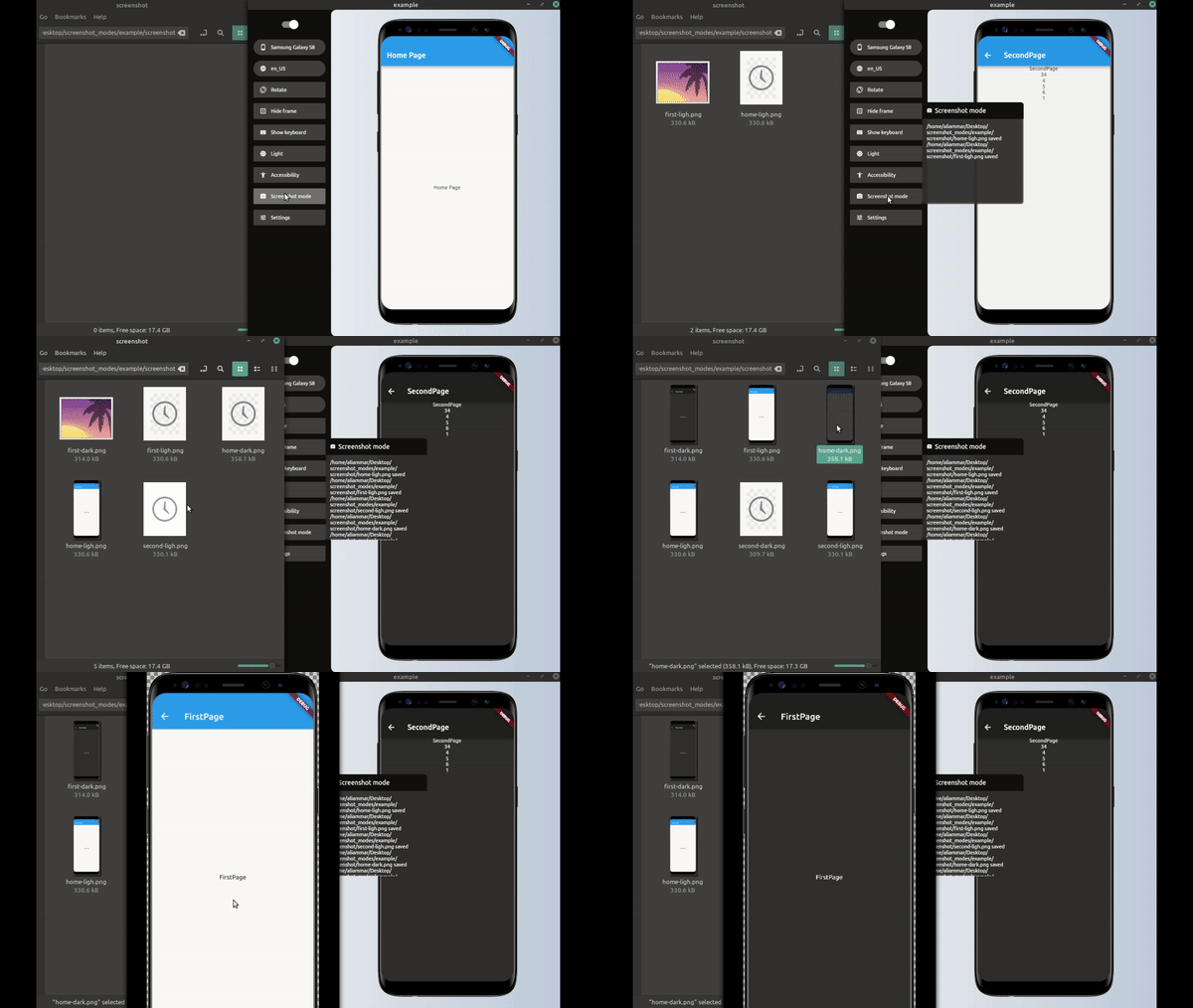
will take screenshot for all your page in all frames in dark and light mode.
3- define saveScreenShot function this response for saving the image or upload it to some server or that ever you want to do with the image example to save the image in desktop
Future<String> saveScreenShot(DeviceScreenshotWithLabel screen) async {
String name = screen.label.join('/');
final path = join(Directory.current.path, 'screenshot', '$name.png');
final imageFile = File(path);
await imageFile.create(recursive: true);
await imageFile.writeAsBytes(screen.deviceScreenshot.bytes);
return'$path saved'; // message printed to device preview plugins windows;
}
you could benefid from DevicePreviewHelper class to change device , theme and other helper function
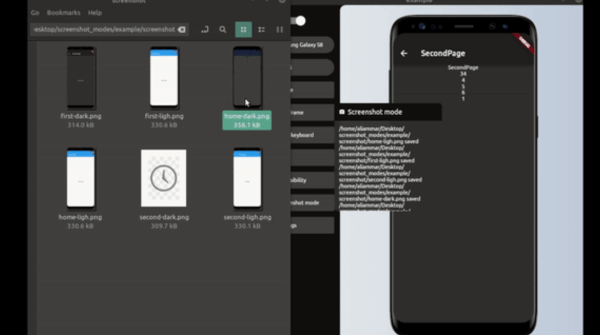
5- click the new button(screenshot mode) in device preview tabs
_______
what is ItemScreenMode :
it is represents every screenshot we will take
function parameter is a function that called before take screen
we must navigate to the page you want take screenshot for it
maybe also get some data from database or api before navigate
label parameter is string helps for naming the image inside processor (saveScreenShot)
modes parameter is another list of ItemScreenMode used if we have nested mode
like light/dark for all pages and change frame for all pages
like in above example
could i set function parameter for ItemScreenMode to null ?
yes when you don't need to do any things before first shot taken maybe when you already inside home page (defalut page) and in right themes mode
tips : don't do that if you have multi nested page
why we must use DirectPageRouteBuilder for navigation
you must use DirectPageRouteBuilder for navigation like this
because the MaterialPageRoute have 500ms Duration for animations
this will cause as a problem with screenshot
so we must either use DirectPageRouteBuilder or await 500ms Duration after Navigation inside ItemScreenMode function
we prefers to use this plugin on desktop
TODO :
resizing the image for every mode ( so we could resized to the size required by google play or app store) ( now could done in saveScreenShot function )