Pakete, Repositories und App-Kategorien suchen

Cover von stories_editor
Paketdetailsv0.2.2

stories_editor

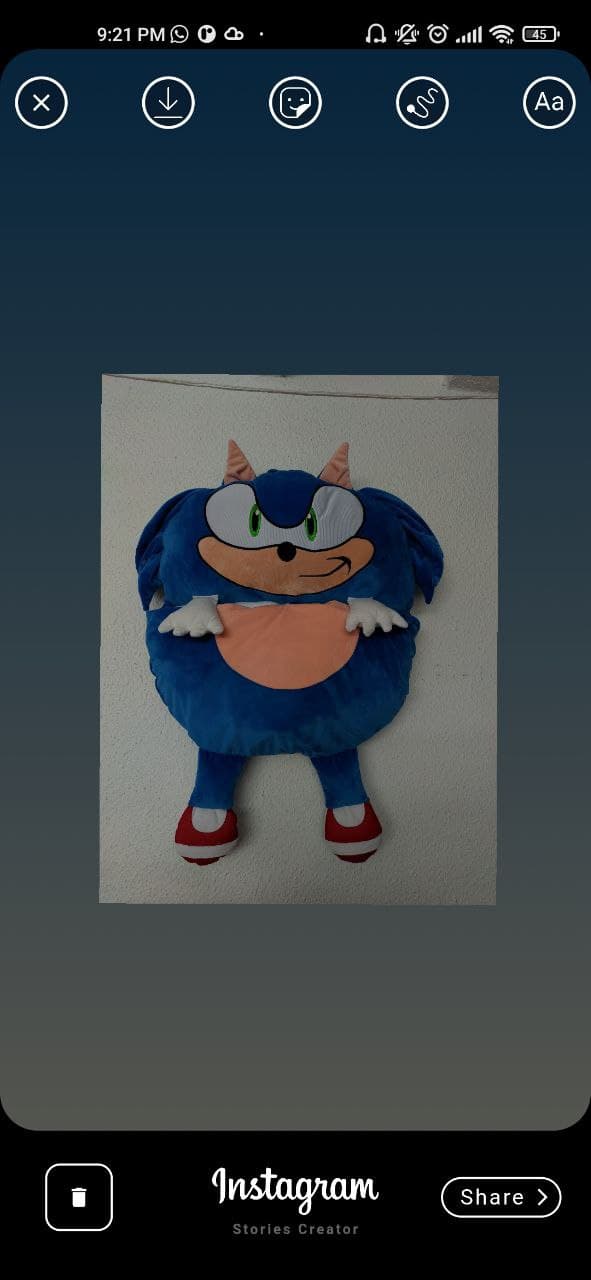
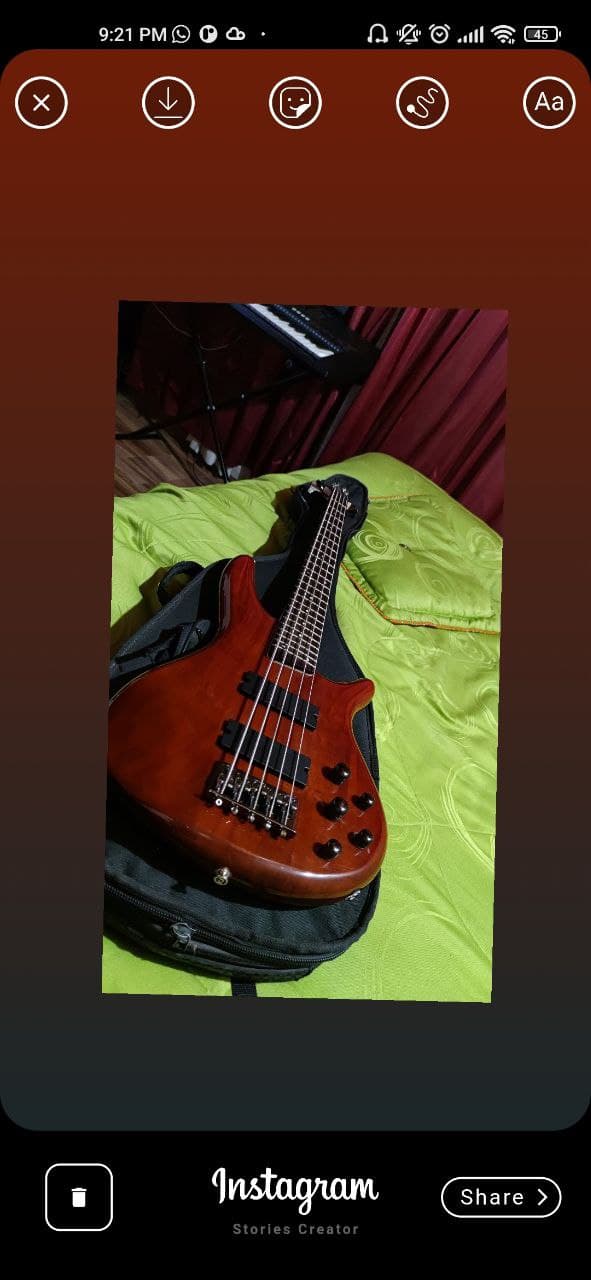
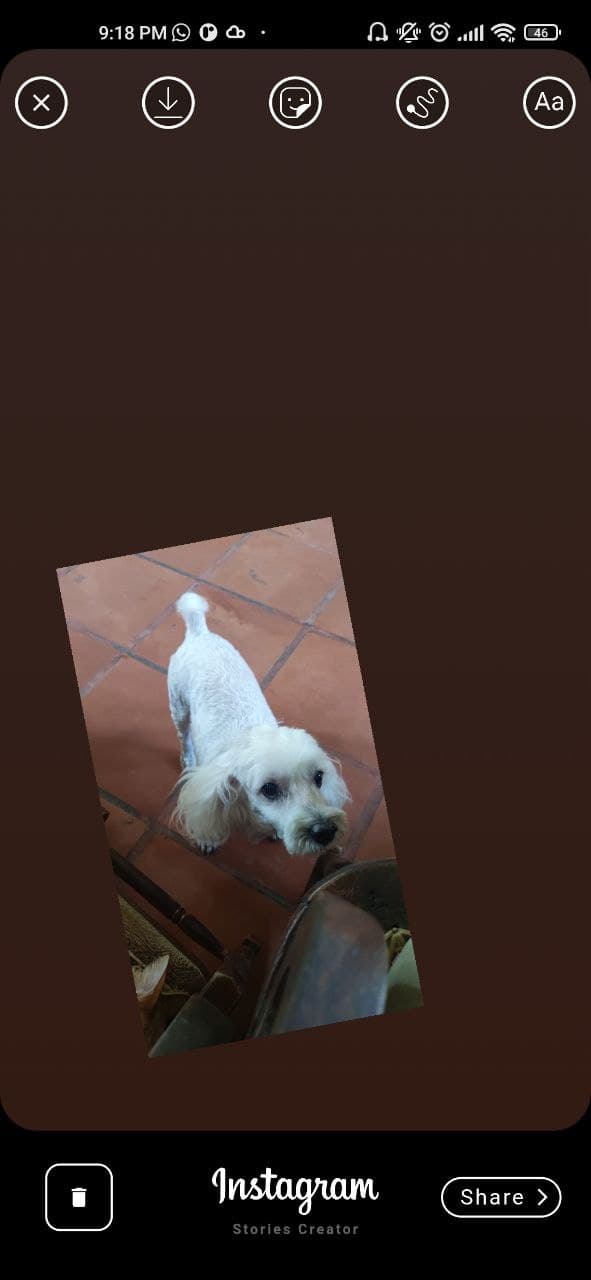
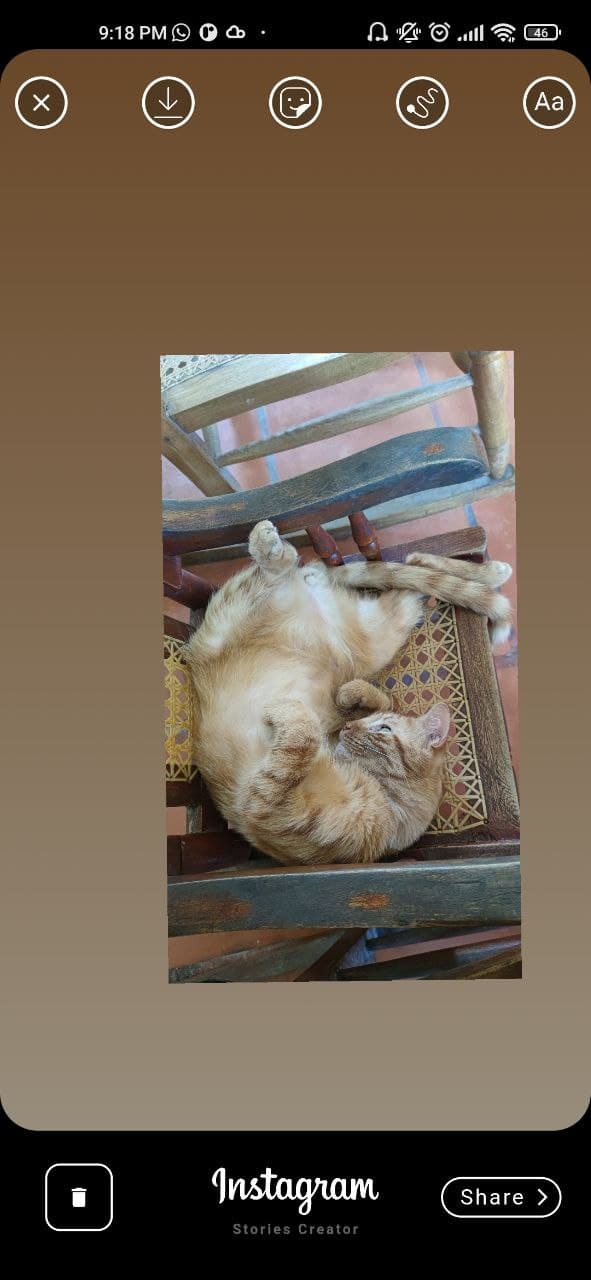
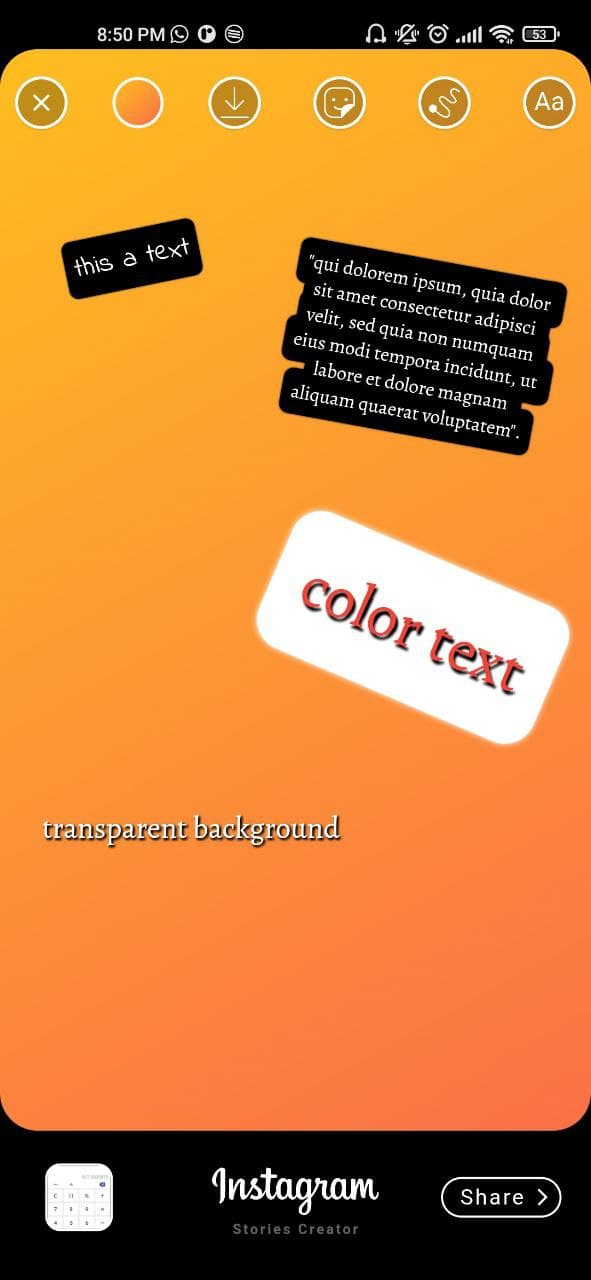
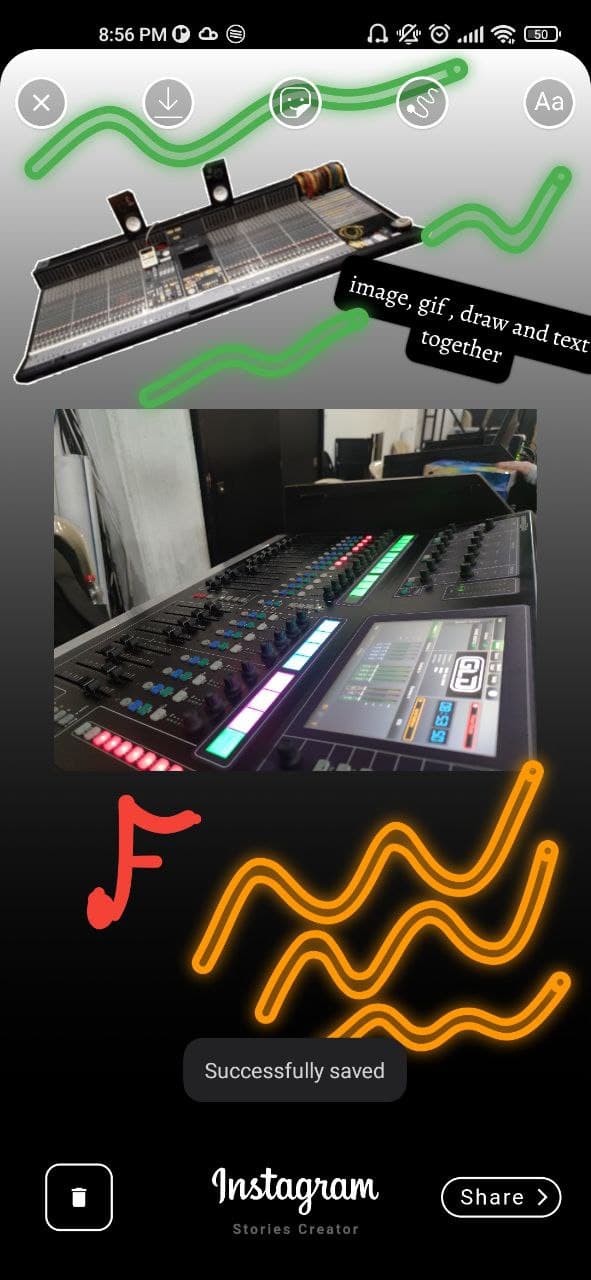
Dies ist ein Paket im Stil des Instagram-Story-Erstellers, mit dem Sie Bilder mit Bildern, Texten, Aufklebern (Gifs) und Fingerzeichnungen erstellen können.

30-Tage-Downloads
45
Likes
108
Pub-Punkte
55

Paket installieren

flutter pub add stories_editor

Paketübersicht

Aus öffentlichen Paketdaten erstellte Orientierung.

Das stories_editor-Paket ermöglicht Benutzern die Erstellung von Instagram-artigen Geschichten innerhalb von Flutter-Anwendungen. Es unterstützt das Hinzufügen von Bildern, Text, animierten Aufklebern (GIFs) sowie freihandmäßiges Zeichnen über Finger-Eingabe. Speziell für Multimedia-Editing entwickelt, ermöglicht es Echtzeit-Komposition, Anpassung und Export von Geschichten. Das Paket ist ideal für soziale Medien-Funktionen, Content-Erstellungstools oder interaktive Geschichtenerzählungs-Apps. Mit Fokus auf Einfachheit und Leistung entwickelt, lässt sich das Paket nahtlos in bestehende Flutter-Projekte integrieren.

Anwendungsfälle

  • Erstellung von Social-Media-Geschichten
  • Benutzererzeugte-Inhalts-Tools
  • Interaktive Erzählungs-Apps
  • Bildbearbeitung mit Überlagerungen
  • Echtzeit-Zeichenfunktionen
  • Integration von animierten Aufklebern

Hauptmerkmale

  • Bildüberlagerungsunterstützung
  • Textzusatz mit Formatierung
  • animierte GIF-Sticker
  • Fingerzeichnung Canvas
  • Echtzeit-Vorschau
  • Exportieren und Speichern-Funktion

Geeignet für

  • Entwickler, die soziale Apps erstellen
  • Inhaltschöpfer, die Story-Tools benötigen
  • Apps, die Multimedia-Editing erfordern
  • Flutter-Anfänger erkunden Benutzeroberflächenkomponenten
  • Projekte mit interaktiven Zeichnungsanforderungen

Hinweise

  • Eingeschränkte Plattformunterstützung (keine angegebenen Plattformen)
  • Benötigt manuelle Behandlung von Bild-/GIF-Ressourcen
  • Die Leistung kann bei komplexen Zusammensetzungen variieren
  • Keine integrierten Komprimierungsoptionen erwähnt
  • Abhängig von der externen Assetverwaltung

Original-README

Originaler README-Schnappschuss aus dem verknüpften Quell-Repository. Aktuelle Inhalte finden Sie im Repository.

I won't be giving support or any update for a while beacuse i don't have time to spend in this project.

Flutter version 3.3.6

Previous branches was deleted (4-Nov-2022)

if you want to make a ull request you must be using the new "main" branch, the problems with gallery, overflow design were solved and the function to create Gif / mp4 was removed due to performance issues.

flutter stories editor

This is a package created in the style of the instagram story creator, with which you can create images with images, texts, stickers (Gifs), finger drawing. They can be exported as an image to the gallery or shared directly to social networks.

Features

[✔️] Draggable image

[✔️] Draggable text

[✔️] Draggable Gif/Sticker (giphy API)

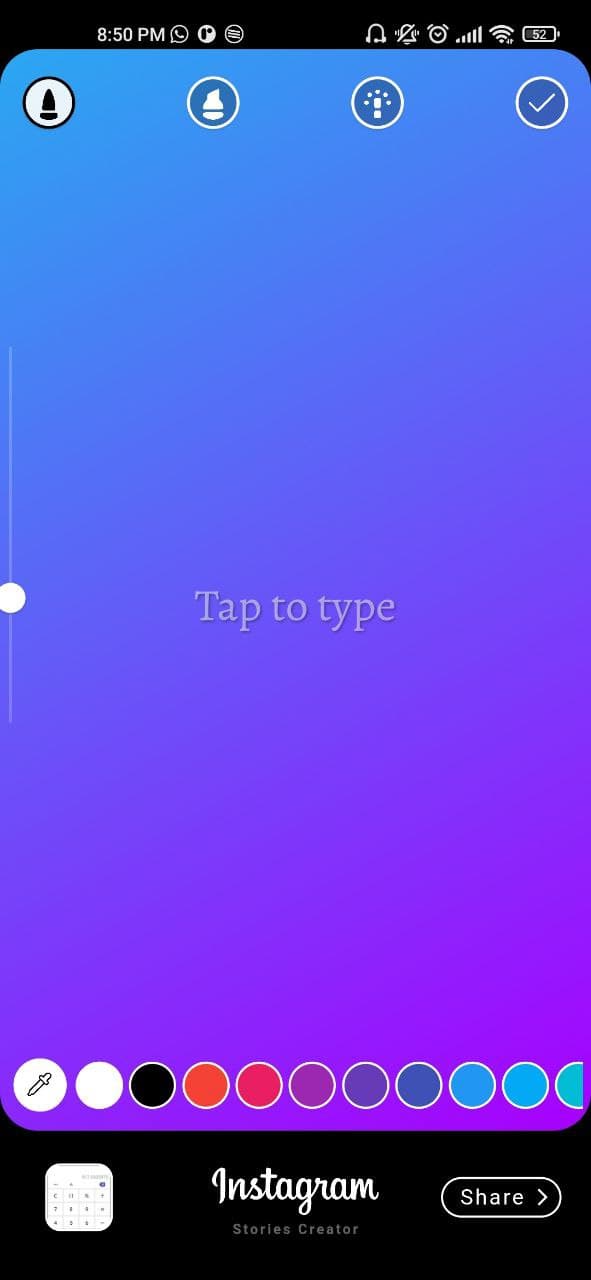
[✔️] Gradient container background

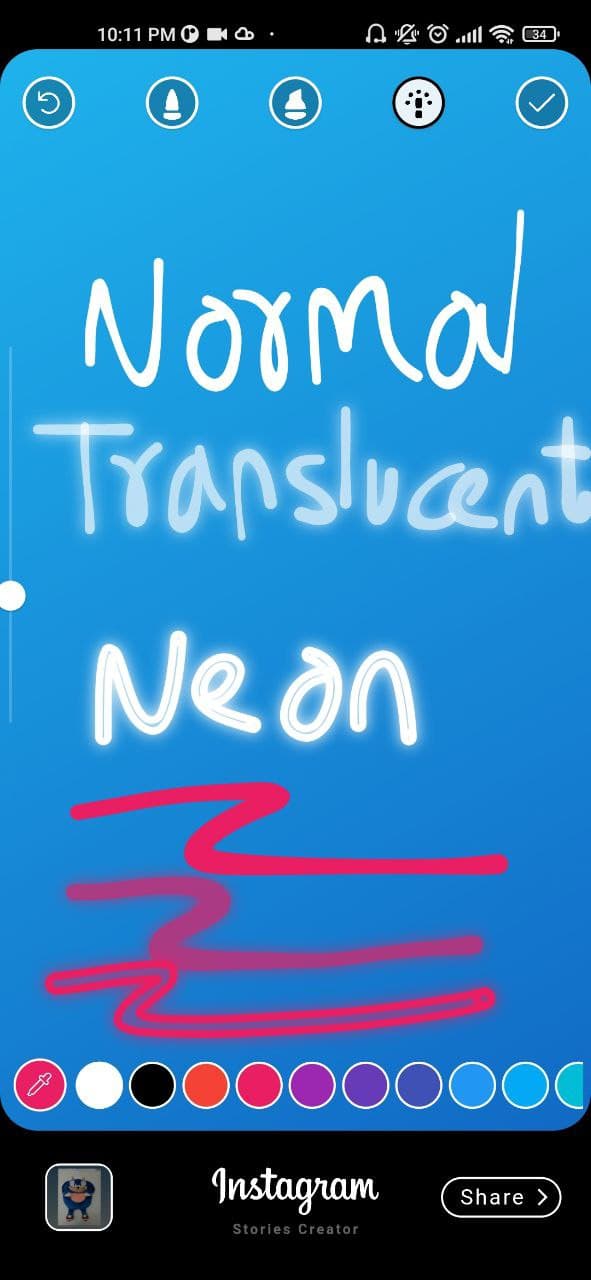
[✔️] Finger painting (normal/translucent/neon)

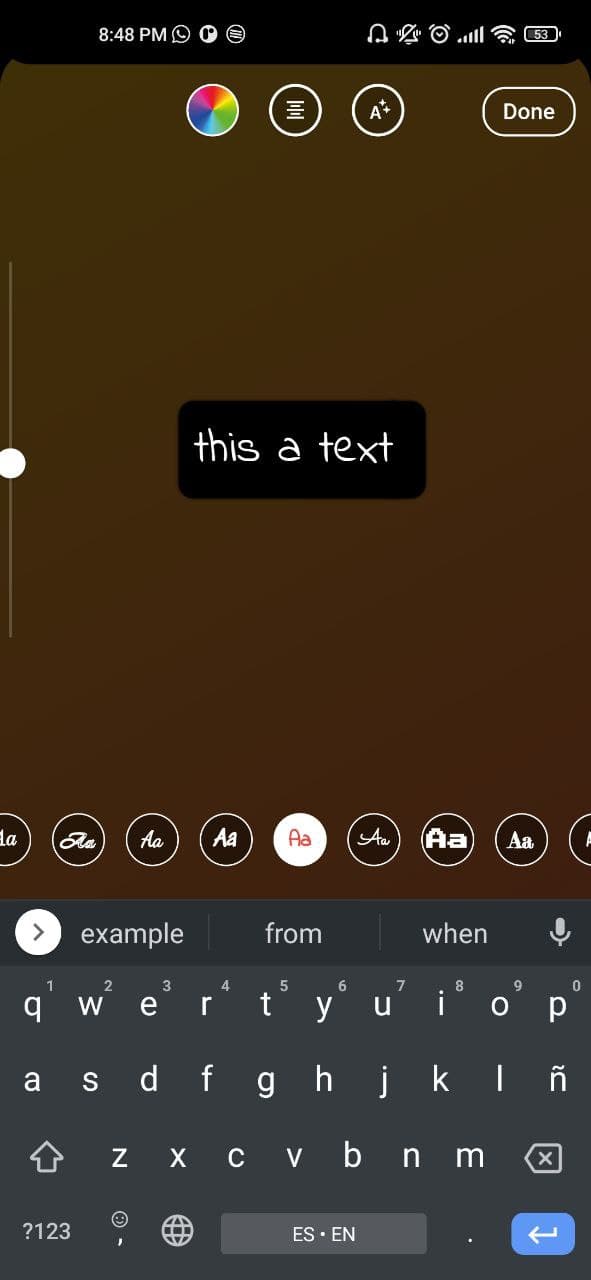
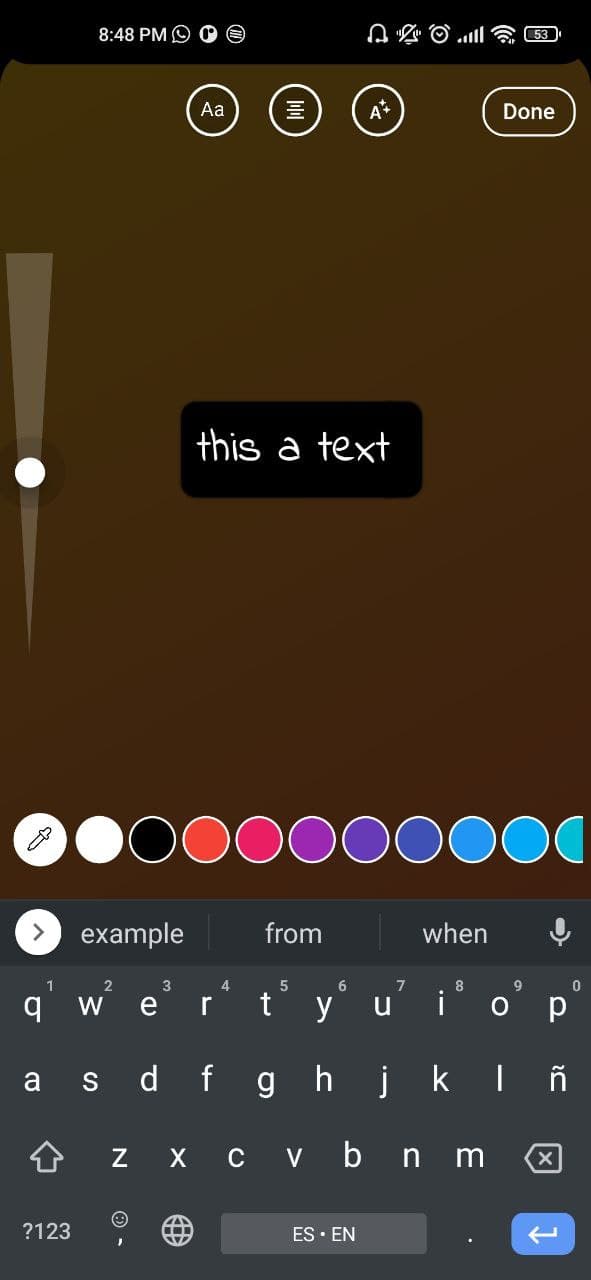
[✔️] Custom colors, gradients and font families

[✔️] Custom gallery picker (own package => gallery_media_picker)

[✔️] Save draft as image

[✔️] Get draft local path uri

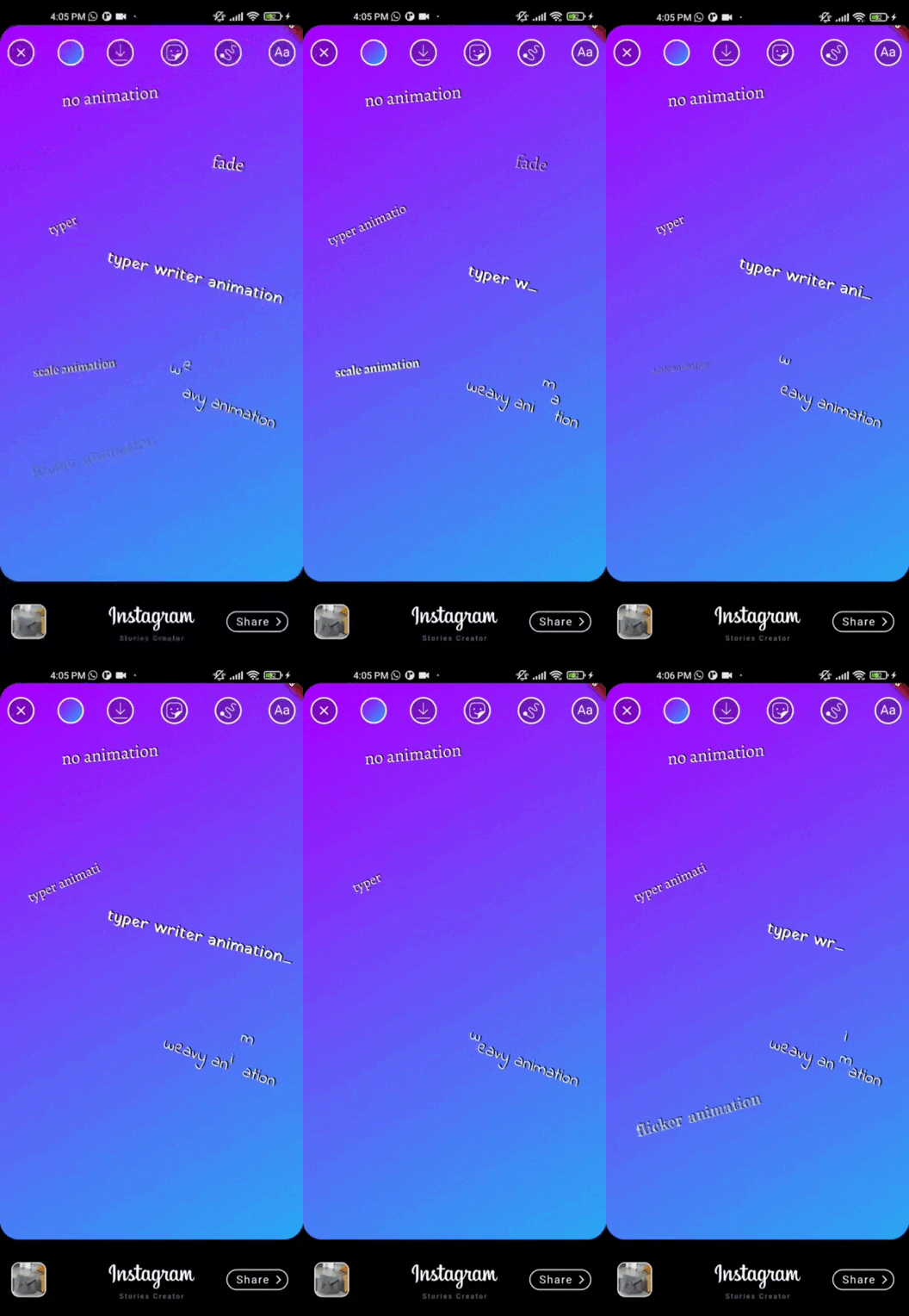
[✔️] Text animations => animated_text_kit

Future features

[❌] Save draft as a gif / video

[❌] Color filters

Demo

If you don't see the images go to the github repository and by the way give me a star :D

showcase gif showcase gif

Installation

This package has been tested in Android and ios, some features works on flutter web

Add stories_editor: 0.1.8 to your pubspec.yaml dependencies and then import it.

import 'package:stories_editor/stories_editor.dart';

How to use

  1. Android

    add uses-permission AndroidMAnifest.xml file

     <uses-permission android:name="android.permission.READ_EXTERNAL_STORAGE" />
     <uses-permission android:name="android.permission.WRITE_EXTERNAL_STORAGE"
         android:maxSdkVersion="31" />
     <uses-permission android:name="android.permission.MANAGE_EXTERNAL_STORAGE" />
     <uses-permission android:name="android.permission.INTERNET" />
     <uses-permission android:name="android.permission.VIBRATE"/>
    
    ios

    add this config to your config.plist

    <key>NSPhotoLibraryUsageDescription</key>
    <string>Privacy - Photo Library Usage Description</string>
    <key>NSMotionUsageDescription</key>
    <string>Motion usage description</string>
    <key>NSPhotoLibraryAddUsageDescription</key>
    <string>NSPhotoLibraryAddUsageDescription</string>
    
  2. Create a StoriesEditor() widget with the follow params:

StoriesEditor(
    giphyKey: '[YOUR GIPHY API KEY]', /// (String) required param
    onDone: (String uri){
      /// uri is the local path of final render Uint8List
      /// here your code
    },
    colorList: [] /// (List<Color>[]) optional param 
    gradientColors: [] /// (List<List<Color>>[]) optional param 
    middleBottomWidget: Container() /// (Widget) optional param, you can add your own logo or text in the bottom tool
    fontFamilyList: [] /// (List<String>) optional param
    isCustomFontList: '' /// (bool) if you use a own font list set value to "true"
    onDoneButtonStyle: Container() /// (Widget) optional param, you can create your own button style
    onBackPress: /// (Future<bool>) optional param, here you can add yor own style dialog
    editorBackgroundColor: /// (Color) optional param, you can define your own background editor color
    galleryThumbnailQuality: /// (int = 200) optional param, you can set the gallery thumbnail quality (higher is better but reduce the performance)
);

Example

import 'package:flutter/material.dart';
import 'package:provider/provider.dart';
import 'package:share_plus/share_plus.dart';
import 'package:stories_editor/stories_editor.dart';

void main() {
  runApp(const MyApp());
}

class MyApp extends StatelessWidget {
  const MyApp({Key? key}) : super(key: key);
  
  @override
  Widget build(BuildContext context) {
    return MaterialApp(
      title: 'Flutter stories editor Demo',
      theme: ThemeData(

        primarySwatch: Colors.blue,
      ),
      home: const Example(),
    );
  }
}

class Example extends StatefulWidget {
  const Example({Key? key}) : super(key: key);


  @override
  State<Example> createState() => _ExampleState();
}

class _ExampleState extends State<Example> {

  @override
  Widget build(BuildContext context) {
    return Scaffold(
        backgroundColor: Colors.black,
        resizeToAvoidBottomInset: false,
        body: Center(
          child: ElevatedButton(
            onPressed: (){
              Navigator.push(context, MaterialPageRoute(builder: (context) => StoriesEditor(
                giphyKey: '[HERE YOUR API KEY]',
                onDone: (uri){
                  debugPrint(uri);
                  Share.shareFiles([uri]);
                },
              ))
              );
            },
            child: const Text('Open Stories Editor'),
          ),
        )
    );
  }
}

Issues
  1. Issue of photo_View: photo_view#499 Issue log => To safely refer to a widget's ancestor in its dispose() method, save a reference to the ancestor by calling dependOnInheritedWidgetOfExactType() in the widget's didChangeDependencies() method.

ScreenShots

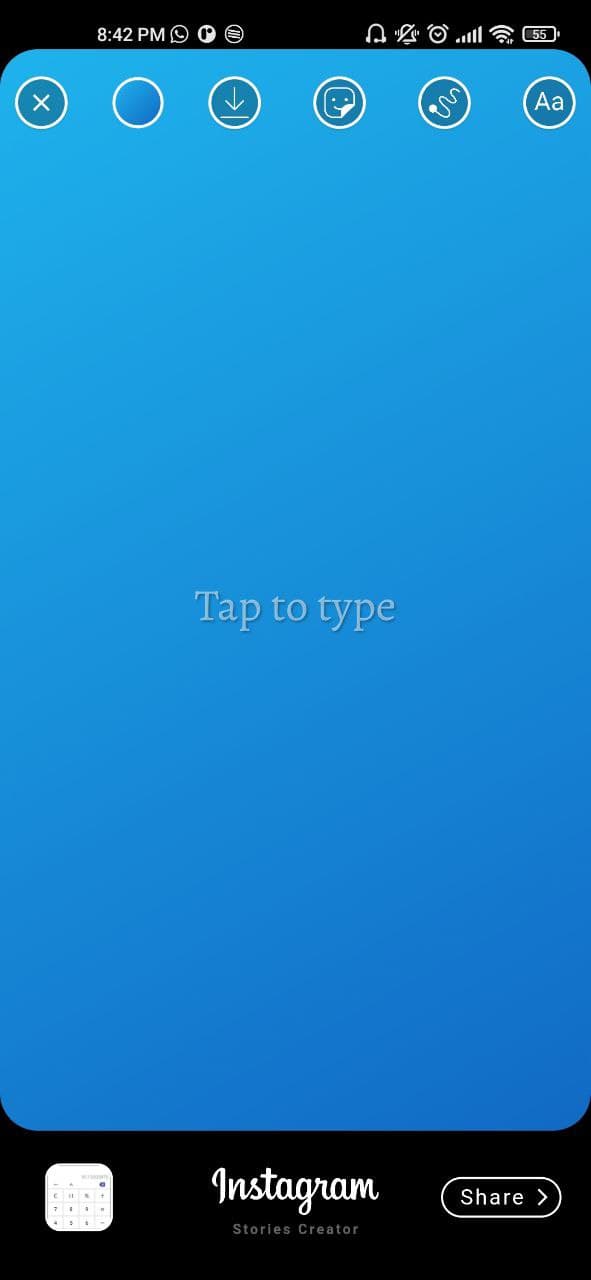
initial view

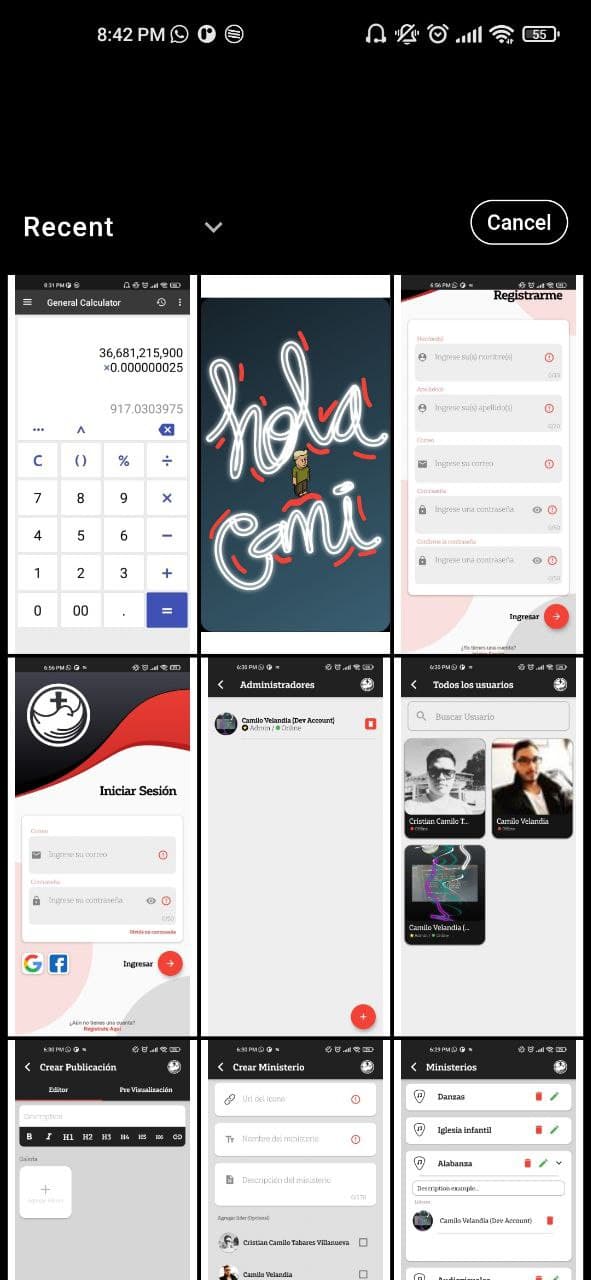
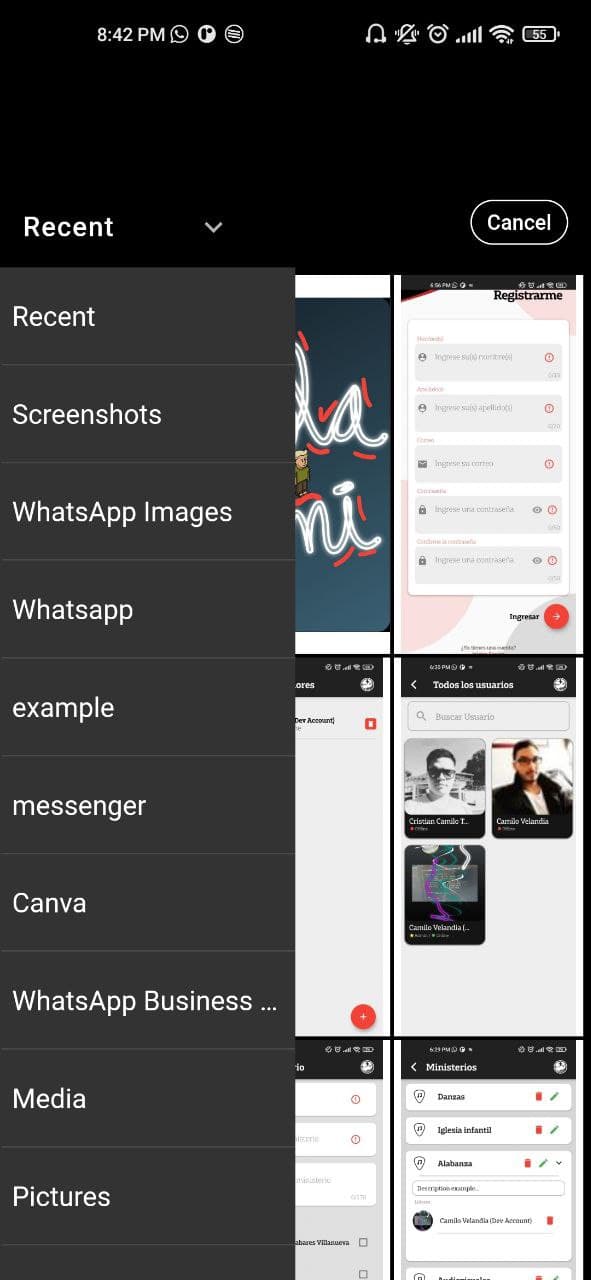
Custom image picker made with Photo_manager package

Gradient background taking image color pixel

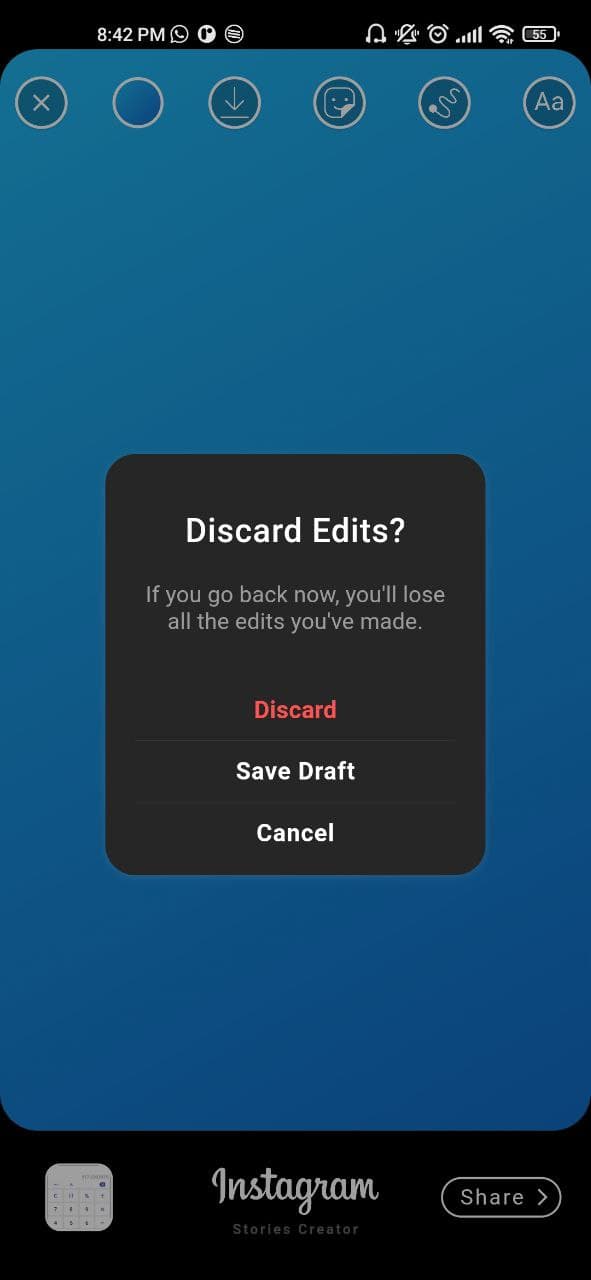
Exit Dialog

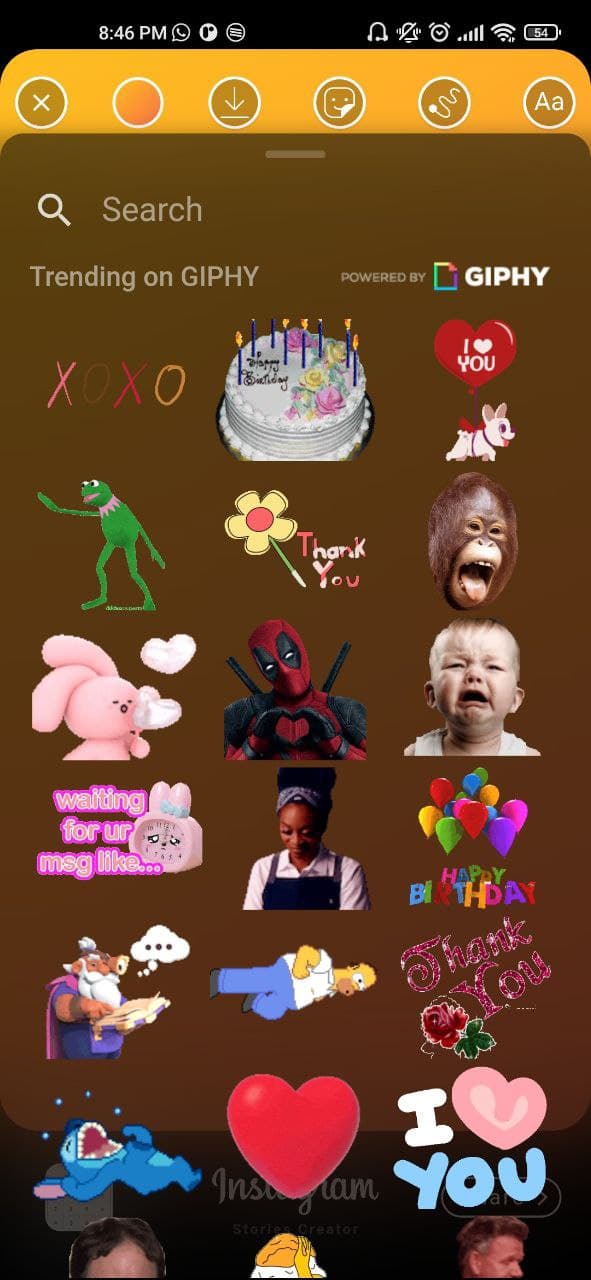
Custom Gif Picker made with a fork of Giphy_picker package

Custom finger Drawing made with perfect_freehand package

Text Editor

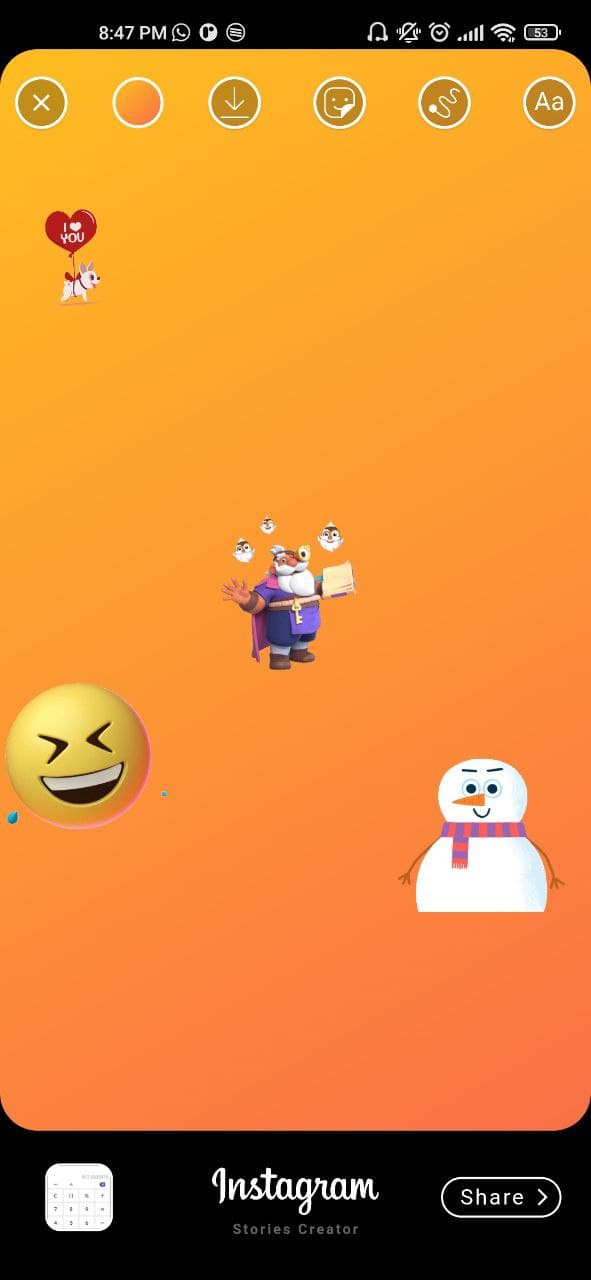
All features together

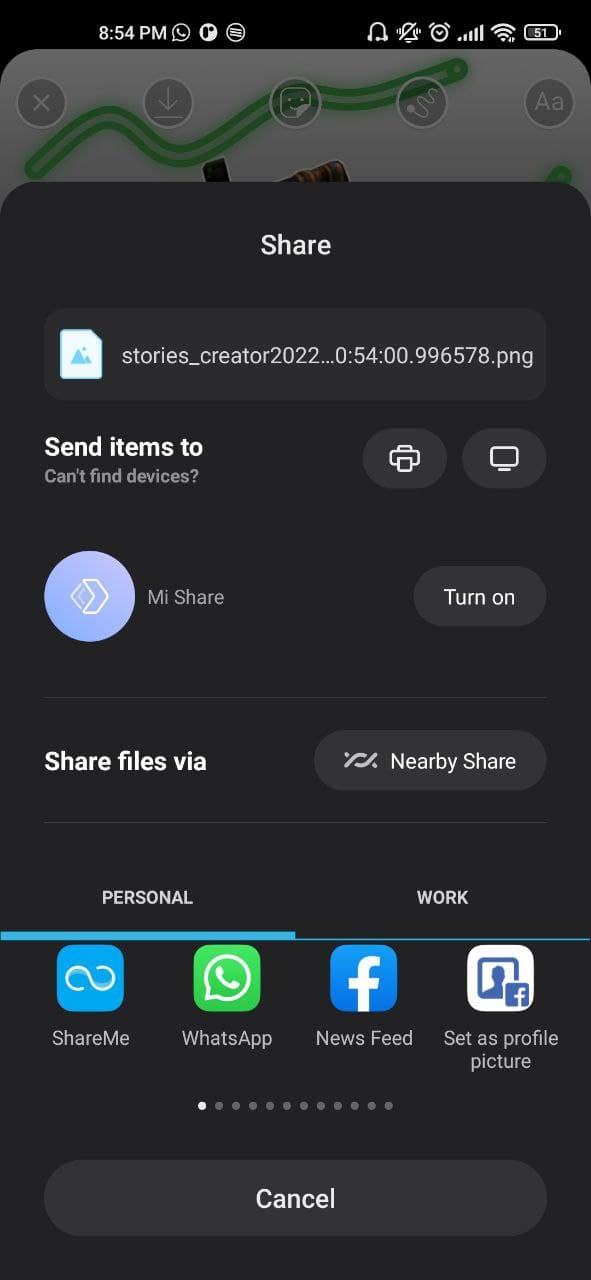
Share to social networks made with share_plus package

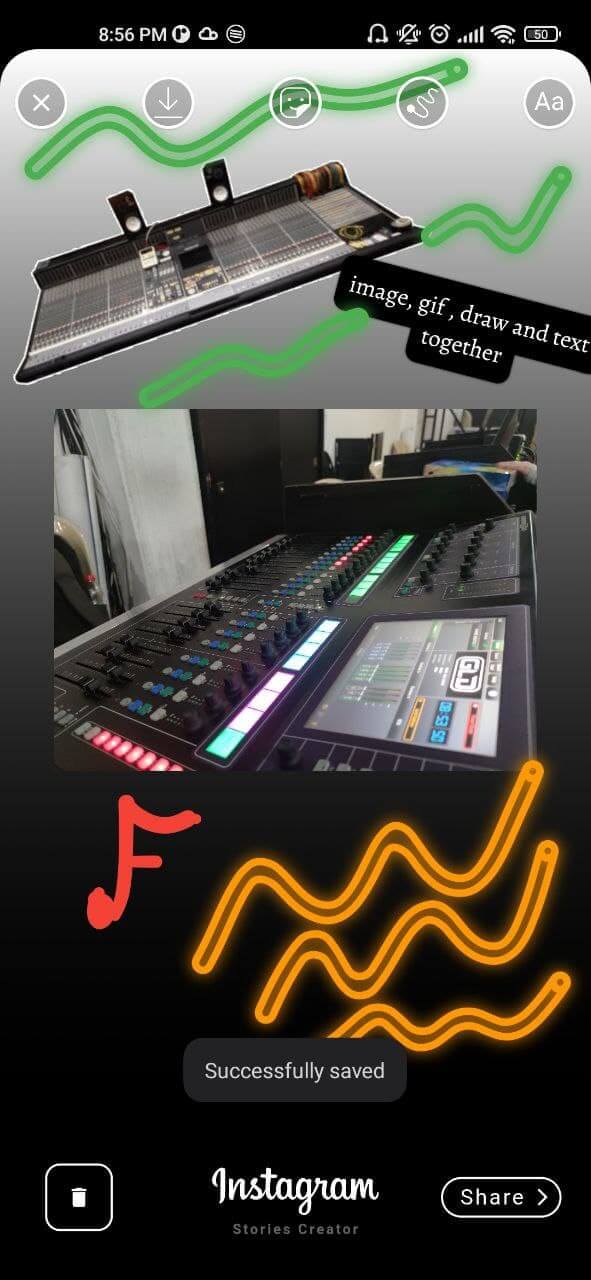
Saved image

Kategorien

Abhängigkeiten

Abhängigkeiten 12 Einträge

Quell-Repository

Projekte, die dieses Paket verwenden