v13.0.1
firebase_database
Flutter plugin for Firebase Database, a cloud-hosted NoSQL database with realtime data syncing across Android and iOS clients, and offline access.
650Likes 227K30-day downloads140Pub points
AndroidiOSWebmacOSWindows
A Sports Team Management system in flutter for multiple colleges

English project snapshot. Visit GitHub for the latest content.
The SportsTeam Manager project is a Flutter-based app aimed at modernizing sports team management. Integrated with Firebase for real-time updates and Google Sign-In API for security, it goes beyond traditional management systems, fostering community engagement and event planning among college students.


Flutter representation of a Sports Team Management app UI.
Star⭐ the repo if you like what you see 😉.
Vishesh Sanghvi 

| About Us | Team |
|---|---|
 |
 |
| Events | Dashboard |
|---|---|
 |
 |
| Login1 | Welcome |
|---|---|
 |
 |
| OTP |
|---|
 |
Vishesh Sanghvi
This project is a starting point for a Flutter application.
A few resources to get you started if this is your first Flutter project:
For help getting started with Flutter, view our online documentation, which offers tutorials, samples, guidance on mobile development, and a full API reference. ` Feel free to use, modify, and distribute this project! If you have any questions or suggestions, feel free to reach out. Happy coding! 🚀
Clone the repository: git clone https://github.com/yourusername/SportsTeamManagementSystem.git
Navigate to the project directory:
Fetch dependencies using : flutter pub get
Flutter plugin for Firebase Database, a cloud-hosted NoSQL database with realtime data syncing across Android and iOS clients, and offline access.
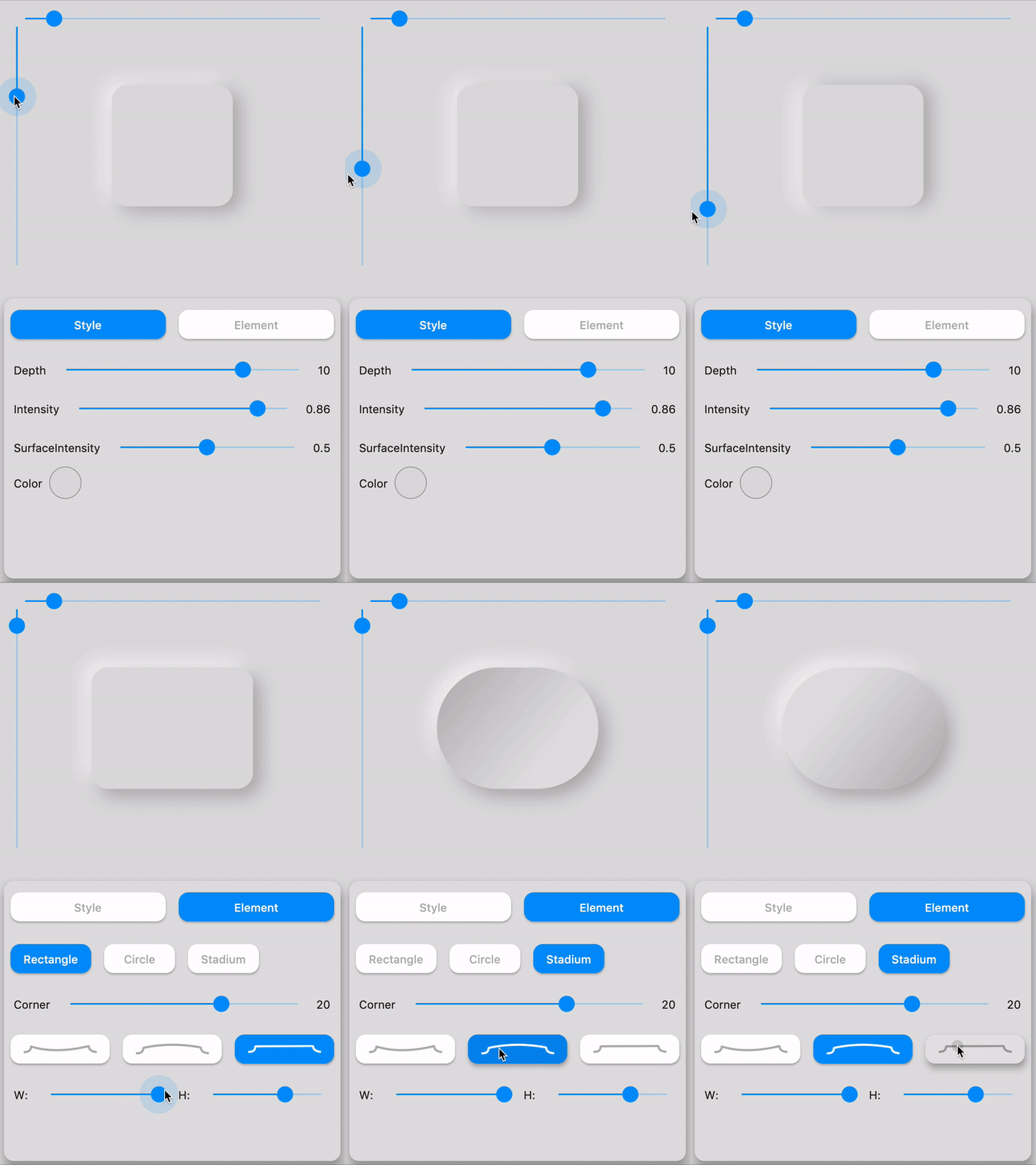
A complete, ready to use, Neumorphic ui kit for Flutter. Dark theming compatible & fully customizable.
A flutter package project which contains a collection of cool and beautiful text animations.
Easily add staggered animations to your ListView, GridView, Column and Row children as shown in Material Design guidelines
This package helps in creation of forms in Flutter by removing the boilerplate code, reusing validation, react to changes, and collect final user input.
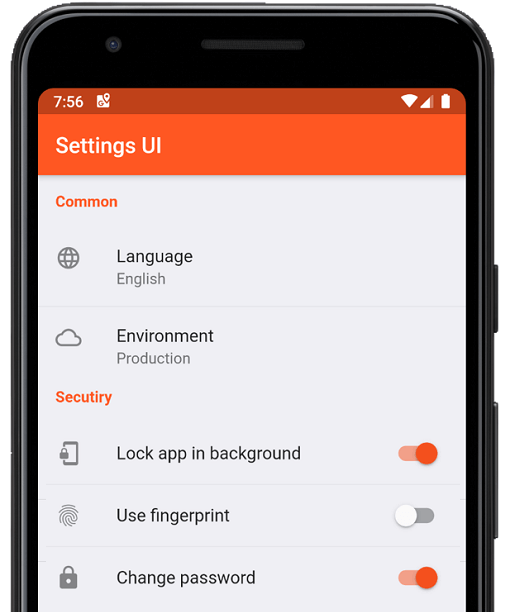
Create native settings for Flutter app in minutes. Use single interfaces to build
(Flutter Xlider) A material design slider and range slider, horizontal and vertical, with RTL support and lots of options and customizations for flutter
A Flutter package for getting better feedback. It allows the user to give interactive feedback directly in the app.
A simple yet fully customizable ratingbar for flutter which also include a rating bar indicator, supporting any fraction of rating.
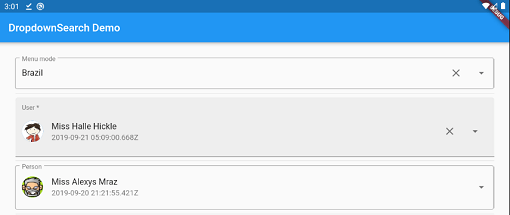
Simple, reactive and highly customizable Flutter Dropdown with a lot of features (search, popups platform, async/sync,...) with multi mode like menu, dialog, bottomSheet and etc.
A Flutter plugin that provides a PDFView widget on Android and iOS.
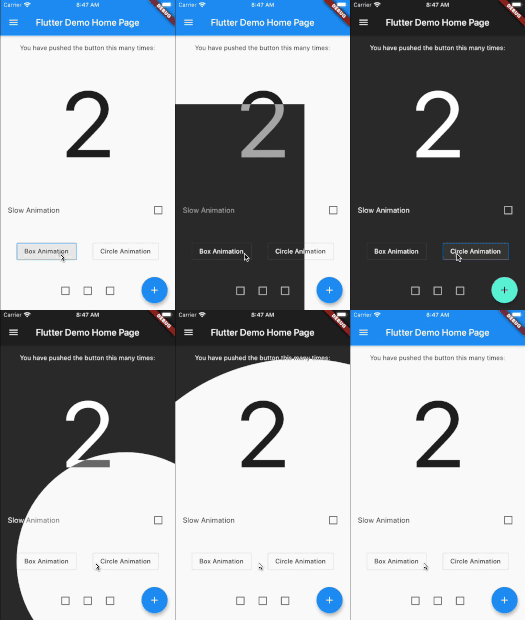
Flutter animated theme switcher, that help to create beautiful transactions during the theme switch.
Dependency list 65 items
{"sdk":"flutter"}^1.0.8^2.2.3^1.1.0^6.0.0^6.1.5+1^6.3.2^2.2.1^2.5.3^1.2.0^12.0.2^6.3.2^4.1.1^6.1.0^6.0.2^2.0.2^9.0.0^10.3.3^4.3.0^2.0.10^4.1.0^1.4.3^3.4.1^3.0.0^4.0.0^13.0.2^3.0.3^0.21.3+1^7.2.0^7.1.2^3.2.0^2.1.5^0.15.6^0.0.4^9.1.1^14.0.2^4.13.0^10.10.0^2.4.2^1.1.1^0.15.0^0.11.2^0.7.0^1.2.1^4.2.5^4.0.1^2.0.2^3.0.0^4.0.3^12.0.2^8.2.2^0.9.1^3.1.2^3.2.0^1.0.1^1.1.1^10.2.0^2.0.11^6.0.2^2.3.0^3.5.0^0.14.4{"sdk":"flutter"}^2.0.1^2.4.13Start with your use case, compare repository activity, and check the original project before adopting it.
“A repository is the most basic element of GitHub.”
GitHub Docs — About repositories ↗