搜索插件、代码仓与 APP 分类

flutter_2fa 封面
插件详情v1.0.6

flutter_2fa

一个 Flutter 包,可让您在应用中通过身份验证器启用双重身份验证。

AndroidiOSWebmacOSWindowsLinux
近 30 天下载
286
喜欢数
7
Pub 分数
150

安装插件

flutter pub add flutter_2fa

插件介绍

基于插件公开信息、社区数据与项目使用情况整理的选型参考。

flutter_2fa 是一个 Flutter 包,可在使用 Google Authenticator 等认证应用的应用程序中启用双重身份验证 (2FA)。它提供生成和管理基于时间的一次性密码 (TOTP) 的工具,简化了安全的用户身份验证。该包支持 Android、iOS、Web、macOS、Windows 和 Linux 多个平台,确保跨平台一致性。通过命令 `flutter pub add flutter_2fa` 即可轻松集成,开发者可以以最少的设置提升应用程序的安全性。适用于需要强用户验证但不完全依赖密码的应用。

适合场景

  • 安全登录系统
  • 用户账户的双重身份验证
  • 通过 TOTP 增强应用安全
  • 与身份验证器应用集成
  • 用户身份验证
  • 多因素认证工作流

主要特点

  • TOTP代码生成
  • 跨平台支持
  • 与 Flutter 的轻松集成
  • 支持流行的认证器应用
  • 安全的令牌处理
  • 实时时间同步

适合对象

  • 需要增强安全性的应用
  • 开发安全的身份验证流程的开发者
  • 带有用户登录的移动和网页应用
  • 使用 2FA 标准(如 RFC 6238)的项目
  • 希望快速实现双重身份验证的团队

使用建议

  • 需要用户设置验证器应用程序
  • 依赖系统时钟的准确性
  • 无内置备份或恢复机制
  • 针对高级双重身份验证场景的定制选项有限
  • 不适用于仅离线环境

原始 README

以下为关联源码仓库的 README 原文快照,最新内容请访问源码仓库。

Flutter 2FA

🔐 A Flutter package to add secure Two-Factor Authentication (2FA) via time-based one-time passwords (TOTP) to any Flutter application with ease.

Pub Version License


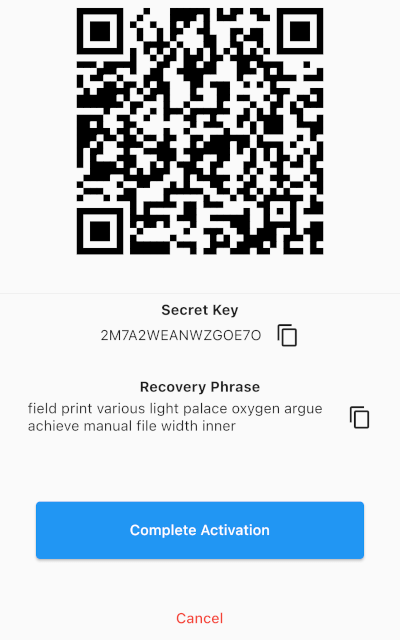
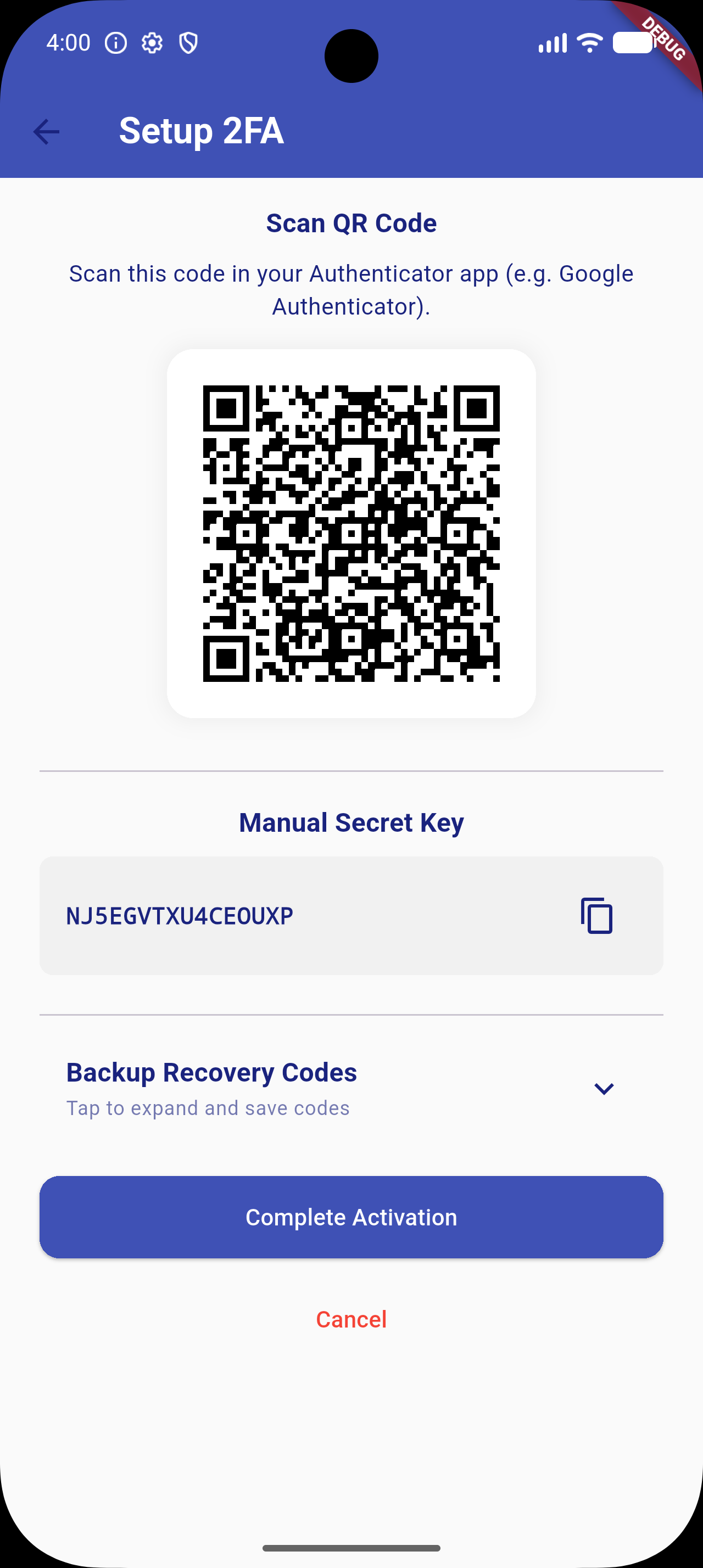
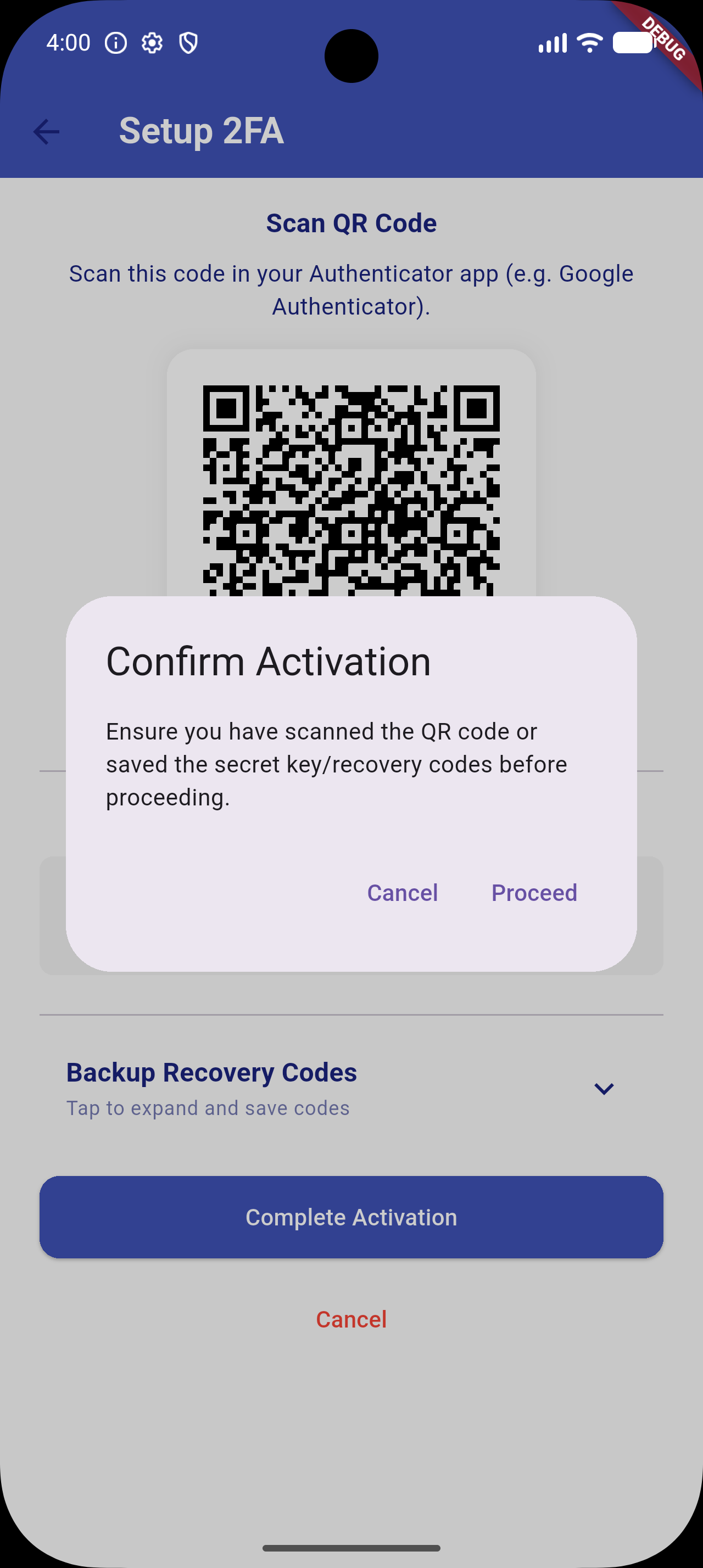
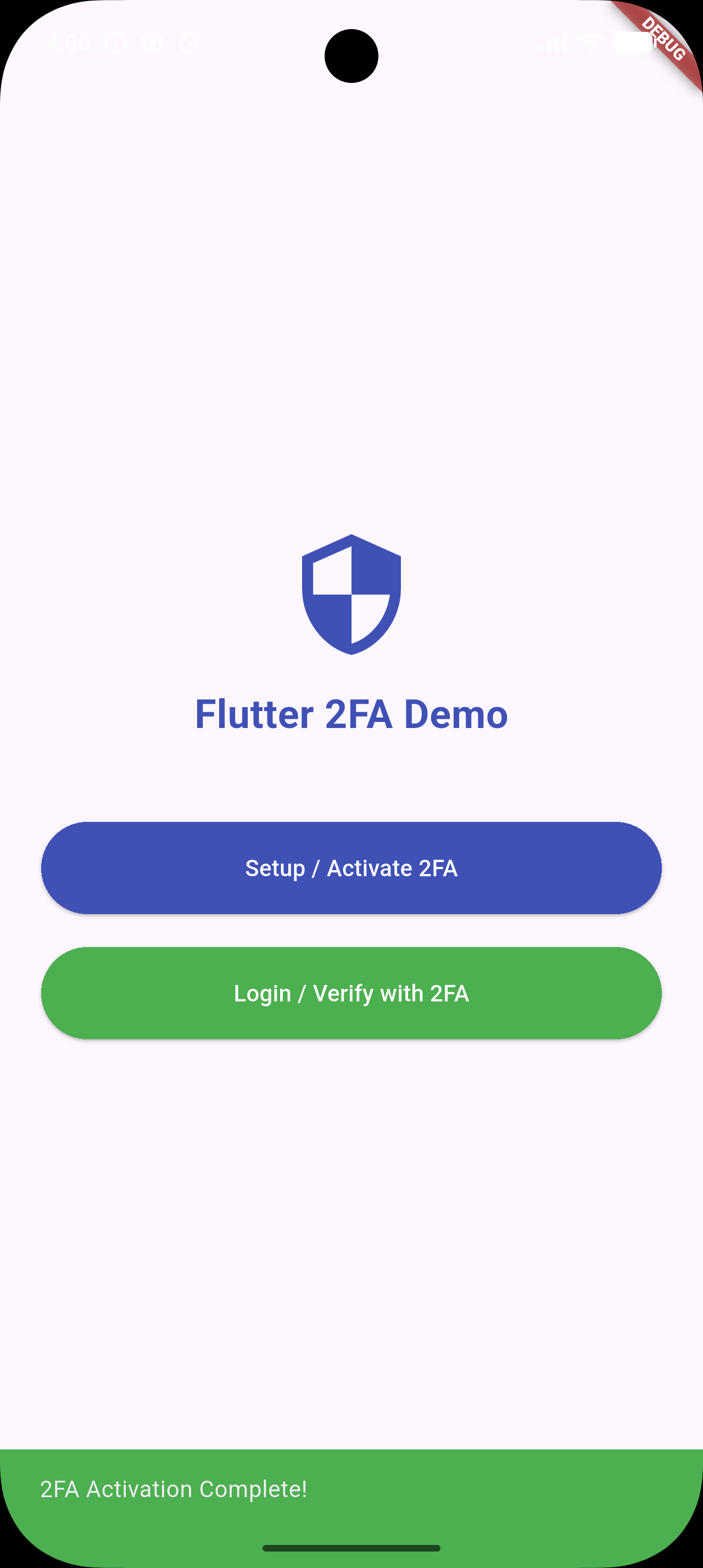
📸 Screenshots

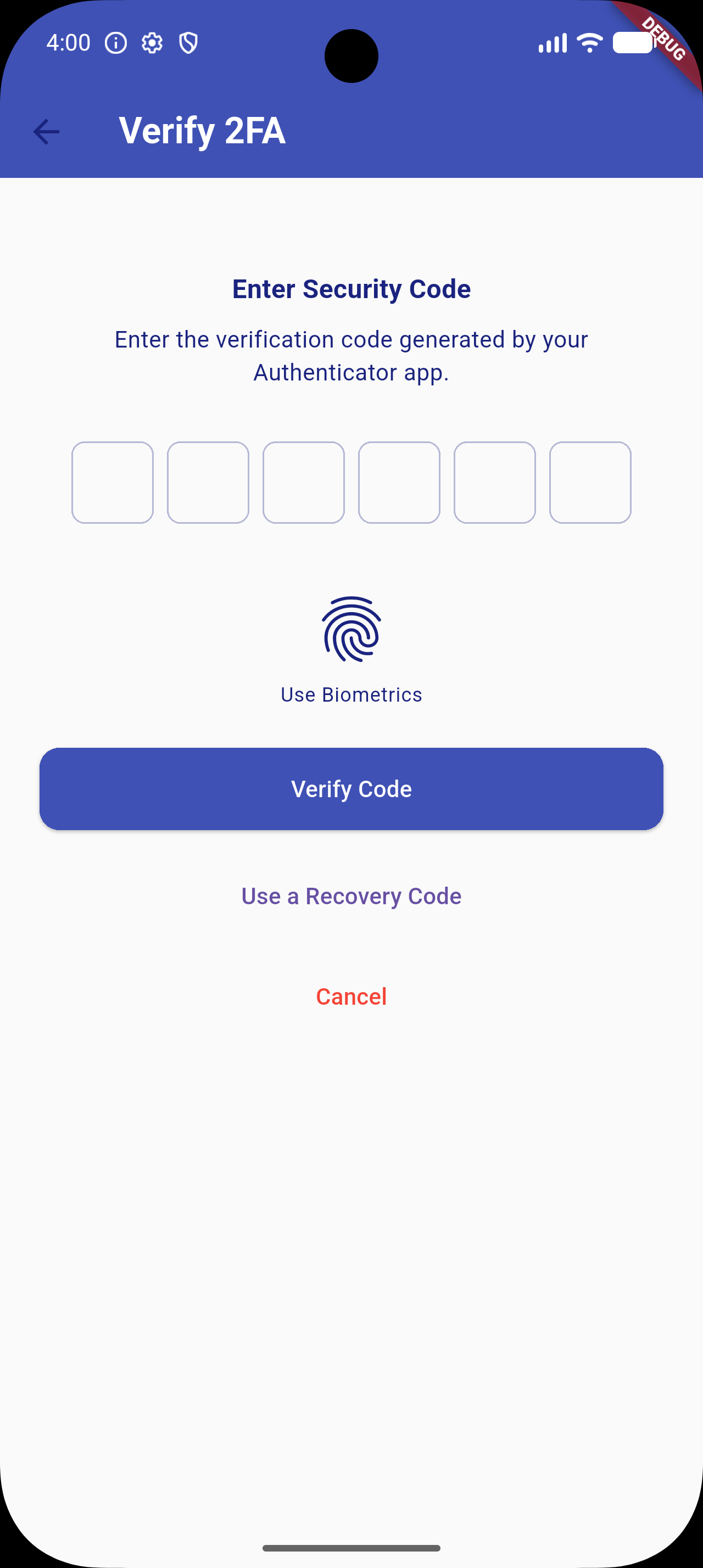
2FA Overview Copy Key Verify OTP Success Feedback


✨ Features (v1.0.5 Upgrade)

  • Quick Setup: Generates a standard cryptographically secure TOTP secret key compatible with Google Authenticator, Microsoft Authenticator, Authy, etc.
  • QR Code Generation: Integrated visual setup flow using dynamic QR codes.
  • Copy-to-Clipboard: Fallback configuration flow allowing users to copy the raw setup key manually.
  • Secure OTP Verification: Standard input interface using high-quality pin inputs (pinput integration).
  • 🎨 Custom UI Themes: Override background colors, text colors, AppBars, button styles, and PIN input decorations to match your app's design system.
  • 🔒 Secure Storage: Optional encrypted storage backend via flutter_secure_storage to secure secret keys and recovery codes.
  • 🛡️ Biometric Authentication: Quick local unlock (Face ID / Touch ID / Fingerprint) via local_auth integration.
  • 🧩 Backup Recovery Codes: Generates 10 static recovery codes during activation. Displayed under a space-saving collapsible accordion. Users can use these codes as a login fallback.
  • ⚙️ Configurable TOTP Settings: Configure digit length, intervals (e.g. 30s/60s), and hashing algorithms (SHA1, SHA256, SHA512).

📦 Installation & Dependency Upgrades

Add flutter_2fa and its required biometric and secure storage backend packages to your pubspec.yaml:

dependencies:
  flutter_2fa: ^1.0.5
  local_auth: ^2.3.0
  flutter_secure_storage: ^9.2.4

Or install them directly:

flutter pub add flutter_2fa local_auth flutter_secure_storage

[!NOTE]
To support newer platform libraries and Dart 3.x, transitive dependency upgrades have been applied (specifically upgrading internal Windows helpers which removes deprecated win32 3.1.3 conflicts).

⚙️ Android Toolchain Requirements

To compile successfully with newer dependency versions (e.g. Kotlin 2.x and Java 21), make sure your Android project files are configured as follows:

  • Gradle Wrapper: Version 8.14.0 or higher (gradle-wrapper.properties).
  • Android Gradle Plugin (AGP): Version 8.11.1 or higher (settings.gradle).
  • Kotlin: Version 2.2.20 or higher (settings.gradle).
  • Compile SDK: Version 34 or higher (app/build.gradle).

🚀 Usage

1. Configure Options (New in v1.0.5)

Define a Flutter2FAConfig configuration object:

import 'package:flutter/material.dart';
import 'package:flutter_2fa/flutter_2fa_config.dart';

final twoFactorConfig = Flutter2FAConfig(
  useSecureStorage: true,   // Encrypts stored secret keys in Keychain/Keystore
  allowBiometrics: true,    // Enables Face ID/Touch ID quick unlock
  totpInterval: 30,         // TOTP step interval (in seconds)
  totpDigits: 6,            // OTP digit length
  totpAlgorithm: 'SHA1',    // Hashing algorithm
  
  // Custom Styles
  backgroundColor: Colors.grey[50],
  textColor: Colors.indigo[900],
  appBarColor: Colors.indigo,
  primaryButtonStyle: ElevatedButton.styleFrom(
    backgroundColor: Colors.indigo,
    foregroundColor: Colors.white,
  ),
);
2. Activating 2FA Setup Flow

Trigger the initialization UI screen where the user is shown the secret seed key, the setup QR code, and collapsible backup recovery codes.

import 'package:flutter_2fa/flutter_2fa.dart';

void activateTwoFactor(BuildContext context) async {
  await Flutter2FA().activate(
    context: context,
    appName: "Your App Name",       // App name shown in Authenticator app
    email: "user@example.com",     // User email identifier for the account
    config: twoFactorConfig,       // Pass the custom config
  );
}
3. Verifying a 2FA Login Session

Trigger the OTP input, biometric verification prompt, or backup recovery code input.

import 'package:flutter_2fa/flutter_2fa.dart';

void verifyTwoFactor(BuildContext context) async {
  await Flutter2FA().verify(
    context: context,
    page: const DashboardScreen(),  // Redirect target widget upon successful validation
    config: twoFactorConfig,       // Pass the custom config
  );
}

🛠️ Contribution

Contributions, issues, and feature requests are very welcome! Feel free to open a pull request or file an issue.

📄 License

This project is licensed under the MIT License - see the LICENSE file for details.

所属分类

依赖

依赖清单 8 项

源码仓库

使用此插件的项目

暂无相关数据。