flutter_animated_button :dizzy: :champagne:
Installing
Depend on it
Add this to your package's pubspec.yaml file:
dependencies:
  flutter_animated_button: <latest_version>
Import it
Now in your Dart code, you can use:
import 'package:flutter_animated_button/flutter_animated_button.dart' ;
Contribute to Development
Your contribution will help improve the plugin
Usage
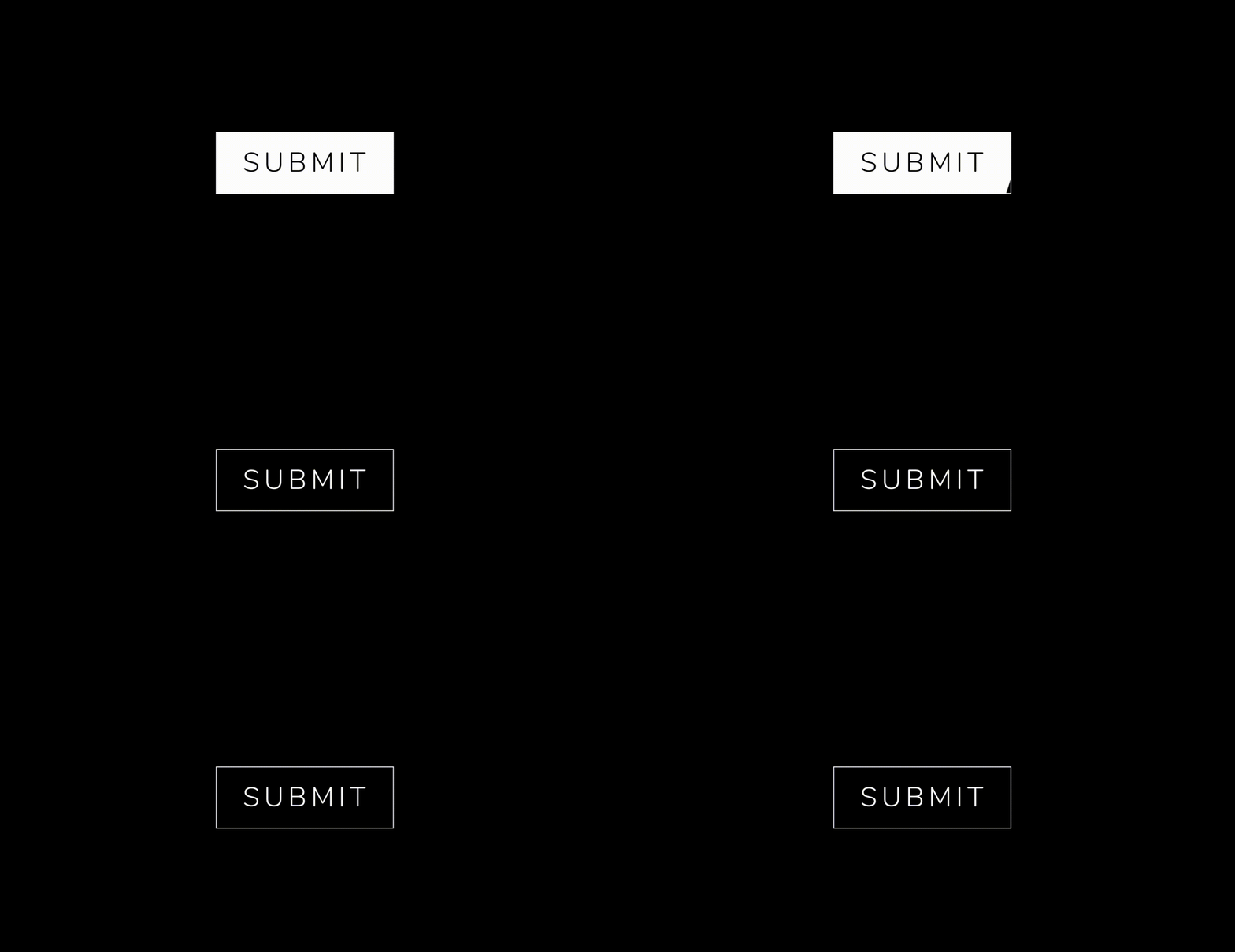
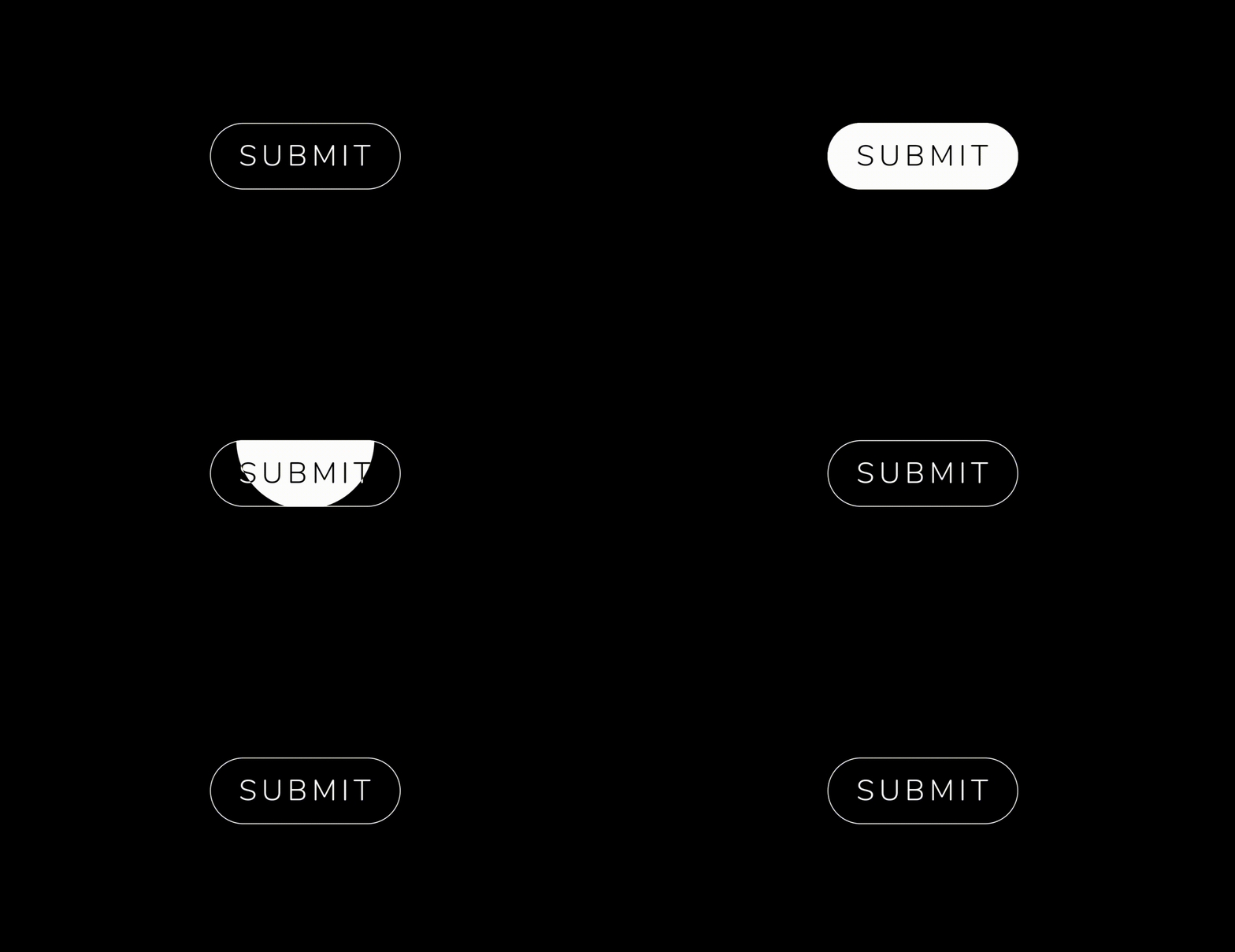
You can override the animationDuration of animation of the button by setting its duration in each AnimatedButton class, also you can get animationController for animation status and animation value during the animation. You can change text style, selected textColor and background color of button by textStyle,selectedTextColor,backgroundColor and selectedBackgroundColor. If you want revert animation when button already select then you can do it by isReverse property.
AnimatedButton (
width: 200 ,
text: 'SUBMIT' ,
selectedTextColor: Colors .black,
transitionType: TransitionType .BOTTOM_TO_TOP,
textStyle: TextStyle (
fontSize: 28 ,
letterSpacing: 5 ,
color: Colors .deepOrange,
fontWeight: FontWeight .w300),
)
Animation On
AnimatedOn.onTap
AnimatedOn.onHover
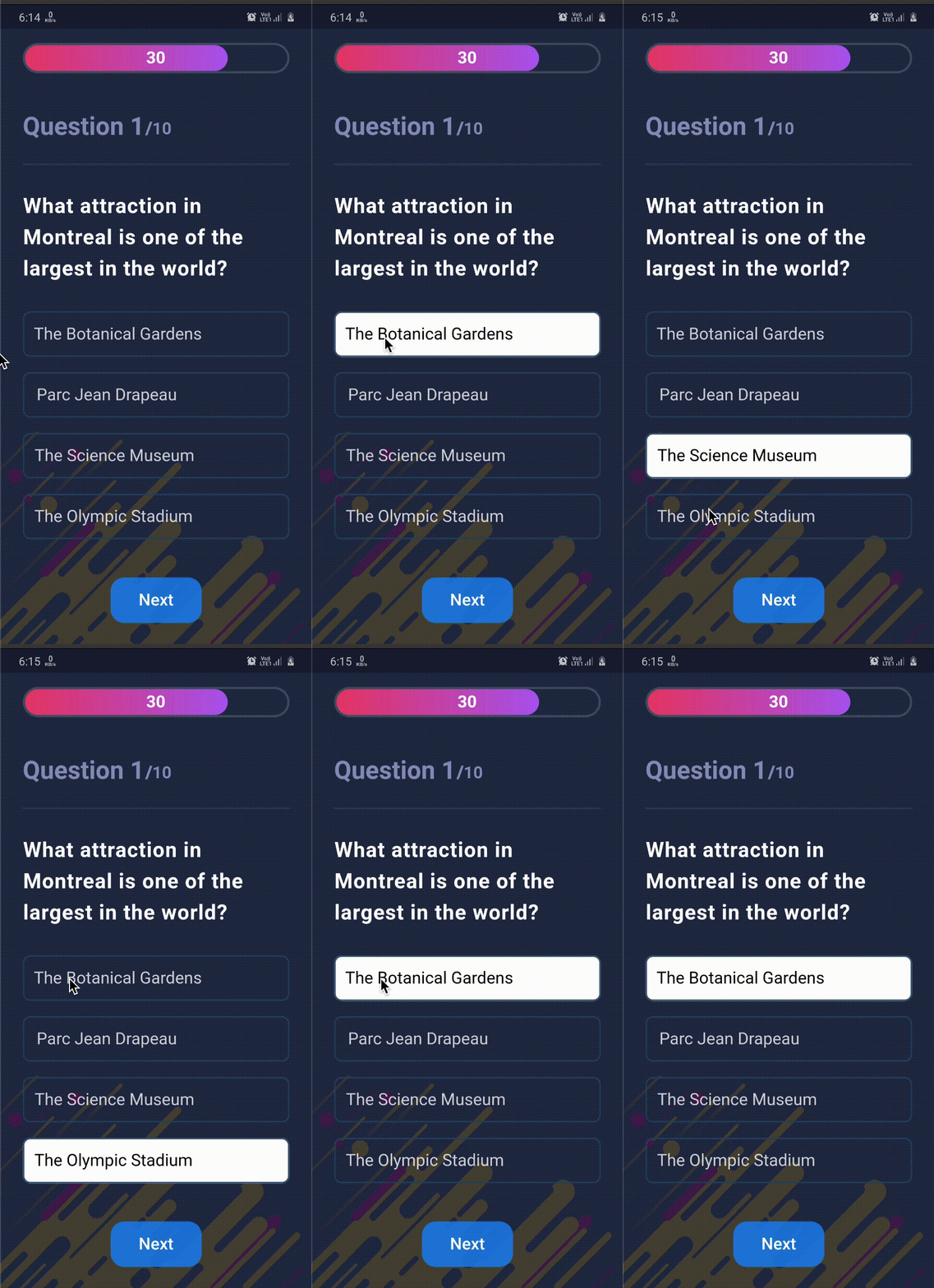
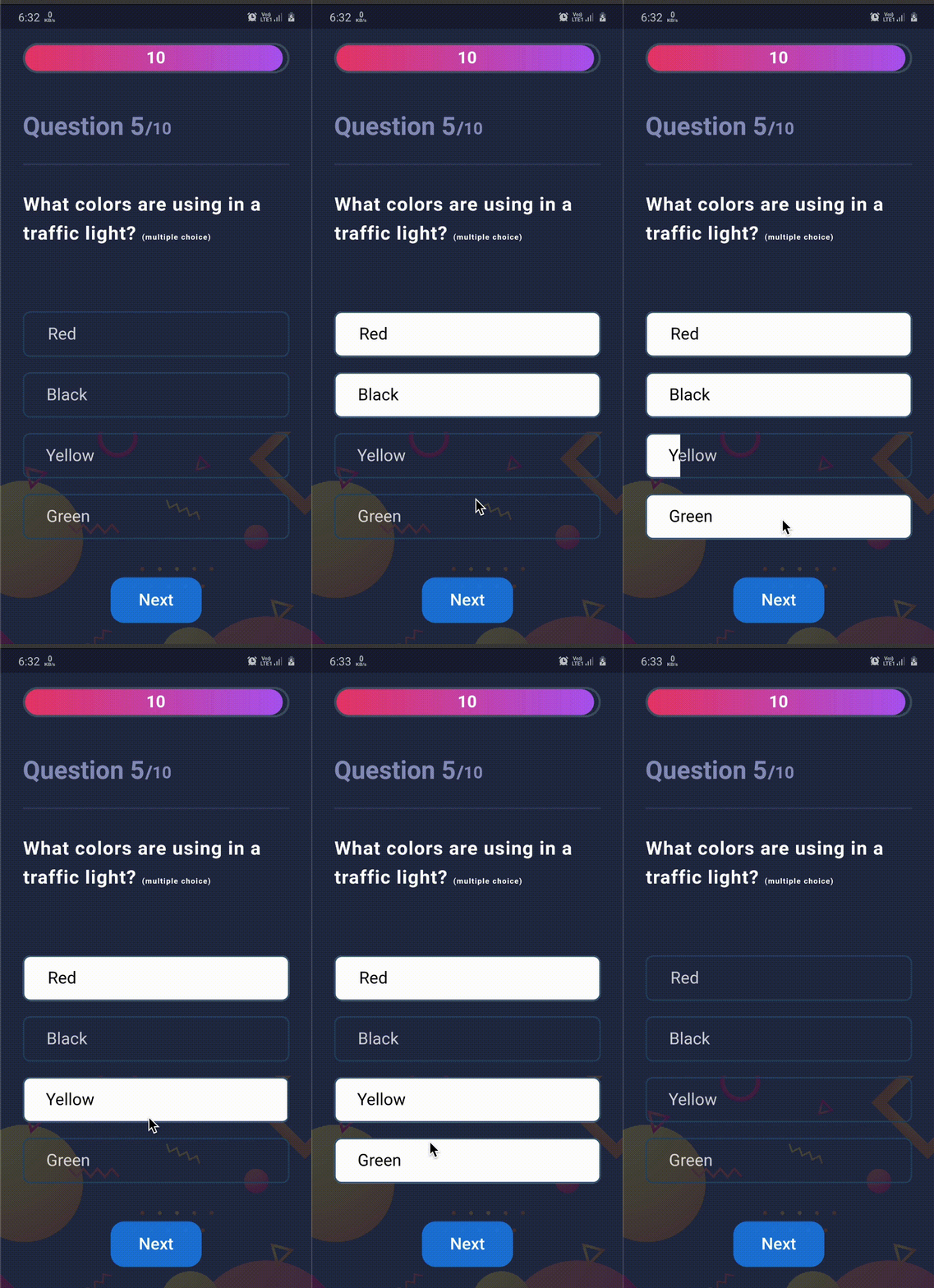
Used in App
Some new animation in latest version :zap:
Animations : LEFT_TOP_ROUNDER, LEFT_BOTTOM_ROUNDER, BOTTOM_CENTER_ROUNDER, CENTER_ROUNDER...etcSelected button text support
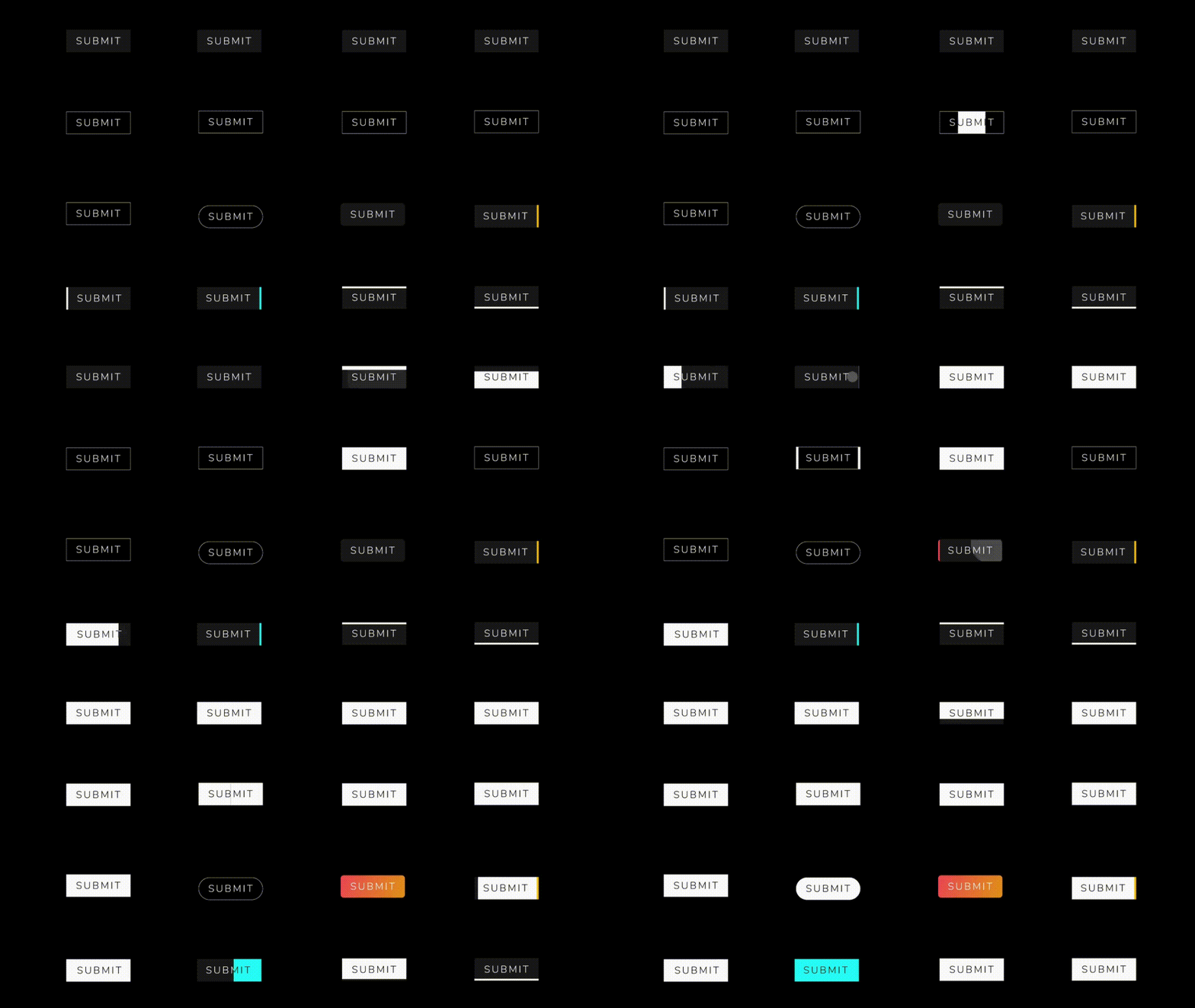
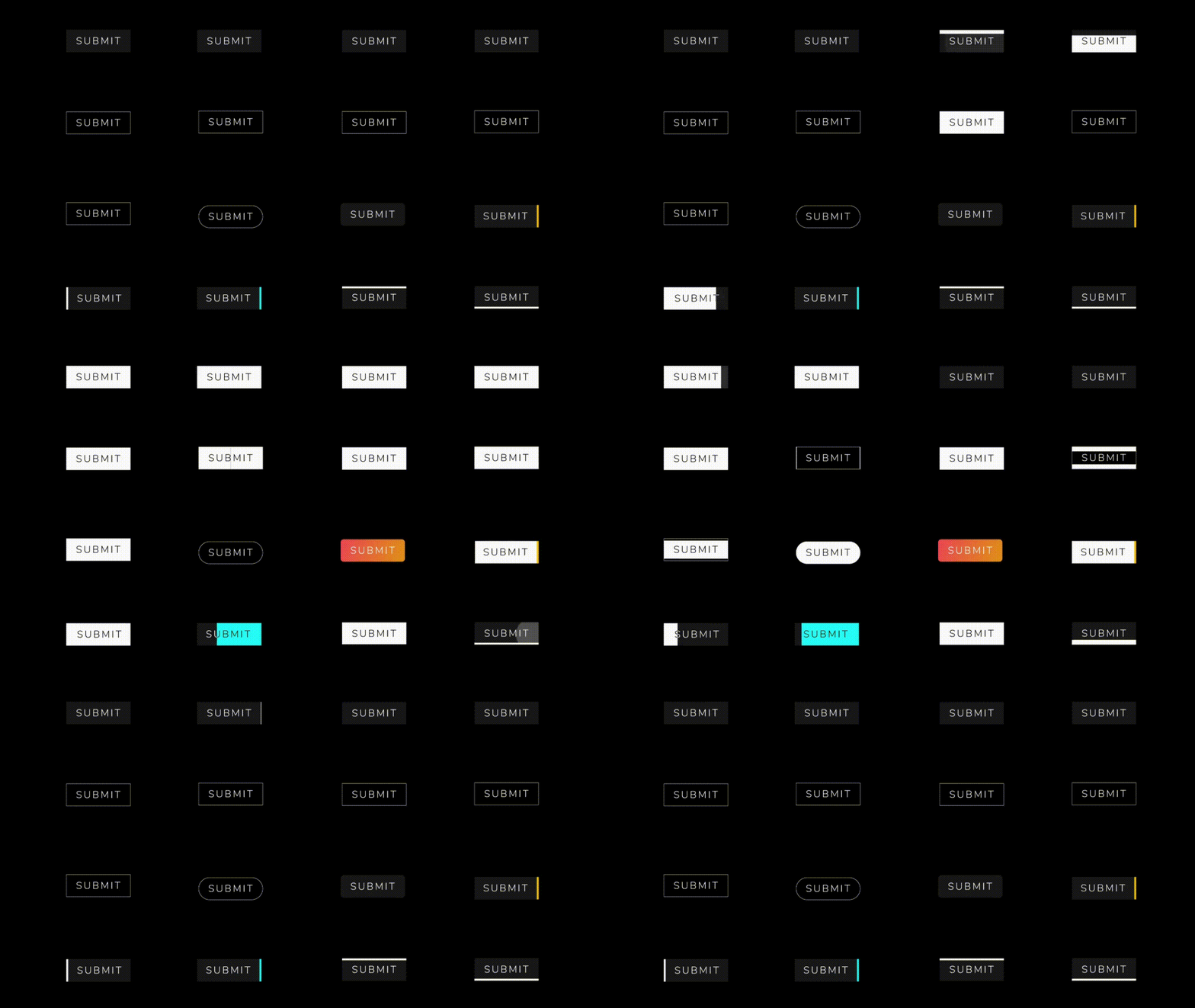
Available Animations :dizzy:
AnimatedButton
AnimatedButton (
height: 70 ,
width: 200 ,
text: 'SUBMIT' ,
isReverse: true ,
selectedTextColor: Colors .black,
transitionType: TransitionType .BOTTOM_TO_TOP,
textStyle: GoogleFonts .nunito (
fontSize: 28 ,
letterSpacing: 5 ,
color: Colors .white,
fontWeight: FontWeight .w300),
),
AnimatedButton (
height: 70 ,
width: 200 ,
text: 'SUBMIT' ,
isReverse: true ,
selectedTextColor: Colors .black,
transitionType: TransitionType .LEFT_TO_RIGHT,
textStyle: submitTextStyle,
backgroundColor: Colors .black,
borderColor: Colors .white,
borderRadius: 0 ,
borderWidth: 2 ,
),
AnimatedButton (
height: 70 ,
width: 200 ,
text: 'SUBMIT' ,
isReverse: true ,
selectedTextColor: Colors .black,
transitionType: TransitionType .LEFT_TO_RIGHT,
textStyle: submitTextStyle,
backgroundColor: Colors .black,
borderColor: Colors .white,
borderRadius: 50 ,
borderWidth: 2 ,
),
AnimatedButton.strip
AnimatedButton .strip (
width: 200 ,
height: 70 ,
text: 'SUBMIT' ,
isReverse: true ,
selectedTextColor: Colors .black,
stripTransitionType: StripTransitionType .LEFT_TO_RIGHT,
selectedBackgroundColor: Colors .white,
textStyle: GoogleFonts .nunito (
fontSize: 28 ,
letterSpacing: 5 ,
color: Colors .white,
fontWeight: FontWeight .w300),
),
Available Animations Types :sparkles:
AnimatedButton
LEFT_TO_RIGHT
CENTER_LR_IN
LEFT_TOP_ROUNDER
RIGHT_TOP_ROUNDER
CENTER_ROUNDER
RIGHT_TO_LEFT
CENTER_TB_IN
LEFT_CENTER_ROUNDER
RIGHT_CENTER_ROUNDER
-
TOP_TO_BOTTOM
CENTER_LR_OUT
LEFT_BOTTOM_ROUNDER
TOP_CENTER_ROUNDER
-
BOTTOM_TO_TOP
CENTER_TB_OUT
RIGHT_BOTTOM_ROUNDER
BOTTOM_CENTER_ROUNDER
-
AnimatedButton.strip
LEFT_TO_RIGHT
RIGHT_TO_LEFT
TOP_TO_BOTTOM
BOTTOM_TO_TOP
Bugs or Requests :bug:
If you encounter any problems feel free to open an issue . If you feel the library is missing a feature, please raise a ticket on GitHub and I'll look into it. Pull request are also welcome.
License :closed_lock_with_key:
MIT License





 .
 .


