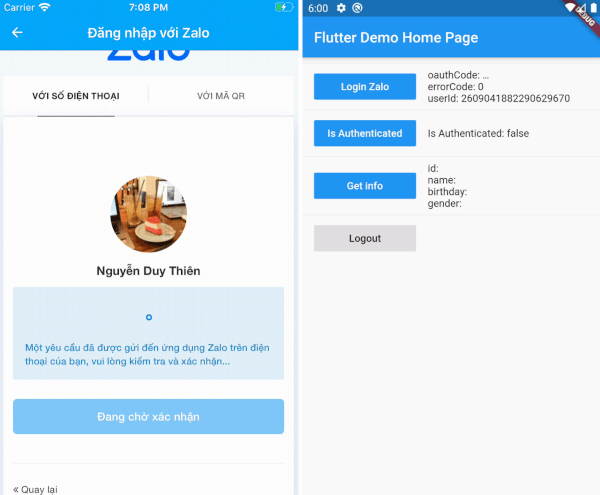
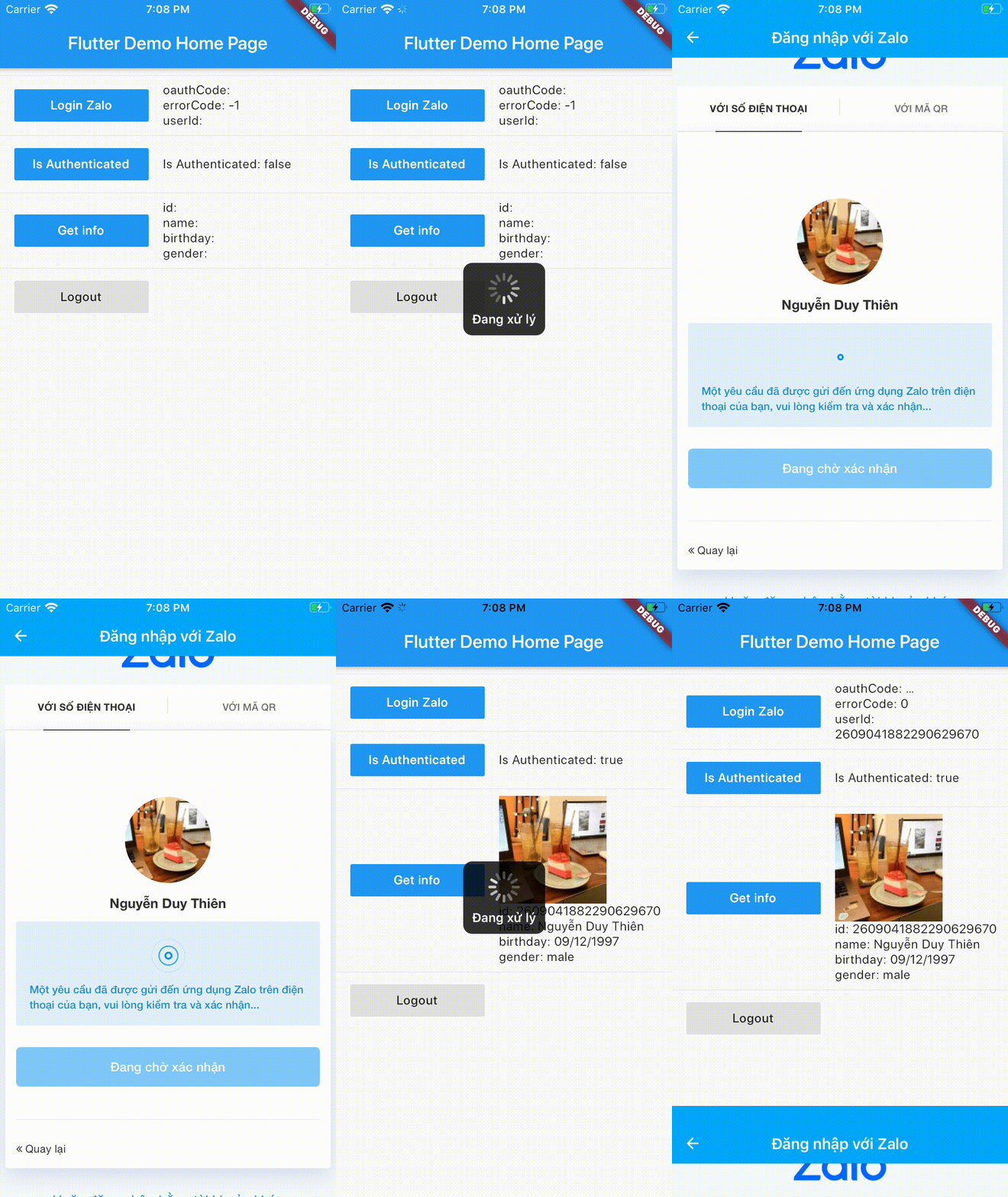
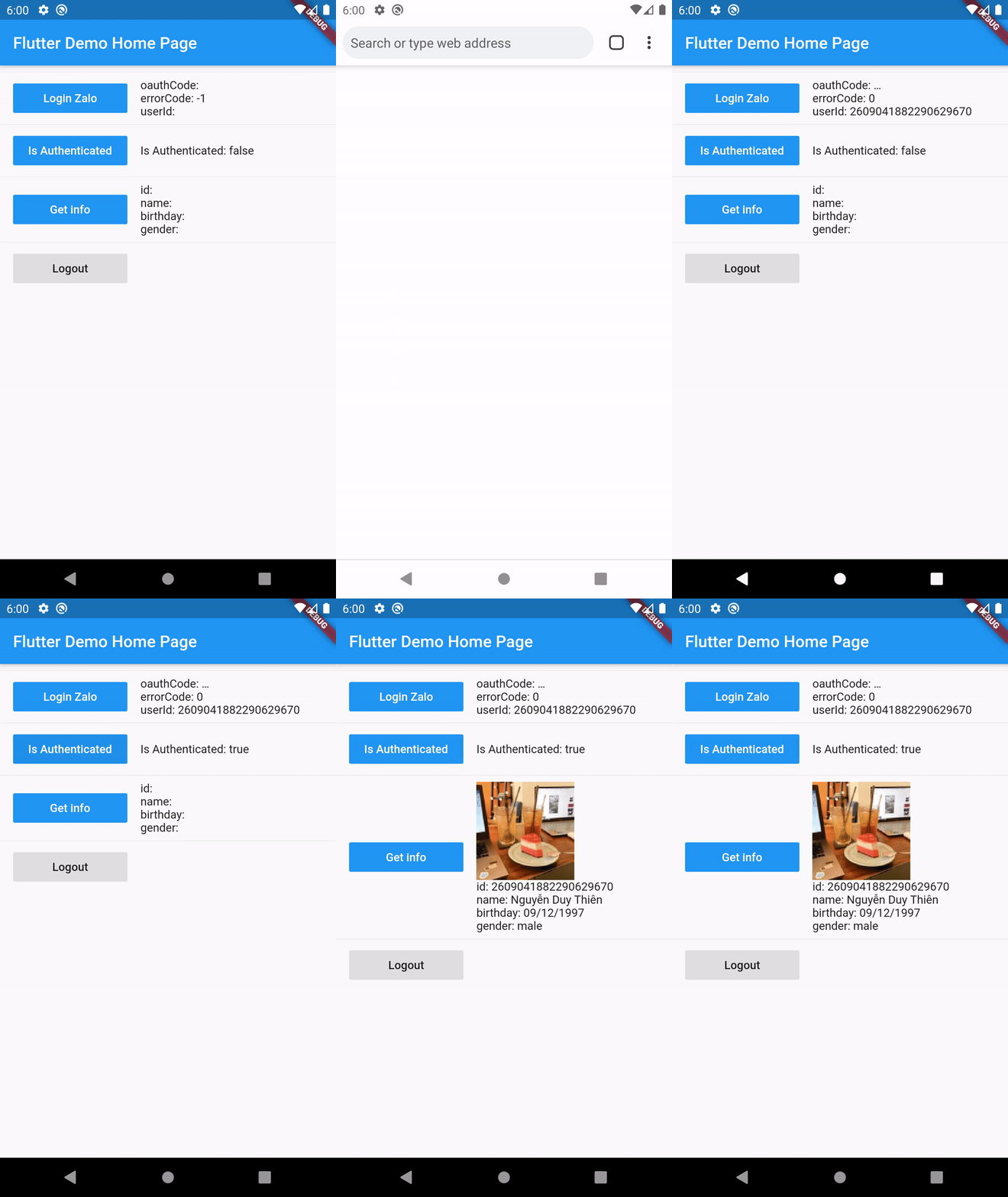
Get info from user return type https://pub.dev/documentation/flutter_zalo_login/latest/flutter_zalo_login/ZaloProfileModel-class.html
Properties
Type
id
String
name
String
birthday
String
gender
String
picture.data.url
String
ZaloProfileModel info = awaitZaloLogin().getInfo();
3. Setup Zalo developers
To make this plugin working we need to have there key:
YOUR_ZALO_APP_ID
Android Hash Key ( only Android )
YOUR_ZALO_APP_SECRET_KEY ( only IOS )
First go to this page: https://developers.zalo.me and create account/new app
It will have 2 value
ID: YOUR_ZALO_APP_ID
Secret Key: YOUR_ZALO_APP_SECRET_KEY
3.1 :warning: Note
IOS will need YOUR_ZALO_APP_ID and YOUR_ZALO_APP_SECRET_KEY
Android will need YOUR_ZALO_APP_ID and Hash Key
Android Hash Key will be show on console log when you run ZaloLogin().init(); like below
V/ZaloLogin(28932): ---------------------------------------------------------------------------
V/ZaloLogin(28932): |     Please add this Hash Key to Zalo developers dashboard for Login     |
V/ZaloLogin(28932): tUDfvw+YYoyciFpRM4WIRYeqtRI= <-- YOUR ANDROID HASH CODE
V/ZaloLogin(28932): ---------------------------------------------------------------------------
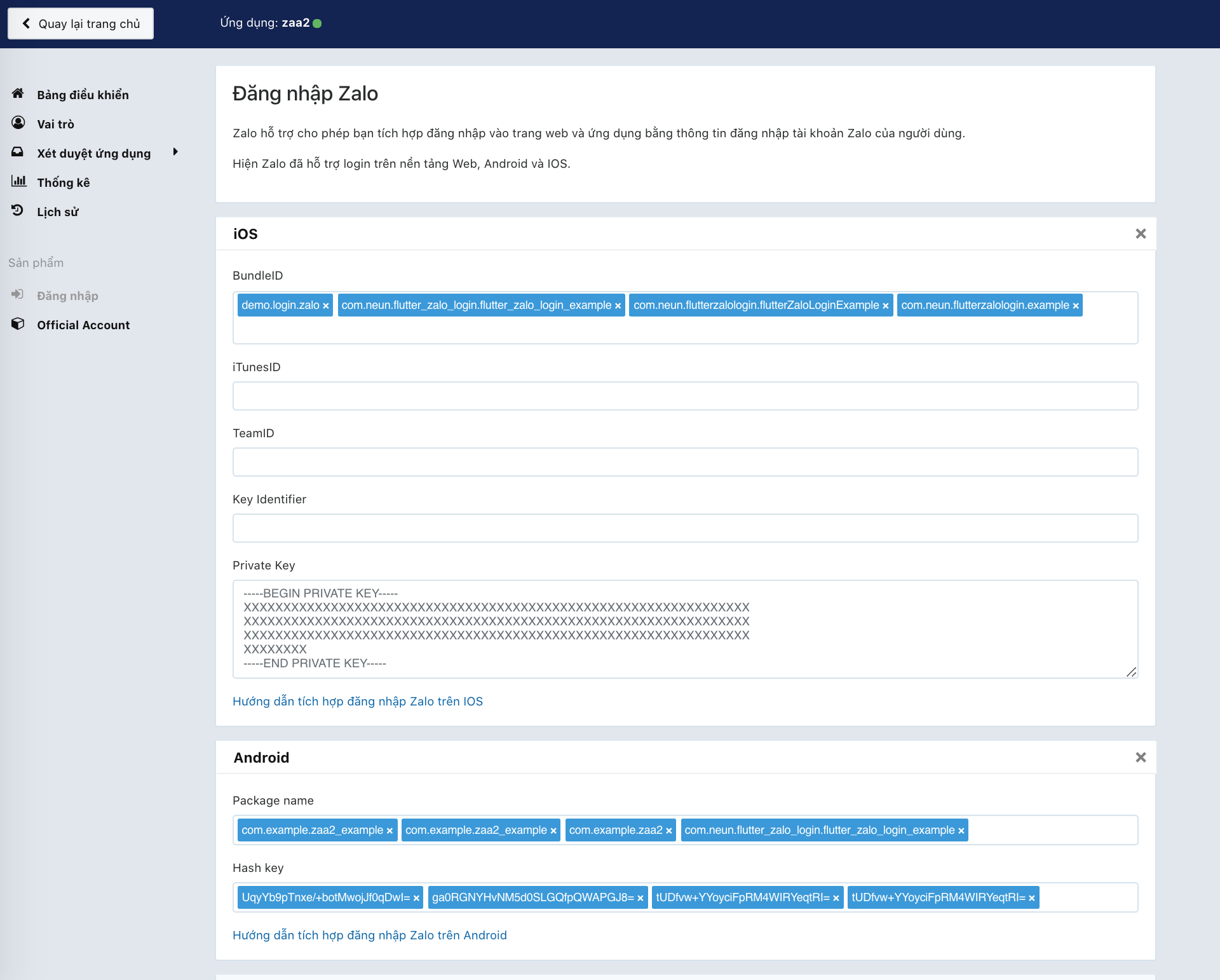
Config your BundleID, Package name, Hash key on zalo develop
4. Setup for Android Kotlin
4.1 This plugin needs minSdkVersion >= 21 for working
As of 0.2.0 the Android side uses Zalo SDK v4 (me.zalo:sdk-* on Maven
Central) with the OAuth PKCE flow, AGP 8, Gradle 8.9 and compileSdk 35.
iOS uses ZaloSDK ~> 4.1 with deployment target 12.0.
Open android/app/build.gradle and edit
minSdkVersion 21 // or bigger
4.2 Open to /android/app/src/main/AndroidManifest.xml and add config on bottom under flutterEmbedding block
<applicationandroid:name=".FlutterApplication"android:label="zaa_example"android:icon="@mipmap/ic_launcher"><!-- ... --><!-- ... --><!-- Don't delete the meta-data below.
This is used by the Flutter tool to generate GeneratedPluginRegistrant.java --><meta-dataandroid:name="flutterEmbedding"android:value="2" /><!-- ADD HERE --><meta-dataandroid:name="com.zing.zalo.zalosdk.appID"android:value="@string/appID" /><activityandroid:name="com.zing.zalo.zalosdk.oauth.BrowserLoginActivity"><intent-filter><actionandroid:name="android.intent.action.VIEW"/><categoryandroid:name="android.intent.category.DEFAULT"/><categoryandroid:name="android.intent.category.BROWSABLE"/><dataandroid:scheme="@string/zalosdk_login_protocol_schema"/></intent-filter></activity><!-- ADD HERE --><!-- ... --></application>
4.3 After that create new string.xml file on folder /android/app/src/main/res/values/string.xml
4.4 Create either MyApplication.kt in the same directory as MainActivity.
:warning: Replace package your.app.name with your app's package name. If you don't know your package name, you can find it at the 1st line in MainActivity.kt.
package your.app.name;  // <-- replace this

import io.flutter.app.FlutterApplication;
import io.flutter.plugin.common.PluginRegistry;
import com.zing.zalo.zalosdk.oauth.ZaloSDKApplication;

class MyApplication : FlutterApplication(), PluginRegistry.PluginRegistrantCallback {
  override fun onCreate() {
    super.onCreate();
    ZaloSDKApplication.wrap(this);
  }
  override fun registerWith(registry: PluginRegistry) {}
}
4.5 Edit MainActivity.kt
:warning: Replace package your.app.name with your app's package name. If you don't know your package name, you can find it at the 1st line in MainActivity.kt.
package your.app.name;  // <-- replace this

import io.flutter.embedding.android.FlutterActivity
import android.content.Intent
import com.zing.zalo.zalosdk.oauth.ZaloSDK // <-- Add this

class MainActivity: FlutterActivity() {
    override fun onActivityResult(requestCode:Int, resultCode:Int, data:Intent) {
        super.onActivityResult(requestCode, resultCode, data)
        ZaloSDK.Instance.onActivityResult(this, requestCode, resultCode, data) // <-- Add this
    }
}
4.6 Now edit AndroidManifest.xml and provide a reference to your custom Application class:
:warning: MyApplication, MainActivity should be the same with the code have been edit
TODO: Lấy danh sách bạn bè
More info: https://developers.zalo.me/docs/sdk/android-sdk/open-api/lay-danh-sach-ban-be-post-437
TODO: Gửi tin nhắn tới bạn bè
More info: https://developers.zalo.me/docs/sdk/android-sdk/open-api/gui-tin-nhan-toi-ban-be-post-1205
TODO: Đăng bài viết
More info: https://developers.zalo.me/docs/sdk/android-sdk/open-api/dang-bai-viet-post-1212
TODO: Mời sử dụng ứng dụng
More info: https://developers.zalo.me/docs/sdk/android-sdk/open-api/moi-su-dung-ung-dung-post-1218
TODO: Gửi tin nhắn tới bạn bè
More info: https://developers.zalo.me/docs/sdk/android-sdk/tuong-tac-voi-app-zalo/gui-tin-nhan-toi-ban-be-post-452
Future shareMessage() async {}
TODO: Đăng bài viết
More info: https://developers.zalo.me/docs/sdk/android-sdk/tuong-tac-voi-app-zalo/dang-bai-viet-post-447