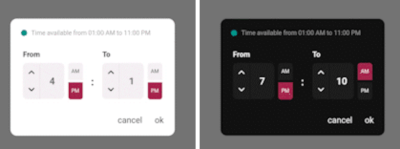
From To Time Picker
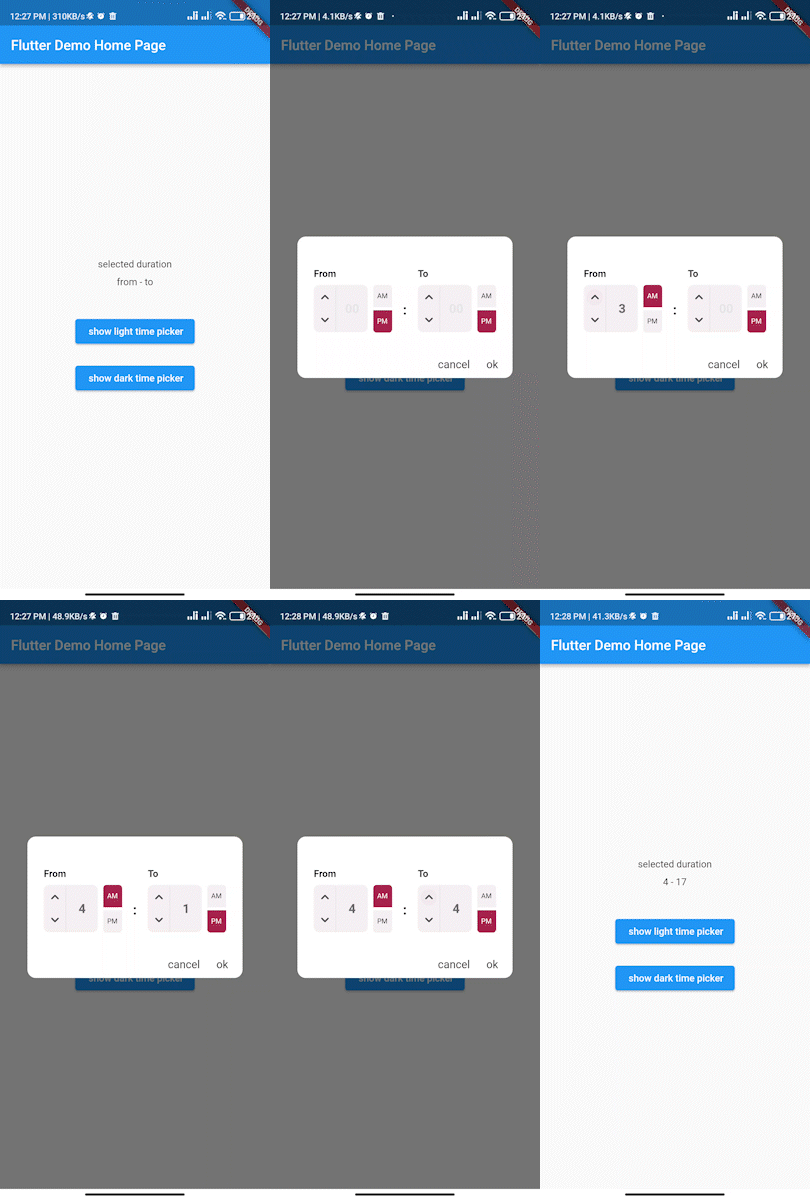
Simple interactive time range picker that enables users to pick a specific duration of the day by selecting start time and end time and defining whether it was AM or PM then it returns the duration chosen in 24H format.
Usage
In the pubspec.yaml of your flutter project, add the following dependency:
dependencies:
...
from_to_time_picker: ^1.2 .2
In your library add the following import:
import 'package:from_to_time_picker/from_to_time_picker.dart' ;
Example
default mode
showDialog (
context: context,
builder: (_) => FromToTimePicker (
onTab: (from, to) {
print ('from $from to $to ' );
},
));
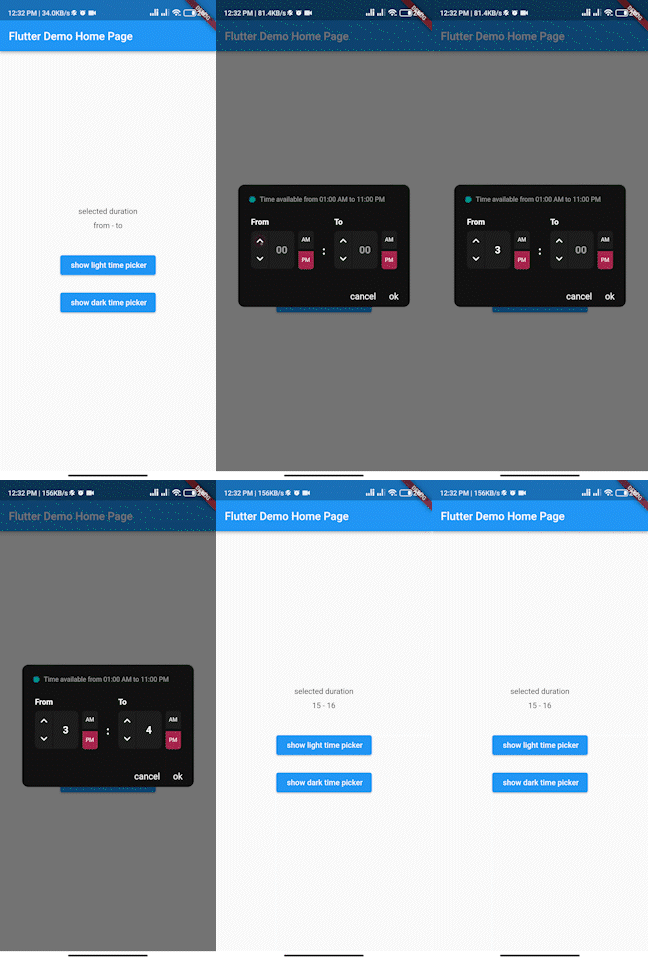
customized mode
showDialog (
context: context,
builder: (_) => FromToTimePicker (
onTab: (from, to) {
print ('from $from to $to ' );
},
dialogBackgroundColor: Color (0xFF121212 ),
fromHeadlineColor: Colors .white,
toHeadlineColor: Colors .white,
upIconColor: Colors .white,
downIconColor: Colors .white,
timeBoxColor: Color (0xFF1E1E1E ),
timeHintColor: Colors .grey,
timeTextColor: Colors .white,
dividerColor: Color (0xFF121212 ),
doneTextColor: Colors .white,
dismissTextColor: Colors .white,
defaultDayNightColor: Color (0xFF1E1E1E ),
defaultDayNightTextColor: Colors .white,
colonColor: Colors .white,
showHeaderBullet: true ,
headerText: 'Time available from 01:00 AM to 11:00 PM' ,
),
);
Contributing
We accept the following contribution:
Improving documentation
Reporting issues
fixing bugs
Maintainer