

mobile_sidebar
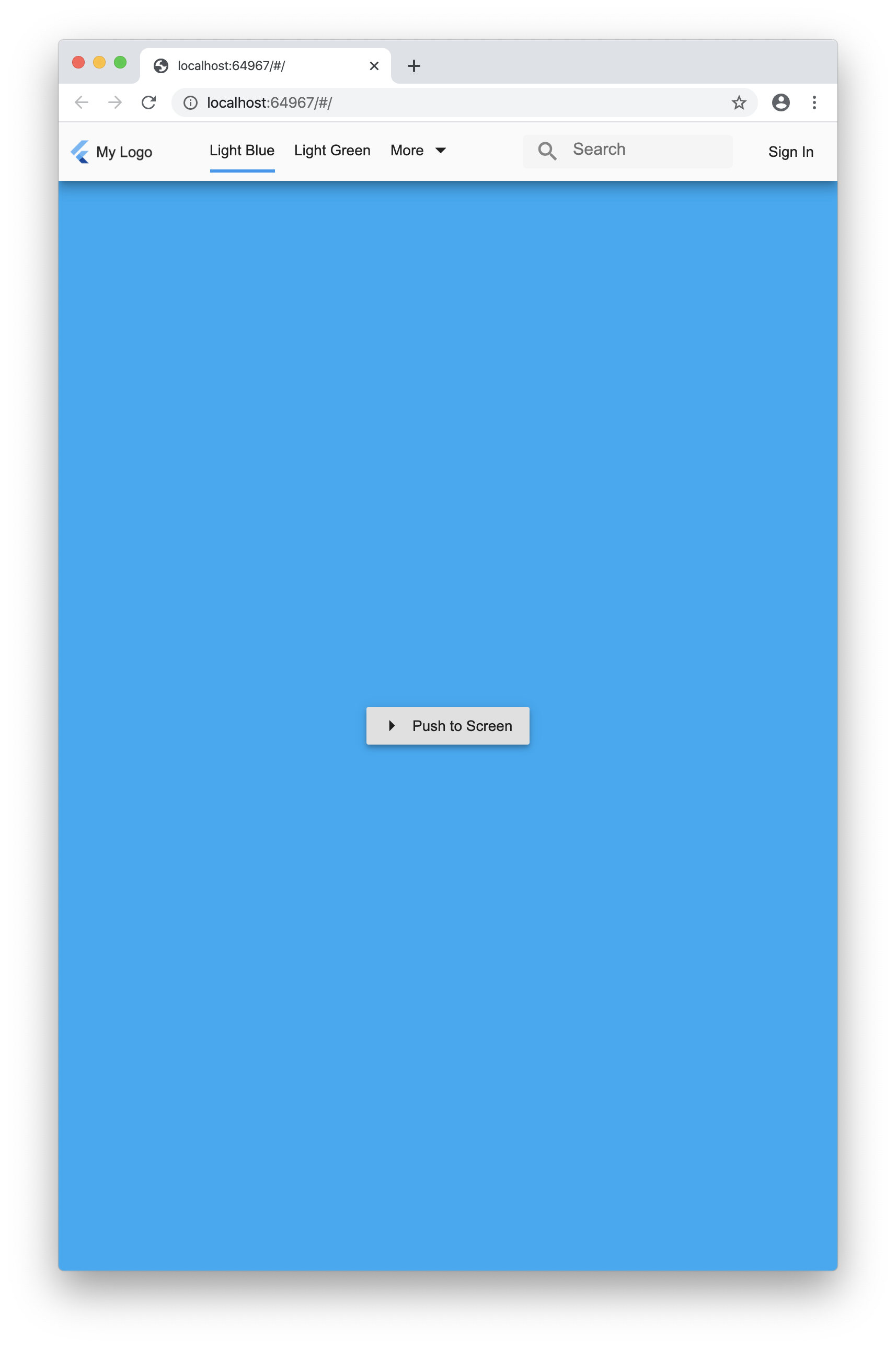
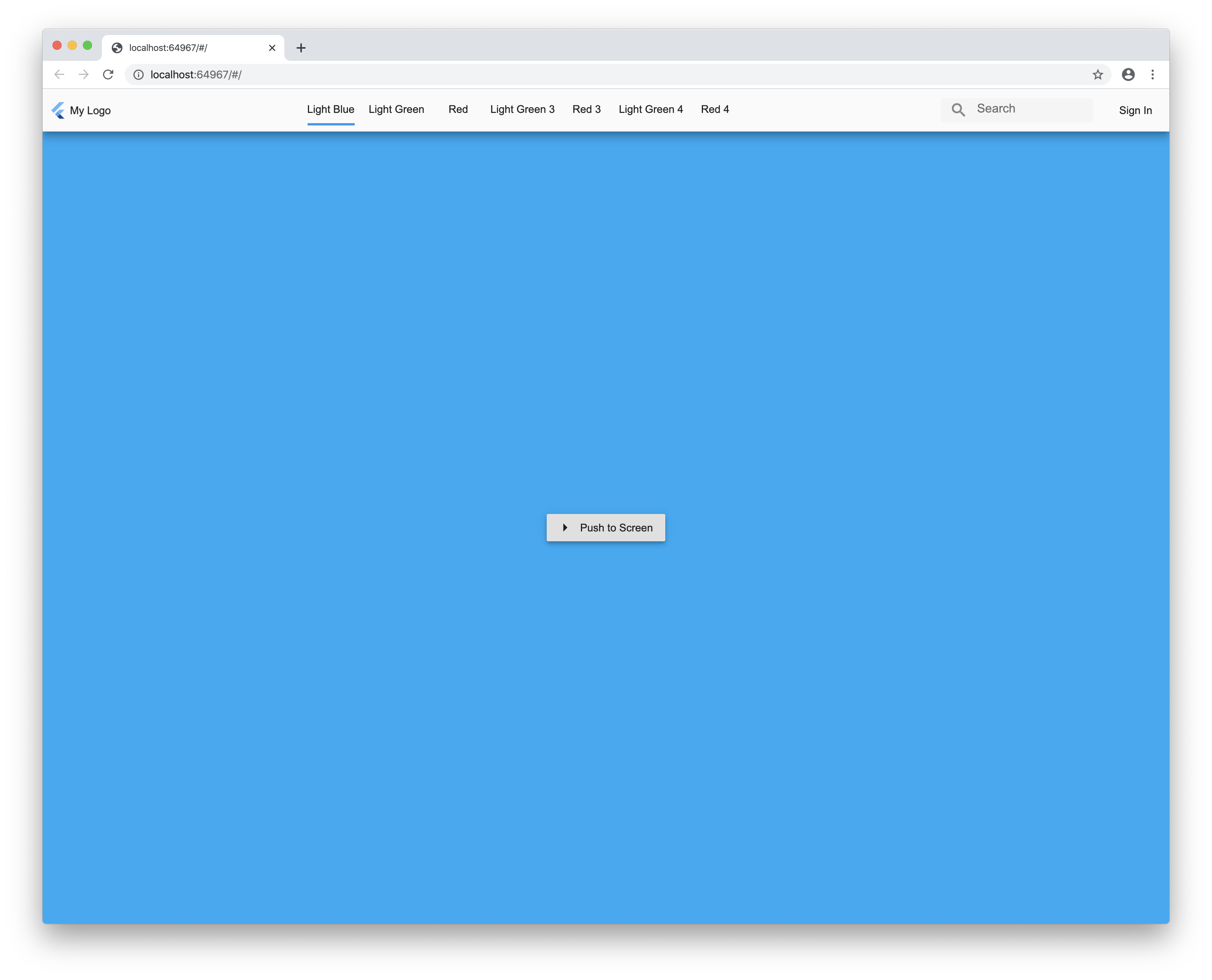
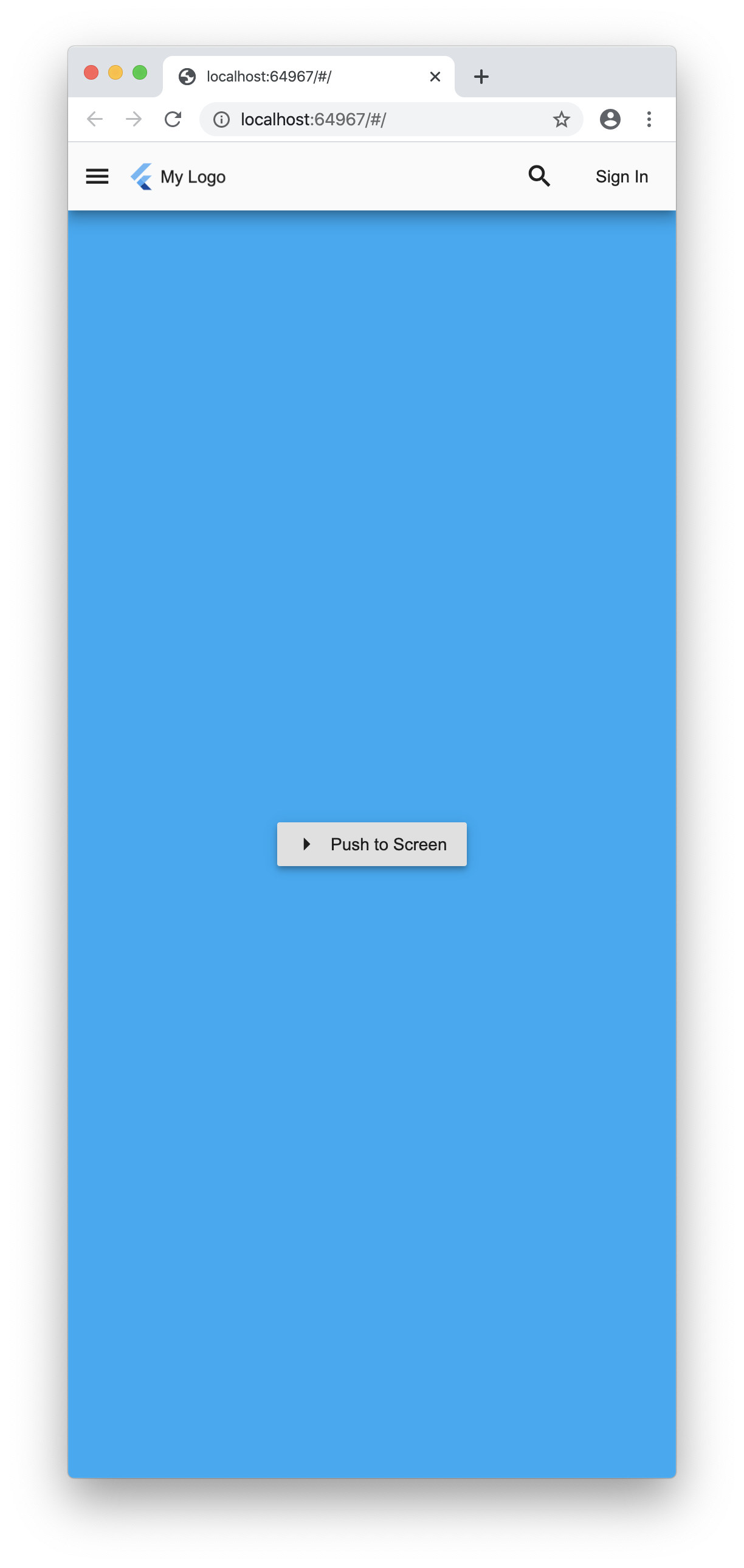
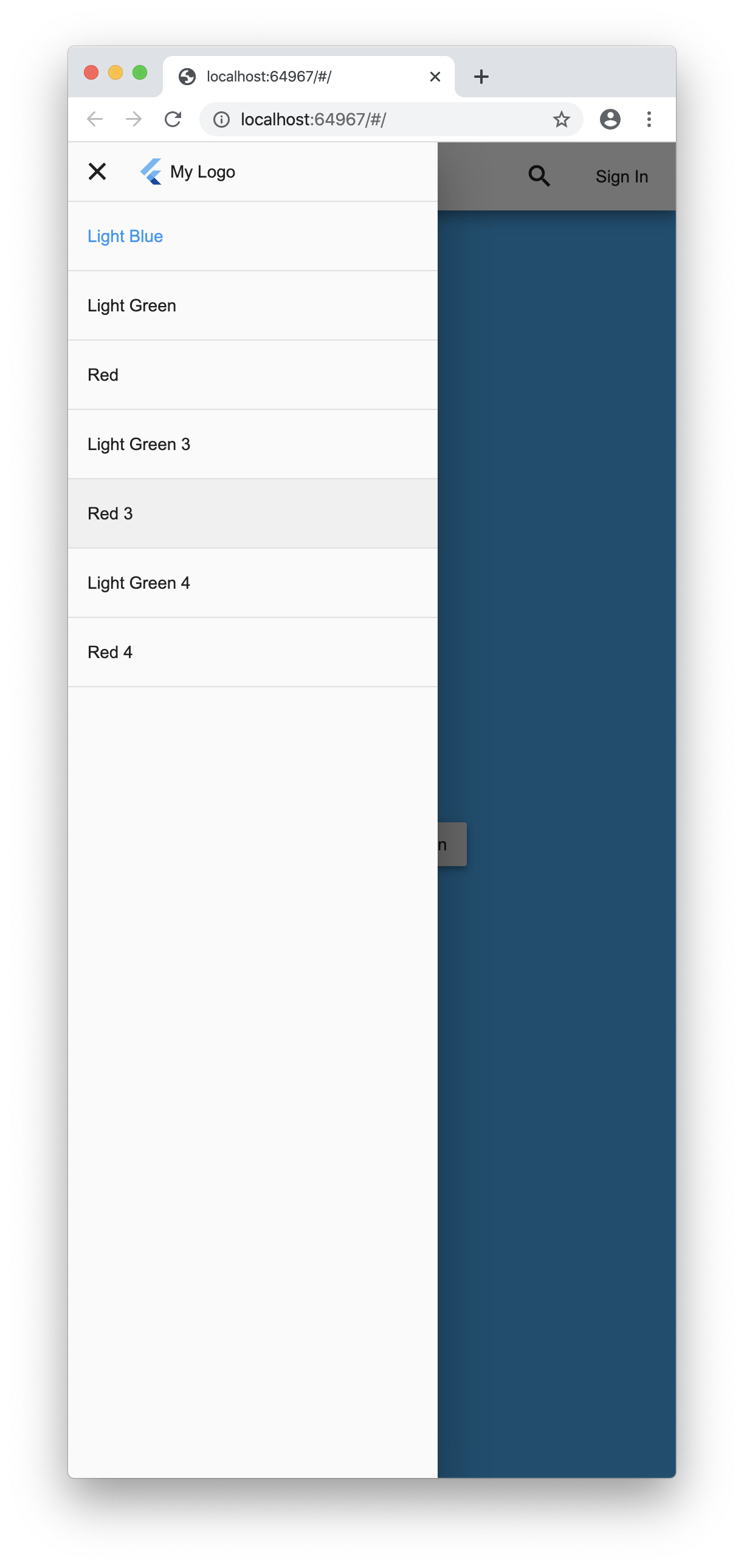
A Flutter plugin to show a sidebar on tablet and desktop then a list or gridview on mobile.
Demo here.
Screenshots
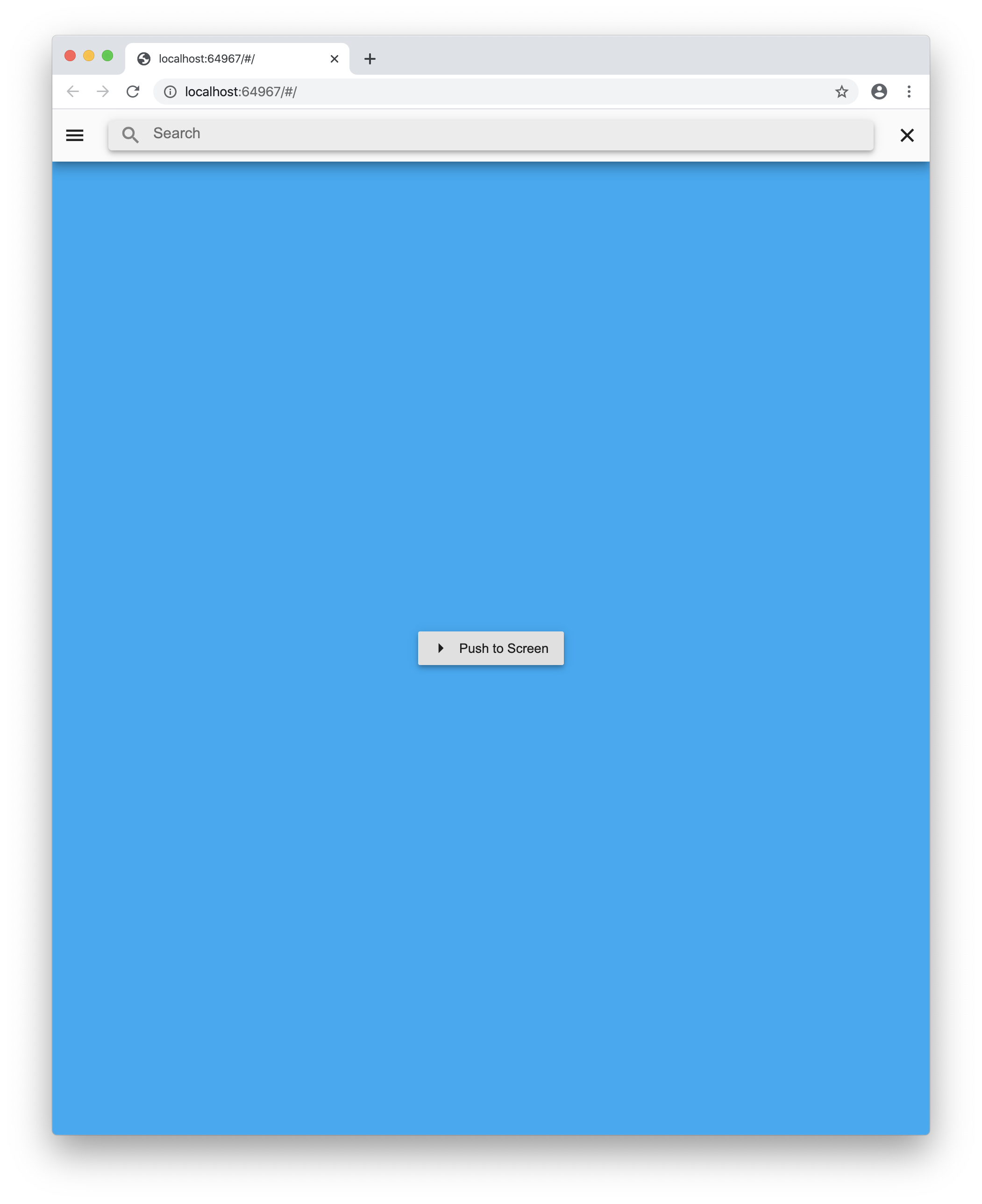
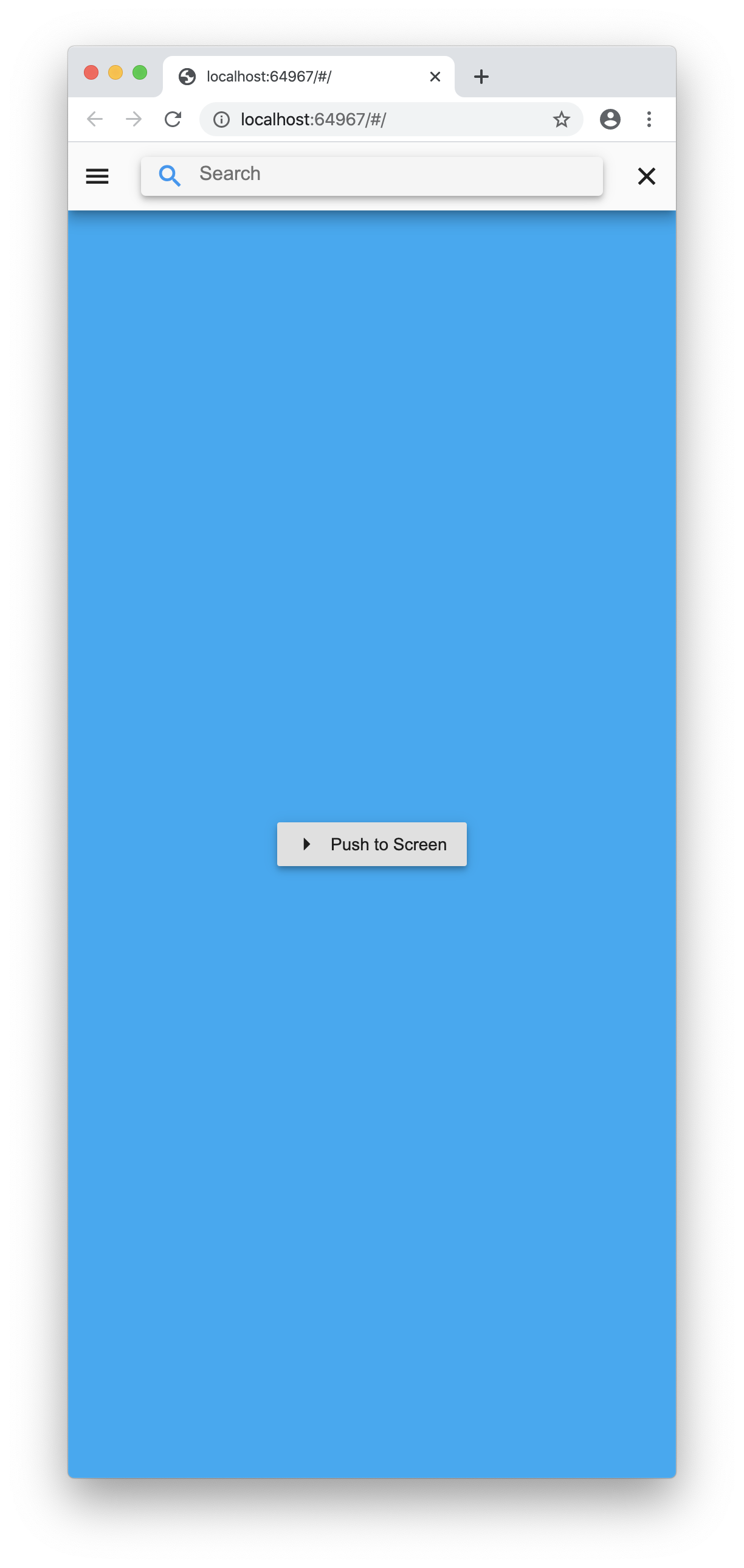
Example
import 'package:flutter/foundation.dart';
import 'package:flutter/material.dart';
import 'package:flutter/widgets.dart';

import 'package:mobile_sidebar/mobile_sidebar.dart';

void main() => runApp(MyApp());

class MyApp extends StatelessWidget {
  @override
  Widget build(BuildContext context) {
    return MaterialApp(
      debugShowCheckedModeBanner: false,
      theme: ThemeData.light(),
      home: HomeScreen(),
    );
  }
}

class HomeScreen extends StatefulWidget {
  @override
  _HomeScreenState createState() => _HomeScreenState();
}

class _HomeScreenState extends State<HomeScreen> {
  int index = 0;
  bool searching = false;
  bool _loggedIn = false;
  @override
  Widget build(BuildContext context) {
    return Scaffold(
      body: MobileSidebar(
        currentIndex: index,
        onTabChanged: (val) {
          if (mounted)
            setState(() {
              index = val;
            });
        },
        isSearching: searching,
        isSearchChanged: (val) {
          if (mounted)
            setState(() {
              searching = val;
            });
        },
        titleBuilder: (context) {
          return FancyTitle(
            title: Text("My Logo"),
            logo: FlutterLogo(),
          );
        },
        accountBuilder: (context) {
          if (_loggedIn) {
            return Padding(
              padding: const EdgeInsets.all(8.0),
              child: InkWell(
                onTap: () {
                  if (mounted)
                    setState(() {
                      _loggedIn = false;
                    });
                },
                child: CircleAvatar(
                  child: Icon(Icons.person),
                ),
              ),
            );
          }
          return FlatButton(
            child: Text("Sign In"),
            onPressed: () {
              if (mounted)
                setState(() {
                  _loggedIn = true;
                });
            },
          );
        },
        showSearchButton: true,
        tabs: <TabChild>[
          TabChild(
            icon: Icon(Icons.bluetooth),
            title: 'Light Blue',
            builder: (context) => NewScreen(
              color: Colors.lightBlue,
              name: 'Light Blue Screen',
            ),
          ),
          TabChild(
            icon: Icon(Icons.info),
            title: 'Light Green',
            builder: (context) => NewScreen(
              color: Colors.lightGreen,
              name: 'Light Green Screen',
            ),
          ),
          TabChild(
            icon: Icon(Icons.person),
            title: 'Red',
            builder: (context) => NewScreen(
              color: Colors.red,
              name: 'Red Screen',
            ),
          ),
          TabChild(
            icon: Icon(Icons.info),
            title: 'Light Green 3',
            builder: (context) => NewScreen(
              color: Colors.lightGreen,
              name: 'Light Green Screen',
            ),
          ),
          TabChild(
            icon: Icon(Icons.person),
            title: 'Red 3',
            builder: (context) => NewScreen(
              color: Colors.red,
              name: 'Red Screen',
            ),
          ),
          TabChild(
            icon: Icon(Icons.info),
            title: 'Light Green 4',
            builder: (context) => NewScreen(
              color: Colors.lightGreen,
              name: 'Light Green Screen',
            ),
          ),
          TabChild(
            icon: Icon(Icons.person),
            title: 'Red 4',
            builder: (context) => NewScreen(
              color: Colors.red,
              name: 'Red Screen',
            ),
          ),
        ],
      ),
    );
  }
}

class FancyTitle extends StatelessWidget {
  const FancyTitle({
    Key key,
    @required this.title,
    this.logo,
  }) : super(key: key);

  final Widget title;
  final Widget logo;

  @override
  Widget build(BuildContext context) {
    if (logo == null) {
      return logo;
    }
    return Row(
      children: <Widget>[
        logo,
        Container(width: 4.0),
        title,
      ],
    );
  }
}

class NewScreen extends StatelessWidget {
  const NewScreen({
    Key key,
    @required this.color,
    @required this.name,
  }) : super(key: key);

  final Color color;
  final String name;

  @override
  Widget build(BuildContext context) {
    return Container(
      color: color,
      child: Center(
        child: RaisedButton.icon(
          icon: Icon(Icons.arrow_right),
          label: Text("Push to Screen"),
          onPressed: () {
            Navigator.of(context).push(MaterialPageRoute(
              builder: (_) => Scaffold(
                appBar: AppBar(),
                body: NewScreen(color: color, name: name),
              ),
            ));
          },
        ),
      ),
    );
  }
}
