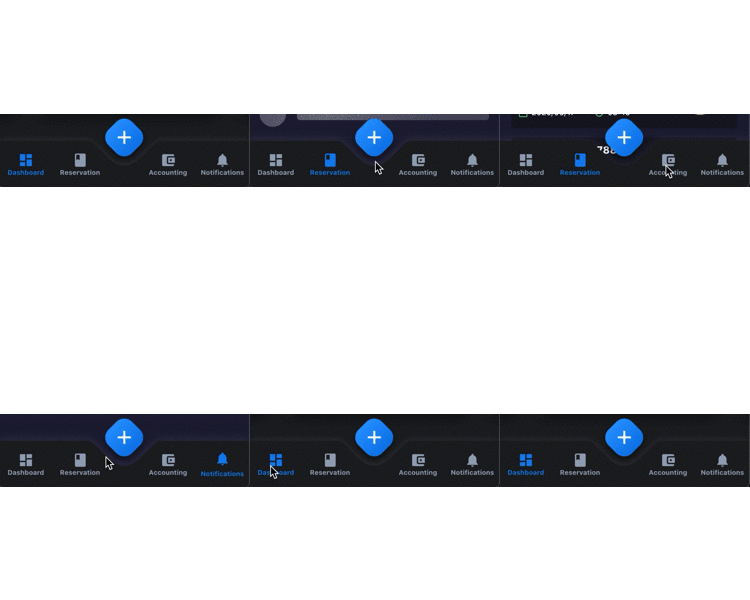
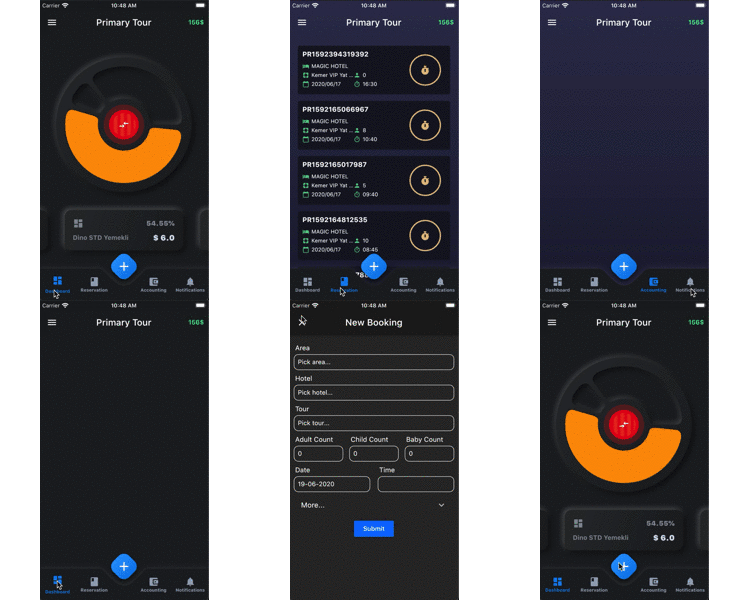
PandaBar
A fancy bottom navigation bar for pandas. Pandabar designed for new neumorphic design trend.
PandaBar
buttonColor - to change button colorbuttonSelectedColor - to change button selected colorbackgroundColor - the navigation bar's background colorbuttonData - navigation items, required more than one item and less than 5fabIcon - the navigation bar's fab button iconfabColors - the navigation bar's fab button gradient colorsonFabButtonPressed - required to listen fab button is pressedonChange - required to listen when a item is pressed it provide the selected item's id
PandaBarButtonData
id - the id of this itemicon - the icon of this itemtitle - the title of this item
Getting Started
Add the dependency in pubspec.yaml:
dependencies:
  ...
  pandabar: ^0.1.1
Basic Usage
class HomePage extends StatefulWidget {
  @override
  _HomePageState createState() => _HomePageState();
}

class _HomePageState extends State<HomePage> {

  String page = 'Grey';

  @override
  Widget build(BuildContext context) {
    return Scaffold(
      extendBody: true,
      bottomNavigationBar: PandaBar(
        buttonData: [
          PandaBarButtonData(
            id: 'Grey',
            icon: Icons.dashboard,
            title: 'Grey'
          ),
          PandaBarButtonData(
            id: 'Blue',
            icon: Icons.book,
            title: 'Blue'
          ),
          PandaBarButtonData(
            id: 'Red',
            icon: Icons.account_balance_wallet,
            title: 'Red'
          ),
          PandaBarButtonData(
            id: 'Yellow',
            icon: Icons.notifications,
            title: 'Yellow'
          ),
        ],
        onChange: (id) {
          setState(() {
            page = id;
          });
        },
        onFabButtonPressed: () {

        },
      ),
      body: Builder(
        builder: (context) {

          switch (page) {
            case 'Grey':
              return Container(color: Colors.grey.shade900);
            case 'Blue':
              return Container(color: Colors.blue.shade900);
            case 'Red':
              return Container(color: Colors.red.shade900);
            case 'Yellow':
              return Container(color: Colors.yellow.shade700);
            default:
              return Container();

          }

        },
      ),
    );
  }
}