搜索插件、代码仓与 APP 分类

pull_to_reveal 封面
插件详情v0.0.2

pull_to_reveal

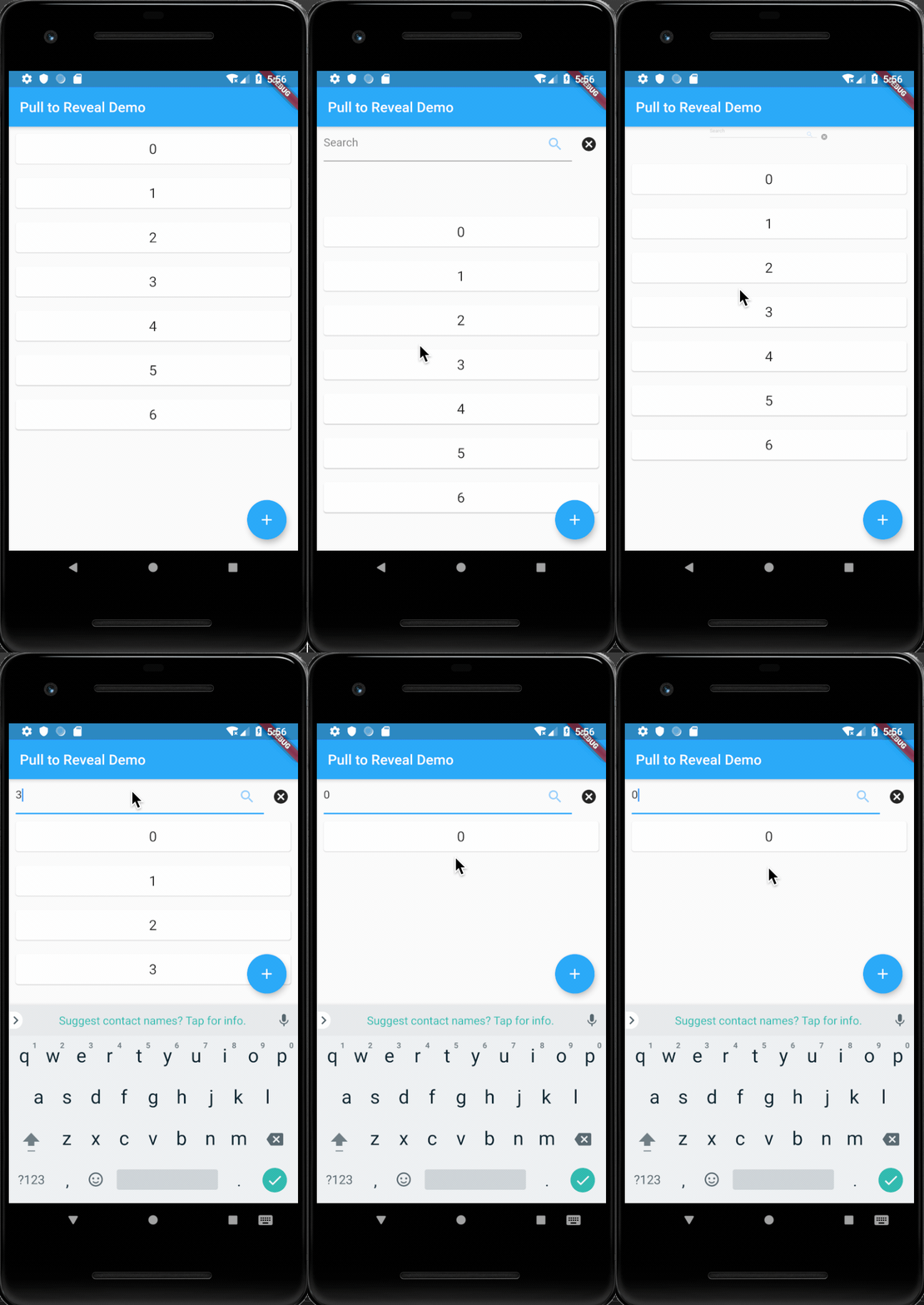
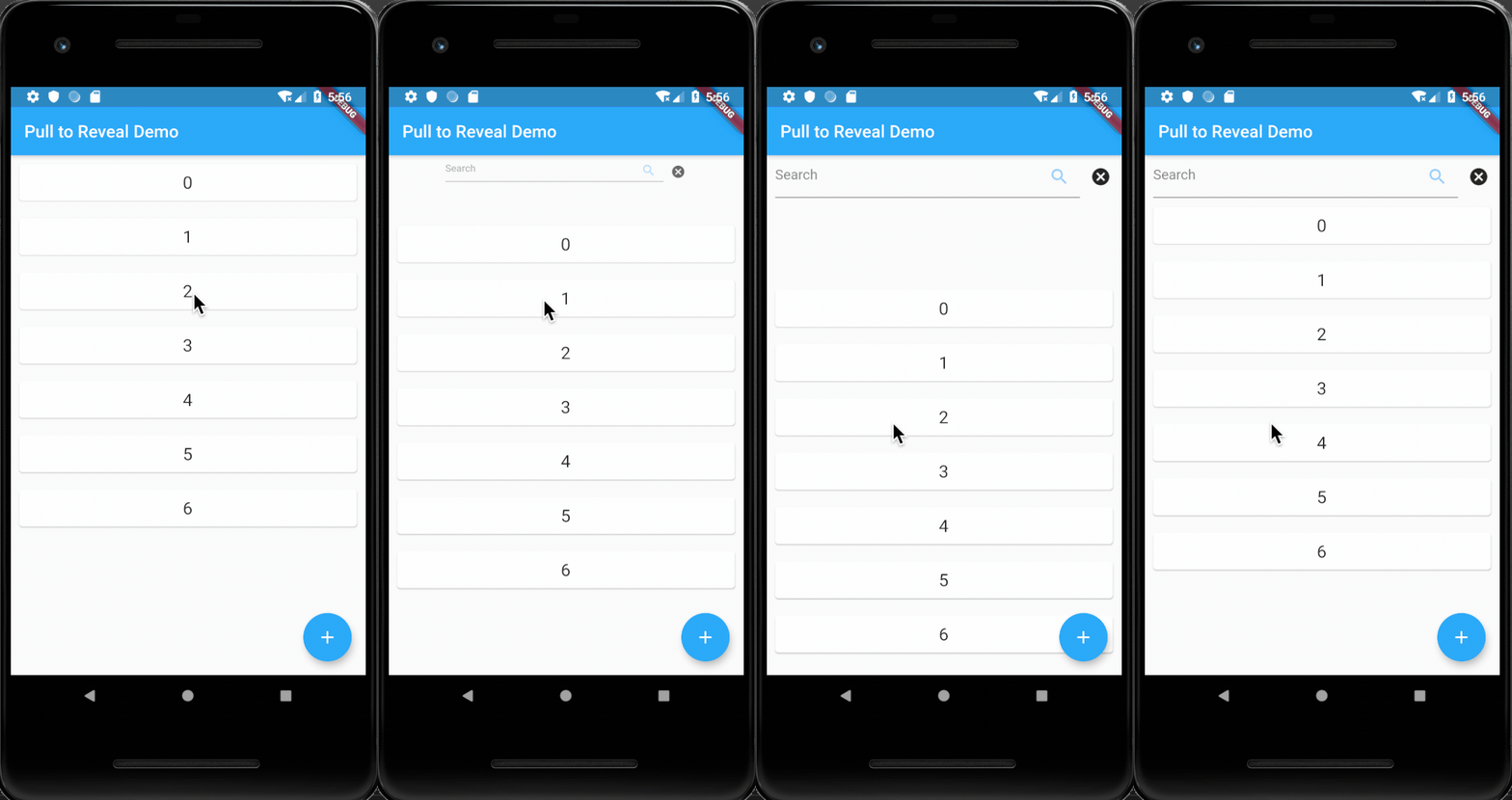
一个简单的 Flutter 小部件,它包装了一个 `ListView`,并根据用户的滚动行为选择性地渲染一个隐藏的顶部元素。

近 30 天下载
107
喜欢数
29
Pub 分数
40

安装插件

flutter pub add pull_to_reveal

插件介绍

基于插件公开信息、社区数据与项目使用情况整理的选型参考。

一个 Flutter 小部件,通过在用户向下滚动时显示隐藏的顶部元素,再在向上滚动时隐藏该元素,从而增强 ListView 的功能。它为展示补充内容(如筛选器或操作)提供了流畅且交互性强的体验,而不会使主列表显得杂乱。该行为由滚动方向和灵敏度触发,非常适合动态 UI。它轻量级且易于集成到现有的基于列表的界面中。

适合场景

  • 交互式标题揭示
  • 筛选或操作栏显示
  • 动态UI图层
  • 滚动驱动的内容切换
  • 增强的列表导航
  • 自定义下拉刷新替代方案

主要特点

  • 滚动触发的可见性
  • 平滑的动画过渡
  • 最小配置
  • 支持任何 widget 作为叠加层
  • 与标准 ListView 兼容
  • 可适应不同的滚动灵敏度

适合对象

  • 寻求细微用户界面交互的开发者
  • 需要额外控件的密集列表应用
  • 想要基于手势的内容揭示的设计人员
  • 需要轻量级滚动逻辑的项目
  • 寻找增强用户体验的Flutter ListViews用户

使用建议

  • 限制为垂直滚动
  • 可能与其他滚动监听器冲突
  • 需要仔细调整揭示阈值
  • 不适合用于水平列表
  • 最好与简单的叠加内容一起使用
  • 性能取决于叠加层的复杂性

原始 README

以下为关联源码仓库的 README 原文快照,最新内容请访问源码仓库。

pull_to_reveal

A simple Flutter widget that wraps a ListView and selectively renders a hidden top element based on user scroll behavior.

Getting Started

To use the PullToRevealListView widget in your Flutter project, you need only wrap it in a LayoutBuilder and then a Stack. These are excellent for adding a little life to a Scaffold background, or for programming a Pong client.

import 'package:pull_to_reveal/pull_to_reveal.dart';
import 'package:flutter/material.dart';

void main() => runApp(MyApp());

class MyApp extends StatelessWidget {
  // This widget is the root of your application.
  @override
  Widget build(BuildContext context) {
    return Scaffold(
      appBar: AppBar(
        title: Text(widget.title),
      ),
      body: Center(
        child: PullToRevealTopItemList(
          itemCount: _counter,
          itemBuilder: (BuildContext context, int index) {
            return ListItemElement(index: index);
          },
          revealableHeight: 50,
          revealableBuilder: (BuildContext context, RevealableToggler opener, RevealableToggler closer, BoxConstraints constraints) {
            return Row(
              children: <Widget>[
                SizedBox(width: 10),
                Flexible(
                  child: TextFormField(
                    controller: searchController,
                    decoration: InputDecoration(
                      hintText: 'Search',
                      suffixIcon: Icon(Icons.search),
                    ),
                  ),
                ),
                IconButton(
                  icon: Icon(Icons.cancel),
                  onPressed: () {
                    // Handles closing the `Revealable`
                    closer();
                    // Removes any filtering effects
                    searchController.text = '';
                    setState(() {
                      _filter = null;
                    });
                  },
                )
              ],
            );
          },
        ),
      ),
    );
  }
}
Example

所属分类

源码仓库

使用此插件的项目

暂无相关数据。