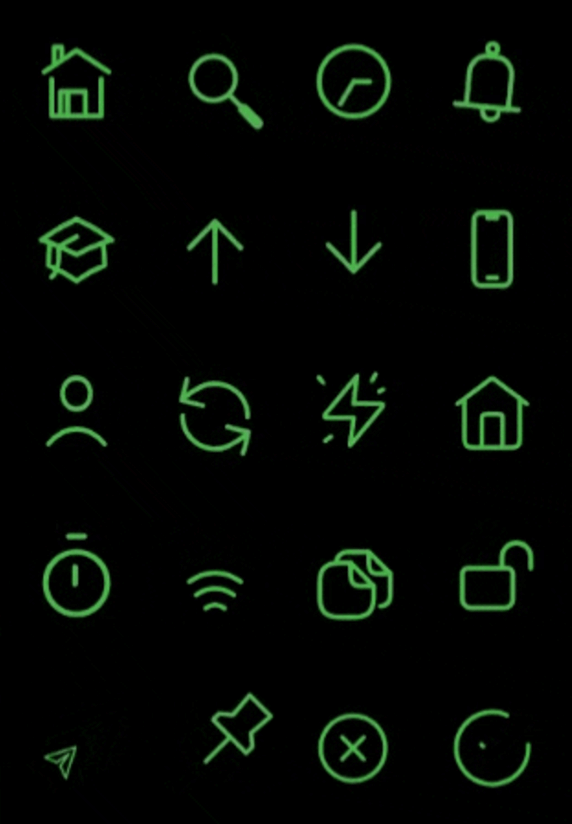
rive_animated_icon 包提供了一组使用 Rive 构建的可自定义动画图标,可在多个平台上实现流畅的交互式动画。专为寻求动态视觉元素的开发者设计,该包可无缝集成到 Flutter 应用中,轻松自定义大小、颜色和动画状态。适用于通过引人入胜的微交互增强用户界面,该包支持 Android、iOS、Web、macOS、Windows 和 Linux。它利用 Rive 的轻量级动画引擎,以高性能视觉效果交付,同时不牺牲应用响应速度。
适合场景
通过动画图标增强用户界面
在应用程序中添加微交互
创建引人入胜的加载指示器
按主题自定义图标动画
通过动态效果提升用户反馈
集成动画按钮
主要特点
Rive 驱动的动画
可自定义大小和颜色
对多平台的支持
与 Flutter 的轻松集成
预构建的动画图标集
响应式动画控制
适合对象
寻求动画 UI 元素的 Flutter 开发人员
需要交互式图标的应用程序
设计师与开发人员协作
面向跨平台部署的项目
使用 Rive 进行动画的团队
使用建议
需要熟悉 Rive 动画
Rive 资源带来的额外包大小
对低端设备可能产生的性能影响
仅限 Rive 兼容的动画格式
需要适当的资源管理
可能需要自定义代码来处理复杂交互
原始 README
以下为关联源码仓库的 README 原文快照,最新内容请访问源码仓库。
RiveAnimatedIcons - 50+ Icons Available! 🚀
This package provides rive animated icons that can be customized to suit your preference. It includes the riveIcon type, onTap, color and other parameters to give you a level of control.
This parameter is used to define the icon type from the RiveIcon enum
Optional parameters
width:
This parameter is used to set the icon width
height:
This parameter is used to set the icon height
color:
This parameter is used to set icon color
loopAnimation:
When this parameter is set to true the icon's animation will be on loop
onTap:
This callback is set by the user to perform actions onTap
onHover:
This callback is set by the user to perform actions onHover
splashColor:
This parameter is used to set icon splash color
strokeWidth:
This parameter is used to set icon stroke width
splashFactory:
This parameter is used to set icon splashFactory
mouseCursor:
This parameter is used to set icon mouseCursor when hovered
enableAbsorbPointer:
When this parameter is set to true it disables all interactive features of the icon
Animated Icon stroke width sample ⬇️
Best practices 🙌
If a Rive animation is set to loop and is scrolled off-screen, you can disable the loop to stop the animation and conserve resources while it's not visible. Similarly, you can re-enable the loop when the animation comes back into view.