Flutter package to encode / decode string to ROT13
Getting Started
To use this plugin, add rot13 as a dependency in your pubspec.yaml file.
To Encode / Decode String to ROT13:
rot13(String string) - Encode / Decode a string to ROT13
Example
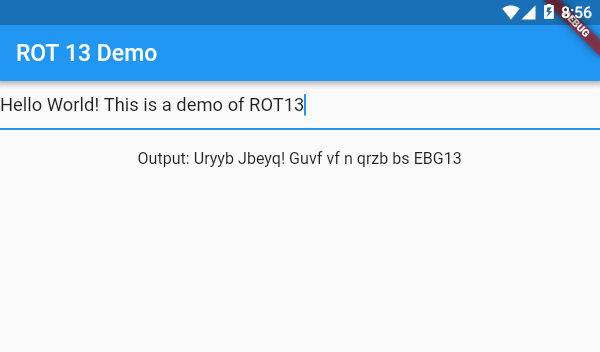
import 'package:flutter/material.dart';
import 'package:rot13/rot13.dart';

void main() {
  runApp(MyApp());
}

class MyApp extends StatefulWidget {
  @override
  _MyAppState createState() => _MyAppState();
}

class _MyAppState extends State<MyApp> {
  String rot13Text = "";
  @override
  Widget build(BuildContext context) {
    return MaterialApp(
      home: Scaffold(
        appBar: AppBar(
          title: Text("ROT 13 Demo"),
        ),
        body: SafeArea(
          child: Column(
            children: [
              TextField(
                onChanged: (txt) {
                  setState(() {
                    rot13Text = rot13(txt);
                  });
                },
              ),
              SizedBox(height: 20),
              Text("Output: $rot13Text")
            ],
          ),
        ),
      ),
    );
  }
}

