搜索插件、代码仓与 APP 分类

插件详情v0.1.1

sbp

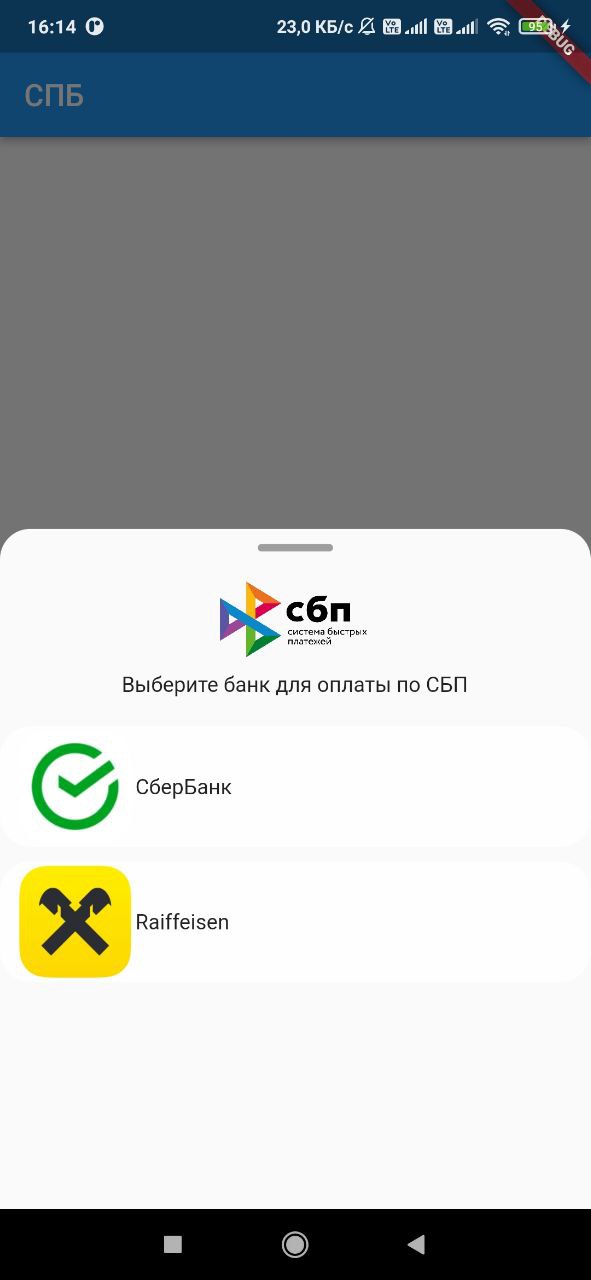
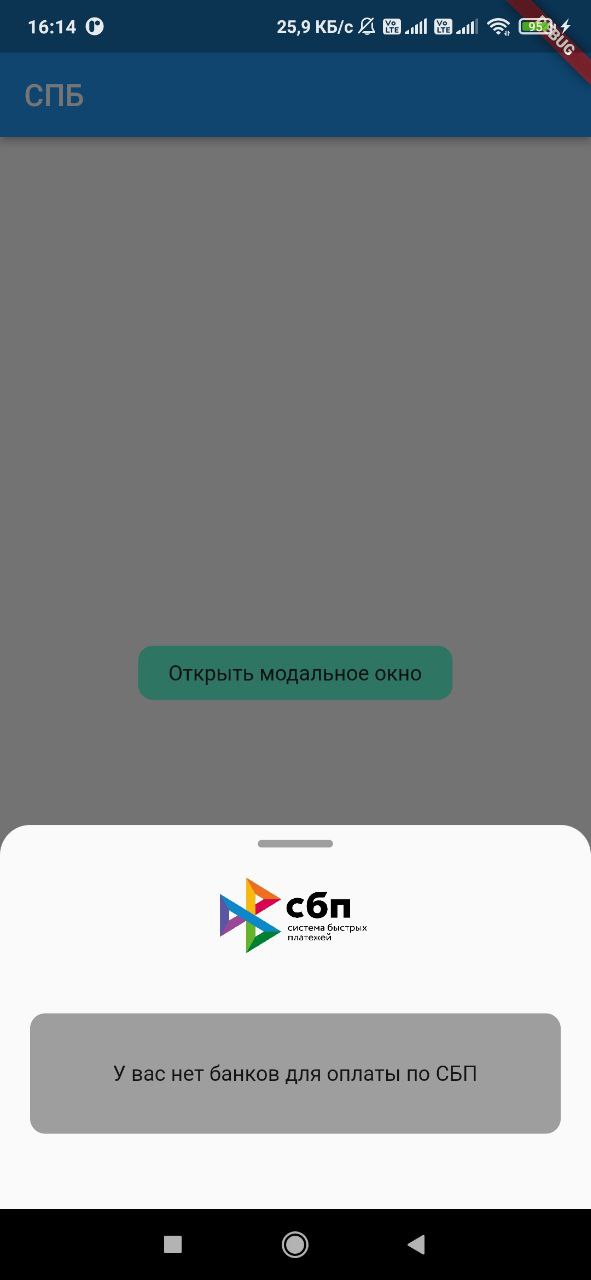
Flutter 插件,可用于获取用户设备上安装的银行列表,以及启动类似 https://qr.nspk.ru/... 的 SBP 支付链接。

AndroidiOS
近 30 天下载
114
喜欢数
27
Pub 分数
140

安装插件

flutter pub add sbp

插件介绍

基于插件公开信息、社区数据与项目使用情况整理的选型参考。

sbp 包是 Flutter 插件,可实现与俄罗斯快速支付系统(SBP)的集成。它允许开发者检测用户设备上安装的银行应用,并直接从应用程序中启动 SBP 支付链接,例如来自 qr.nspk.ru 的链接。这使得在 Flutter 应用程序中实现无缝、即时的银行转账成为可能。该插件支持 Android 和 iOS 平台,确保广泛的兼容性。通过利用现有的银行应用,该插件简化了支付处理流程,无需用户输入卡号信息。

适合场景

  • 电子商务应用中的即时银行转账
  • 将SBP支付集成到移动钱包
  • 启用基于二维码的支付
  • 支持数字服务订阅
  • 促进点对点资金转账

主要特点

  • 检测已安装的 SBP 兼容银行
  • 通过深度链接启动SBP支付链接
  • 支持 Android 和 iOS 平台
  • 使用标准的基于二维码的支付URL
  • 提供用于支付启动的简单 API

适合对象

  • 俄罗斯市场支付解决方案
  • 需要即时银行转账的应用
  • 开发金融或零售应用的开发者
  • 使用基于二维码支付的项目
  • 面向启用了 SBP 的用户的 Flutter 应用

使用建议

  • 需要用户设备上的SBP兼容银行
  • 仅限支持 SBP 的地区(例如俄罗斯)
  • 取决于外部银行应用程序的可用性
  • 可能需要额外处理以进行链接验证
  • 不适用于非SBP支付系统

原始 README

以下为关联源码仓库的 README 原文快照,最新内容请访问源码仓库。

sbp

Flutter plugin, with which you can get a list of banks installed on the device user, as well as launch a link to pay for the SBP of the form https://qr.nspk.ru/.../

Adding dependencies

To use the plugin, add it to the pubspec.yaml file.

Installing

Android

Starting with android 11 in AndroidManifest.xml, you need to specify applications that our application can see

 <queries>
  <array>
    <package android:name="ru.sberbankmobile" />
    <package android:name="ru.gazprombank.android.mobilebank.app" />
    <package android:name="ru.letobank.Prometheus" />
    ...
    <package android:name="logo.com.mbanking" />
    <package android:name="com.openbank" />
  </queries>
IOS

Add URL schemes to LSApplicationQueriesSchemes in Info.plist file: This list is needed in order to make it possible to open third-party installed applications on iOS. The list of banks supported by SBP can be obtained at c2bmembers.json.

 <key>LSApplicationQueriesSchemes</key>
  <array>
    <string>bank100000000000</string>
    <string>bank100000000001</string>
    ...
    <string>bank100000000999</string>
    <string>bank100000001000</string>
  </array>

Warning! Starting with iOS 15, the maximum number of the scheme list should not exceed 50.Detailed information can be obtained from this link

Description of functions with examples

To use sbp and get current information on supported banks, SBP needs to be raised own server, which will pull up new information on banks once in a while. Warning!If you use json, don't forget to change the links to images in the file /sbp/lib/data/c2bmembers_data.dart as they take a long time to load or not to load at all (IOS).

Links to current banks from the official website of the SBP

Or you can use the current json I added to the project on 17/07/2023:

  • IOS/Android: /sbp/lib/data/c2bmembers_data.dart
Android
Sbp.openAndroidBank(String url, String packageName)

We pass the url of the form ('https://qr.nspk.ru/...' deprecated) schema://qr.nspk.ru/.... and the packageName of the application in which you want to open the SBP

IOS
Sbp.openIOSBank(String url, String schema)

We pass the url of the form https://qr.nspk.ru/.../ and the schema of the application in which you want to open the SBP

IOS/Android
List<C2bmemberModel> informations = await Sbp.getInstalledBanks(
  C2bmembersModel.fromJson(c2bmembersData),
  useAndroidLocalIcons:false,
  useAndroidLocalNames:false,
)

getInstalledBanks contains fields such as:

  • C2bmembersModel - (/sbp/lib/models/c2bmembers_model.dart)
  • useAndroidLocalIcons - if you want to use native android application icons, then put true and use the bitmap variable to display the bank icon
  • useAndroidLocalNames - if you want to use the native name of the android application, then put true and use the localName variable to display the name of the bank
  • A variable is passed c2bmembersData (json /sbp/lib/data/c2bmembers_data.dart), which is parsed and returns a C2bmembersModel.

C2bmembersModel contains fields such as:

  • version - json version
  • c2bmembersModel - List C2bmemberModel installed applications
    • C2bmemberModel contains fields such as:
      • bankName - bank name
      • logoURL - link to picture
      • schema - application schema
      • packageName - application packageName
      • icon - icon app from assets
      • bitmap - bitmap app on device(only for Android)
      • localName - local name app on device(only for Android)
openBank(String url, C2bmemberModel c2bmemberModel)

We pass the url of the form https://qr.nspk.ru/.../ and the c2bmemberModel of the application in which you want to open the SBP

If you want to use local bank icons from assets , you need to include them in the project (see file /sbp/lib/data/c2bmembers_data.dart field icon):

flutter:
  assets:
    - packages/sbp/assets/sbp.png
    - packages/sbp/assets/...
    etc

所属分类

源码仓库

使用此插件的项目

暂无相关数据。