What is Zerker
Zerker is a flexible and lightweight flutter canvas graphic animation library.
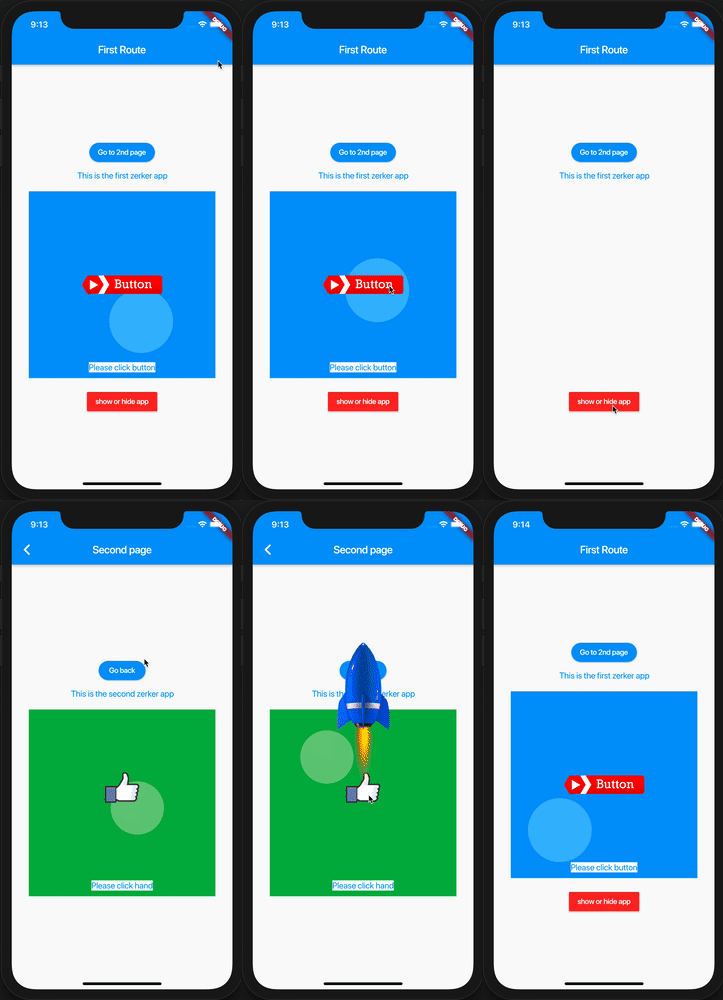
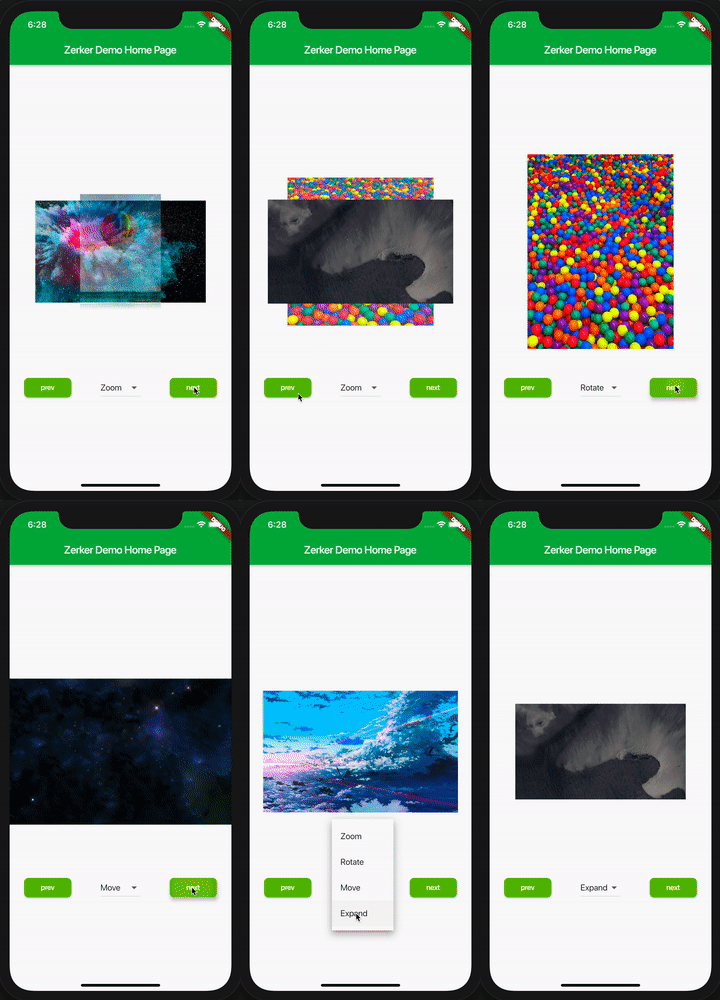
With Zerker, you can create a lot of seemingly cumbersome animation effects, such as animated animations, pop-up animations, scene transitions, icon effects, and more.
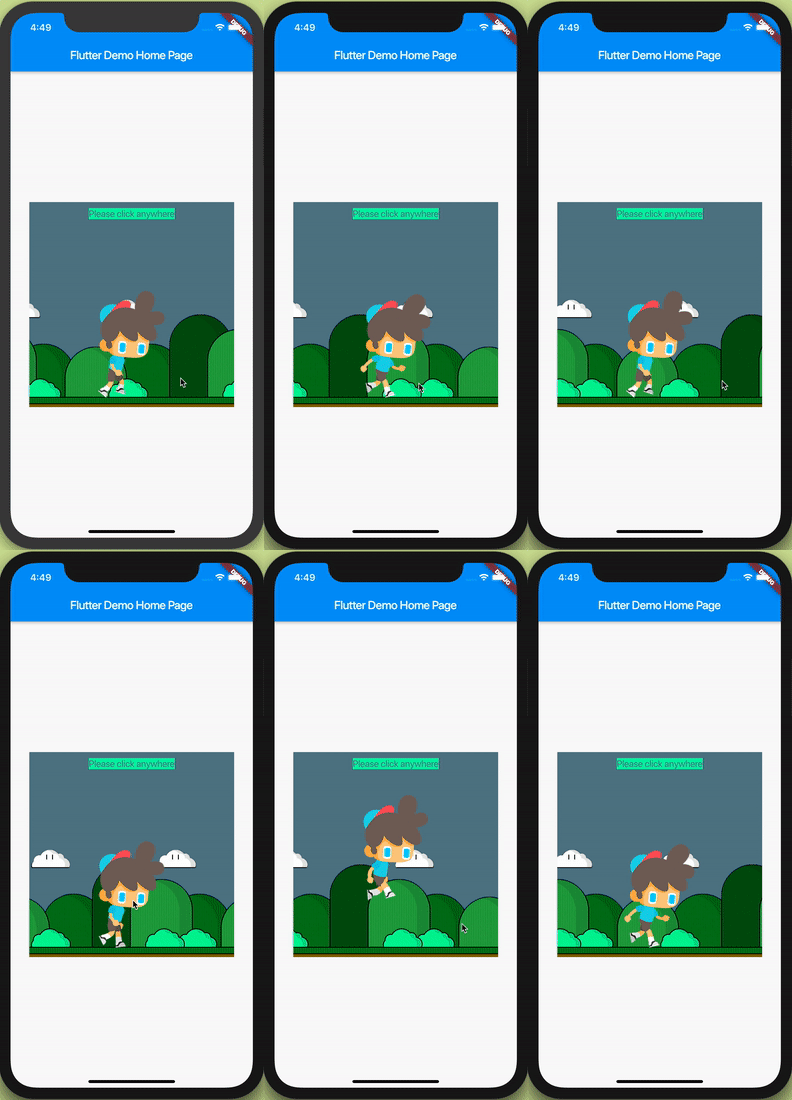
At the same time, you can create a lot of simple games with Zerker. Zerker contains elements such as sprites, scrolling backgrounds, and atlases, making it easy to create game worlds with them.
Installation
Add this to your package's pubspec.yaml file, And execute the commandflutter pub get:
dependencies:
  zerker: <latest_version_here>
Getting started
Import the package
import 'package:zerker/zerker.dart' ;
Useage
Create a zerker widget
class _MyHomePageState extends State <MyHomePage > @override
Widget build (BuildContext context) {
return Scaffold (
appBar: AppBar (
title: Text (widget.title),
),
body: Center (
child: Zerker (app: MyZKApp (), clip: true , interactive: true , width: 350 , height: 350 ),
));
}
}
Create your Zerker class inherited from ZKApp
class MyZKApp extends ZKApp @override
init () {
super .init ();
}
@override
update (int time) {
super .update (time);
sprite.position.x++;
}
}
Initialize the scene and create elements in the init function
ZKSprite bigboy = ZKSprite (key: "bigboy" )
..animator.make ("front" , [0 , 1 , 2 , 3 , 4 ])
..animator.make ("left" , ['5-9' ])
..animator.make ("after" , ['10-14' ])
..animator.make ("right" , ['15-19' ])
..onTapDown = (event) {
bigboy.animator.play ("right" , 8 , true );
};
stage.addChild (bigboy);
ZKText text = ZKText ()
..setPosition (100 , 100 )
..text = "hello world"
..setStyle (color: Colors .blueGrey, backgroundColor: Colors .red[50 ]);
stage.addChild (_text);
More cases
You can quickly start learning an example here. https://flutterkit.github.io/zerkerdocs/guide/tutorial.html
More zerker examples you can view here https://github.com/flutterkit/zerker-samples . If you have any questions about Zerker, please let me know by email, thank you very much!
License
Zerker is licensed under MIT license. View license. https://github.com/flutterkit/zerker/blob/master/LICENSE