animated_floating_buttons
This package is based on Agung Surya's tutorial. You can visit his post for more technical information about the package.
https://medium.com/@agungsurya/create-a-simple-animated-floatingactionbutton-in-flutter-2d24f37cfbcc
Getting Started
This project is a starting point for a Dart
package ,
a library module containing code that can be shared easily across
multiple Flutter or Dart projects.
For help getting started with Flutter, view our
online documentation , which offers tutorials,
samples, guidance on mobile development, and a full API reference.
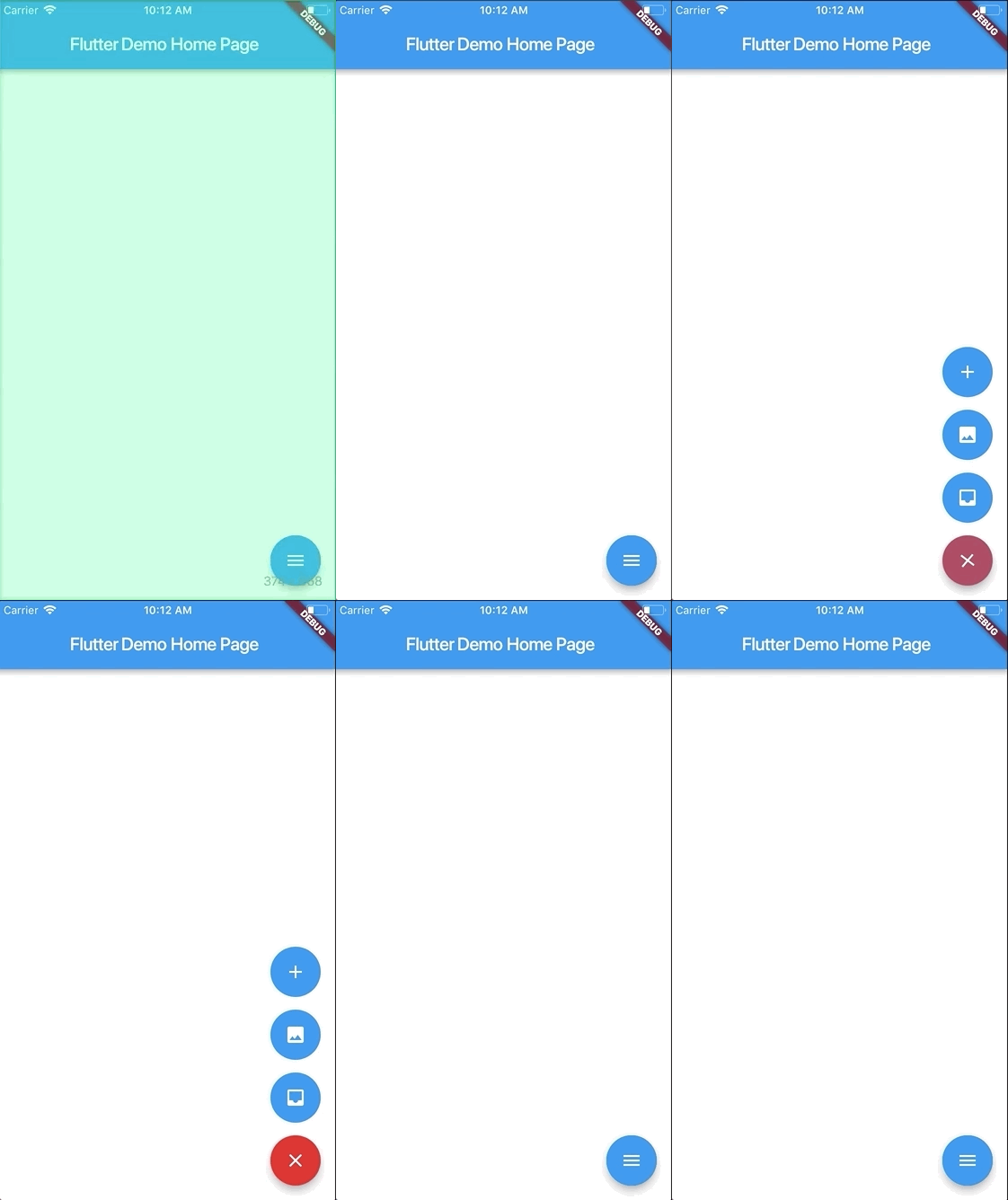
Screenshots
Usage
To use this plugin:
In your flutter project add the dependency:
dependencies:
    ...
    animated_floating_buttons: ^0.0.1
Example
import 'package:animated_floating_buttons/animated_floating_buttons.dart' ;
...
final GlobalKey <AnimatedFloatingActionButtonState > key =GlobalKey <AnimatedFloatingActionButtonState >();
Widget float1 () {
return Container (
child: FloatingActionButton (
onPressed: null ,
heroTag: "btn1" ,
tooltip: 'First button' ,
child: Icon (Icons .add),
),
);
}
Widget float2 () {
return Container (
child: FloatingActionButton (
onPressed: null ,
heroTag: "btn2" ,
tooltip: 'Second button' ,
child: Icon (Icons .add),
),
);
}
...
Scaffold (
floatingActionButton: AnimatedFloatingActionButton (
fabButtons: <Widget >[
float1 (), float2 ()
],
key : key,
colorStartAnimation: Colors .blue,
colorEndAnimation: Colors .red,
animatedIconData: AnimatedIcons .menu_close
),
)
Complete example here
Issues
Be aware that you have to pass heroTag parameter to every new fab you create
Otherwise you will get an exciption.