搜索插件、代码仓与 APP 分类

animated_reorderable_list 封面
插件详情v1.3.0

animated_reorderable_list

一个具有简单实现和流畅过渡效果的 Flutter 可重新排序动画列表。

AndroidiOSWebmacOSWindowsLinux
近 30 天下载
3.7万
喜欢数
195
Pub 分数
150

安装插件

flutter pub add animated_reorderable_list

插件介绍

基于插件公开信息、社区数据与项目使用情况整理的选型参考。

一个 Flutter 包,可增强标准的 ReorderableListView,在项目重新排序时提供平滑、动画过渡效果。设计简洁且性能出色,无需复杂的自定义逻辑即可提供流畅的用户体验。适用于用户频繁重新排列项目的列表,例如任务管理器或可自定义仪表板。该包支持所有主要平台,并可无缝集成到现有的 Flutter 项目中。

适合场景

  • 任务管理应用
  • 可自定义的仪表板布局
  • 拖拽项重新排序
  • 用户偏好排序
  • 交互式列表界面

主要特点

  • 平滑的动画过渡
  • 简单 API 集成
  • 跨平台支持
  • 优化性能
  • 内置拖拽反馈
  • 轻松自定义

适合对象

  • 寻求直观列表重新排序的开发者
  • 需要响应式 UI 交互的项目
  • 具有动态内容排序的应用程序
  • 注重开发速度的团队
  • Flutter 初学者探索高级组件

使用建议

  • 在非常大的列表上可能会影响性能
  • 仅限垂直列表布局
  • 需要仔细处理项目键
  • 不适用于水平重新排序
  • 最好与稳定的项目标识符一起使用
  • 与其他手势检测器的潜在冲突

原始 README

以下为关联源码仓库的 README 原文快照,最新内容请访问源码仓库。

animated_reorderable_list

This library is a powerful and easy-to-use solution for implementing animated list and grid with drag-and-drop functionality in Flutter.

Features

  • [x] Smooth transition during item insertion and removal from the list with animations.
  • [x] Drag and Drop support (ReorderableList) for both ListView and GridView with Animation.
  • [x] It can be both animated and reordered at the same time
  • [x] Animating items is as simple as updating the list.
  • [x] Pre-built animation like fade,scale, slide, flip etc for Flutter list.
  • [x] Provides support for both lists and grids
  • [x] Supports large lists and creates items on demand as they come into the viewport.
  • [x] Enable/disable drag and drop functionality.
  • [x] Control reordering of item / locked an item.

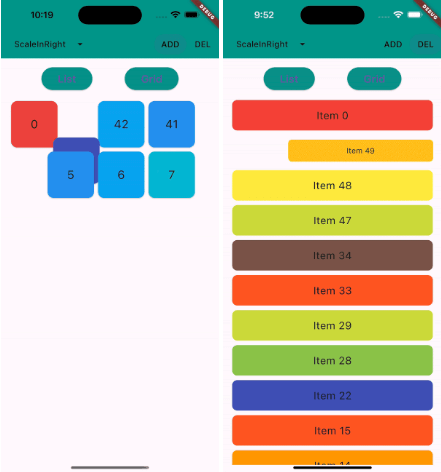
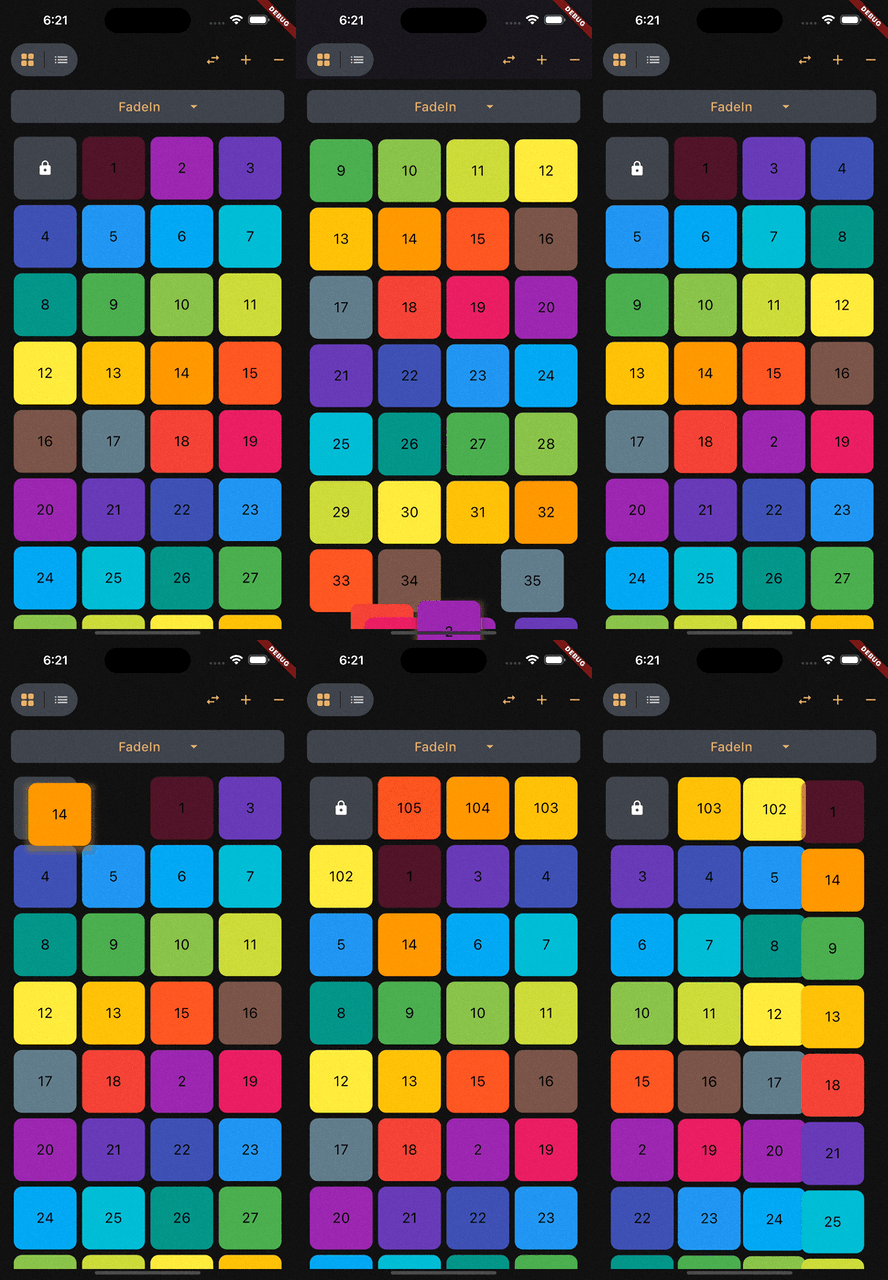
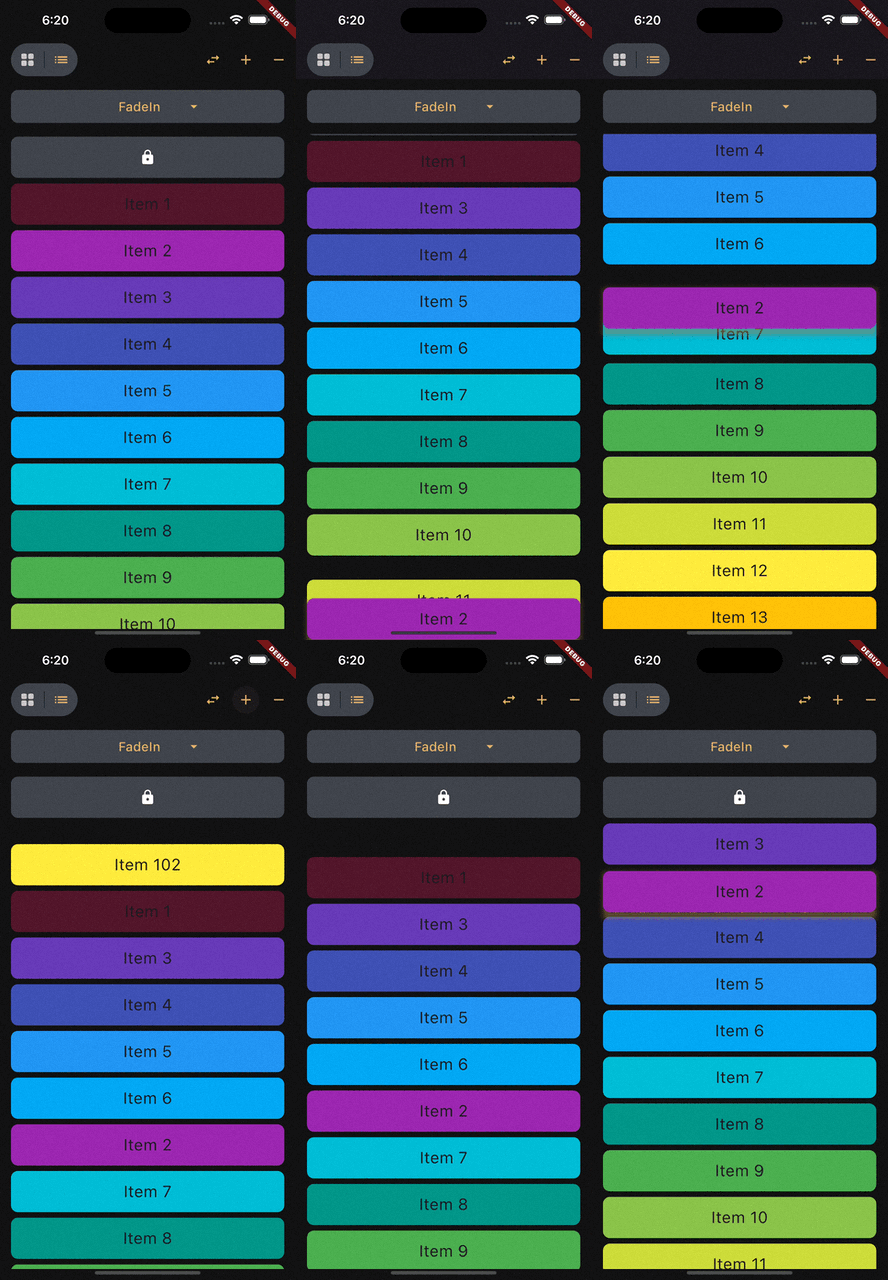
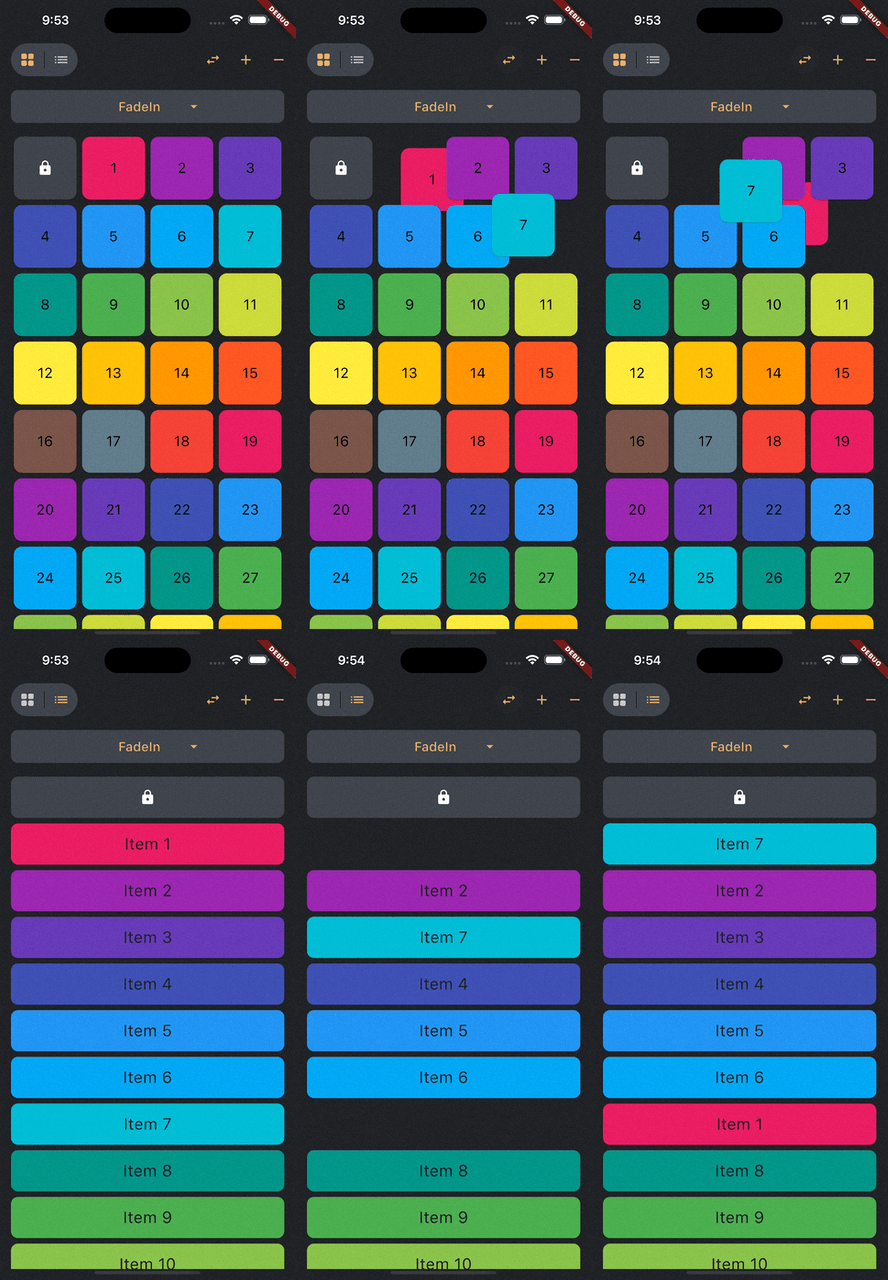
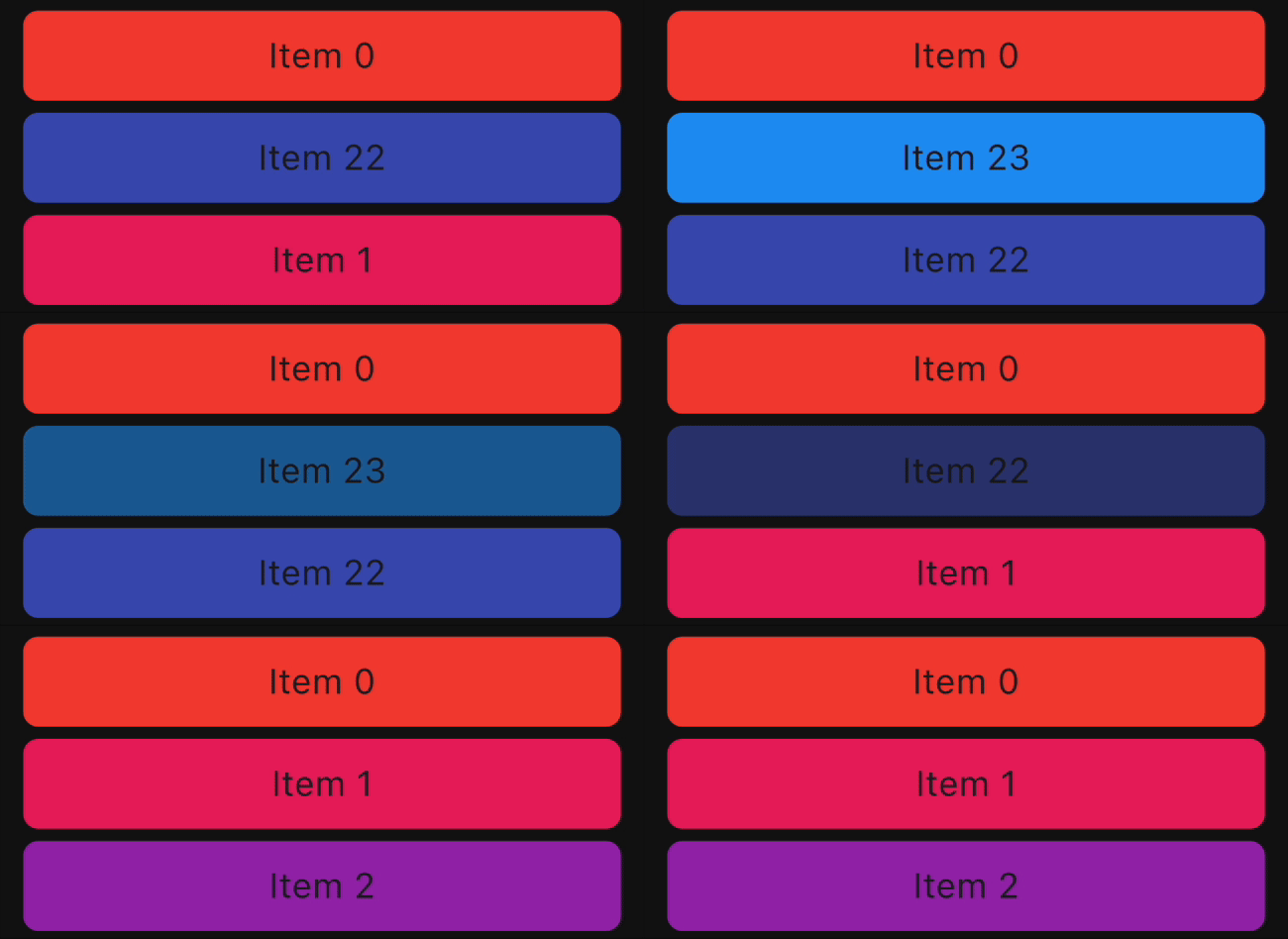
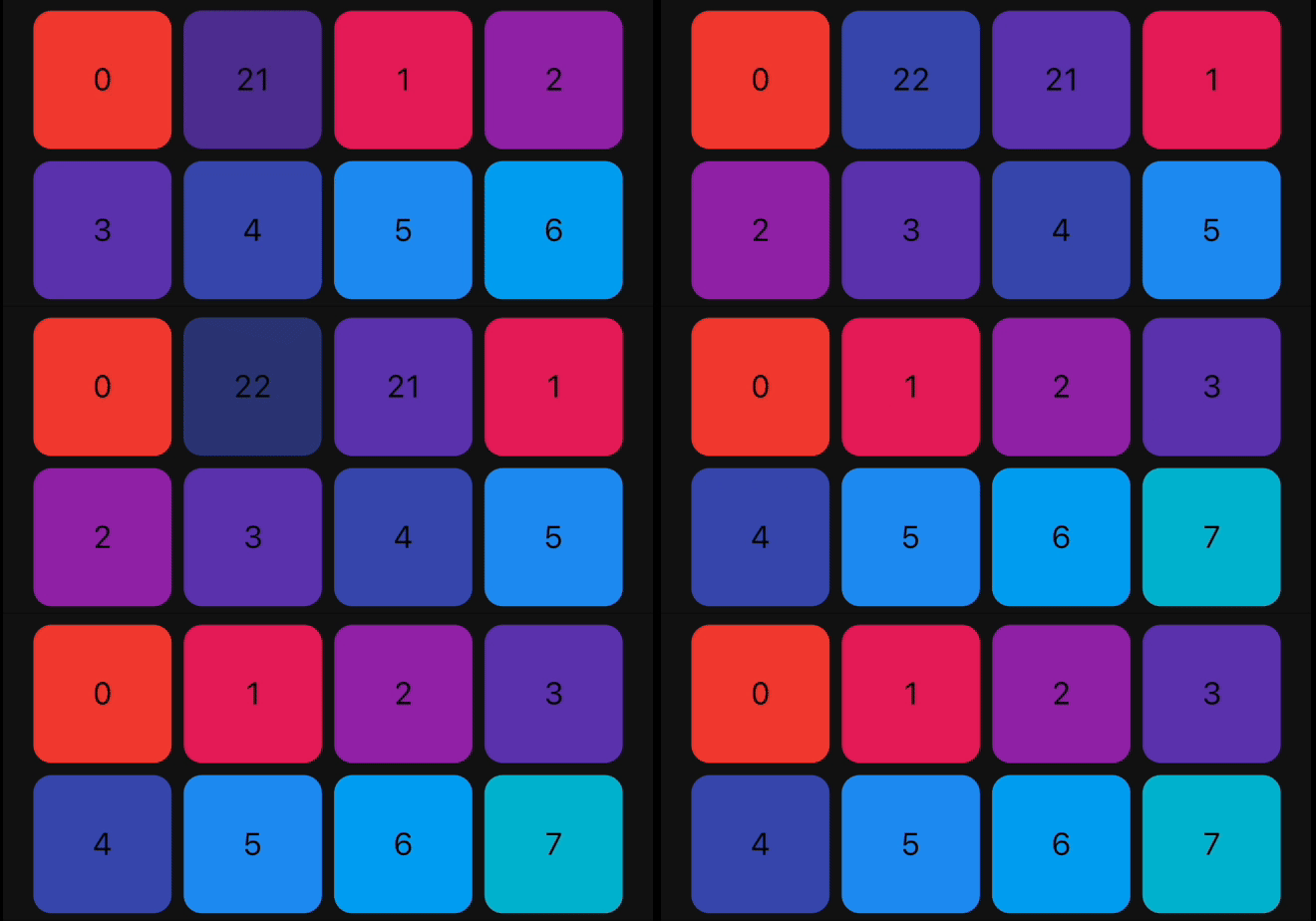
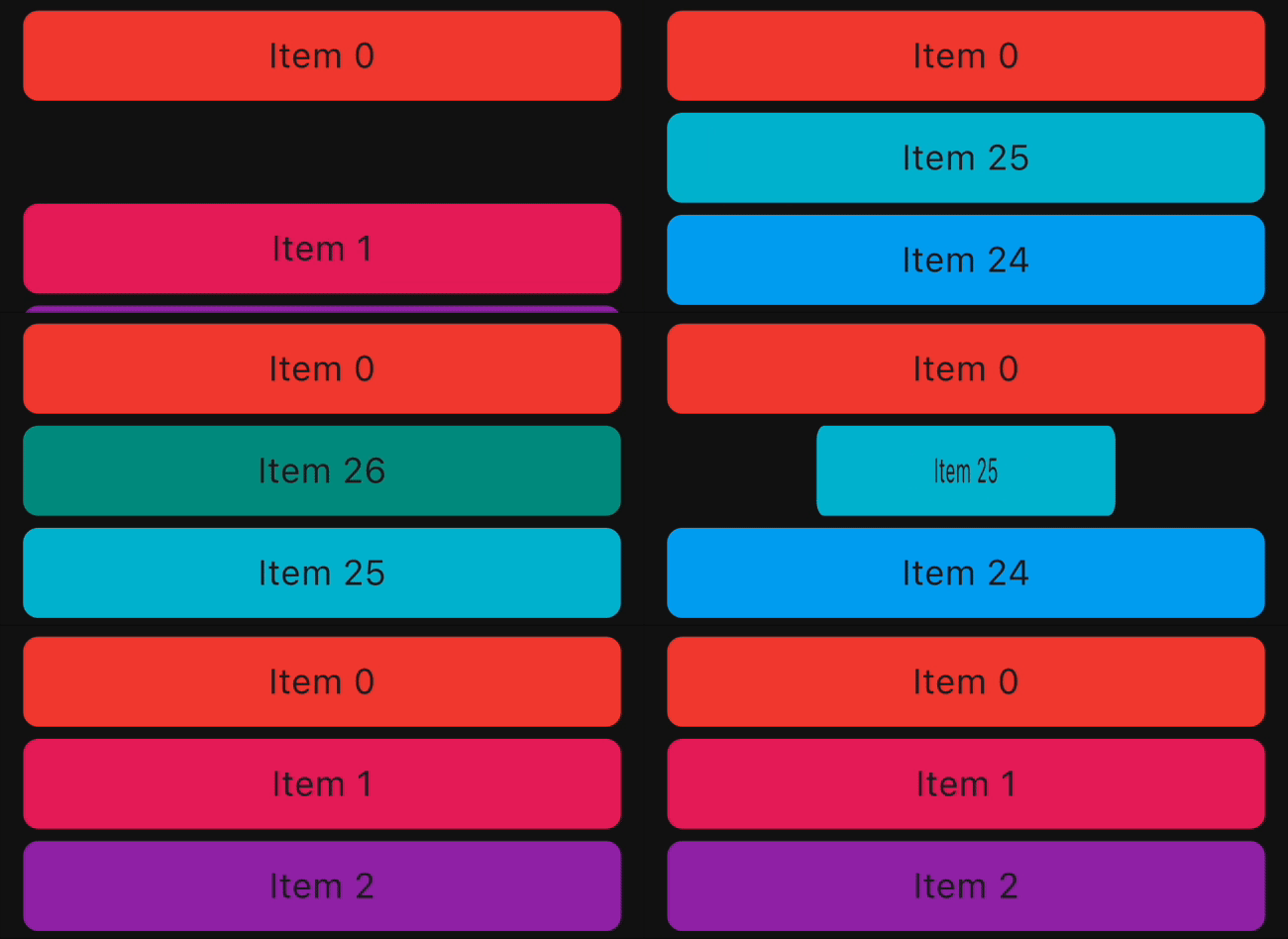
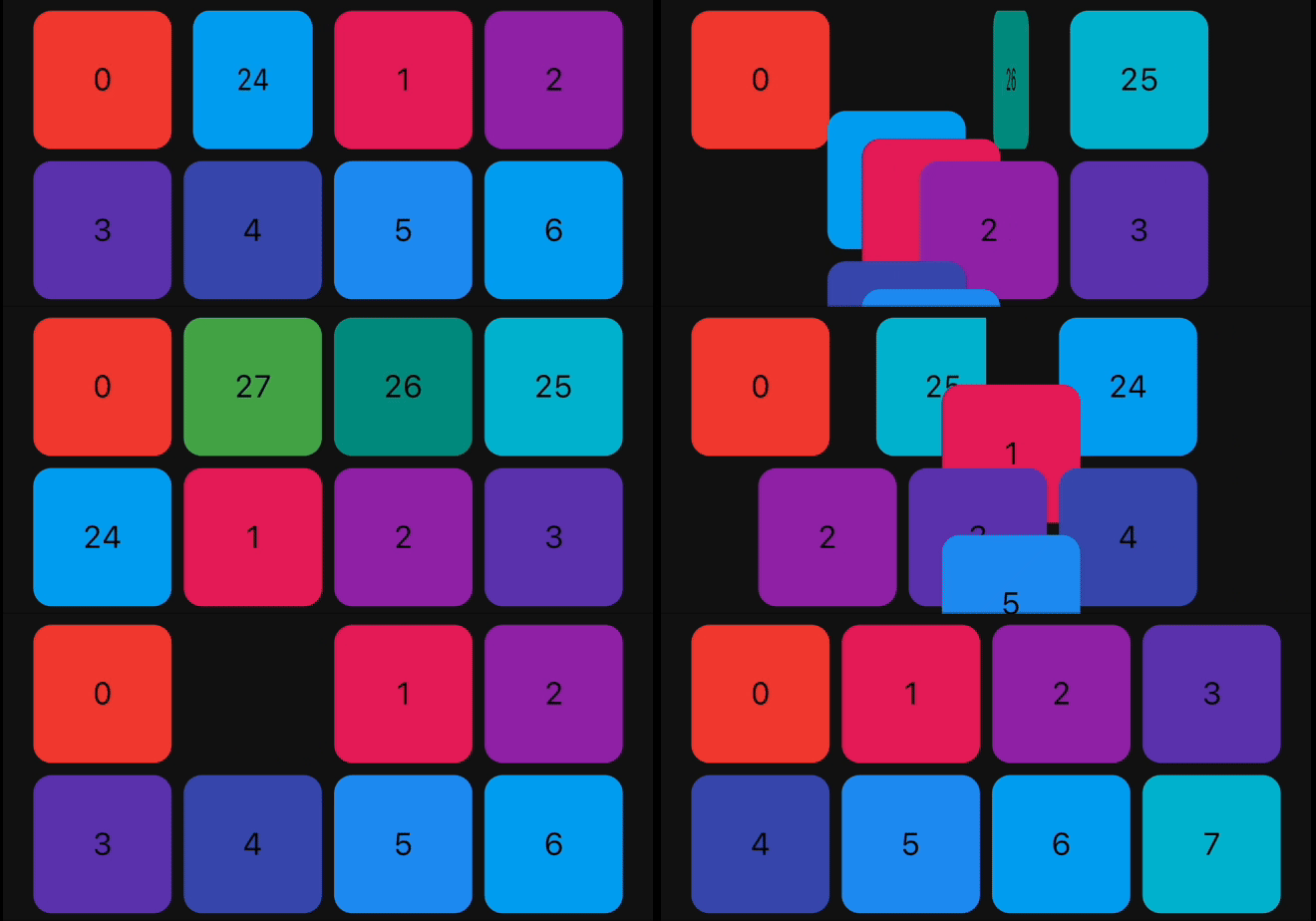
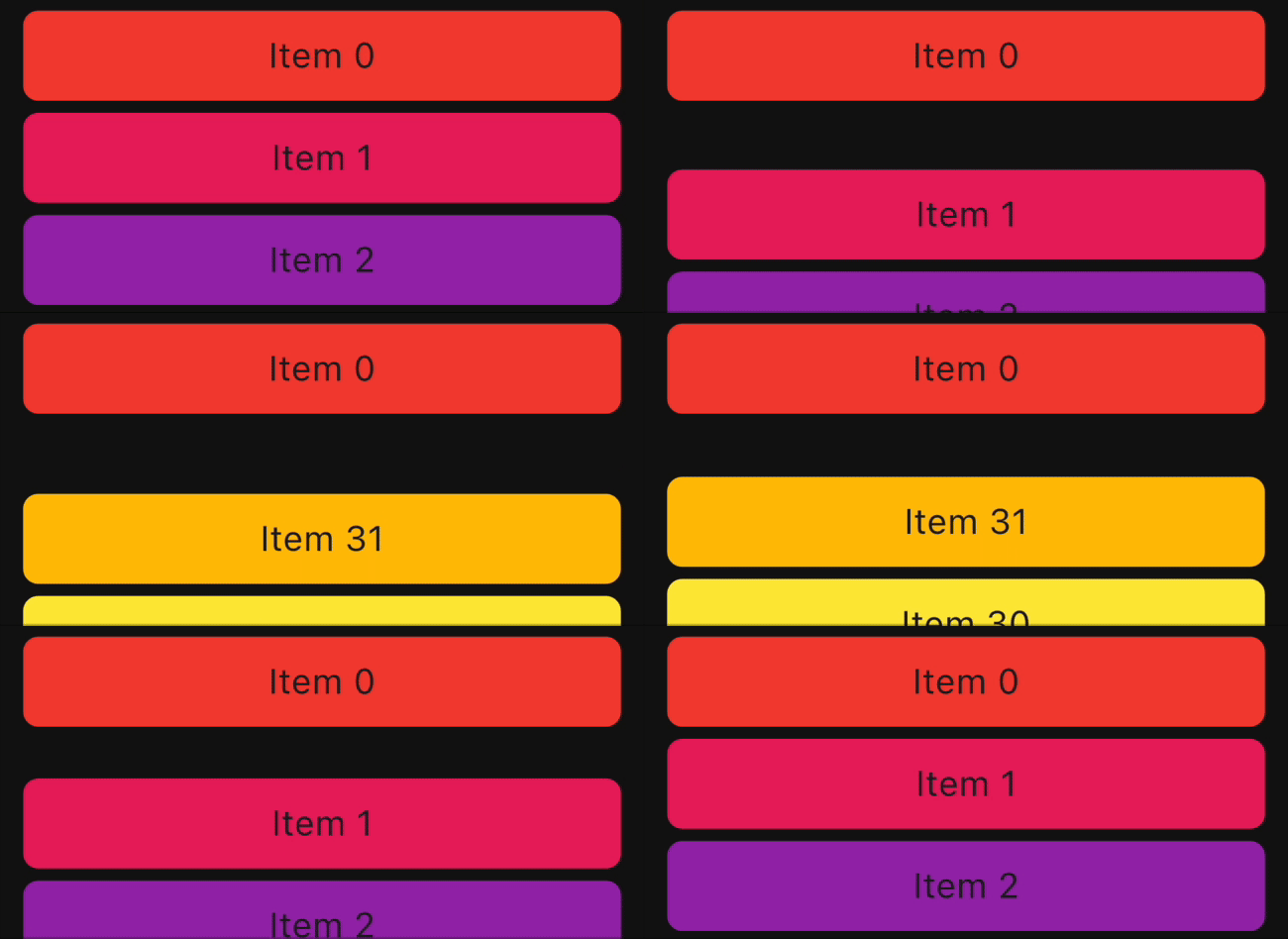
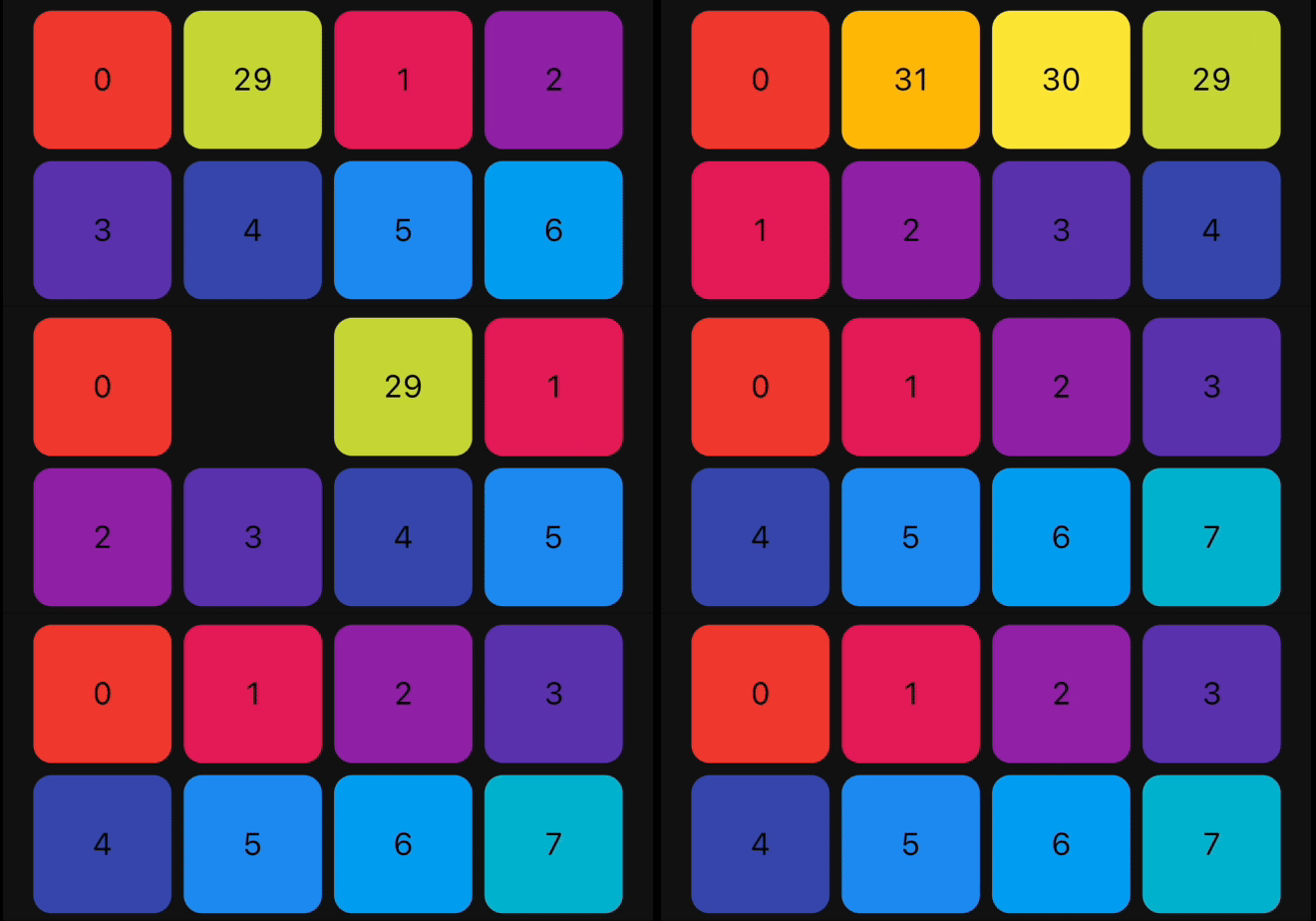
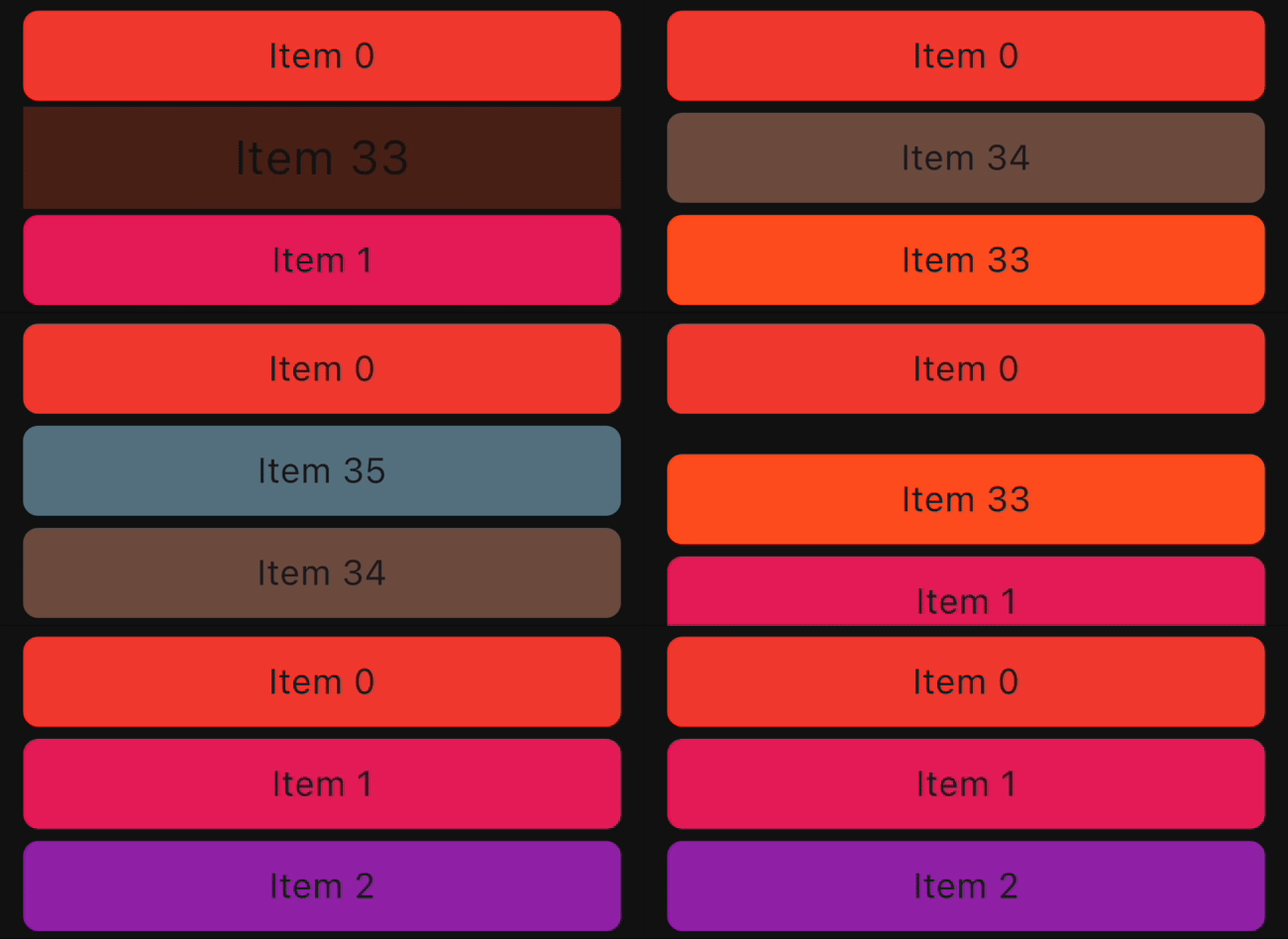
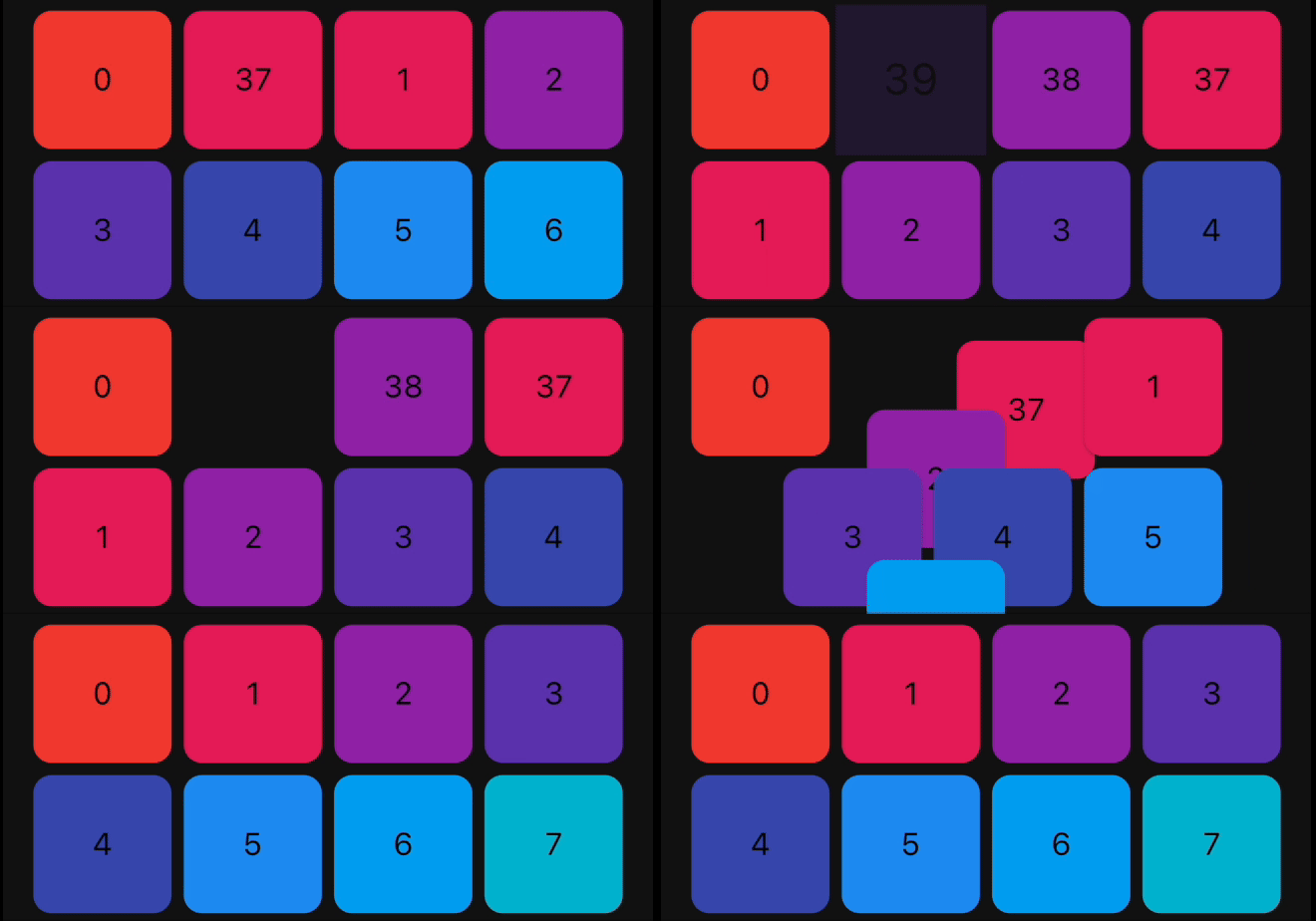
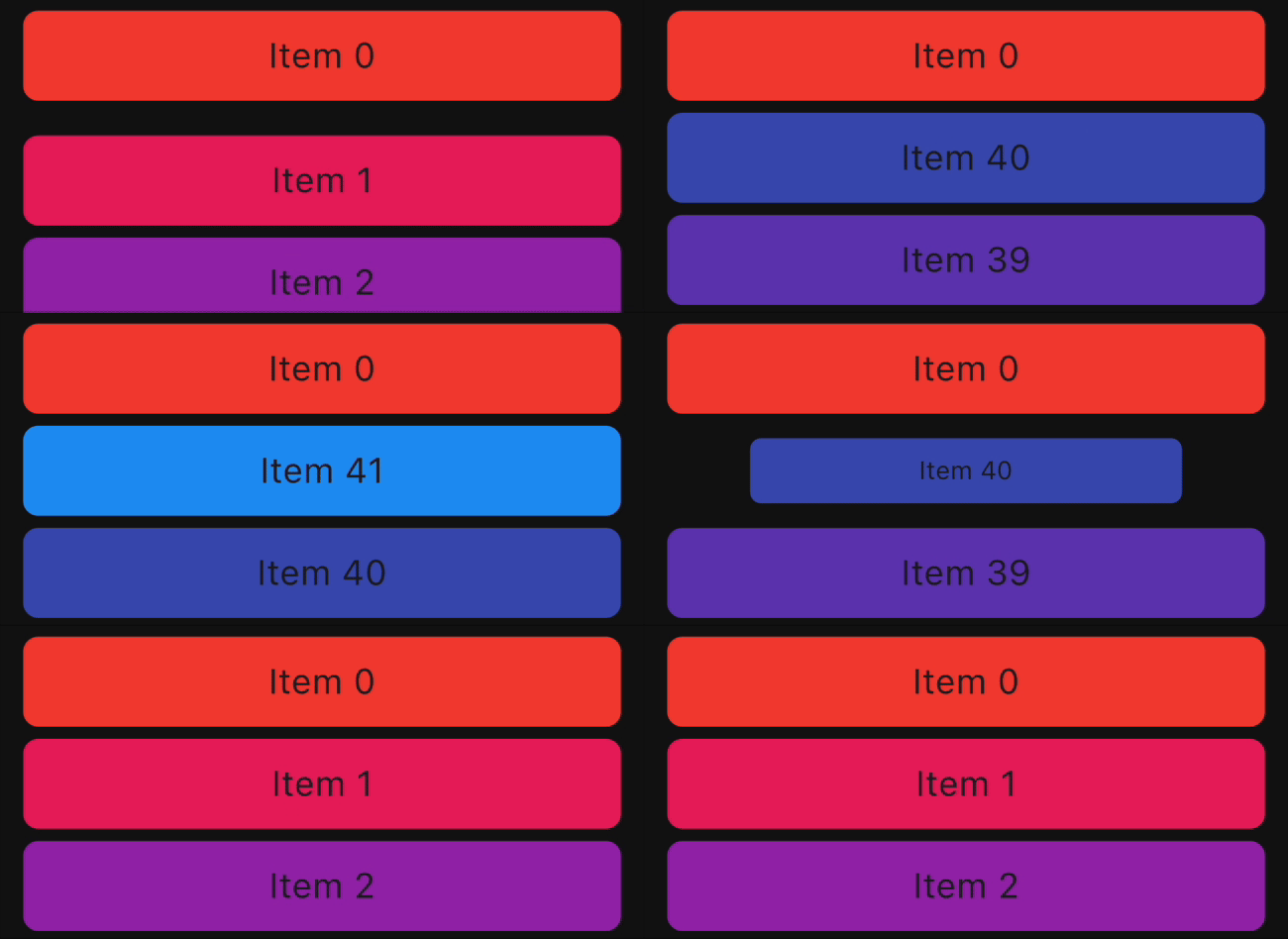
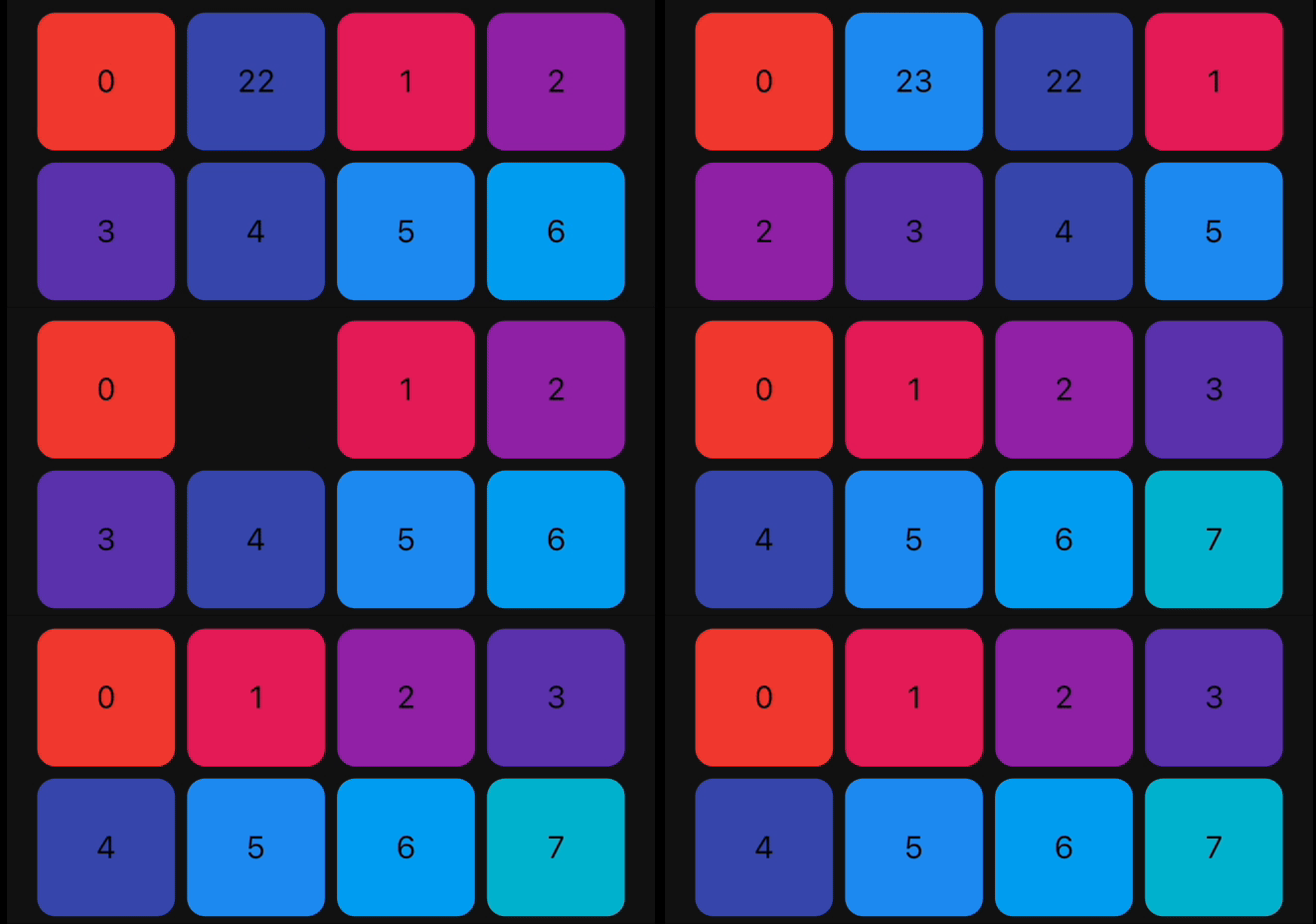
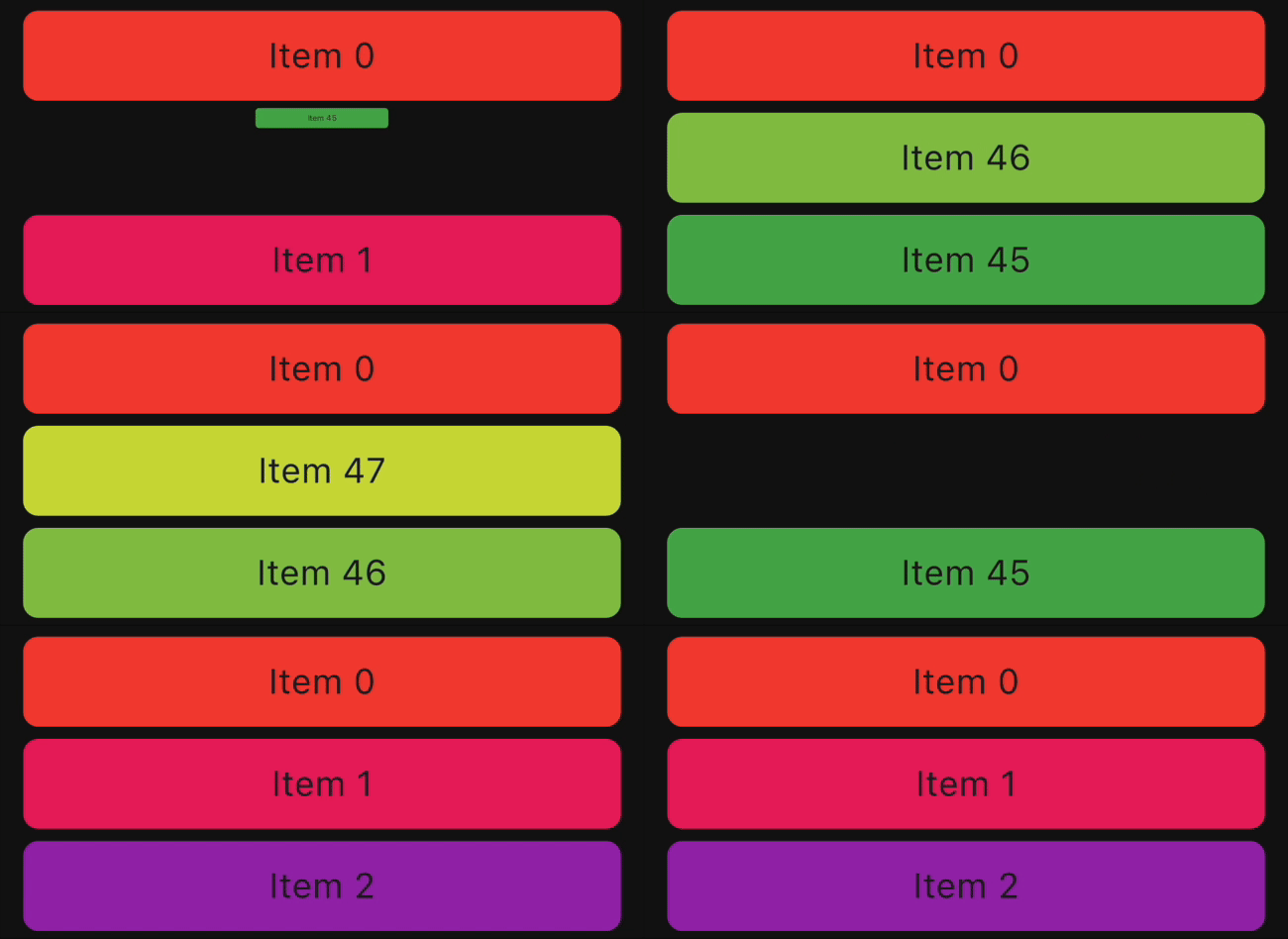
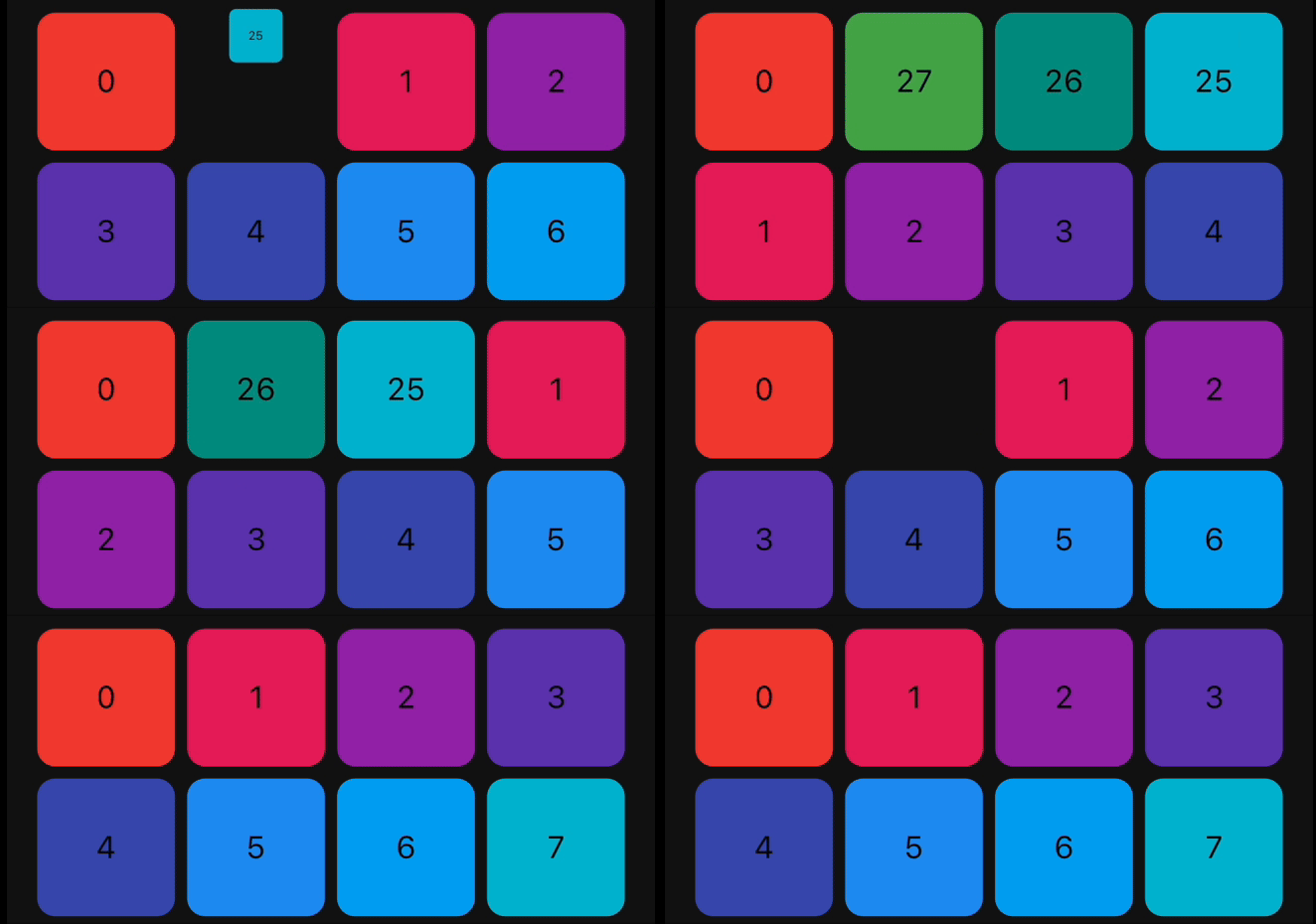
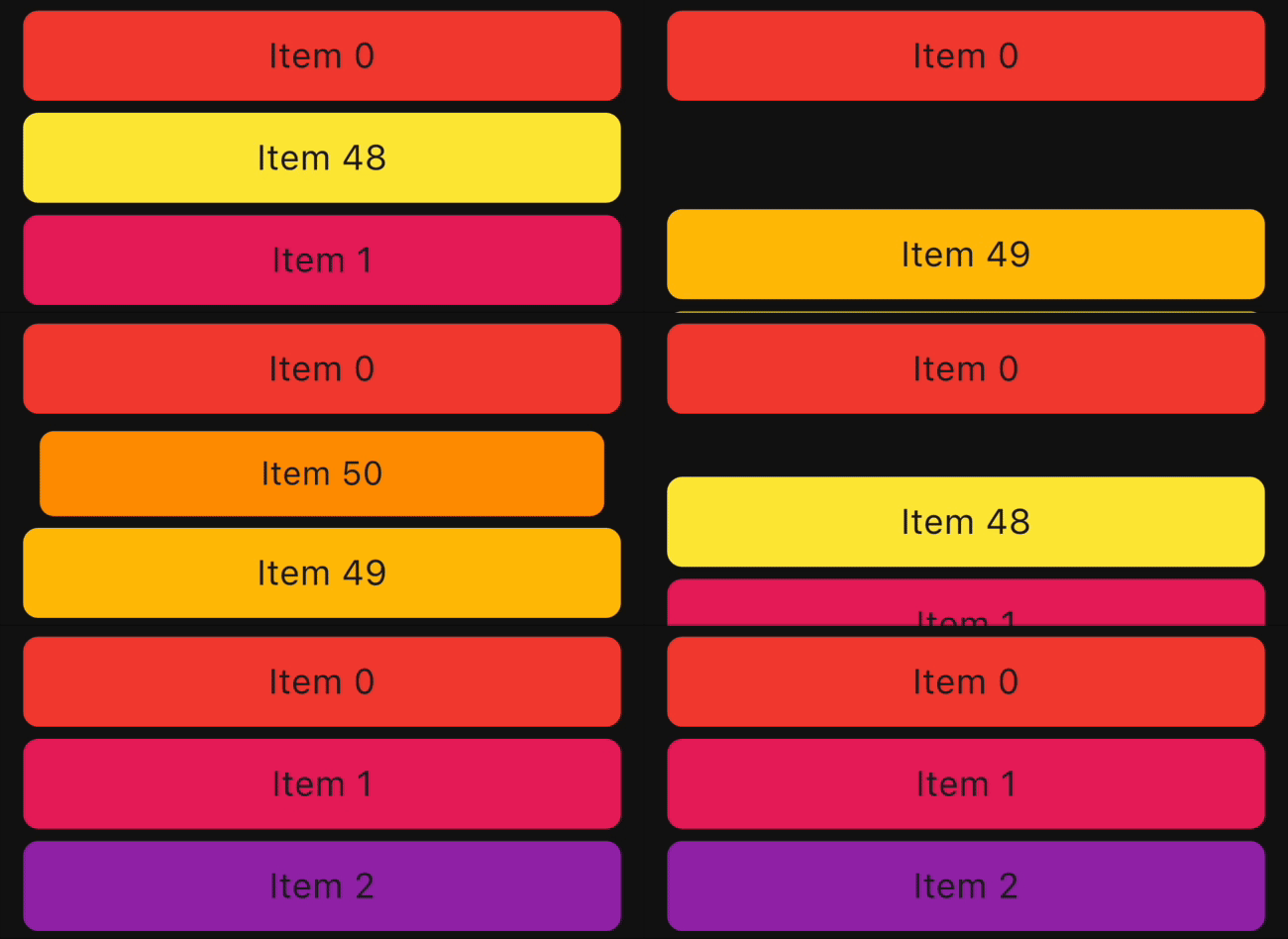
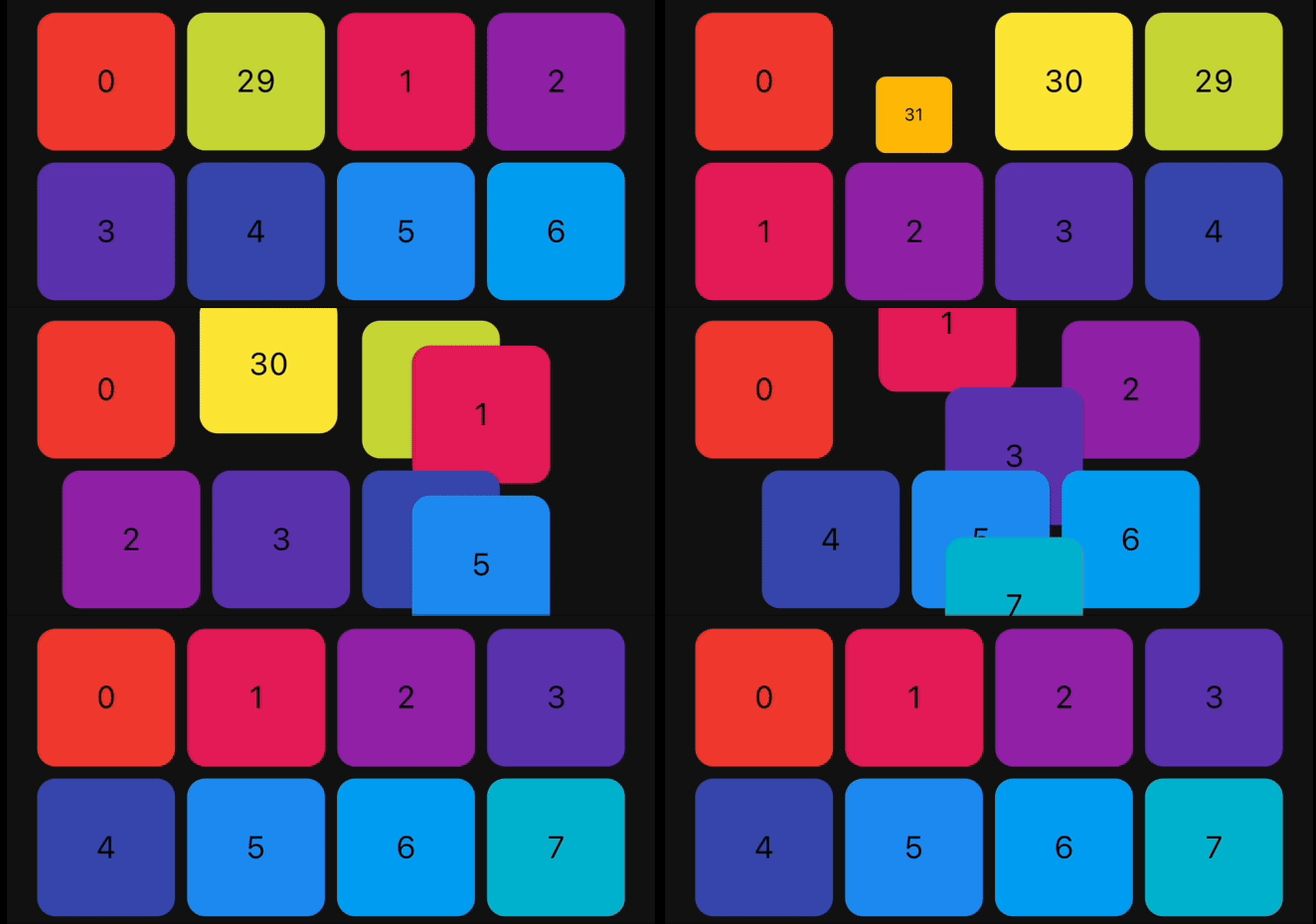
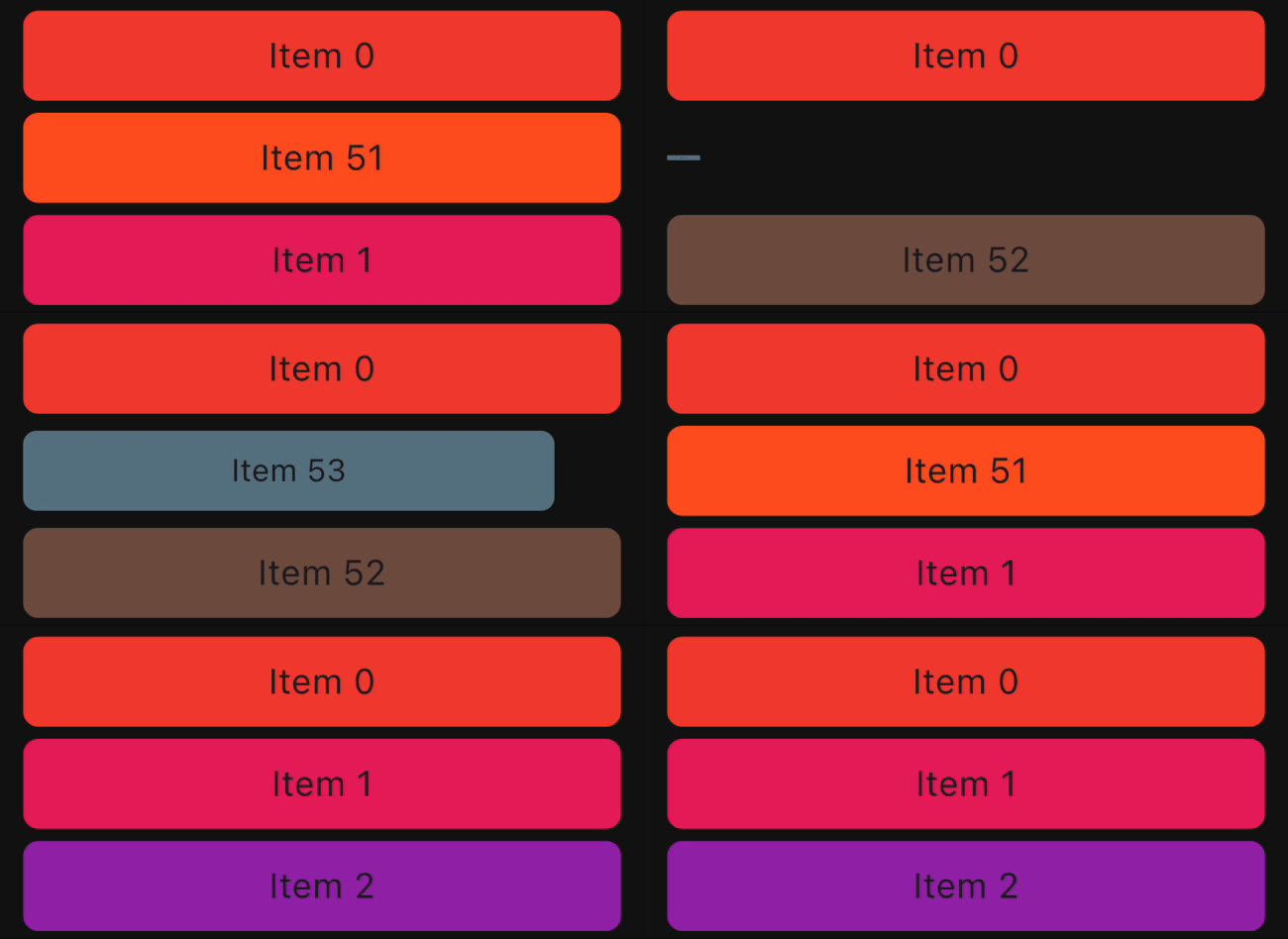
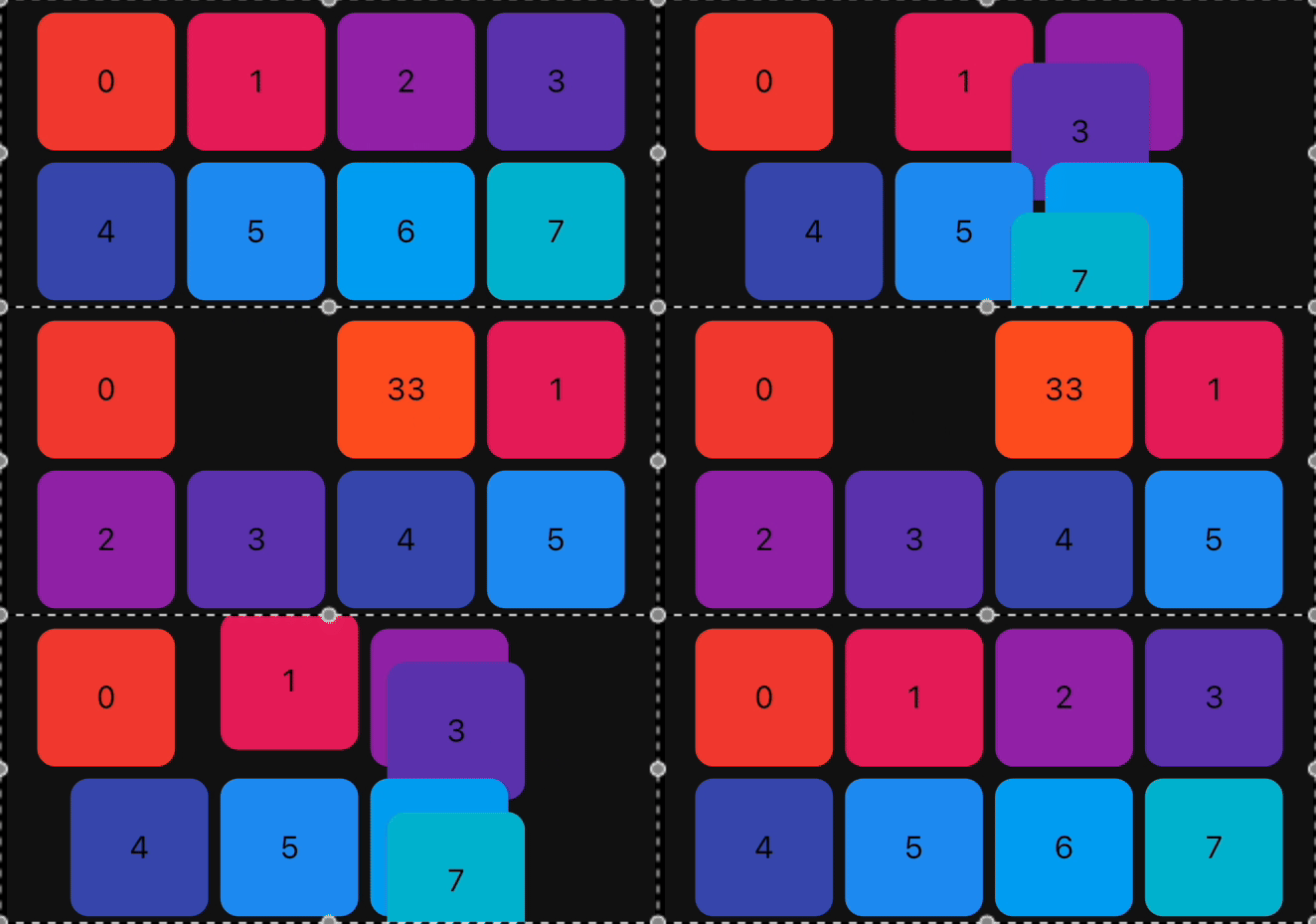
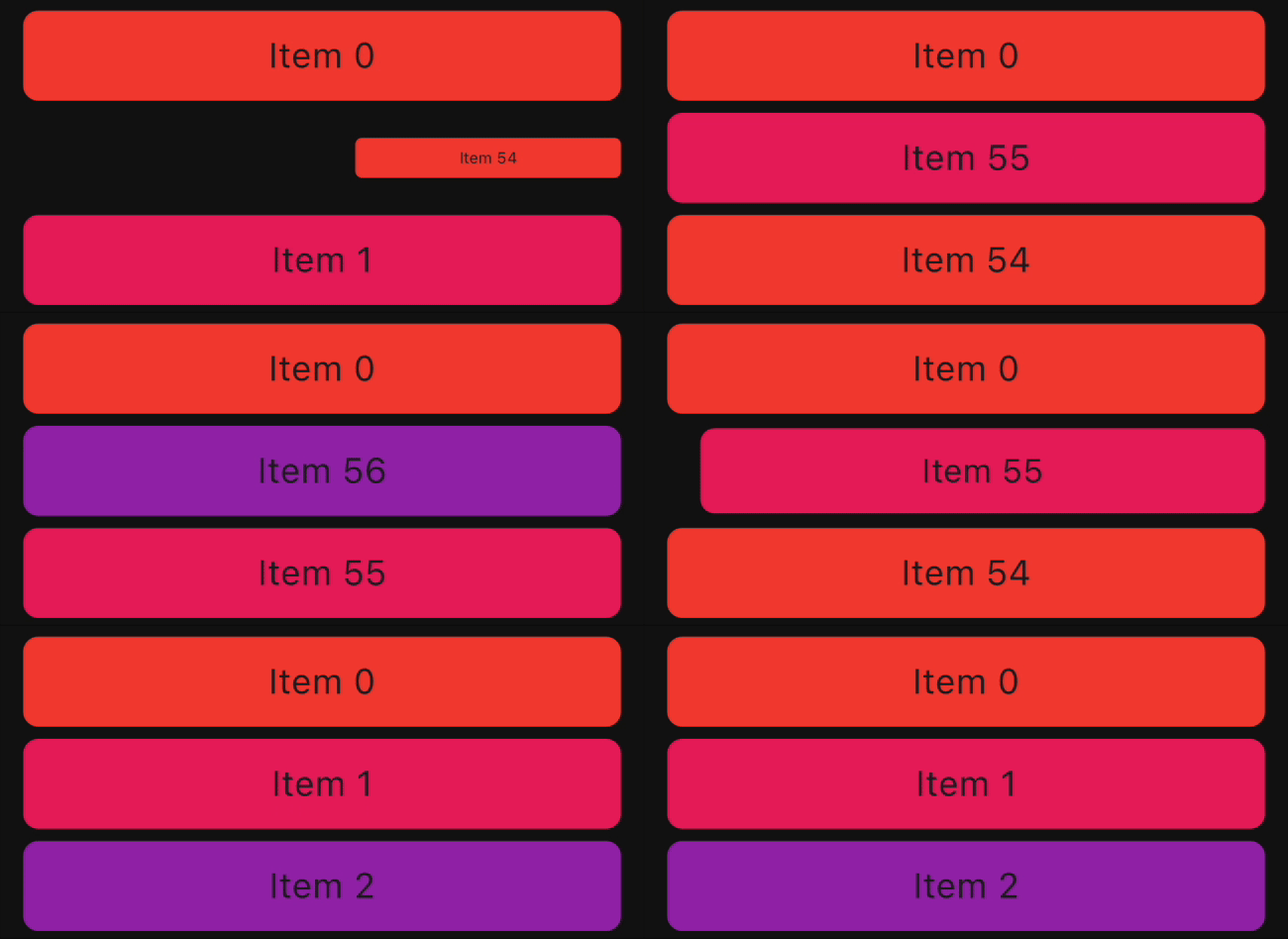
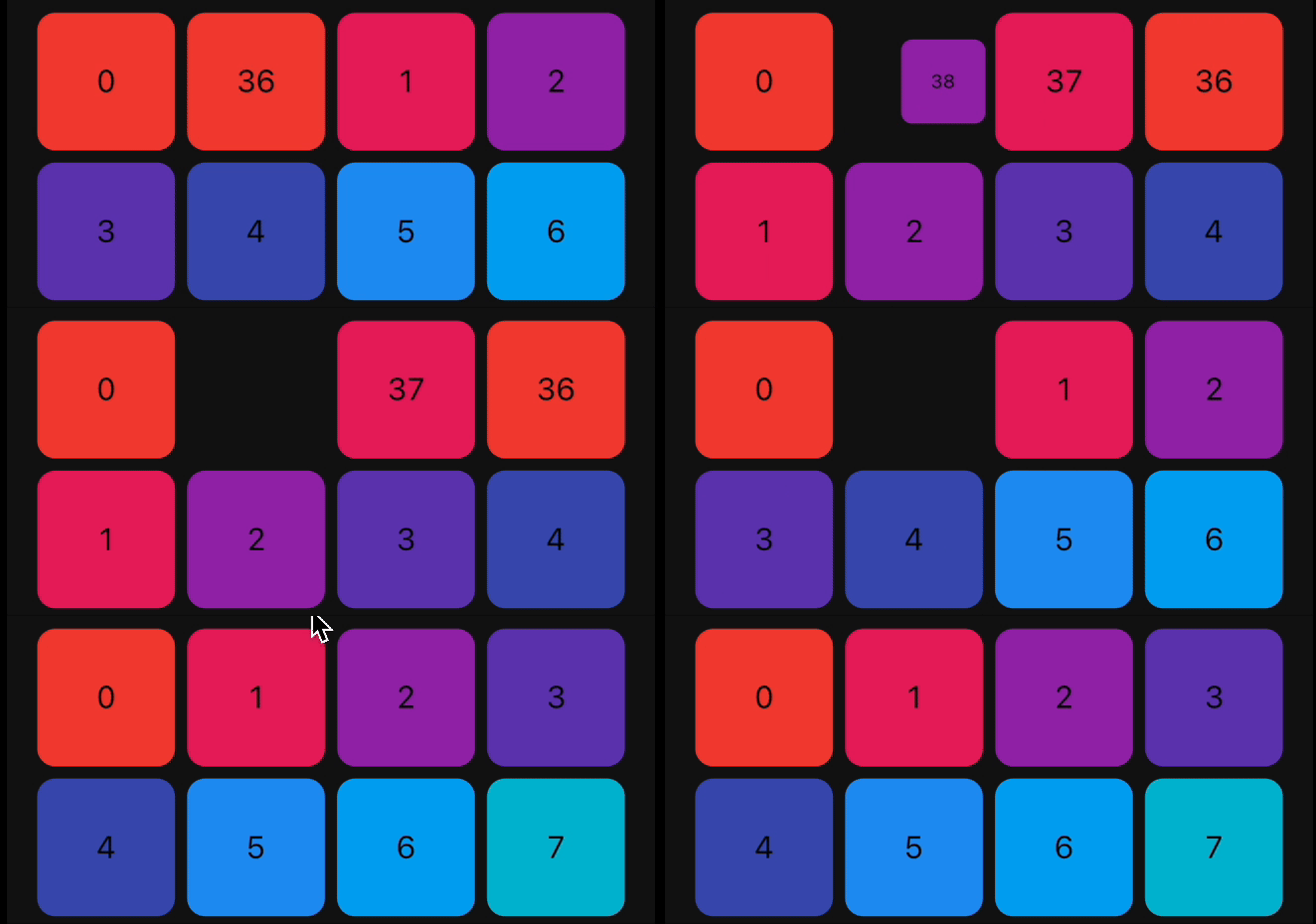
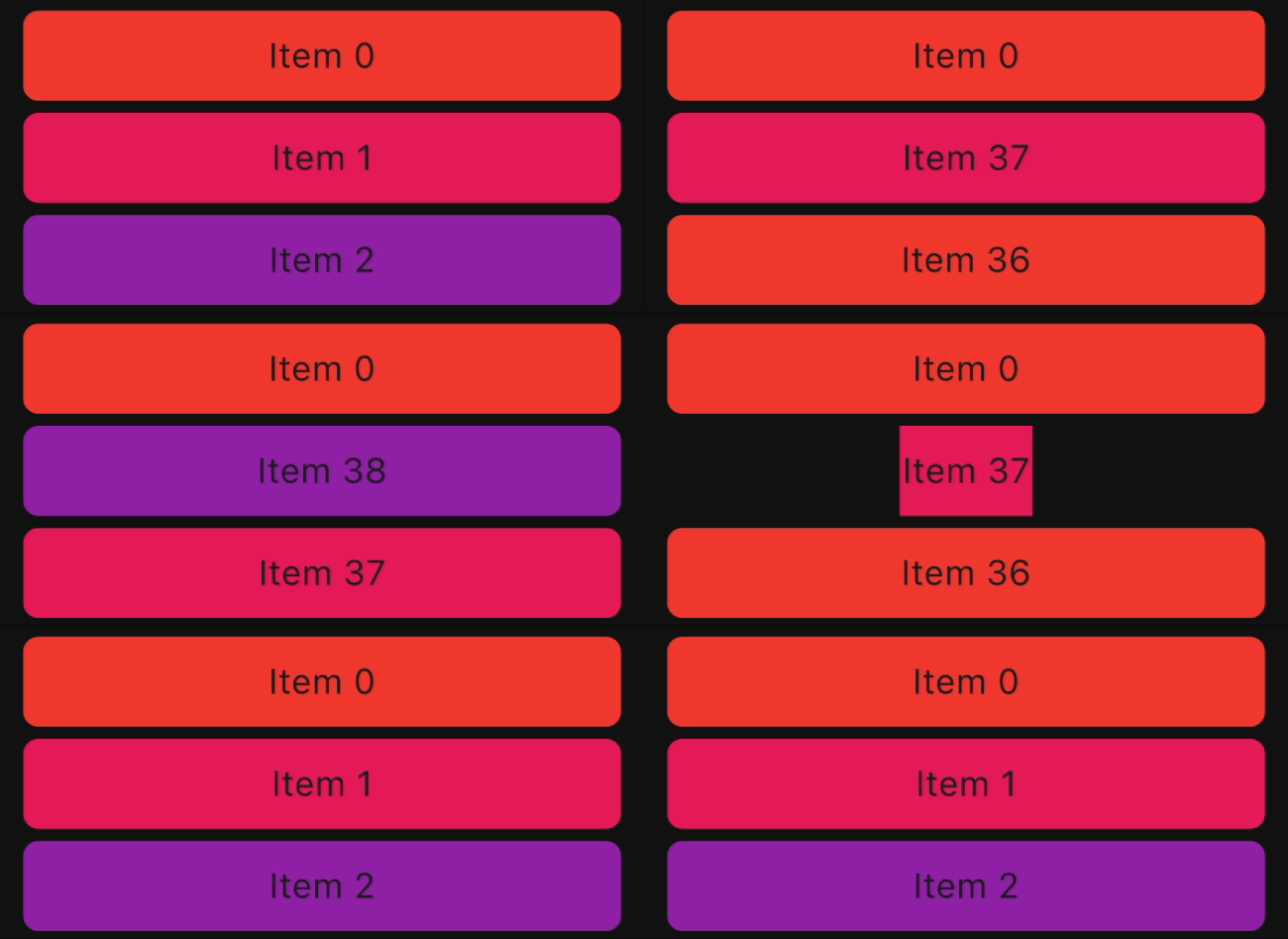
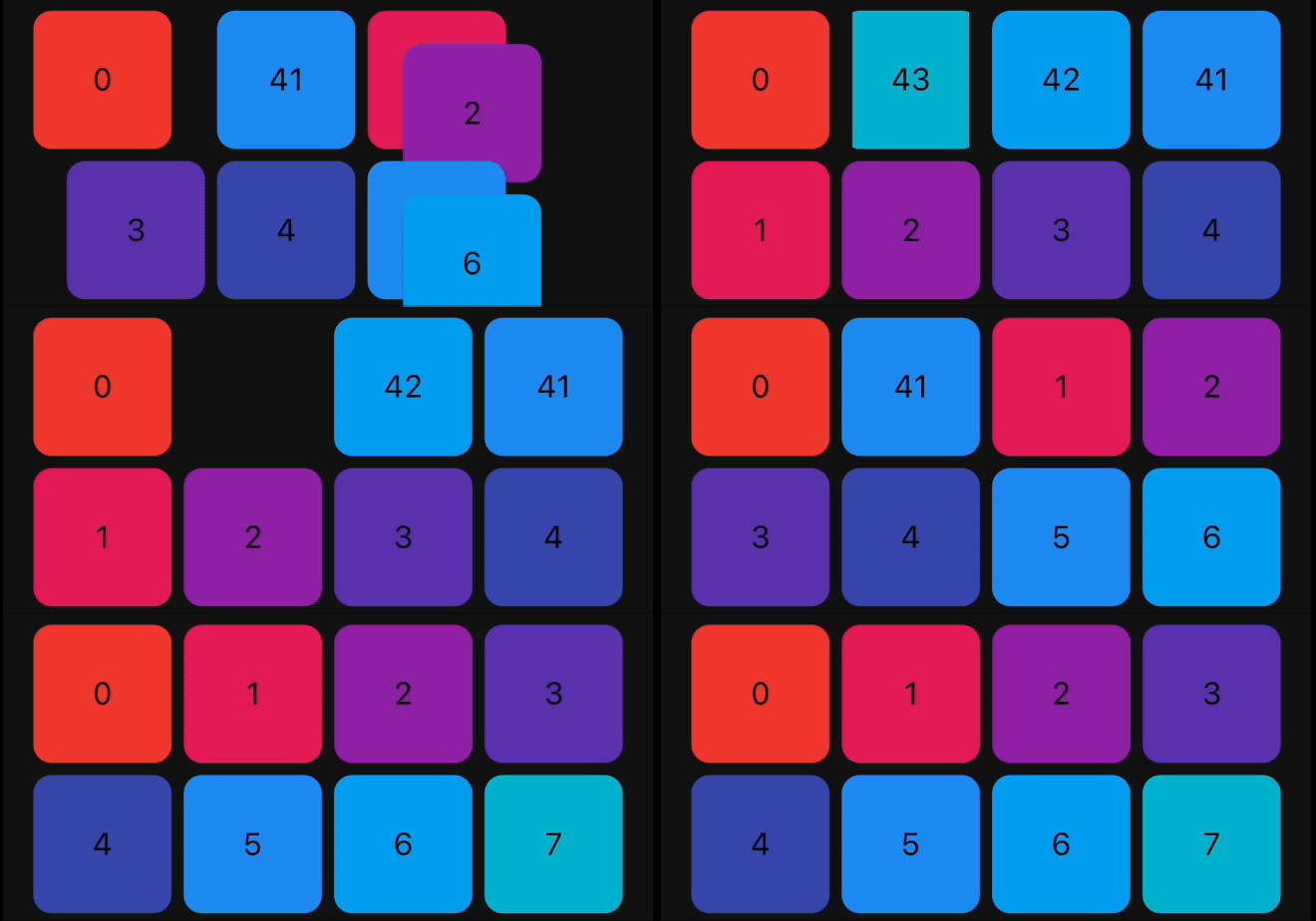
Demo

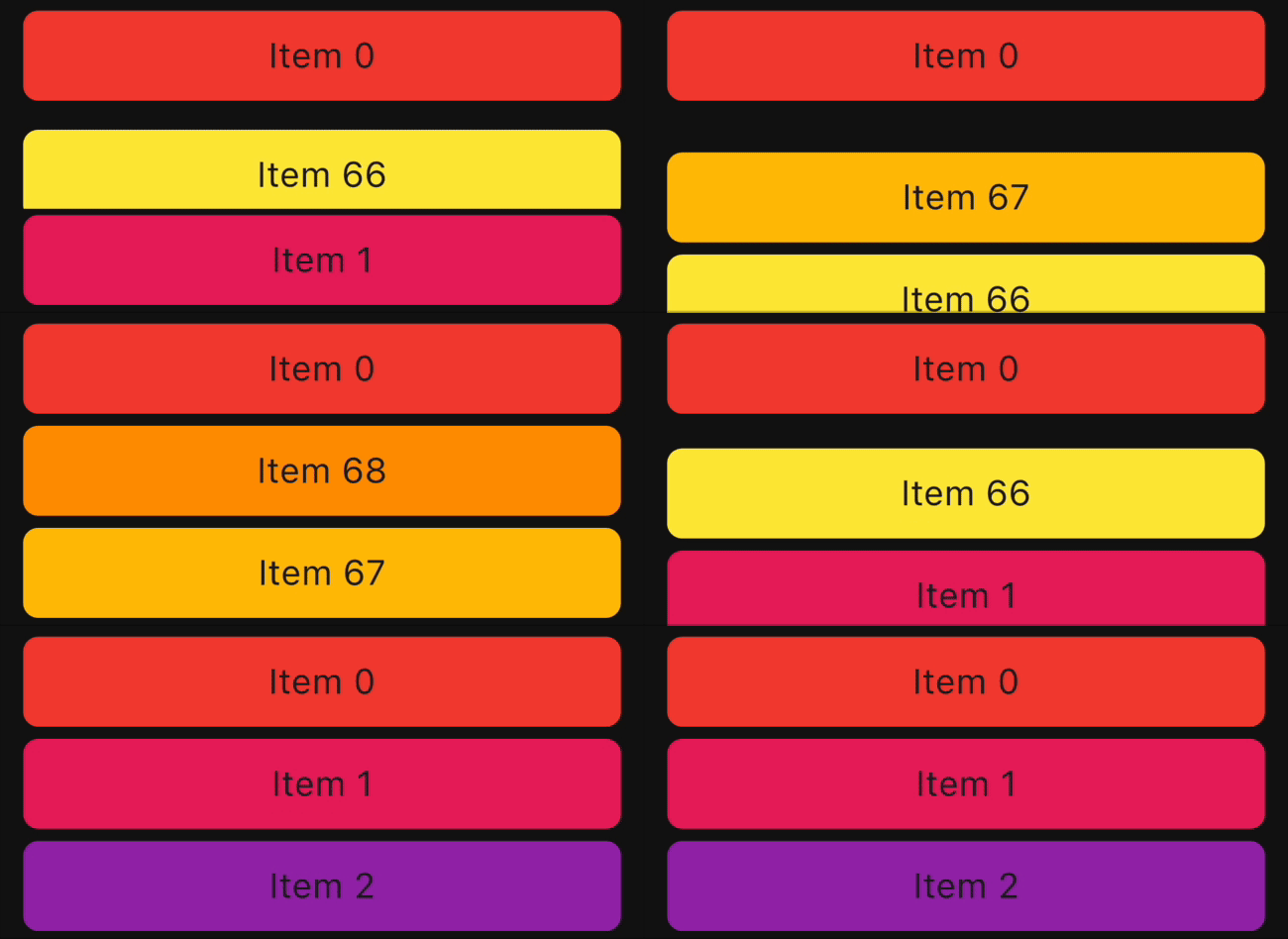
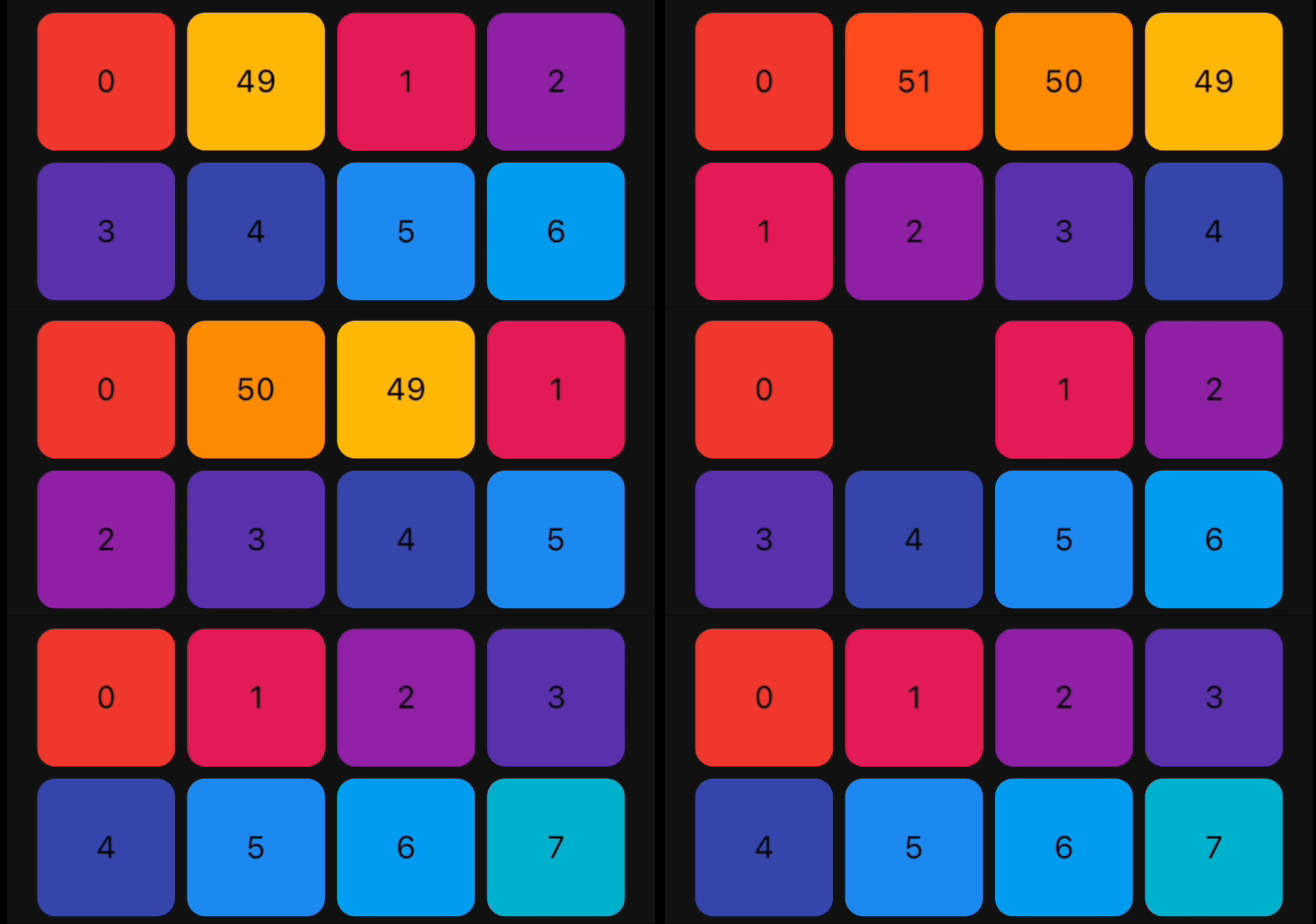
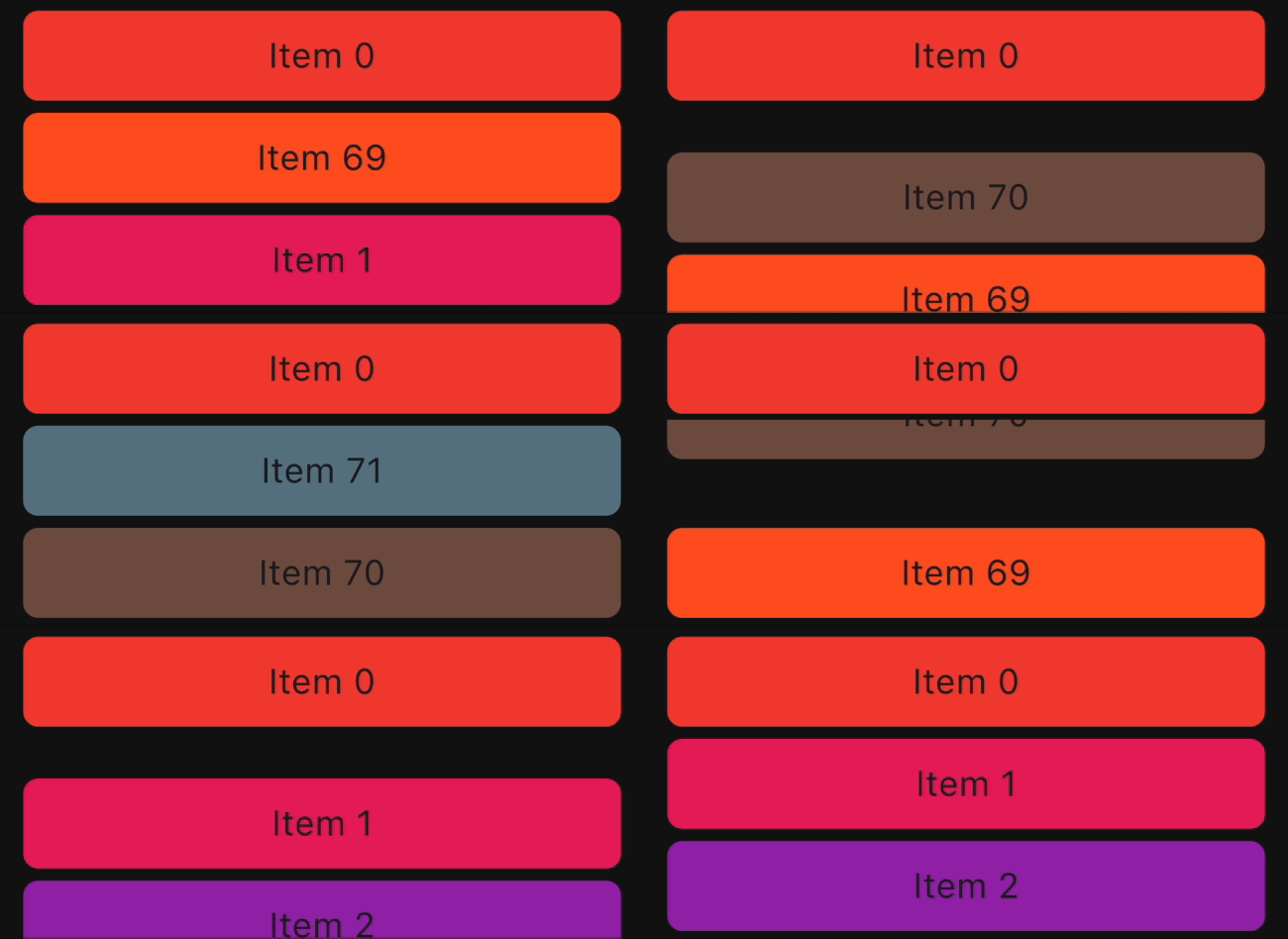
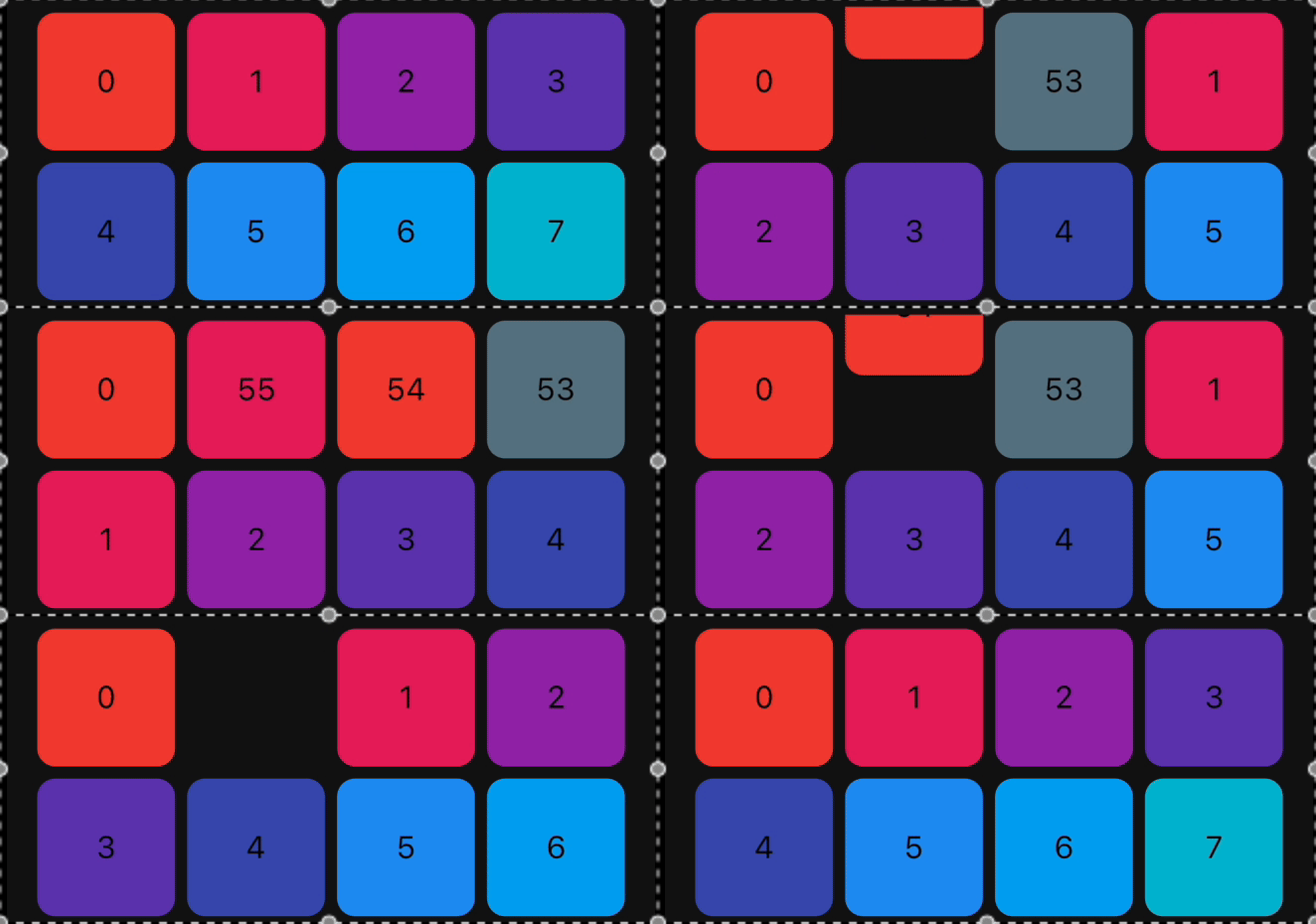
Reorderable List
ReorderableGridView ReorderableListView Swap Animation

How to use it?

1. Add dependency

Add this to your package's pubspec.yaml file:

dependencies:
  animated_reorderable_list: <latest_version>
2. Install it

You can install packages from the command line:

with pub:

$ pub get

with Flutter:

$ flutter pub get
3. Import it

Now in your Dart code, you can use:

import 'package:animated_reorderable_list/animated_reorderable_list.dart';
4. Use it

Sample app demonstrates how simple the usage of the library actually is.

Basic usage

AnimatedReorderableGridView

A AnimatedGridView with built-in support for drag and drop functionality.

AnimatedReorderableGridView(
  items: list,
  itemBuilder: (BuildContext context, int index) {
    final user = list[index];
    return ItemCard(
      key: ValueKey(user.id),
      id: user.id,
    );
  },
  sliverGridDelegate:
      SliverReorderableGridDelegateWithFixedCrossAxisCount(
          crossAxisCount: 4),
  enterTransition: [FlipInX(), ScaleIn()],
  exitTransition: [SlideInLeft()],
  insertDuration: const Duration(milliseconds: 300),
  removeDuration: const Duration(milliseconds: 300),
  onReorder: (int oldIndex, int newIndex) {
    setState(() {
      final User user = list.removeAt(oldIndex);
      list.insert(newIndex, user);
    });
  },
  dragStartDelay: const Duration(milliseconds: 300),
  isSameItem: (a, b) => a.id == b.id,
)
AnimatedReorderableListView

A AnimatedListView with built-in support for drag-and-drop functionality.

 AnimatedReorderableListView(
  items: list,
  itemBuilder: (BuildContext context, int index) {
    final user = list[index];
    return ItemTile(
      key: ValueKey(user.id),
      id: user.id,
    );
  },
  enterTransition: [SlideInDown()],
  exitTransition: [SlideInUp()],
  insertDuration: const Duration(milliseconds: 300),
  removeDuration: const Duration(milliseconds: 300),
  dragStartDelay: const Duration(milliseconds: 300),
  onReorder: (int oldIndex, int newIndex) {
    setState(() {
      final User user = list.removeAt(oldIndex);
      list.insert(newIndex, user);
    });
  },
  isSameItem: (a, b) => a.id == b.id
)

AnimatedListView

A AnimatedListView that animates insertion and removal of the item. Use this widget when you don't need drag-and-drop functionality.

AnimatedListView(
  items: list,
  itemBuilder: (context, index) {
    final user = list[index];
    return ItemTile(
      key: ValueKey(user.id),
      id: user.id,
    );
  },
  enterTransition: [FadeIn(), ScaleIn()]
  exitTransition: [SlideInUp()],
  isSameItem: (a, b) => a.id == b.id,
)
AnimatedGridView

A AnimatedGridView that animates insertion and removal of the item. Use this widget when you don't need drag-and-drop functionality.

AnimatedGridView(
  items: list,
  itemBuilder: (context, index) {
    final user = list[index];
    return ItemCard(
      key: ValueKey(user.id),
      id: user.id,
    );
  },
  sliverGridDelegate:
      SliverReorderableGridDelegateWithFixedCrossAxisCount(
          crossAxisCount: 4),
  enterTransition: [FadeIn(), ScaleIn()],
  exitTransition: [SlideInDown()],
  isSameItem: (a, b) => a.id == b.id),

Duration for animation

//optional
insertDuration: const Duration(milliseconds: 300),
removeDuration: const Duration(milliseconds:300),

The duration for item insertion and removal animation. If not specified, the default duration is Duration(milliseconds: 300).

Enter and exit Animation

To apply animation, while inserting or removing item, specify a list of animation:

//optional
    enterTransition: [FadeIn(), ScaleIn()],
    exitTransition:  [SlideIn()],

If not specified, then default FadeIn() animation will be applied.

Delay, duration, curve

Animation have optional delay, duration, begin, end and curve parameters. Animations run in parallel, but you can use a delay to run them sequentially:

//optional
 enterTransition: [
     FadeIn(
        duration: const Duration(milliseconds: 300),
        delay: const Duration(milliseconds: 100)),
     ScaleIn(
        duration: const Duration(milliseconds: 500),
        curve: Curves.bounceInOut)
    ],

If a specific duration is provided for the animation, it will run for that specified duration. However, if insertDuration or removeDuration are specified, it will override specific item duration.

Custom AnimationBuilder

//optional
insertItemBuilder: (Widget child, Animation<double> animation){
      return ScaleTransition(
         scale: animation,
         child: child,
     );
  }
                                    
removeItemBuilder: (Widget child, Animation<double> animation){
       return ScaleTransition(
          scale: animation,
          child: child,
      );
    }

You can use custom insertItemBuilder or removeItemBuilder if you wish to implement your own customized animations instead of relying on the built-in animations provided by the library. In these custom builder functions, the child parameter represents the widget returned by the itemBuilder callback, and the animation parameter provides the animation control.

If a custom insertItemBuilder is provided, it will override the enterTransition. Similarly, if removeItemBuilder is provided, then it will override exitTransition.

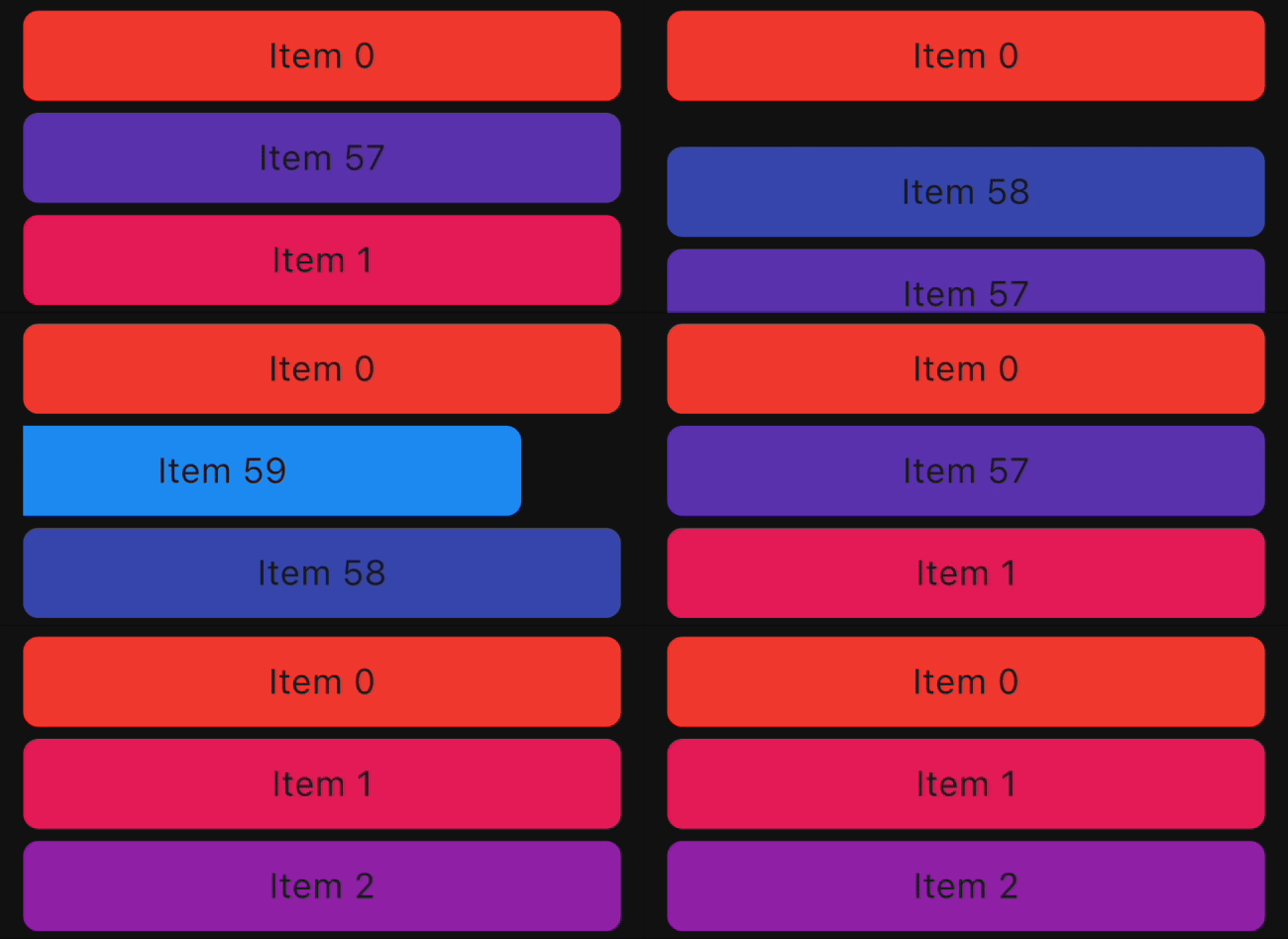
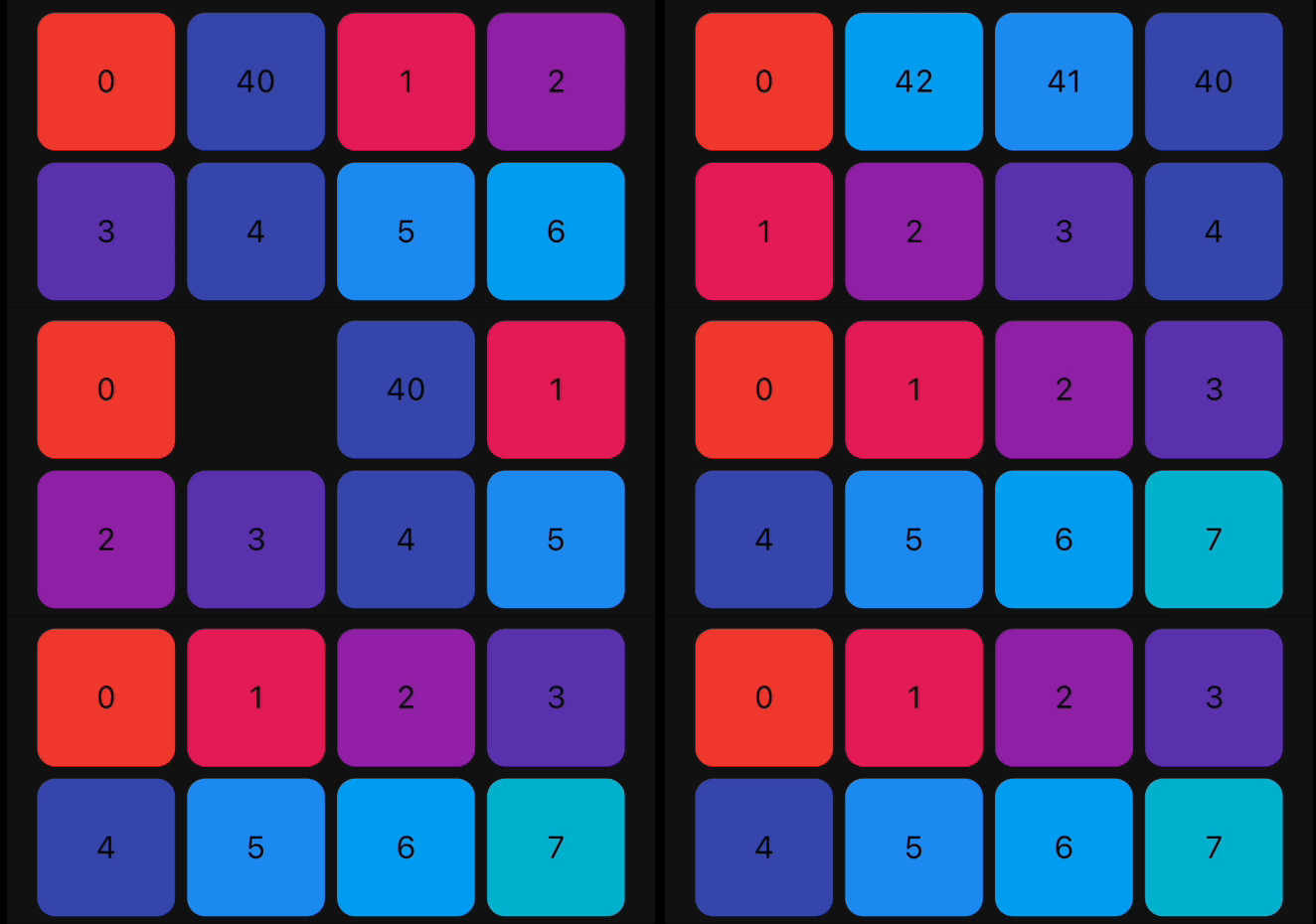
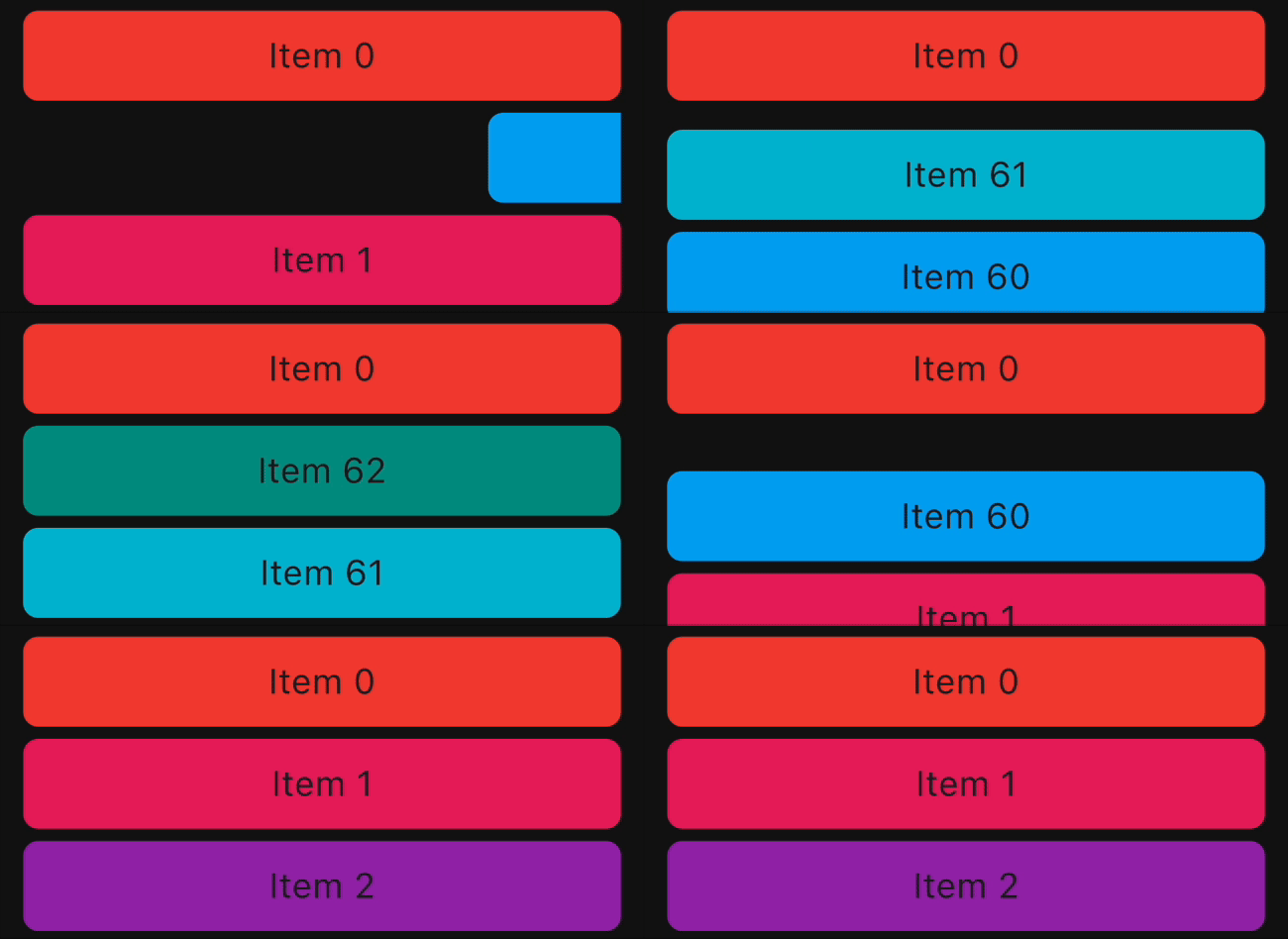
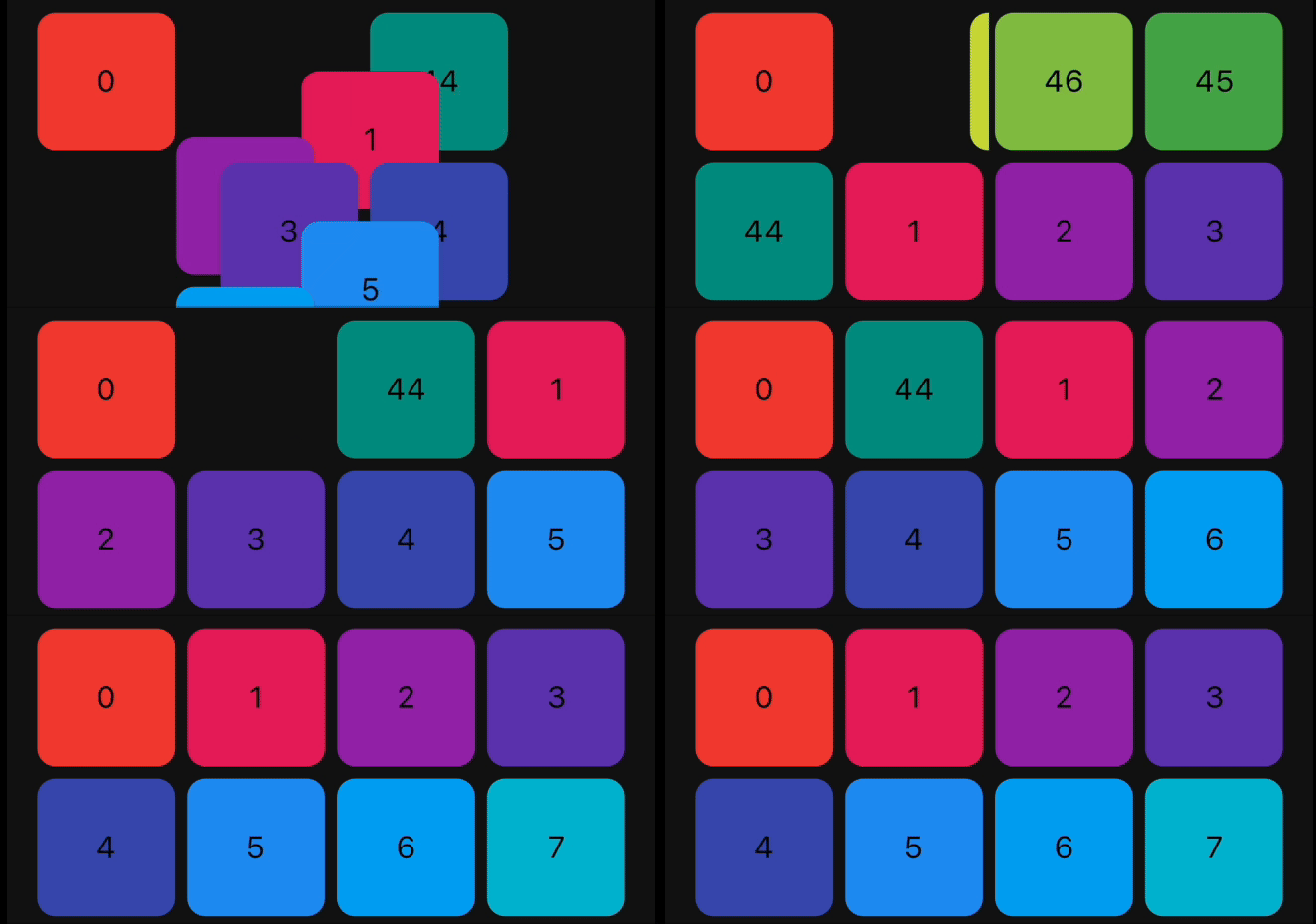
Animations

The library provides a set of pre-built animations that can be used for item insertion and removal. You can use multiple animations at the same time by providing a list of animations.

The following animations are available:

Animation Type ListView Example GridView Example
FadeIn
FlipInY
FlipInX
Landing
ScaleIn
ScaleInTop
ScaleInBottom
ScaleInLeft
ScaleInRight
Size
SlideInLeft
SlideInRight
SlideInDown
SlideInUp

Bugs and Feedback

We welcome and appreciate any suggestions you may have for improvement. For bugs, questions, and discussions please use the Github Issues.

Acknowledgments

This library builds upon the foundation laid by the incredible work of the Flutter team. The core logic for animated list and drag-and-drop functionality are derived from Flutter's native widgets, specifically AnimatedList and ReorderableListView.

Contribution

The Canopas team enthusiastically welcomes contributions and project participation! There are a bunch of things you can do if you want to contribute! The Contributor Guide has all the information you need for everything from reporting bugs to contributing entire new features. Please don't hesitate to jump in if you'd like to, or even ask us questions if something isn't clear.

Credits

animated_reorderable_list is owned and maintained by the Canopas team. You can follow them on Twitter at @canopassoftware for project updates and releases.

Inspired by recyclerview-animators in Android.

所属分类

源码仓库

使用此插件的项目