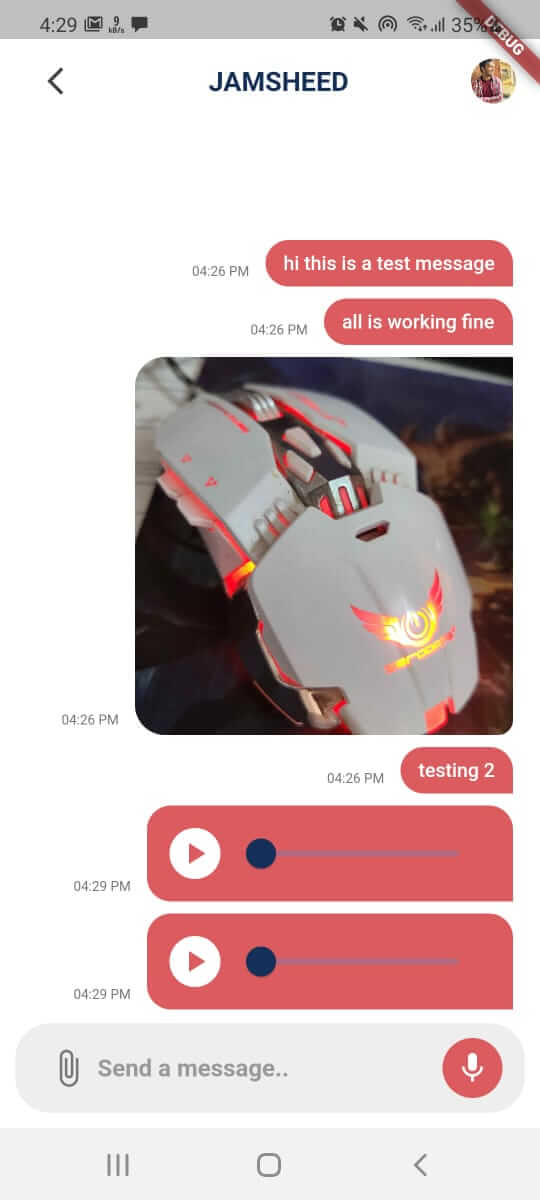
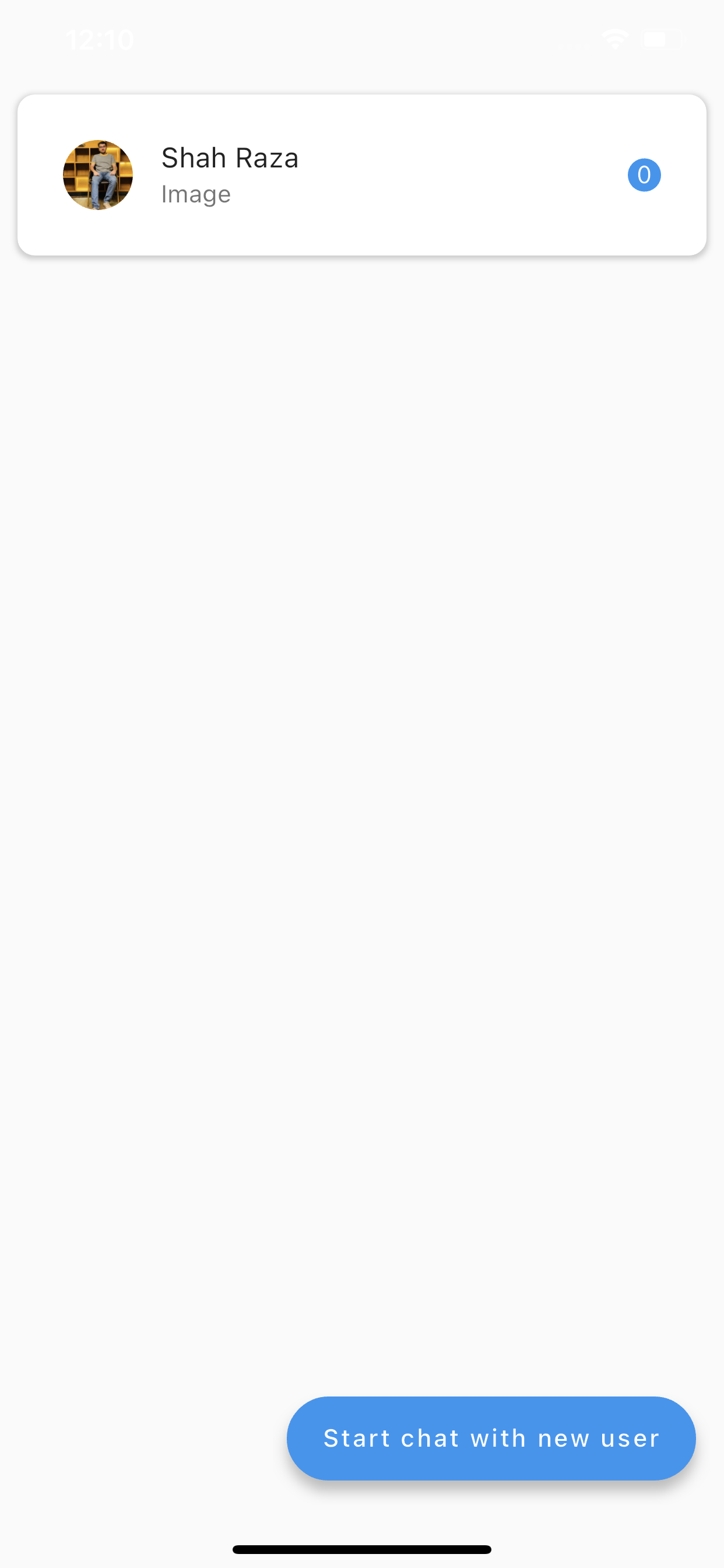
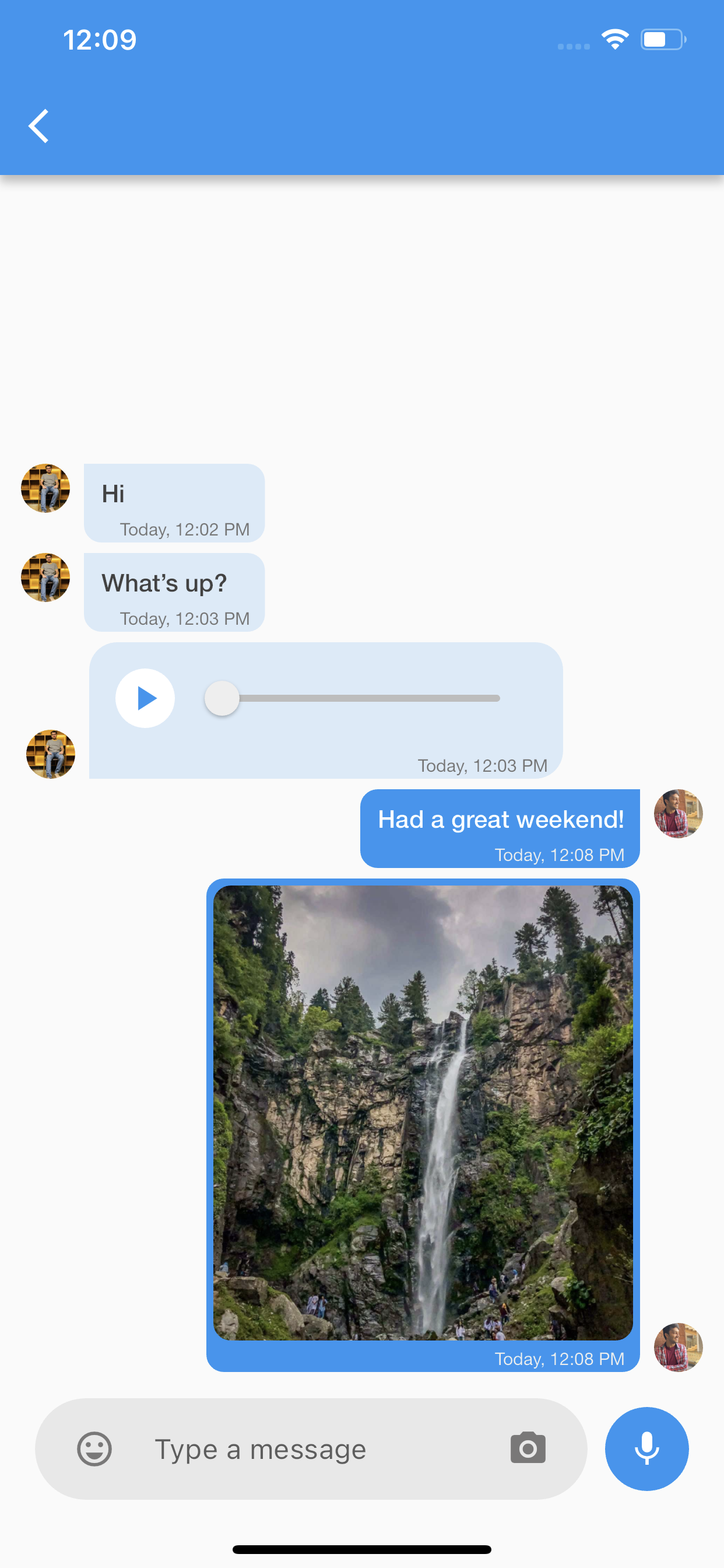
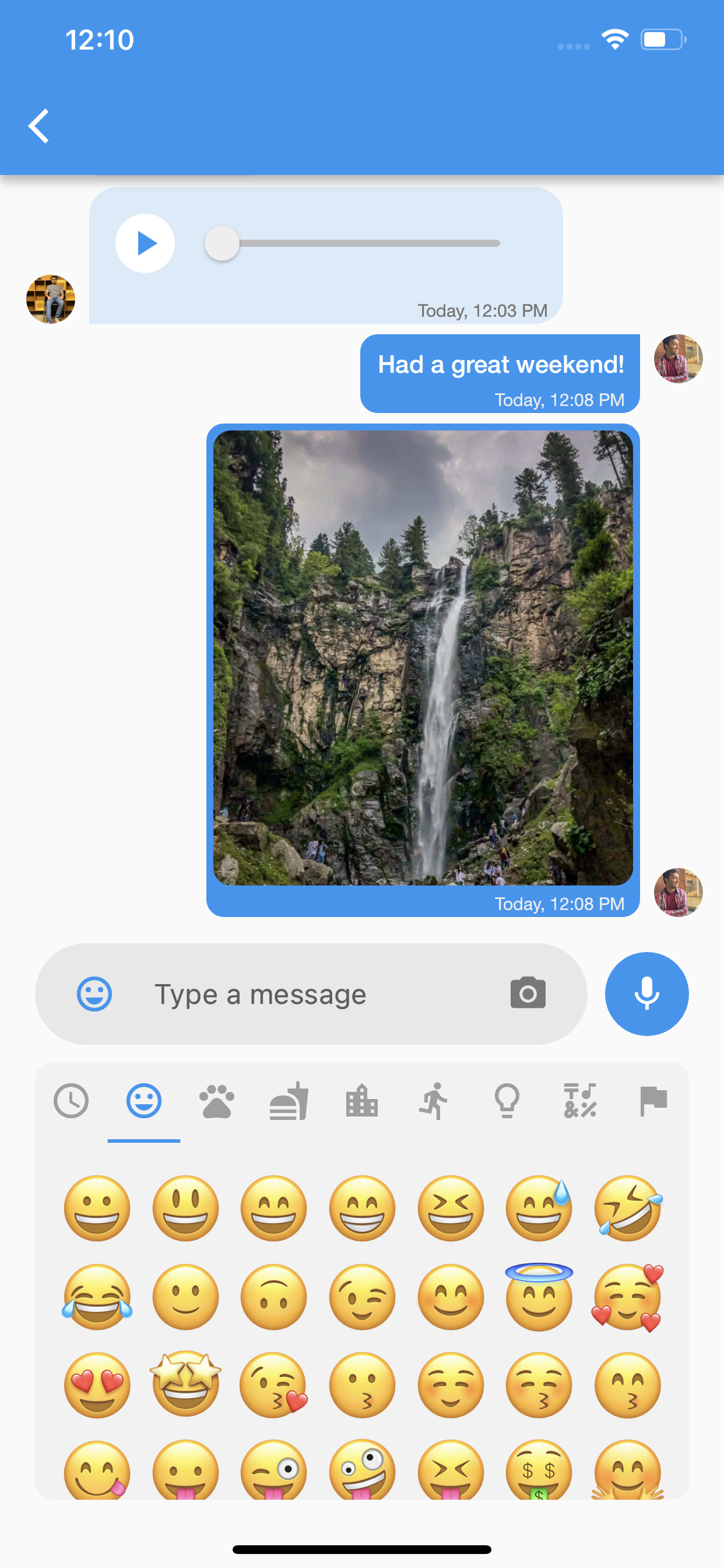
This package is a powerful and versatile solution for implementing real-time chat functionality in your Flutter applications. Built on Firebase Firestore and Firebase Cloud, this package provides a unique and pre-designed chatting system with features such as push notifications and a customizable theme for the Inbox Screen and Chat Screen.
Platform Tested : Result OK
Android
iOS
macOS
Web
Linux
Windows
✔
✔
:x:
:x:
:x:
:x:
Key Features
Easy to use: The package offers a straightforward implementation process, allowing you to integrate chat functionality seamlessly into your app.
Direct Integration: Firebase Firestore and Firebase Cloud are directly integrated, ensuring reliable and efficient communication between users.
Pre-Build UI: The package comes with a pre-built user interface for the chat screens, eliminating the need for extensive design work.
Start Chat with a Single Function: Initiating a chat is as simple as calling a single function, enabling users to connect and communicate quickly.
Customizable Themes: Both the Home Screen and Chat Screen can be customized to match your app's design and branding.
Gallery
Installation
To get started, add the following dependency to your pubspec.yaml file:
dependencies:apptex_chat:^2.0.0
Then, run flutter pub get to install the package.
Usage
Step 1 : Firebase Configuration
Install Firebase in your project
Download google-services.json and GoogleService-Info.plist file for your project from firebase.
Inilize firebase in the main function.
Step 2 : User Authentication
To enable chat functionality, you need to authenticate users. When a user signs up or logs in, you can pass their information to AppTexChat using the initChat method.
// Here you can set the current user to the Apptex chatAppTexChat.instance.initChat(
currentUser: ChatUserModel(
uid: "{uid}",
profileUrl: "{Profile url}",
name: "{Currect User Name}",
fcmToken: "{Fcm Token}", //Pass empty string if you don't have fcm token
),
);
Replace Current User Name, uid, profile URL, and Fcm Token with the corresponding values for the user.
Step 3 : Starting a Chat
To start a chat with another user, call the startNewConversationWith function:
//Here you need to pass the other user's infoAppTexChat.instance.startNewConversationWith(
ChatUserModel(
uid: "Other user uid",
profileUrl: 'Other user profile',
name: 'Other user name',
fcmToken: 'Other user fcm token',
),
);
Show Conversations on Inbox Screen
To see a list of all the conversations, use the ConversationsScreen widget. It has a builder parameter which gives you the flexibility to list the conversation according to your app's design.
To see messages of a specific conversation, use the ChatScreen widget. It has an appBarBuilder(required) and
bubbleBuilder(optional) parameter which gives you the flexibility to create custom appbar and chat bubbles according to your app's design.
ChatScreen(
 conversationModel: conversationModel,
 showMicButton: false, //It is true by default, set it to false if you don't want voice messages
 appBarBuilder: ((currentUser, otherUser) => AppBar()), //Builder to create custom AppBar
);