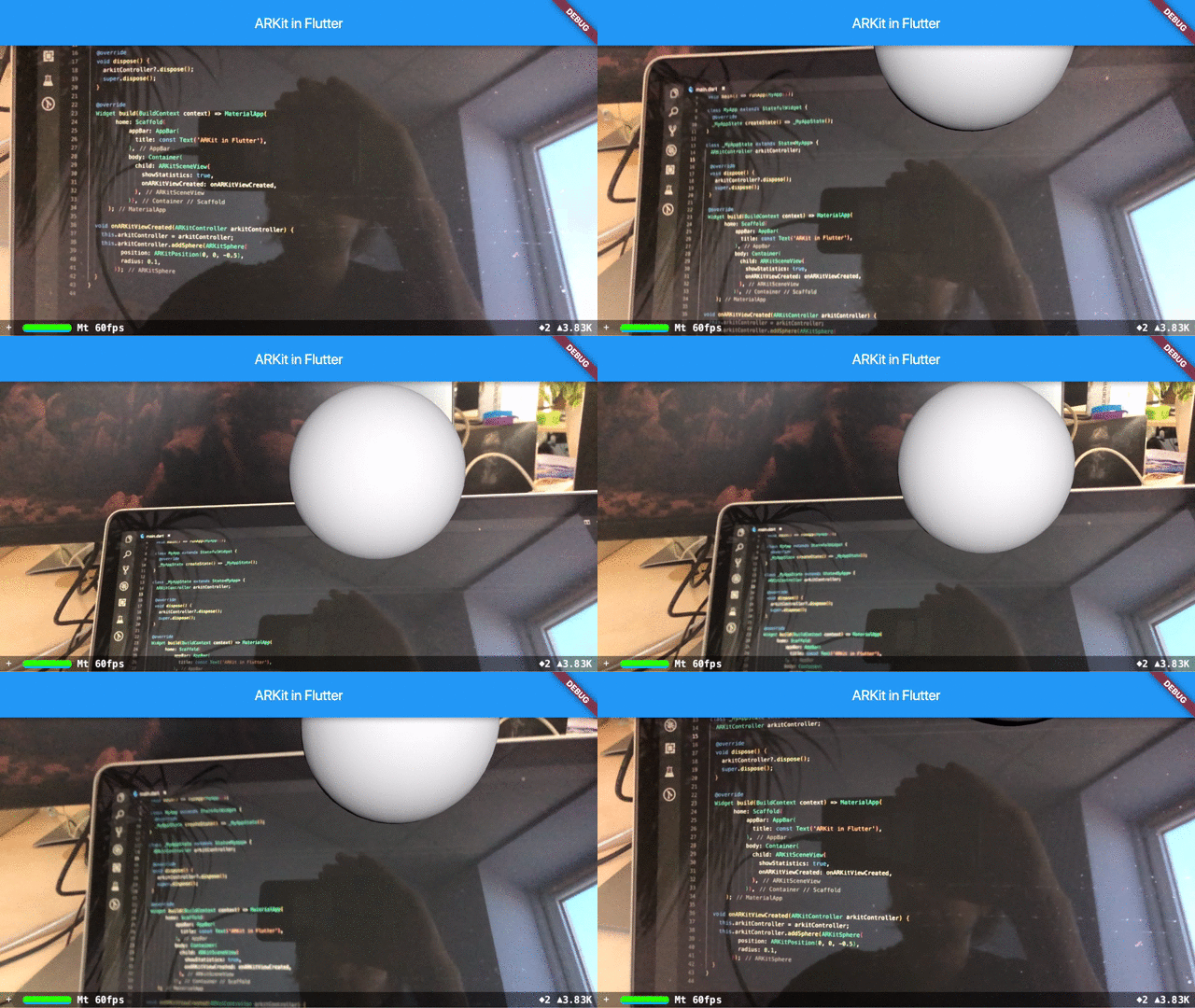
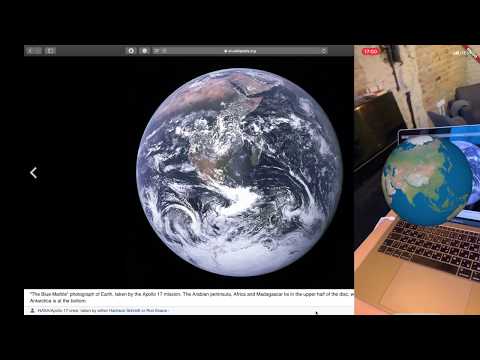
arkit_plugin 是一个 Flutter 包,可帮助开发者将 Apple 的 ARKit 集成到 iOS 应用程序中,从而实现增强现实体验。它通过 Flutter 友好的接口提供对 ARKit 核心功能的访问,例如平面检测、物体跟踪和 3D 渲染。该插件专为 iOS 设计,可在 Flutter 应用中无缝嵌入 AR 内容,利用原生性能和功能。开发者可以使用 Dart 控制 AR 会话并交互现实世界环境,以最少的样板代码构建沉浸式 AR 应用。
适合场景
构建AR产品可视化工具
创建交互式AR游戏
启用虚拟家具摆放
开发教育类AR体验
主要特点
原生 ARKit 集成
平面和图像检测
3D模型渲染
实时摄像头和运动追踪
Flutter 兼容 API
适合对象
iOS AR 应用开发者
产品可视化应用
教育类AR工具
互动游戏应用
使用建议
仅支持iOS平台
需要支持 ARKit 的设备
仅限苹果生态系统
需要仔细处理AR会话生命周期
原始 README
以下为关联源码仓库的 README 原文快照,最新内容请访问源码仓库。
Note: ARKit is only supported by mobile devices with A9 or later processors (iPhone 6s/7/SE/8/X, iPad 2017/Pro) on iOS 11 and newer. For some features iOS 12 or newer is required. Flutter >=3.19.0 supports iOS 12.0 and newer, if iOS 11 support is needed use the plugin version before 1.1.0.
ARKit uses the device camera, so do not forget to provide the NSCameraUsageDescription. You may specify it in Info.plist like that:
<key>NSCameraUsageDescription</key><string>Describe why your app needs AR here.</string>
Update Podfile
At the top level of the ios folder uncomment the second line in the Podfile and change the iOS minimum version from 9.0 to the appropriate one.
The minimum supported iOS version is 13.0.
From:
# platform :ios, '9.0'
To:
platform :ios, '13.0'
NOTE: If when running for the first time you get a cocoapods error, delete the Podfile.lock file in the ios folder. Open the ios folder in the terminal and run:
If you prefer video here is a playlist with "AR in Flutter" videos:
UX advice
You might want to check the device capabilities before establishing an AR session. Review the Check Support sample for the implementation details.
If your app requires placing objects consider using coaching overlays. Review the Custom Object sample for the implementation details.
TrueDepth / Face Tracking
TrueDepth/face-tracking code is not compiled in by default, so most apps are App Store-safe without any extra configuration.
If your app uses face tracking, opt in by enabling the ENABLE_TRUEDEPTH_API Swift flag. Flutter 3.44+ builds plugins with Swift Package Manager, so follow the SPM steps below. The CocoaPods section applies only to older Flutter versions that still build with CocoaPods — if you've configured SPM, you don't need it.
SPM (Flutter 3.44+) — Add a key to ios/Runner/Info.plist:
<key>ARKitFaceTrackingEnabled</key><true/>
Then clear the SwiftPM manifest cache and DerivedData so Xcode re-evaluates the package manifest with the new value:
Important: clearing the manifest cache is required. SwiftPM caches the
evaluated Package.swift keyed on the manifest's own contents, so a change to
Info.plist alone does not invalidate it — flutter clean and Xcode's
Clean Build Folder are not enough on their own.
For monorepos or other layouts where ios/Runner/Info.plist is not found automatically, use an environment variable instead:
# When building from terminal (flutter run / flutter build)export ARKIT_FACE_TRACKING_ENABLED=1
# When building from Xcode GUI
launchctl setenv ARKIT_FACE_TRACKING_ENABLED 1
Then clear the SwiftPM manifest cache and DerivedData as above.
CocoaPods (older Flutter versions only) — if your project still builds with CocoaPods instead of SPM, add to ios/Podfile:
post_install do |installer|
  installer.pods_project.targets.each do |target|
    flutter_additional_ios_build_settings(target)
    if target.name == 'arkit_plugin'
      target.build_configurations.each do |config|
        config.build_settings['OTHER_SWIFT_FLAGS'] = '$(inherited) -DENABLE_TRUEDEPTH_API'
      end
    end
  end
end
FAQ
Is it possible to use this plugin on Android?
No, as ARKit is not available on Android. You might want to try ARCore plugin instead.
My app crashes when I open the AR scene several times. Why?
Most probably that's because you didn't call dispose method on the ARKit controller.
One of the features I need is merged in the repository, but is not available on pub.dev. How can I use the latest version?
You may use the latest version by changing the pubspec.yaml dependency to: