搜索插件、代码仓与 APP 分类

boardview 封面
插件详情v1.0.0

boardview

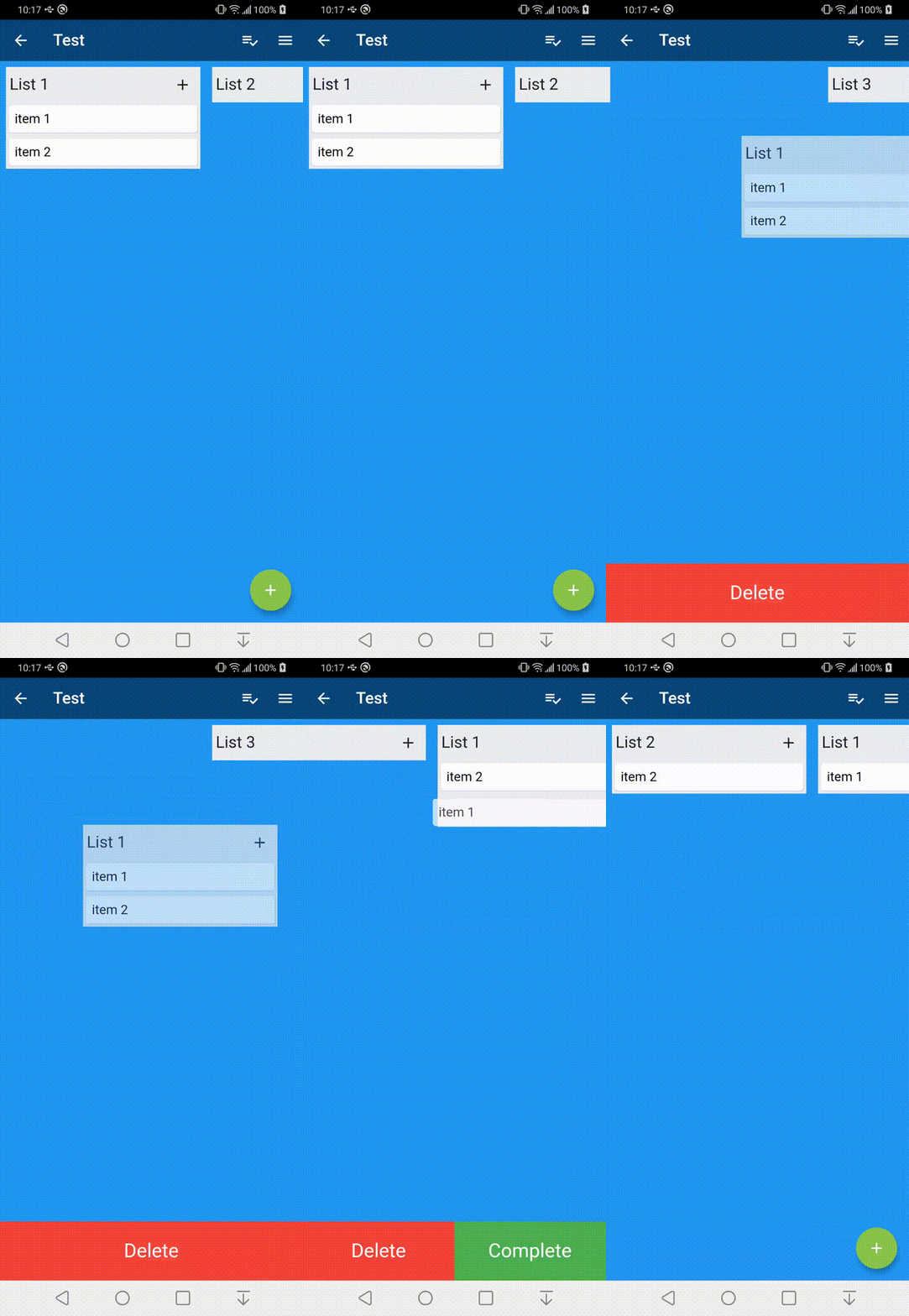
这是一个自定义的 Flutter 小部件,可创建可拖动的 BoardView(也称为看板)。该视图可以通过拖放进行重新排序。

AndroidiOSWebmacOSWindowsLinux
近 30 天下载
3140
喜欢数
146
Pub 分数
140

安装插件

flutter pub add boardview

插件介绍

基于插件公开信息、社区数据与项目使用情况整理的选型参考。

BoardView 是一个可自定义的 Flutter 小部件,旨在创建可拖动的看板式面板。它允许用户通过直观的拖放交互来重新排序列和卡片,非常适合任务管理和工作流可视化。该小部件在性能和灵活性方面进行了精心设计,支持 Android、iOS、Web、macOS、Windows 和 Linux 等多个平台。该小部件具有高度可扩展性,并能无缝集成到现有的 Flutter 应用程序中。

适合场景

  • 任务管理应用程序
  • 项目规划工具
  • 工作流可视化
  • 自定义看板
  • 拖放界面

主要特点

  • 拖拽重排
  • 可自定义的列和卡片布局
  • 跨平台兼容性
  • 可扩展的设计
  • 平滑动画

适合对象

  • 开发 Kanban 界面的开发者
  • 管理工作流的团队
  • 需要视觉任务组织的应用程序
  • 寻求交互组件的UI设计师
  • Flutter 项目在多个平台

使用建议

  • 需要了解 Flutter 手势处理
  • 复杂设计可能需要额外的样式
  • 性能取决于项目数量
  • 有限的内置数据完整性验证
  • 需要自定义逻辑以实现持久化

原始 README

以下为关联源码仓库的 README 原文快照,最新内容请访问源码仓库。

pub package

Flutter BoardView

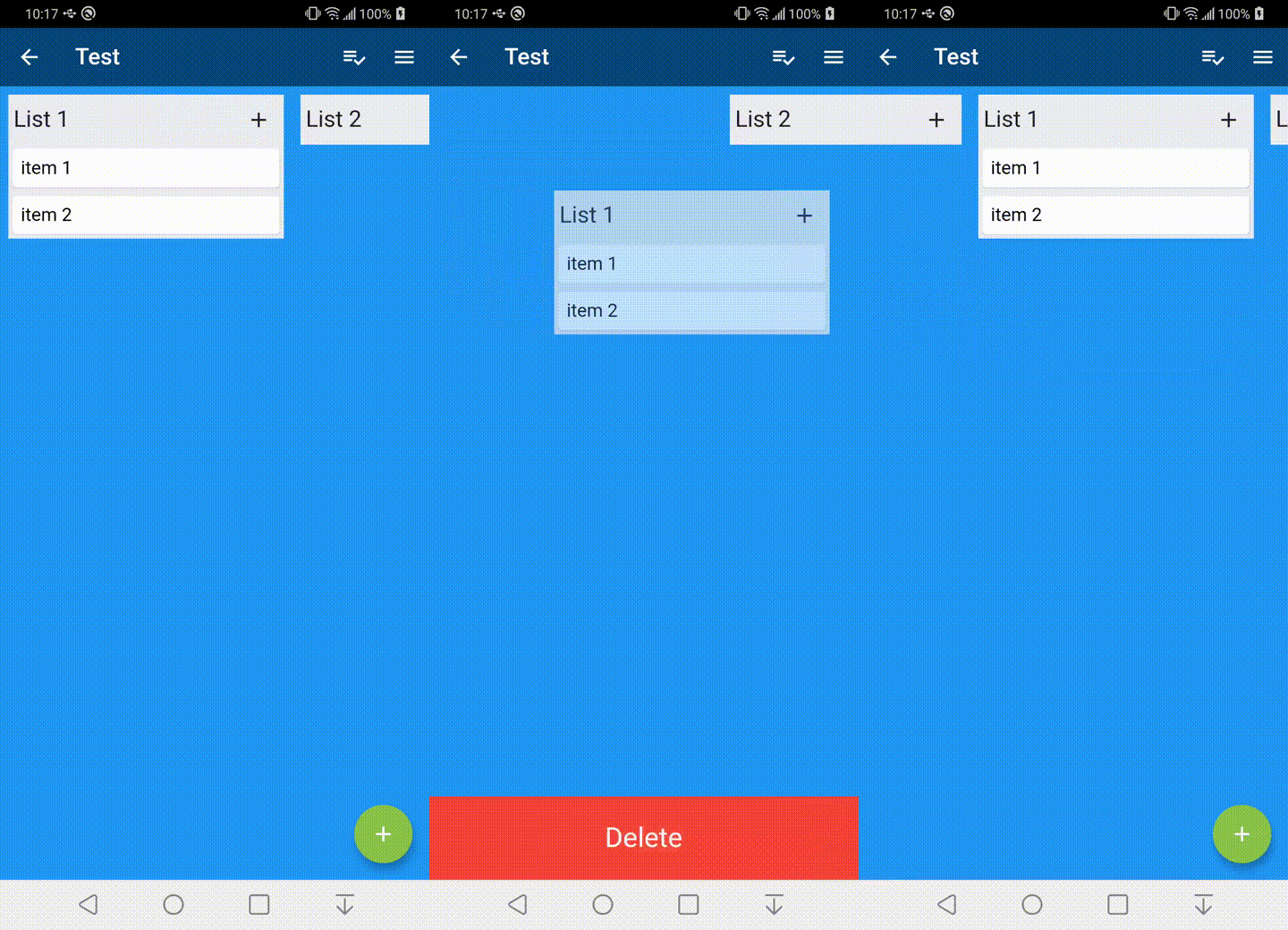
This is a custom widget that can create a draggable BoardView or also known as a kanban. The view can be reordered with drag and drop.

Installation

Just add boardview to the pubspec.yaml file.

Usage Example

To get started you can look inside the /example folder. This package is broken into 3 core parts

Example

BoardView

The BoardView class takes in a List of BoardLists. It can also take in a BoardViewController which is can be used to animate to positions in the BoardView


BoardViewController boardViewController = new BoardViewController();

List<BoardList> _lists = List<BoardList>();

BoardView(
  lists: _lists,
  boardViewController: boardViewController,
);

BoardList

The BoardList has several callback methods for when it is being dragged. The header item is a Row and expects a List as its object. The header item on long press will begin the drag process for the BoardList.

    BoardList(
      onStartDragList: (int listIndex) {
    
      },
      onTapList: (int listIndex) async {
    
      },
      onDropList: (int listIndex, int oldListIndex) {       
       
      },
      headerBackgroundColor: Color.fromARGB(255, 235, 236, 240),
      backgroundColor: Color.fromARGB(255, 235, 236, 240),
      header: [
        Expanded(
            child: Padding(
                padding: EdgeInsets.all(5),
                child: Text(
                  "List Item",
                  style: TextStyle(fontSize: 20),
                ))),
      ],
      items: items,
    );

BoardItem

The BoardItem view has several callback methods that get called when dragging. A long press on the item field widget will begin the drag process.


    BoardItem(
        onStartDragItem: (int listIndex, int itemIndex, BoardItemState state) {
        
        },
        onDropItem: (int listIndex, int itemIndex, int oldListIndex,
            int oldItemIndex, BoardItemState state) {
                      
        },
        onTapItem: (int listIndex, int itemIndex, BoardItemState state) async {
        
        },
        item: Card(
          child: Padding(
            padding: const EdgeInsets.all(8.0),
            child: Text("Board Item"),
          ),
        )
    );

所属分类

依赖

依赖清单 1 项

源码仓库

使用此插件的项目