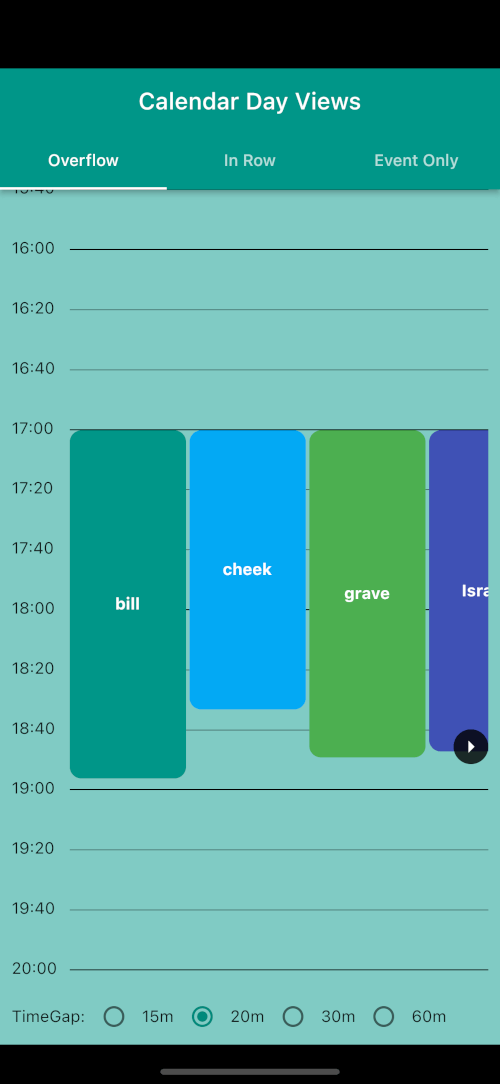
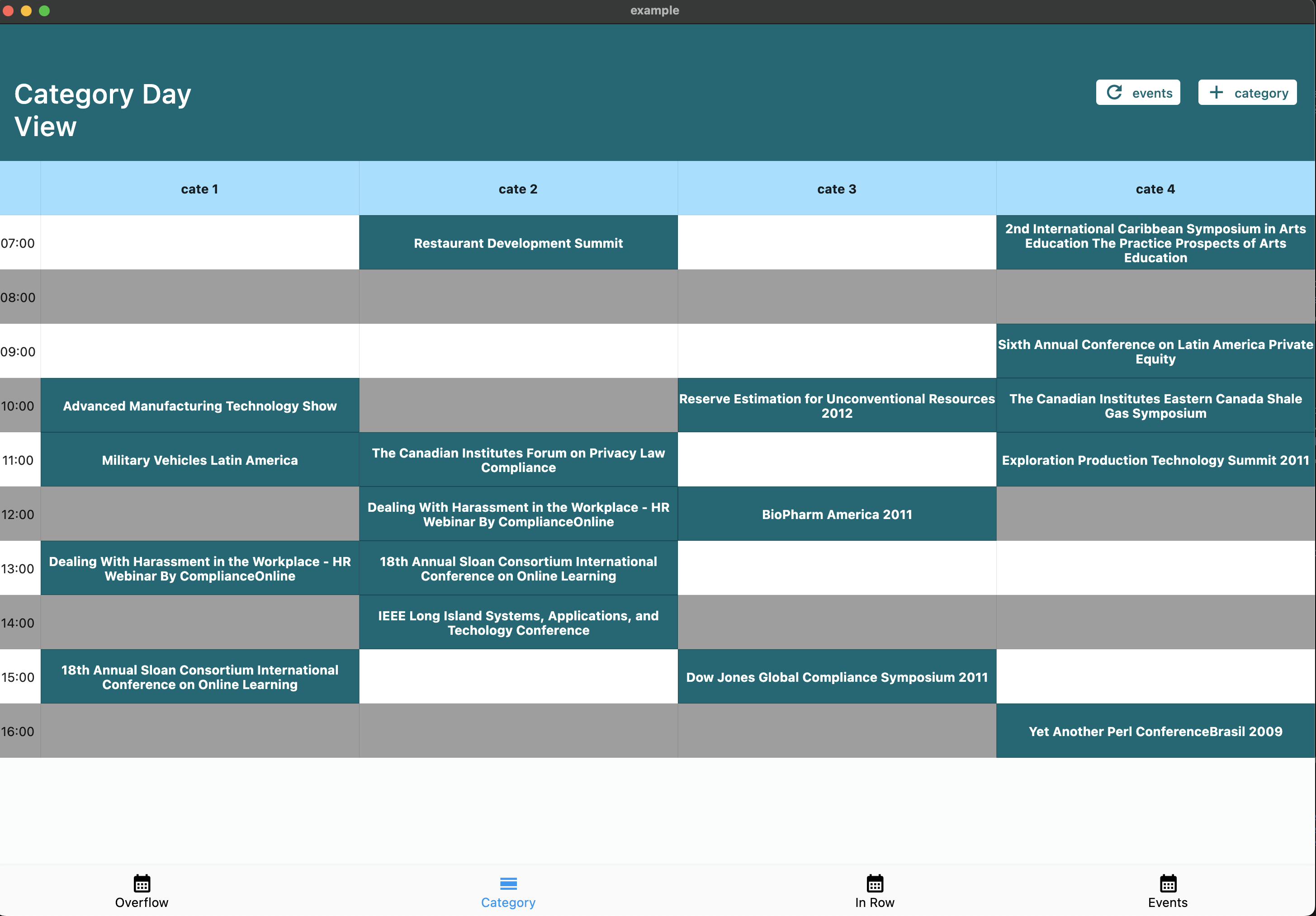
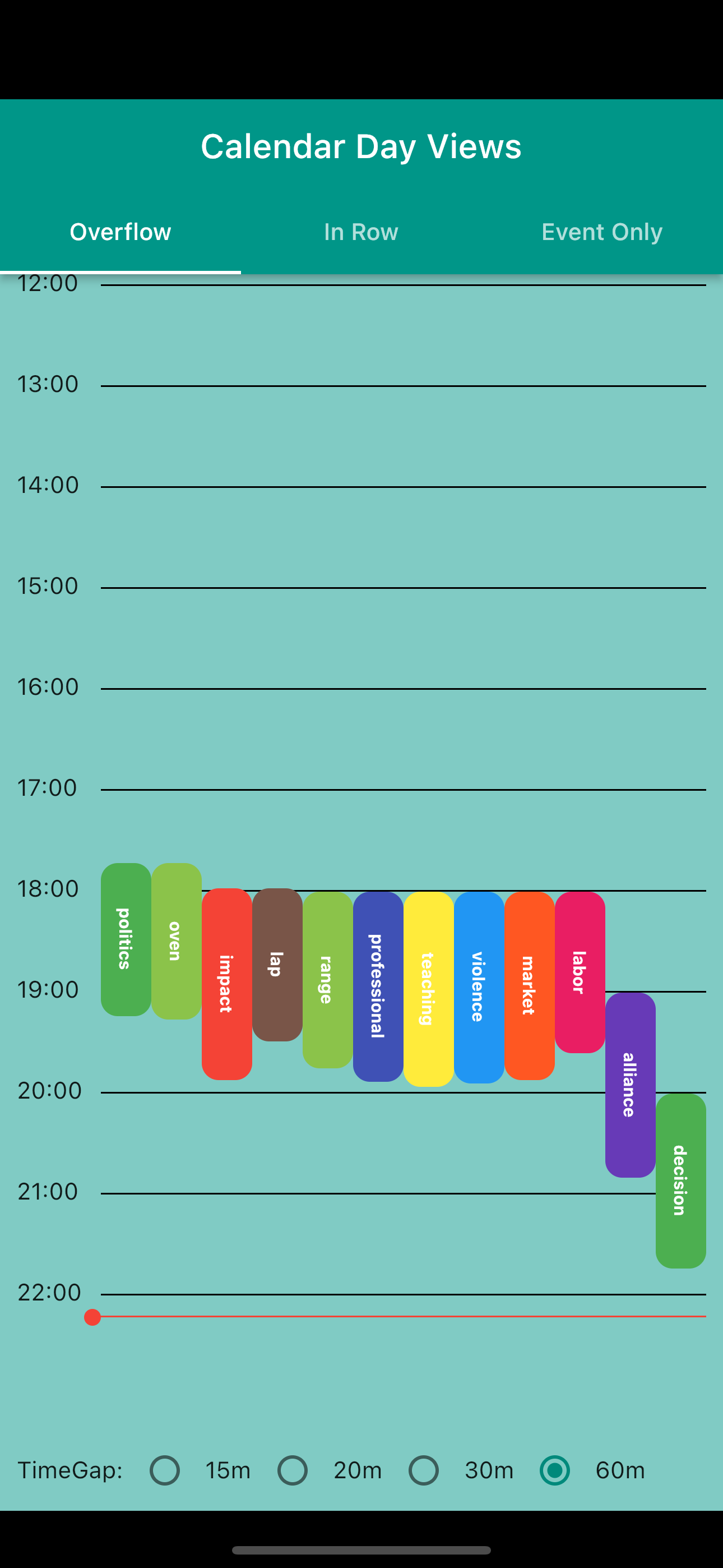
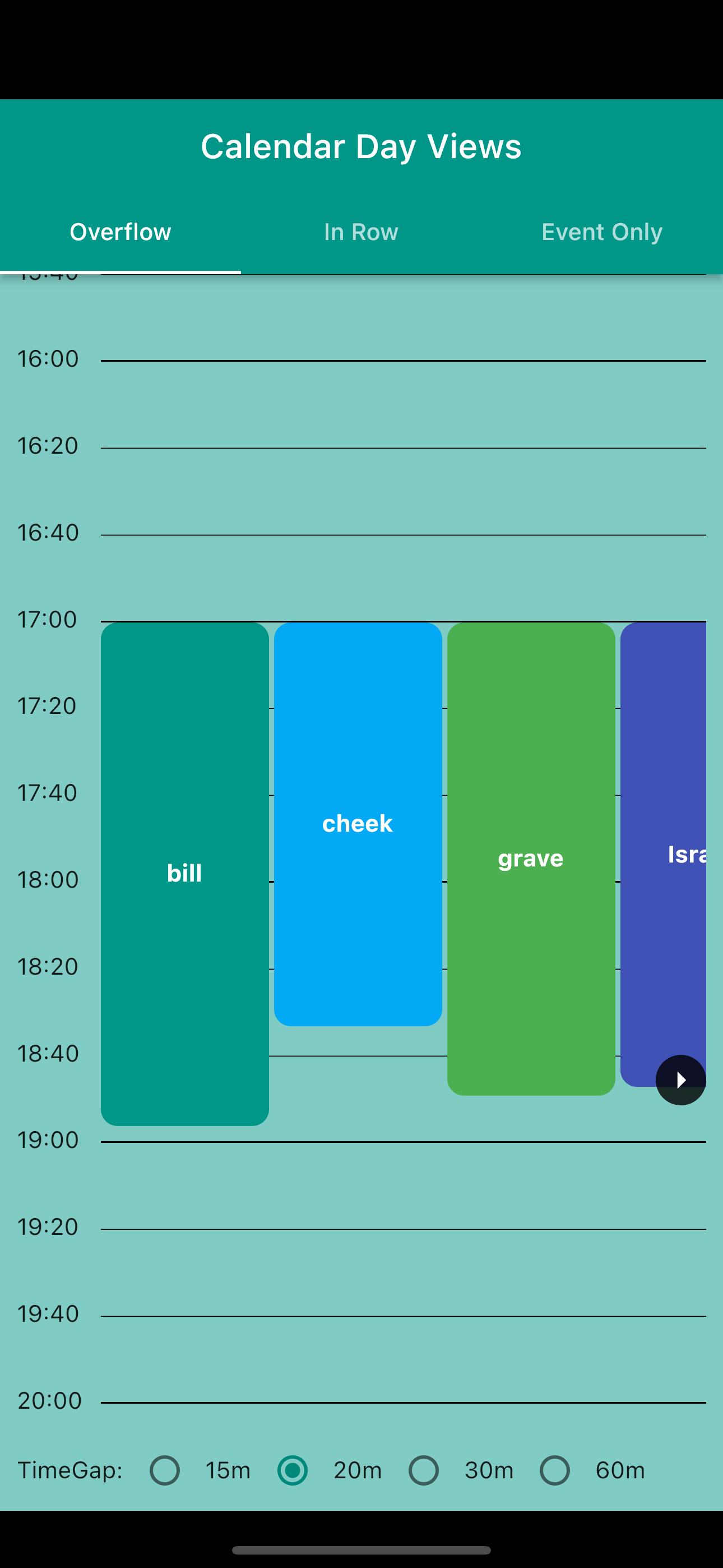
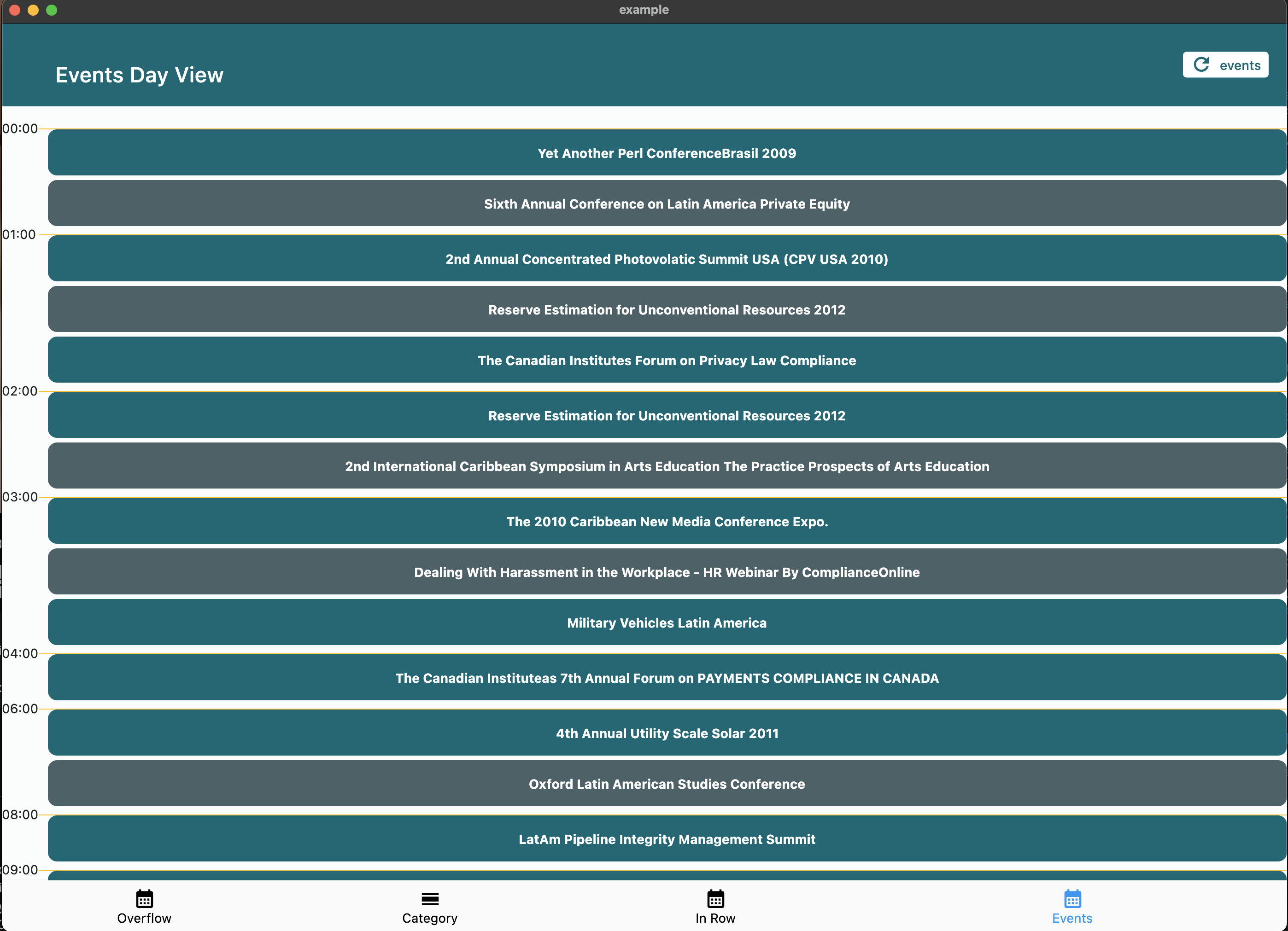
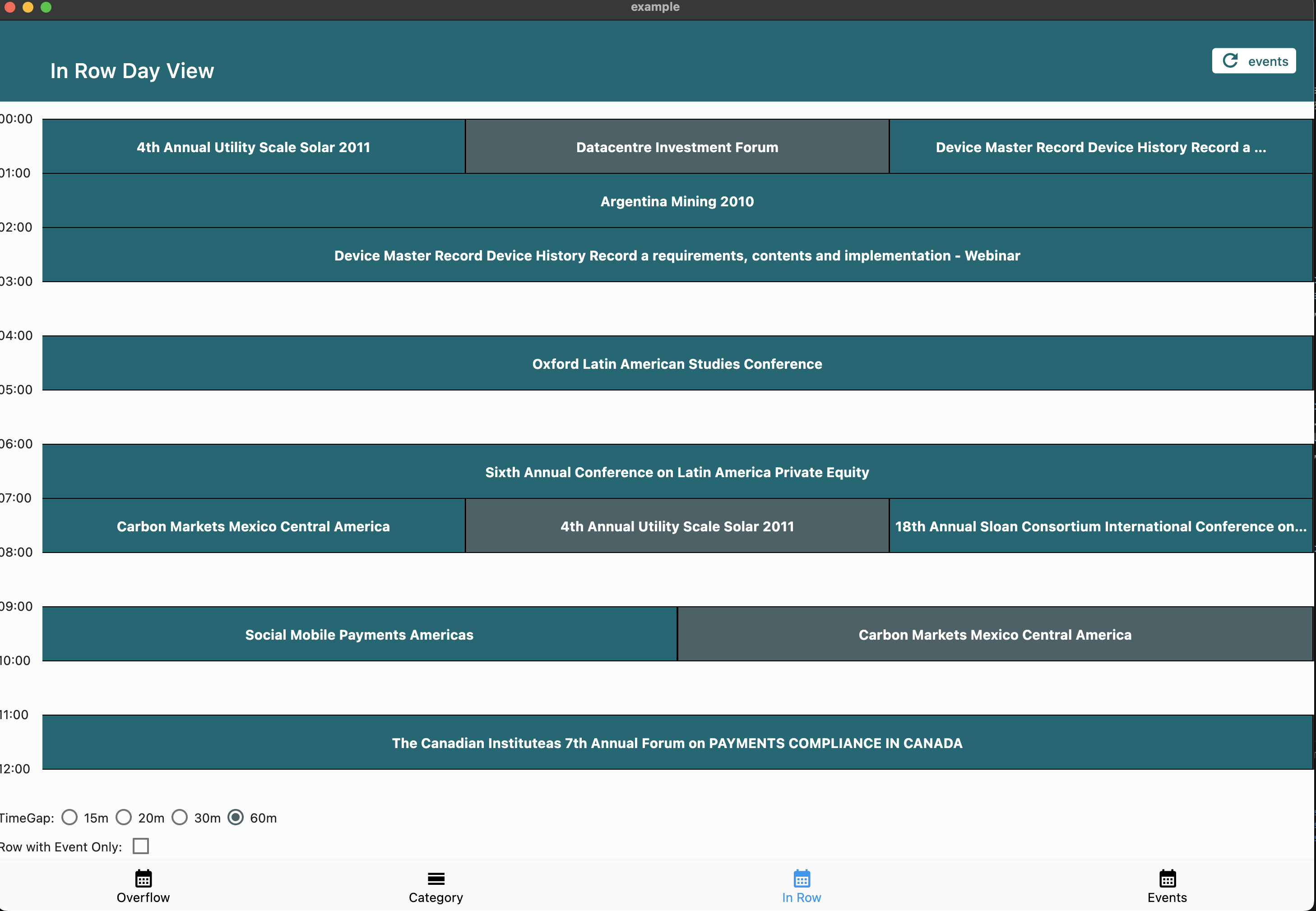
calendar_day_view 包为 Flutter 应用程序中的日历提供专用的每日视图。它通过提供清晰、交互式的每日事件和预约显示,增强了用户体验。该包专为补充更全面的日历解决方案而设计,可无缝集成到需要详细按天调度的应用程序中。该包支持 Android、iOS、Web、macOS、Windows 和 Linux 等多个平台,确保在各种设备上性能一致。通过可自定义的布局和事件处理,它简化了按天实现日历功能的过程。
适合场景
每日事件规划
调度应用程序
时间管理工具
预约跟踪器
日历集成
任务可视化
主要特点
特定日期的事件显示
跨平台兼容性
可自定义的 UI
事件交互支持
平滑滚动
响应式设计
适合对象
开发日历应用的开发者
需要详细日视图的应用程序
生产力和日程安排工具
移动和Web应用
管理共享日程的团队
使用建议
需要与主日历包集成
仅限日视图
可能需要额外的样式以符合品牌风格
依赖于平台特定的渲染
最好与完整的日历功能配合使用
原始 README
以下为关联源码仓库的 README 原文快照,最新内容请访问源码仓库。
Calendar Day View
A powerful and customizable Flutter library for displaying calendar events in day view format. Perfect for applications requiring detailed daily event visualization.
🚨 Breaking Changes in v6.0.0
Migration from v5.x
Renamed tap callbacks — all tap callbacks are now consistently named onTimeTap:
View
Before (v5)
After (v6)
CalendarDayView.category()
onTileTap
onTimeTap
CalendarDayView.categoryOverflow()
onTileTap
onTimeTap
CalendarDayView.inRow()
onTap
onTimeTap
CalendarDayView.overflow()
onTimeTap
onTimeTap (no change)
CategoryDayView()
onTileTap
onTimeTap
CategoryOverflowDayView()
onTileTap
onTimeTap
Removed parameters:
controlBarBuilder removed from CalendarDayView.category() and CalendarDayView.categoryOverflow()
backgroundTimeTileBuilder removed from CalendarDayView.categoryOverflow()
Typedefs now exported — all typedefs (e.g., CategoryDayViewEventBuilder, DayViewItemBuilder) are now accessible via the main import 'package:calendar_day_view/calendar_day_view.dart' import. No need to import src/models/typedef.dart directly.
Styling moved to DayViewDecoration — all visual customization is now grouped in a separate DayViewDecoration object, passed via config.decoration:
Properties moved to DayViewDecoration: timeColumnWidth, timeTextStyle, timeTextColor, dividerColor, currentTimeLineColor, timeLabel (was timeLabelBuilder), currentTimeLine (was currentTimeLineBuilder), rowBackground (was timeRowBackgroundBuilder), divider (was dividerBuilder). The same decoration can be reused across multiple views for consistent branding.
What's New in v6.0.0
Auto-scroll to current time — set scrollToCurrentTime: true in config to auto-scroll on load (overflow and in-row views)
Custom current time line — use currentTimeLineBuilder in config to fully customize the current time indicator
Show all events in category cell — set showAllEventsInCell: true in CategoryDavViewConfig to display all events horizontally instead of only the first
Empty tile builder — use emptyTileBuilder in category views to customize empty cells
Null end time safety — overflow views now default to 30 min duration for events without an end time instead of crashing
Multi-Column Day View — new Google Calendar-style layout where overlapping events are placed side-by-side in columns with smart column reuse
Config consolidation — currentTimeLineColor and cropBottomEvents moved to base DavViewConfig, available to all views without duplication
Time row background builder — use timeRowBackgroundBuilder in config to shade specific time ranges (lunch break, working hours, unavailable blocks) in overflow, multi-column, and in-row views
Divider builder — use divider in DayViewDecoration for custom dividers per row (dashed lines, per-row thickness, hide specific dividers)
DayViewDecoration — new visual decoration class groups all styling and builder callbacks. Reusable across view types for shared theming
Time column position — timeColumnPosition: TimeColumnPosition.left | .right | .none in decoration for flexible layouts
Header / footer builders — header and footer in decoration for custom widgets above/below the time grid
Custom overlap strategy — overlapStrategy on MultiColumnDayViewConfig<T> for custom multi-column layout algorithms
Google Calendar-style layout. Overlapping events are automatically placed side-by-side in columns. Column count is determined by the overlap pattern — solo events get full width.
We welcome contributions! Please feel free to submit a Pull Request. For major changes, please open an issue first to discuss what you would like to change.
Fork the repository
Create your feature branch (git checkout -b feature/amazing-feature)
Commit your changes (git commit -m 'Add some amazing feature')
Format your code with dart format --line-length 200 lib/ test/ example/
Push to the branch (git push origin feature/amazing-feature)
Open a Pull Request
📝 License
This project is licensed under the MIT License - see the LICENSE file for details.
🙏 Acknowledgments
Thanks to all contributors who have helped improve this package
Special thanks to the Flutter team for creating such an amazing framework