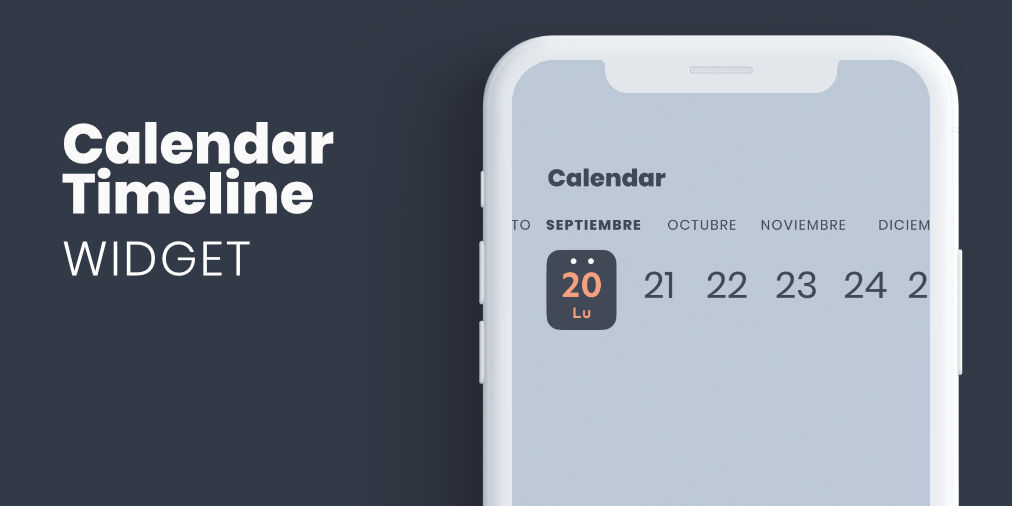
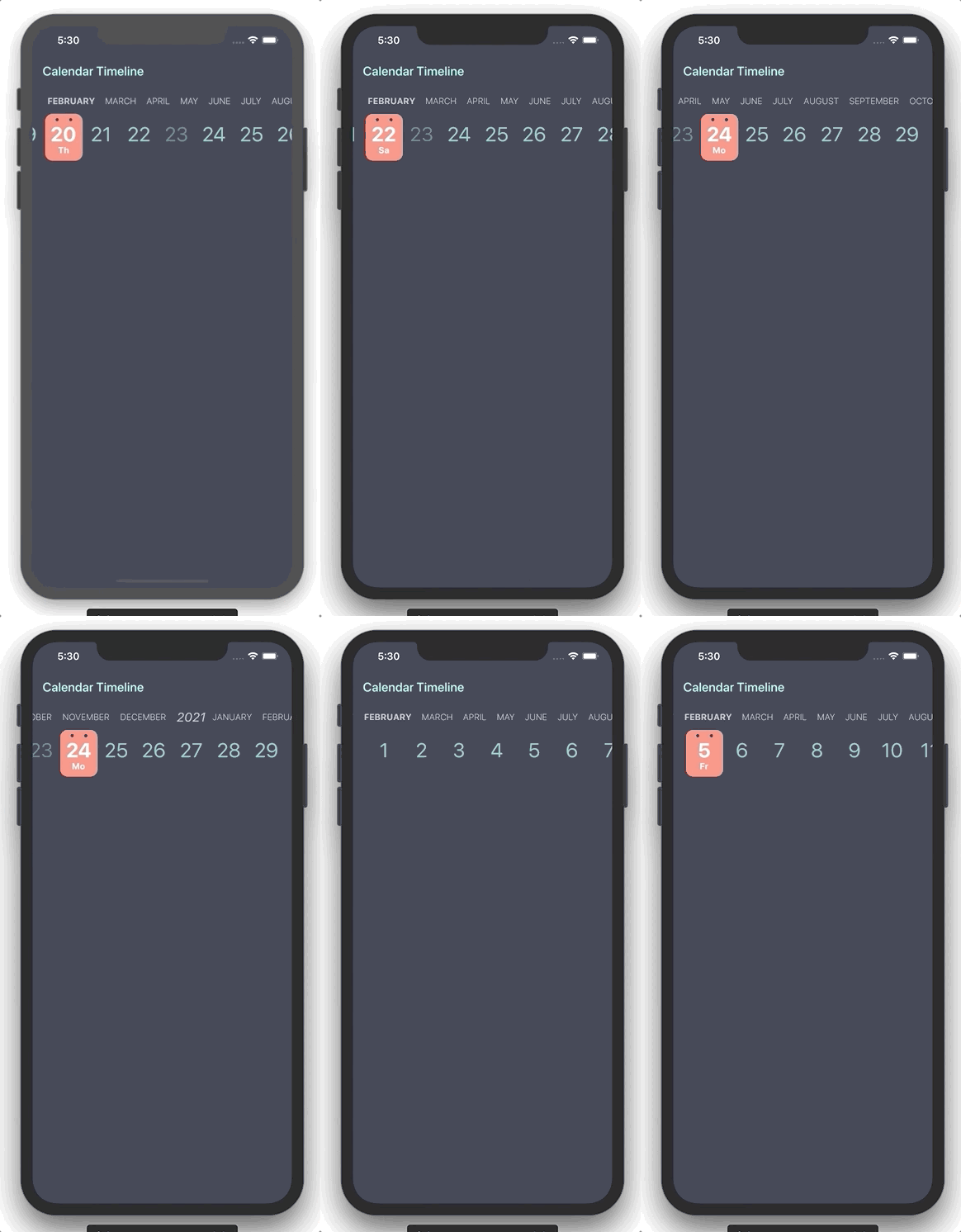
CalendarTimeline 是一个紧凑的水平日期选择器,专为高效的一只手操作和最小化屏幕空间而设计。它始终显示当前日期,非常适合需要频繁选择日期的应用程序。时间轴布局使用户可以无缝滑动浏览天、周或月。基于 Flutter 构建,支持 Android、iOS、Web、macOS、Windows 和 Linux 等多个平台。其简洁的界面在表单、日程安排工具和每日计划中提升了可用性。
适合场景
每日任务跟踪
调度应用程序
活动策划
以移动设备为先的日期选择
单手导航
主要特点
水平可滚动的时间轴
紧凑设计
单手操作可用性
跨平台支持
可自定义日期范围
适合对象
移动应用开发人员
生产力应用
日历集成
极简主义用户界面设计
时间敏感的工作流程
使用建议
仅限选择日期
无内置事件渲染
需要手动处理日期更改
最适合线性时间导航
可能需要额外的样式以支持深色模式
原始 README
以下为关联源码仓库的 README 原文快照,最新内容请访问源码仓库。
Flutter widget form select a date in horizontal timeline with customizable styles.
Getting Started
You can use this package when you need to add a date picker that takes up little screen space, so we can always have it visible, and that facilitates use with one hand.
Properties
Property
Type
Description
initialDate
DateTime
Initial date selected
firstDate
DateTime
First date available in calendar
lastDate
DateTime
Last date available in calendar
selectableDayPredicate
SelectableDayPredicate
Signature for predicating dates for enabled date selections
onDateSelected
OnDateSelected
Callback to notify that a date has been selected
leftMargin
double
Left margin to month and day list
monthColor
Color
Color for month list elements
dayColor
Color
Color for day list elements
activeDayColor
Color
Color for selected day text
activeBackgroundDayColor
Color
Color for selected day background
dotColor
Color
Color for top dots in select day
locale
String
Locale string to get formatted date
showYears
bool
Indicates if it show year selector
Use example
You can review the example folder for a complete example of using the widget.