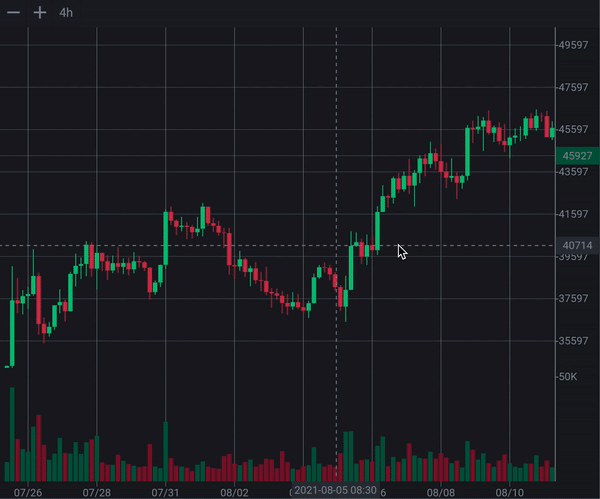
Candlesticks
A high-performance, interactive Flutter candlestick chart for financial apps.
Web Demo
·
pub.dev
·
GitHub
candlesticks is a Flutter package for rendering interactive OHLCV candlestick charts.
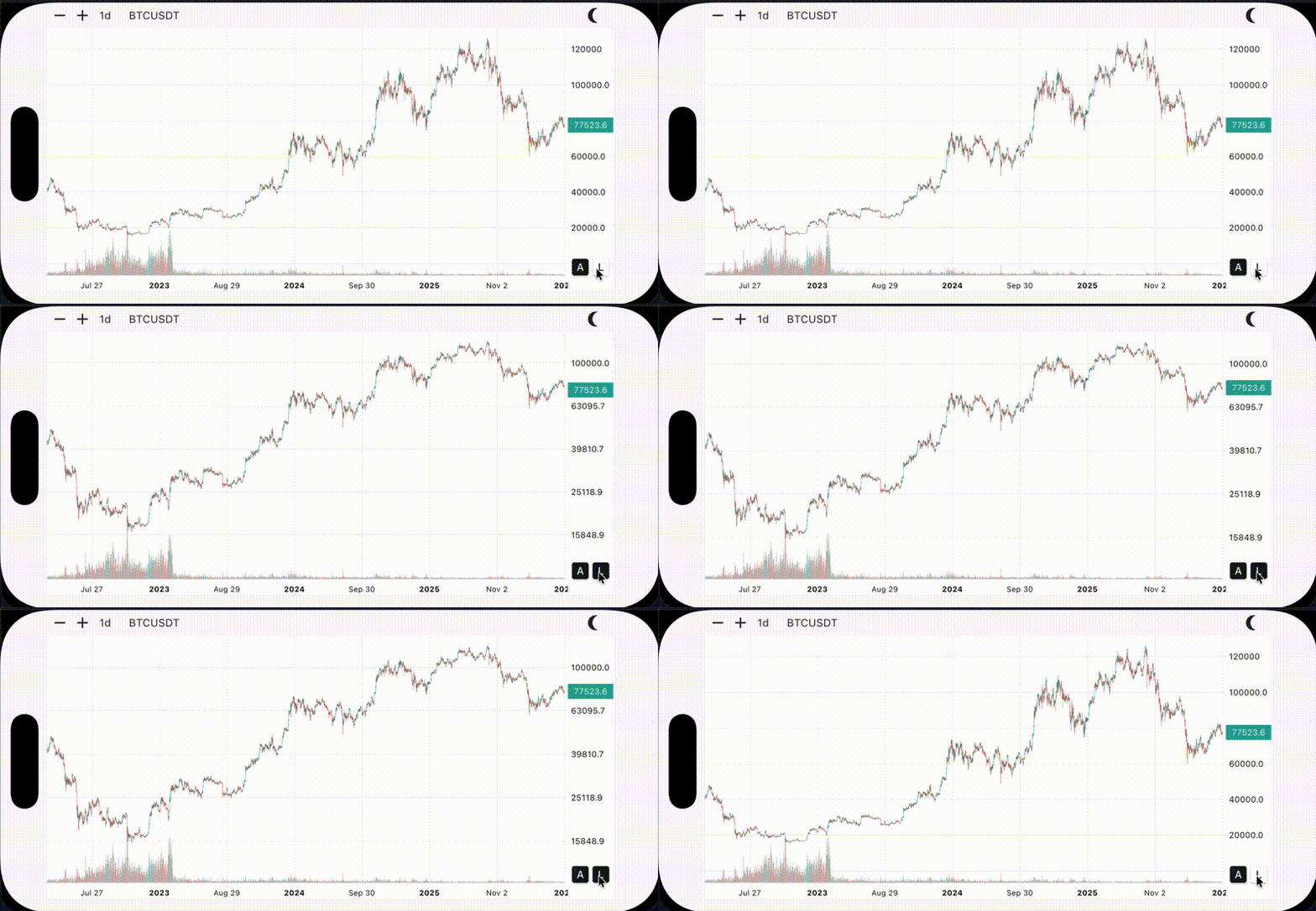
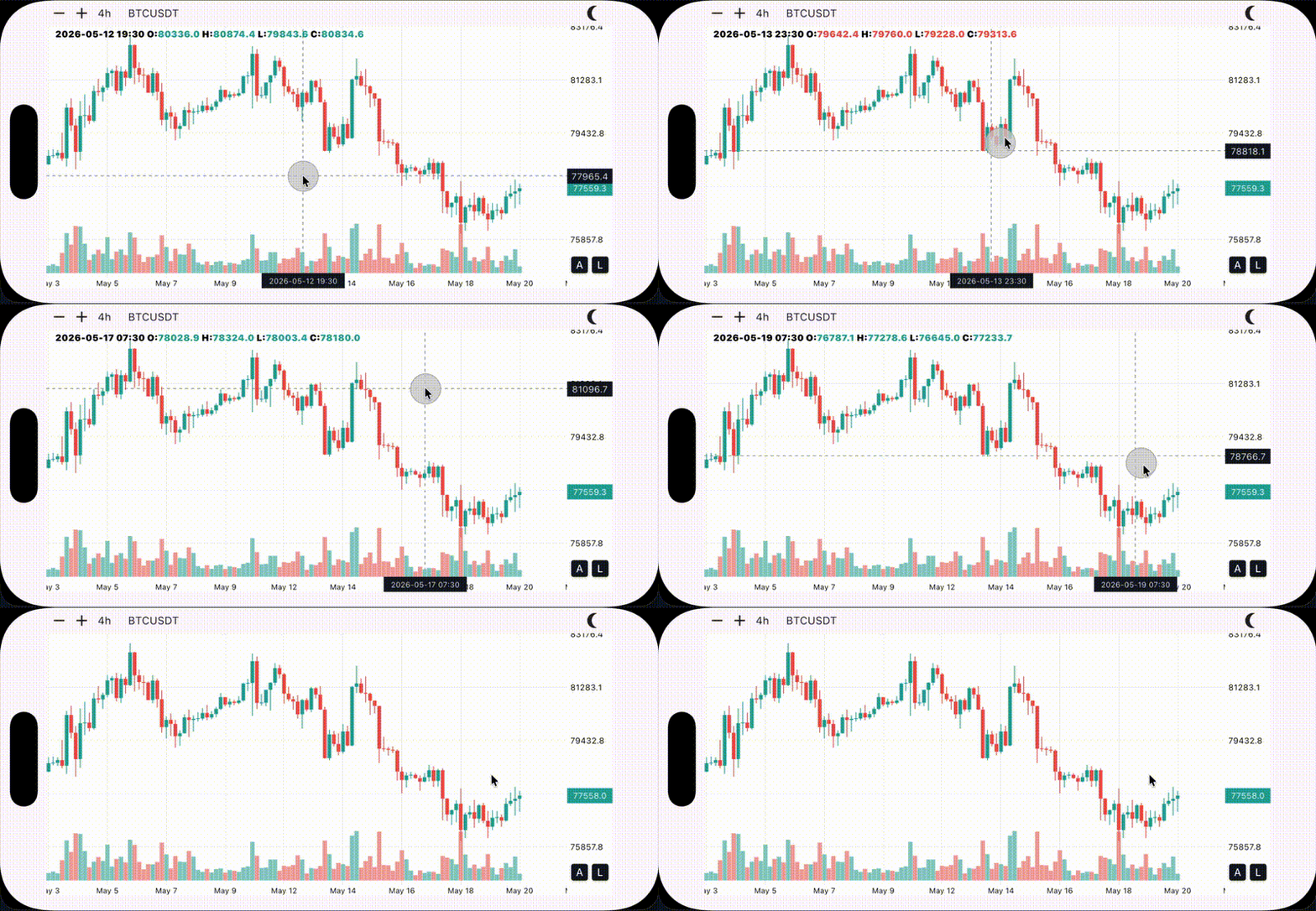
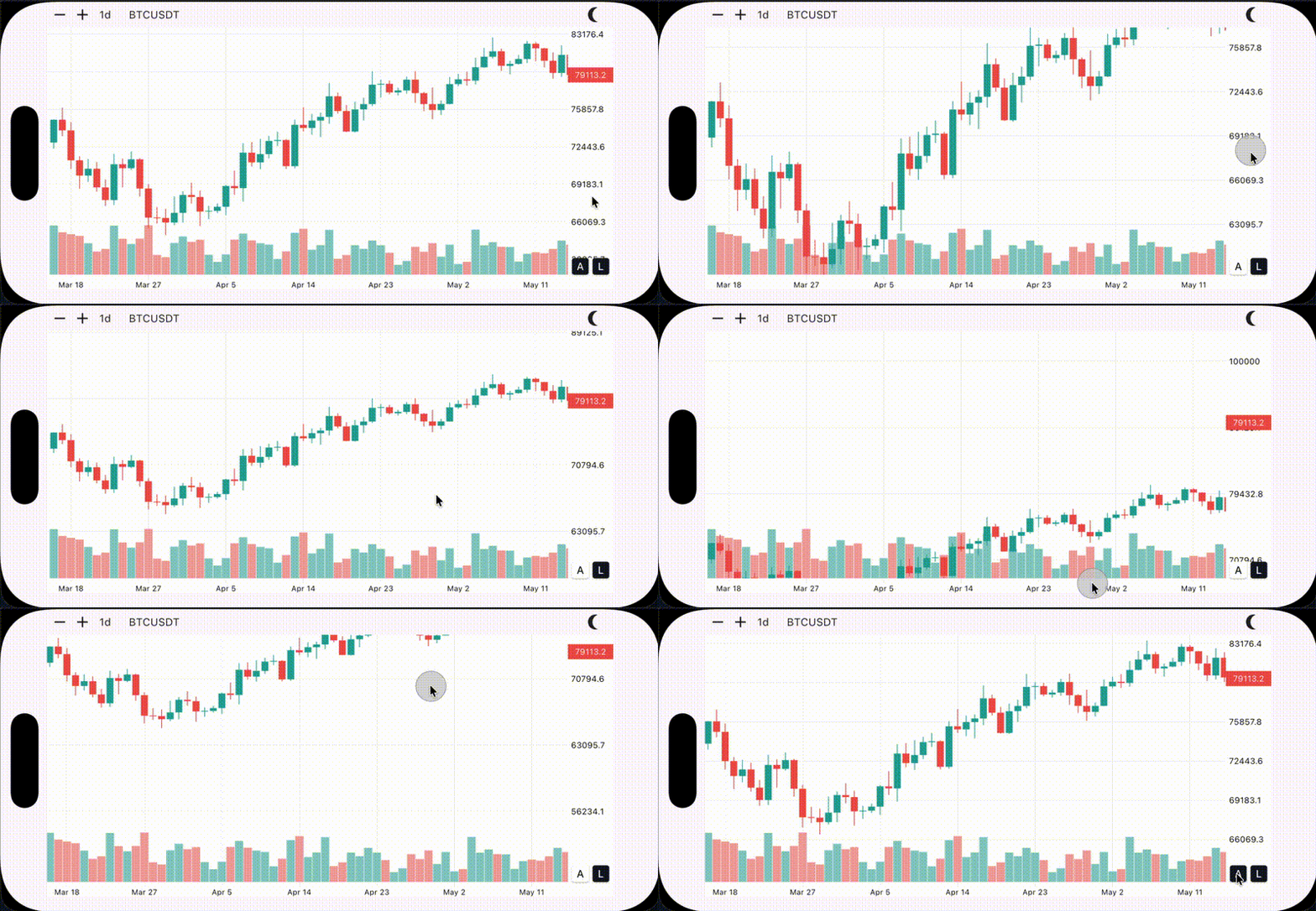
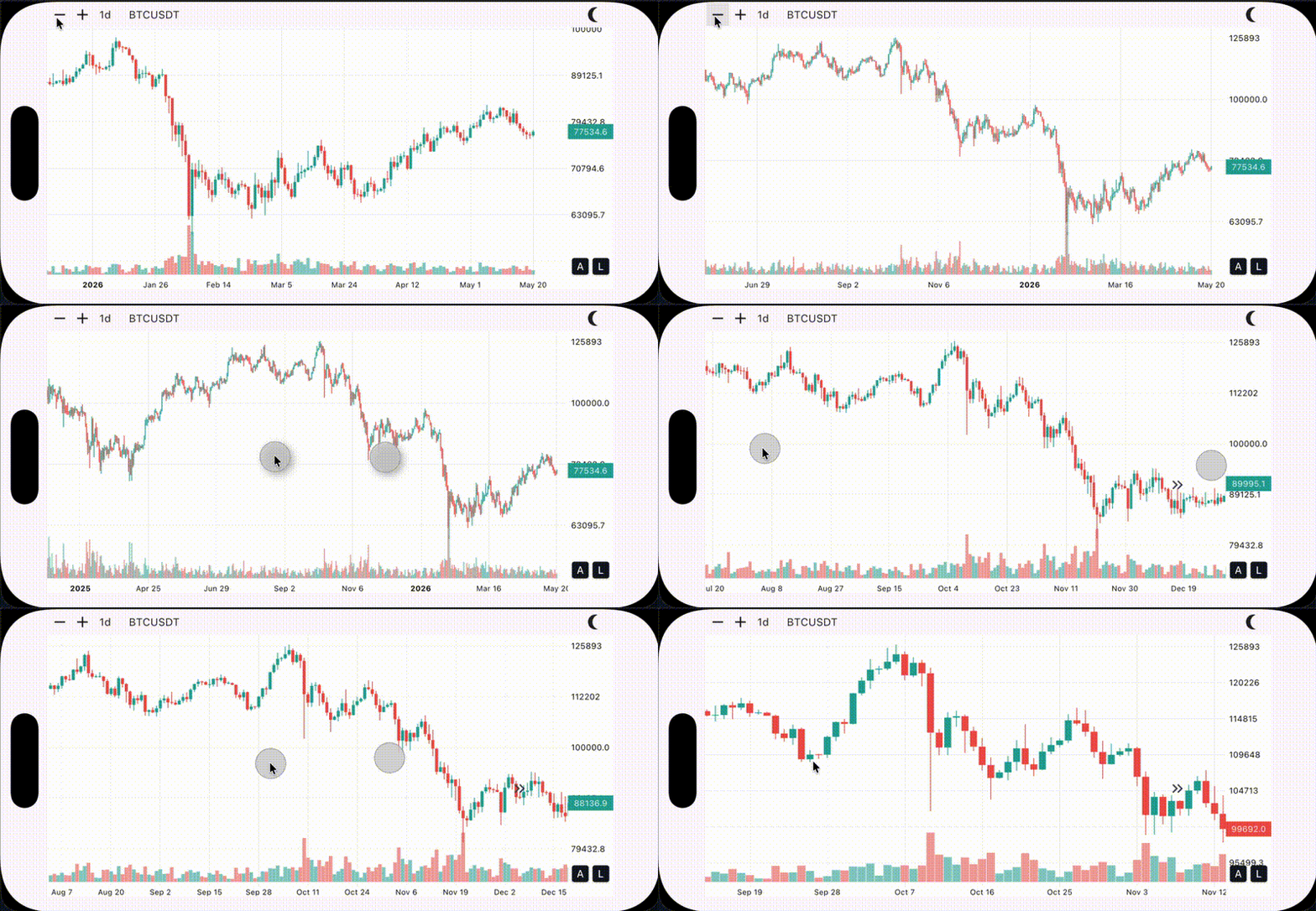
It supports mobile and desktop gestures, crosshair interaction, panning, zooming, switching between logarithmic and linear price scales, volume bars, controller-based viewport control, lazy loading, and custom chart styling.
Preview
Web Preview
Try the live web demo:
https://r-mzy47.github.io/candlesticks/master/
On the web, use Alt/Option + scroll for anchored zoom.
Note: Ctrl + scroll is currently avoided on web because browsers may intercept it for page zoom.
Mobile Preview
Linear and logarithmic scales Long press for crosshair
Advanced gestures: pan in any direction Anchored and regular zoom
Installation
Add this to your pubspec.yaml:
dependencies:
  candlesticks: ^3.0.1
Then run:
flutter pub get
Import
import 'package:candlesticks/candlesticks.dart' ;
Basic Usage
import 'package:candlesticks/candlesticks.dart' ;
import 'package:flutter/material.dart' ;
class ChartPage extends StatelessWidget const ChartPage ({super .key});
List <Candle > get candles {
return [
Candle (
date: DateTime (2024 , 1 , 2 ),
open: 105 ,
high: 115 ,
low: 101 ,
close: 108 ,
volume: 1500 ,
),
Candle (
date: DateTime (2024 , 1 , 1 ),
open: 100 ,
high: 110 ,
low: 95 ,
close: 105 ,
volume: 1200 ,
),
];
}
@override
Widget build (BuildContext context) {
return Scaffold (
body: SafeArea (
child: Candlesticks (
candles: candles,
),
),
);
}
}
The candle list must be ordered from newest to oldest. The newest candle should be at index 0.
final candles = [
  newestCandle,
  previousCandle,
  olderCandle,
];
Candle Model
Candle represents one OHLCV data point.
final candle = Candle (
date: DateTime .now (),
open: 100 ,
high: 120 ,
low: 90 ,
close: 110 ,
volume: 5000 ,
);
Candle Fields
Field
Type
Description
dateDateTimeCandle timestamp. Usually the opening time of the candle interval.
opendoubleOpening price.
highdoubleHighest price during the candle period.
lowdoubleLowest price during the candle period.
closedoubleClosing price.
volumedoubleTraded volume.
isBullboolReturns true when open <= close.
Candlesticks Widget
Constructor
const Candlesticks ({
super .key,
required this .candles,
this .onLoadMoreCandles,
this .loadingWidget,
this .controller,
this .style,
});
Properties
Property
Type
Description
candlesList<Candle>Candle data. The list must be ordered from newest to oldest.
onLoadMoreCandlesFuture<void> Function()?Called when the chart scroll position is close to the oldest loaded candle.
loadingWidgetWidget?Widget displayed when candles is empty.
controllerCandlesticksController?Optional controller for programmatic viewport control.
styleCandleSticksStyle?Optional visual style for the chart.
Loading State
When candles is empty, the chart shows a loading indicator by default.
Candlesticks (
candles: const [],
)
Use loadingWidget to customize it:
Candlesticks (
candles: const [],
loadingWidget: const Text ('Loading candles...' ),
)
Load More Candles
Use onLoadMoreCandles to fetch older candles when the user scrolls near the end of the loaded history.
Candlesticks (
candles: candles,
onLoadMoreCandles: () async {
final olderCandles = await repository.fetchOlderCandles ();
setState (() {
candles.addAll (olderCandles);
});
},
)
Older candles should be added to the end of the list.
candles = [
  newestCandle,
  previousCandle,
  olderCandle,
  evenOlderCandle,
];
Controller
Use CandlesticksController when you want to control the chart viewport manually.
final controller = CandlesticksController ();
Candlesticks (
candles: candles,
controller: controller,
)
Dispose the controller if you create it inside a State object:
@override
void dispose () {
controller.dispose ();
super .dispose ();
}
Controller Example
class ControlledChartPage extends StatefulWidget const ControlledChartPage ({super .key});
@override
State <ControlledChartPage > createState () => _ControlledChartPageState ();
}
class _ControlledChartPageState extends State <ControlledChartPage > final CandlesticksController controller = CandlesticksController ();
@override
void dispose () {
controller.dispose ();
super .dispose ();
}
@override
Widget build (BuildContext context) {
return Column (
children: [
Row (
children: [
IconButton (
onPressed: controller.zoomIn,
icon: const Icon (Icons .zoom_in),
),
IconButton (
onPressed: controller.zoomOut,
icon: const Icon (Icons .zoom_out),
),
IconButton (
onPressed: () => controller.animateTo (-10 ),
icon: const Icon (Icons .keyboard_double_arrow_right),
),
],
),
Expanded (
child: Candlesticks (
candles: candles,
controller: controller,
),
),
],
);
}
}
Common Controller Members
Member
Description
isNearEndWhether the visible range is close to the oldest loaded candle.
jumpTo(double index)Jumps to a scroll index without animation.
animateTo(double index)Animates to a scroll index.
setZoom(double width)Sets candle width directly.
zoomBy(double factor)Multiplies the current candle width by a factor.
zoomIn()Zooms in by a fixed step.
zoomOut()Zooms out by a fixed step.
scrollByPixels(...)Scrolls horizontally by a pixel delta.
Styling
By default, the chart chooses a light or dark style based on the current Flutter theme.
Candlesticks (
candles: candles,
)
You can pass your own style:
Candlesticks (
candles: candles,
style: CandleSticksStyle .dark (
chartBackgroundColor: const Color (0xFF0F0F0F ),
candleBullColor: const Color (0xFF26A69A ),
candleBearColor: const Color (0xFFEF5350 ),
),
)
Or use the light style:
Candlesticks (
candles: candles,
style: CandleSticksStyle .light (),
)
Style Fields
Field
Description
chartBackgroundColorMain chart background.
gridLineColorHorizontal and vertical grid lines.
axisTextColorPrice and time axis text.
candleBullColorBullish candle body and wick.
candleBearColorBearish candle body and wick.
volumeBullColorBullish volume bar.
volumeBearColorBearish volume bar.
crosshairLineColorDashed crosshair line.
crosshairLabelBackgroundColorCrosshair price/time label background.
crosshairLabelTextColorCrosshair price/time label text.
ohlcInfoTextColorOHLC info label text.
ohlcInfoBullColorBullish OHLC value text.
ohlcInfoBearColorBearish OHLC value text.
priceIndicatorBullBackgroundColorLast price label background when the latest candle is bullish.
priceIndicatorBearBackgroundColorLast price label background when the latest candle is bearish.
priceIndicatorTextColorLast price label text.
scaleButtonActiveBackgroundColorActive scale button background.
scaleButtonActiveTextColorActive scale button text.
scaleButtonInactiveBackgroundColorInactive scale button background.
scaleButtonInactiveTextColorInactive scale button text.
loadingIndicatorColorDefault loading indicator color.
Example App
The repository includes a complete example app that demonstrates the core features of this package in a real project.
The example app uses the Binance API and includes:
Symbol search
Timeframe selection
Historical candle loading
Real-time price updates
Run it locally:
cd example
flutter run
Live web example:
https://r-mzy47.github.io/candlesticks/master/
Migration Guide
See MIGRATION.md for the migration guide from version 2.x to version 3.0.0.