搜索插件、代码仓与 APP 分类

circular_countdown 封面
插件详情v2.1.0

circular_countdown

一个表示圆形倒计时的包,可用于各种单位(天、小时、秒、积分等)。

AndroidiOSWebmacOSWindowsLinux
近 30 天下载
2460
喜欢数
72
Pub 分数
150

安装插件

flutter pub add circular_countdown

插件介绍

基于插件公开信息、社区数据与项目使用情况整理的选型参考。

一个 Flutter 包,提供可自定义的圆形倒计时器,适用于显示天、小时、分钟、秒等时间单位,甚至可以显示点数等抽象值。它具有流畅的动画和直观的界面,非常适合需要视觉倒计时的应用程序,如计时器、游戏或任务跟踪器。该包支持多种平台,包括 Android、iOS、Web、macOS、Windows 和 Linux。

适合场景

  • 游戏计时器
  • 任务倒计时
  • 事件倒计时
  • 健身追踪
  • 交互式 UI 元素

主要特点

  • 平滑的圆形动画
  • 可自定义的时间单位
  • 跨平台支持
  • 可配置的颜色和尺寸
  • 与 Flutter 小部件的轻松集成

适合对象

  • 开发交互式倒计时界面的开发者
  • 需要视觉时间跟踪的应用
  • 游戏化应用
  • 教育类或生产力工具

使用建议

  • 需要手动处理倒计时逻辑
  • 有限的内置格式化选项
  • 最适合简单的倒计时需求,而不是复杂的调度

原始 README

以下为关联源码仓库的 README 原文快照,最新内容请访问源码仓库。

circular_countdown

A package that represents a circular countdown that you can use for every kind of units (days, hours, seconds, points, ...).

Demo

A web demo is available here : https://mattisbrizard.github.io/circular_countdown/#/

Build Status

Getting Started

In the pubspec.yaml of your flutter project, add the following dependency:

dependencies:
  ...
  circular_countdown: ^2.1.0

In your library add the following import:

import  'package:circular_countdown/circular_countdown.dart';

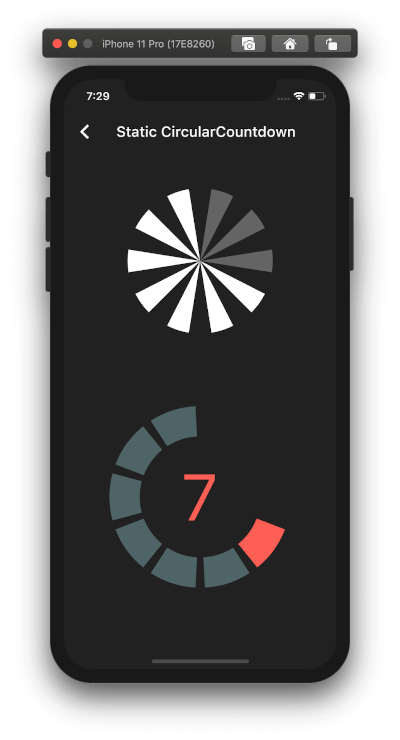
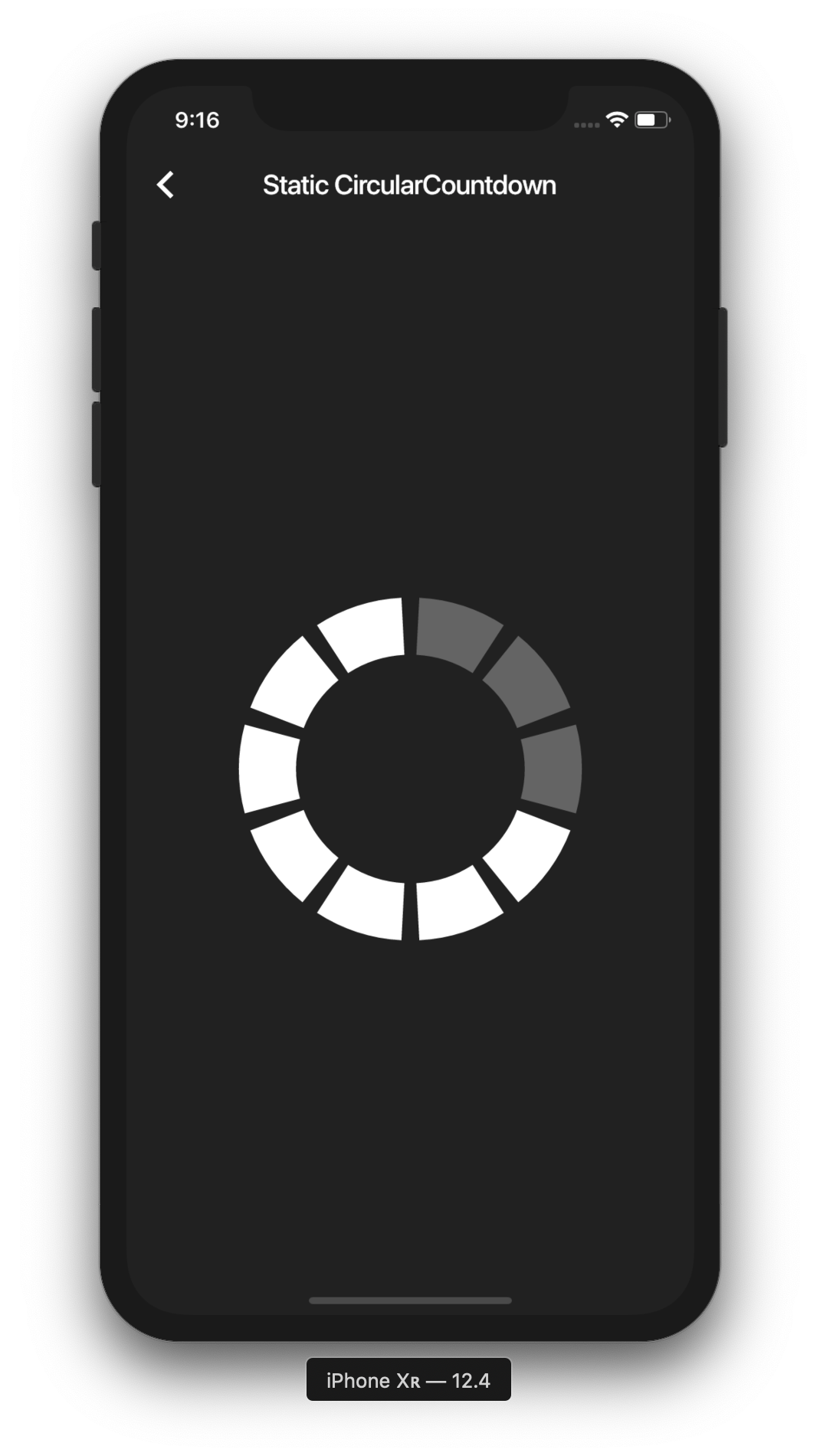
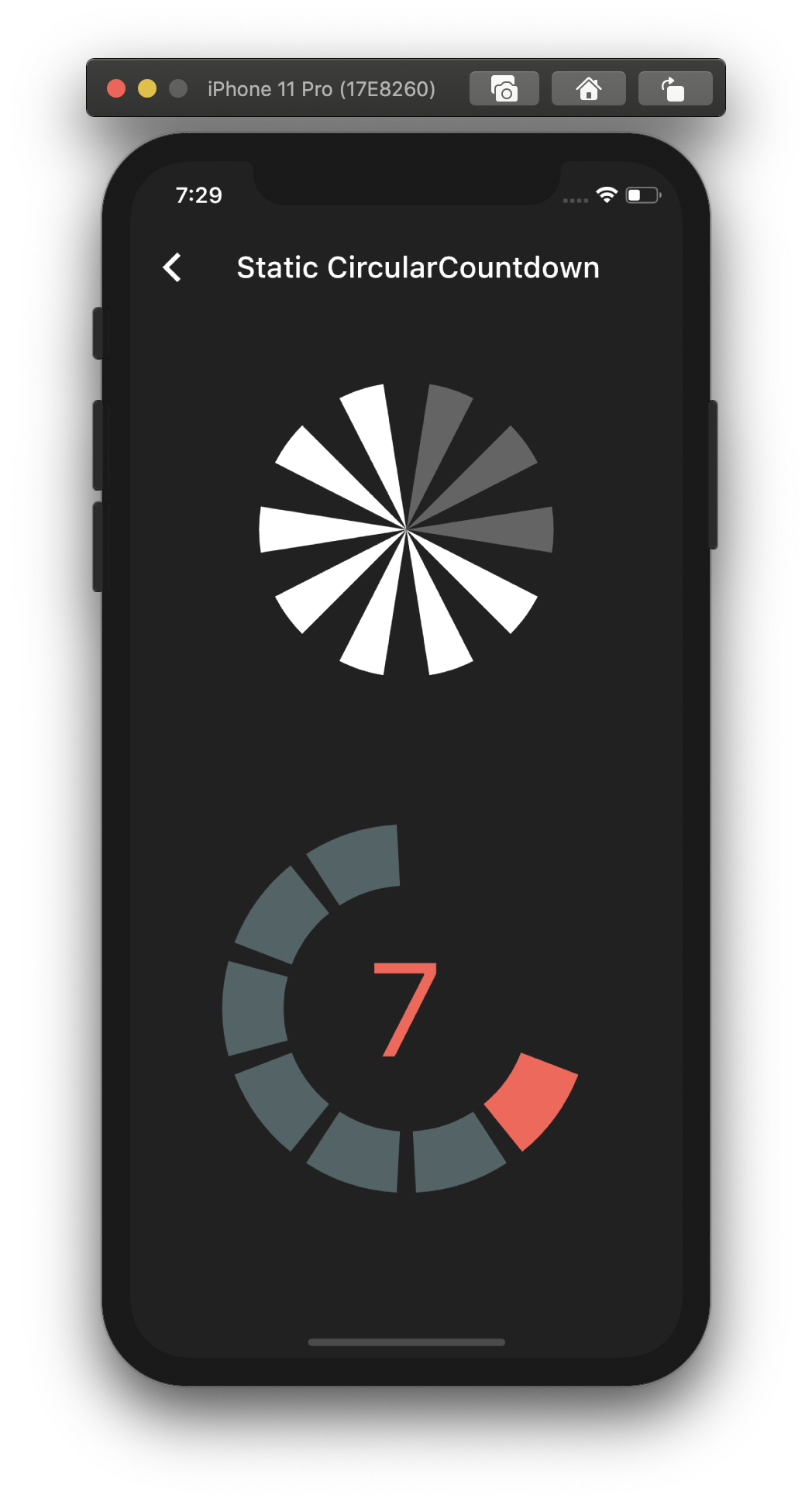
Static countdown

This is the way to create a simple static countdown.

import 'package:flutter/material.dart';
...
return CircularCountdown(
	countdownTotal:  10,
	countdownRemaining:  7,
);
...

By playing with the parameters, you can change the size, the colors, the size of the gaps, the strokeWidth and more to have more complex Countdowns.

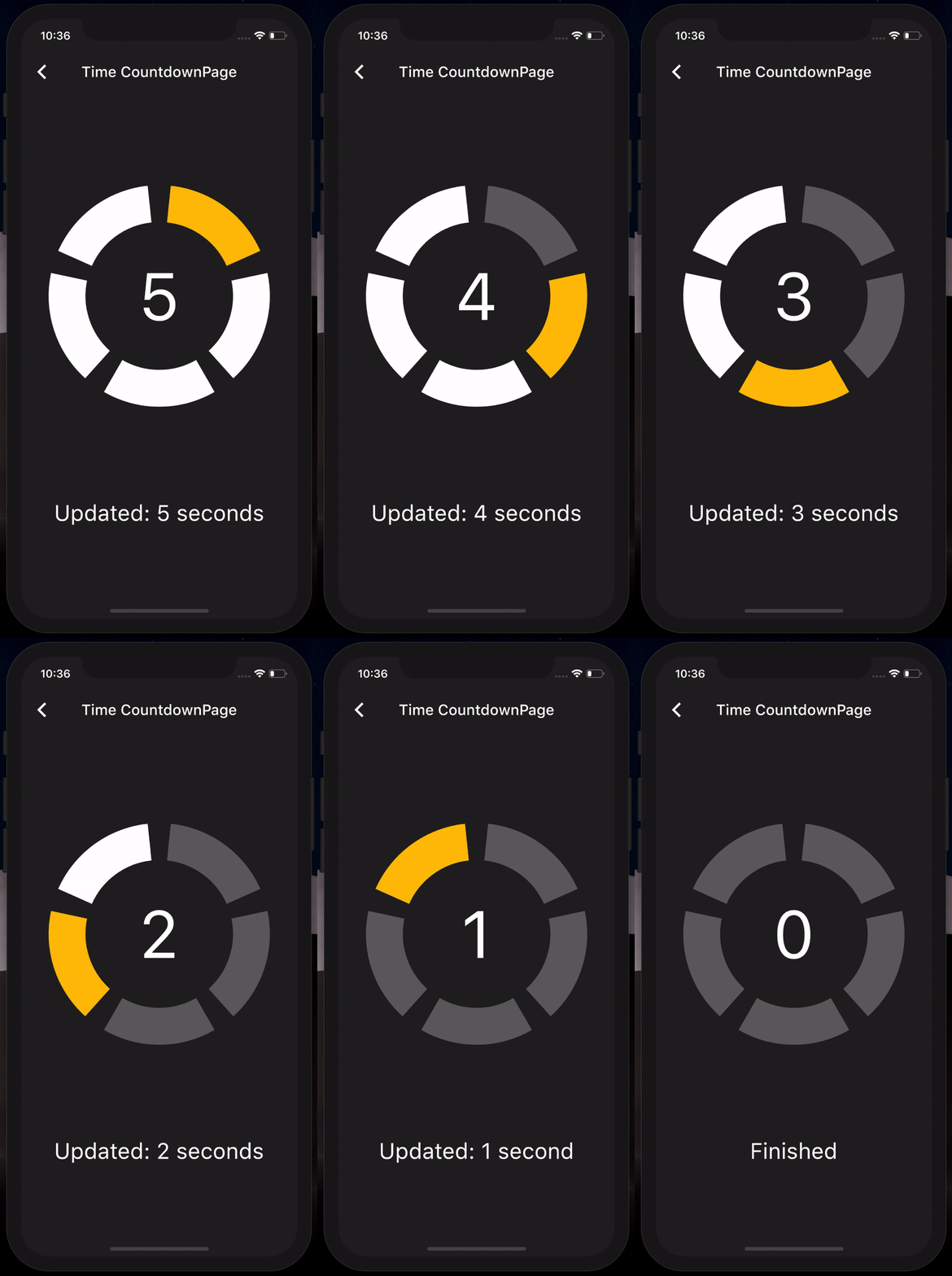
Timer countdown

If you want to have full control on the timer (start, pause, etc), please see the section Controlled countdown below.

If you want to use the CircularCountdown widget as a Time Countdown, you can use the built-in TimeCircularCountdown that wraps the timer logic for you: (see how in example)

return TimeCircularCountdown(
    unit: CountdownUnit.seconds,
    countdownTotal: 30,
    onUpdated: (unit, remainingTime) => print('Updated'),
    onFinished: () => print('Countdown finished'),
);

You can repeat the timer when ended by using the repeat bool property.

Controlled countdown

To have full control on the timer (play, pause, reset, shared between mutliple screen, etc), you can use CircularCountdown with the timer_controller library.

You can see the code in the example app.

Contribution

If you find a bug or want a feature, but don't know how to fix/implement it, please fill an issue. If you fixed a bug or implemented a feature, please send a pull request.

所属分类

源码仓库

使用此插件的项目