client_information 包为 Flutter 应用程序中的基本客户端设备信息提供了便捷的访问方式。它支持 Android、iOS 和 Web 平台,使开发者能够获取设备型号、操作系统版本和平台类型等关键信息。设计简洁,通过简单的 API 与现有项目无缝集成。适用于分析、调试或个性化功能,确保在不同环境下的行为一致性。
适合场景
设备分析
用户画像
调试和故障排除
个性化用户体验
跨平台应用开发
主要特点
跨平台支持(Android、iOS、Web)
简单直观的 API
获取设备型号和操作系统信息
轻量且快速
跨平台数据一致
适合对象
开发跨平台应用的开发者
需要设备级洞察的团队
需要用户设备上下文的应用程序
分析和监控工具
Web 和移动混合应用
使用建议
Android 和 iOS 需要适当的权限
仅限基本设备信息
收集数据时需要遵守隐私合规要求
无实时更新
依赖于平台特定的实现
原始 README
以下为关联源码仓库的 README 原文快照,最新内容请访问源码仓库。
Client Information
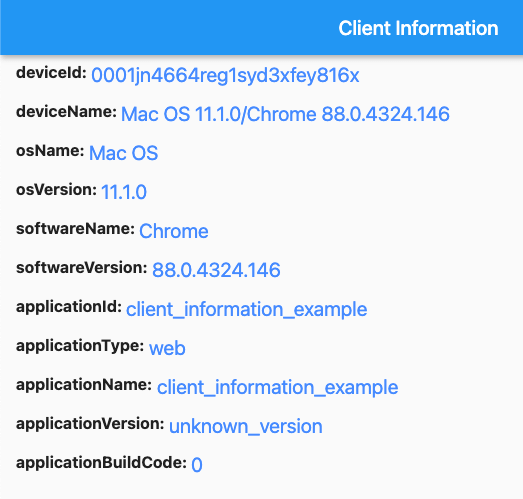
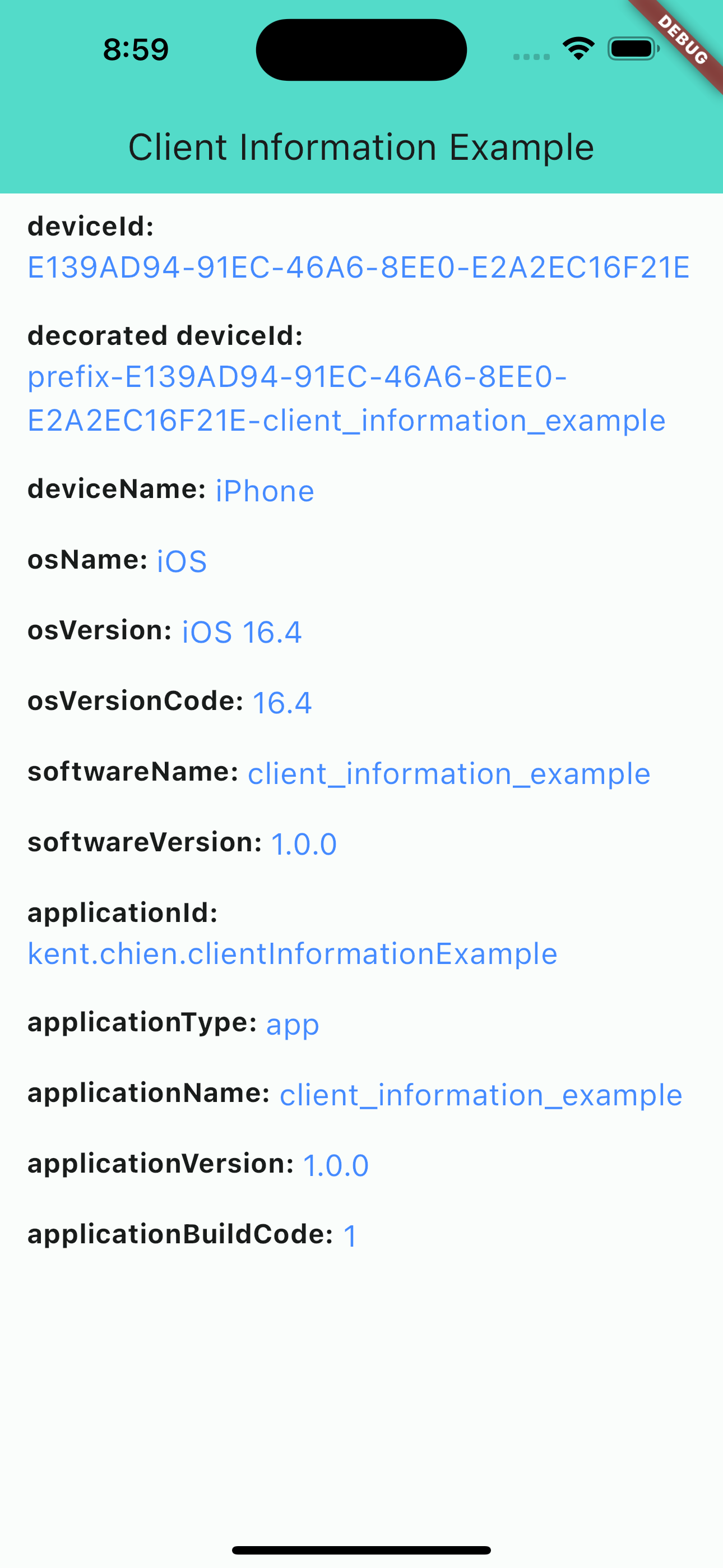
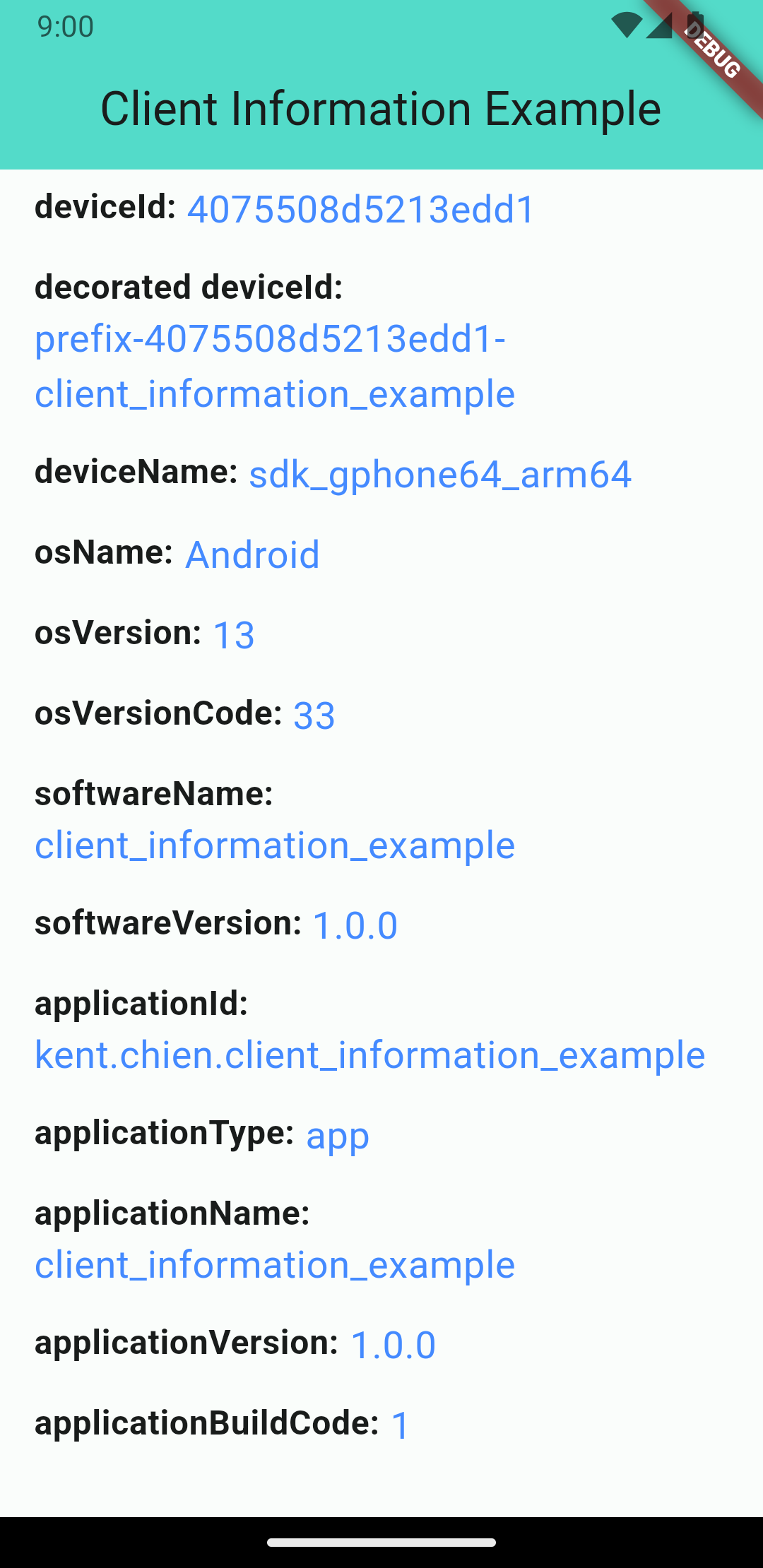
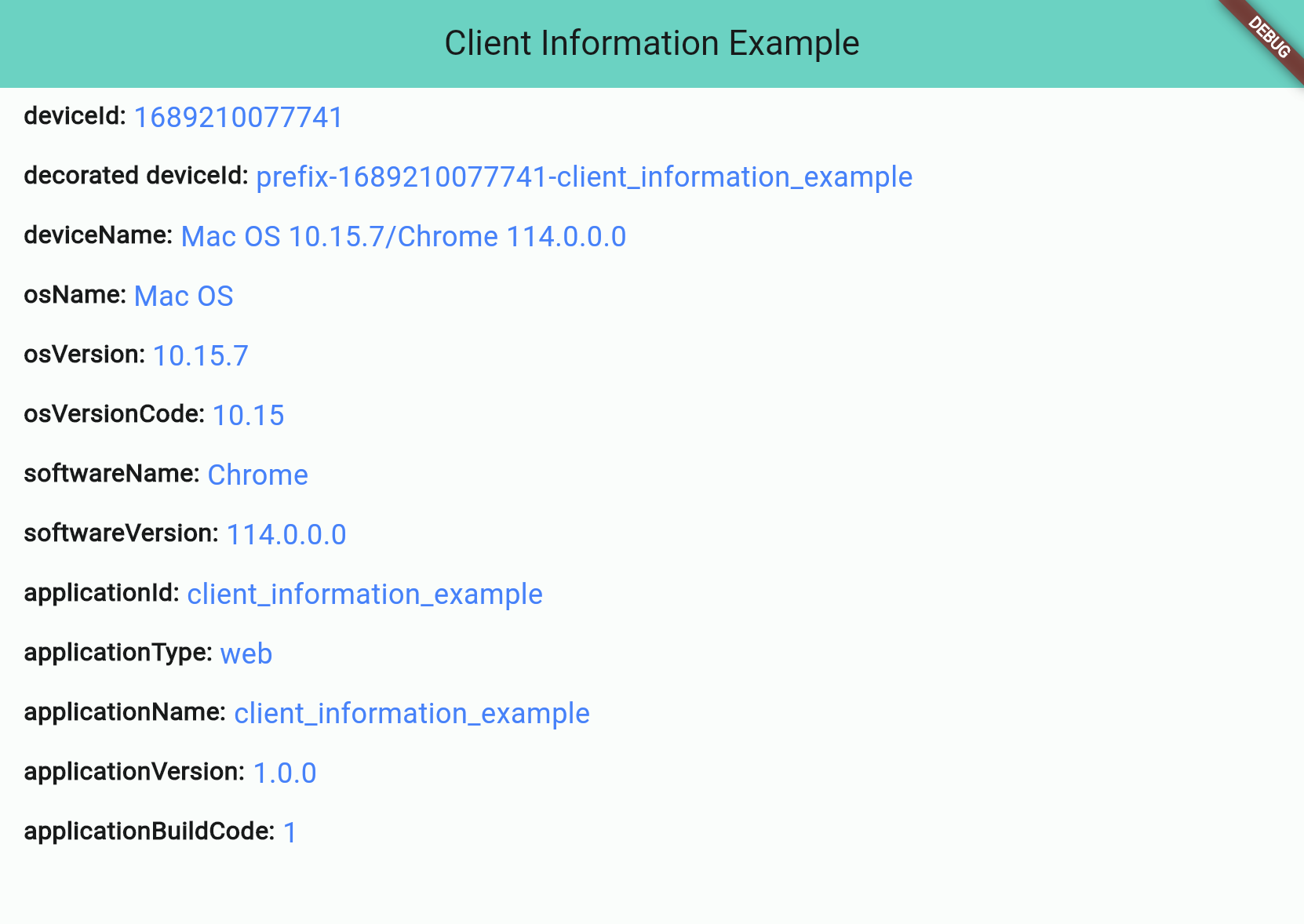
This is a plugin that lets you get basic information from your application's client. It's easy to use and supports different platforms (Android, iOS, and Web). There are four different information types: "application information", "software information", "operating system information", and "device information".
iOS screenshot
Android screenshot
Web screenshot
Information Types
There are 4 different types:
Application Information
Software Information
Operating System Information
Device Information
Application Information
Application information is all about the application you build. And notice that applicationId is not supported for web applications.
Attribute
iOS
Android
Web
applicationId String
⭕ bundleIdentifier
⭕ package name
❌ default: application name
applicationType String (app/web)
⭕
⭕
⭕
applicationName String
⭕
⭕
⭕
applicationVersion String
⭕
⭕
⭕
applicationBuildCode String
⭕
⭕
⭕
Software Information
"Software" stands for the "software" that runs your application, such as "Operating System" for iOS/Android projects or "Browser" for web projects.
Attribute
iOS
Android
Web
softwareName String
⭕ OS name
⭕ OS name
⭕ Browser name
softwareVersion String
⭕ OS version
⭕ OS version
⭕ Browser version
Operating System Information
OS information will show you the OS's name and version. Notice: Web projects may not get this information if the browser's user-agent doesn't contain any information about the operating system.
Attribute
iOS
Android
Web
osName String
⭕ OS name
⭕ OS name
⚠️ OS name (*unknown possible)
osVersion String
⭕ OS version
⭕ OS version
⚠️ OS Version (*unknown possible)
osVersionCode String
⭕ iOS version(number)
⭕ Android API level
⚠️ OS Version(number) (*unknown: -1)
Device Information
The device information will display device's ID and name. Note that web projects don't support real deviceId, so they will use the package uuid to generate a unique string and save to the browser's cookie.
// Get client informationClientInformation info = awaitClientInformation.fetch();
print(info.deviceId); // EA625164-4XXX-XXXX-XXXXXXXXXXXXprint(info.osName); // iOS
Decoration
Starting from version 2.1.0, you can customize some information by passing the decorators. Like below:
var information = awaitClientInformation.fetch(
// you can pass decorators to decoration the value before it return.
decorators: ClientInformationDecorators(
deviceId: (oriInfo, value) =>
'prefix-$value-${oriInfo.applicationName}',
),
);
Or, you can use extension method like this:
var information = awaitClientInformation.fetch();
print('Original DeviceId: ${information.deviceId}');
// Original DeviceId: EA625164-4XXX-XXXX-XXXXXXXXXXXXvar decoratedInfo = information.decoration(deviceId: (oriInfo, value) => '$value-some-suffix-string-here');
print('Decorated DeviceId: ${decoratedInfo.deviceId}');
// Decorated DeviceId: EA625164-4XXX-XXXX-XXXXXXXXXXXX-some-suffix-string-here
Mock Data for Test
Starting from version 1.0.2, you can mock data or enable "mockMode" to facilitate testing. Here is how to set it up:
In your test file:
setUp(() async {
// Change to "MockMode" and set the default data you need.ClientInformation.mockOn(
deviceId: 'mock_device_id', osName: 'MyCustomOS');
});
tearDown(() {
// Close the "MockMode" in tearDown methodClientInformation.mockOff();
});
// Run your testtest('`deviceId` will be "mock_device_id"', () async {
ClientInformation info = awaitClientInformation.fetch();
expect(info.deviceId, 'mock_device_id');
});