cloudpayments
A Flutter plugin for integrating Cloudpaymanets in Android and iOS applications.
Disclaimer : It is not an official plugin. It uses SDK-Android on Android and SDK-IOS on iOS.
Also this plugin doesn't send any requests to Cloudpayments API. In order to make purchases you have to implment some logic on your server.
Steps to make purchase:
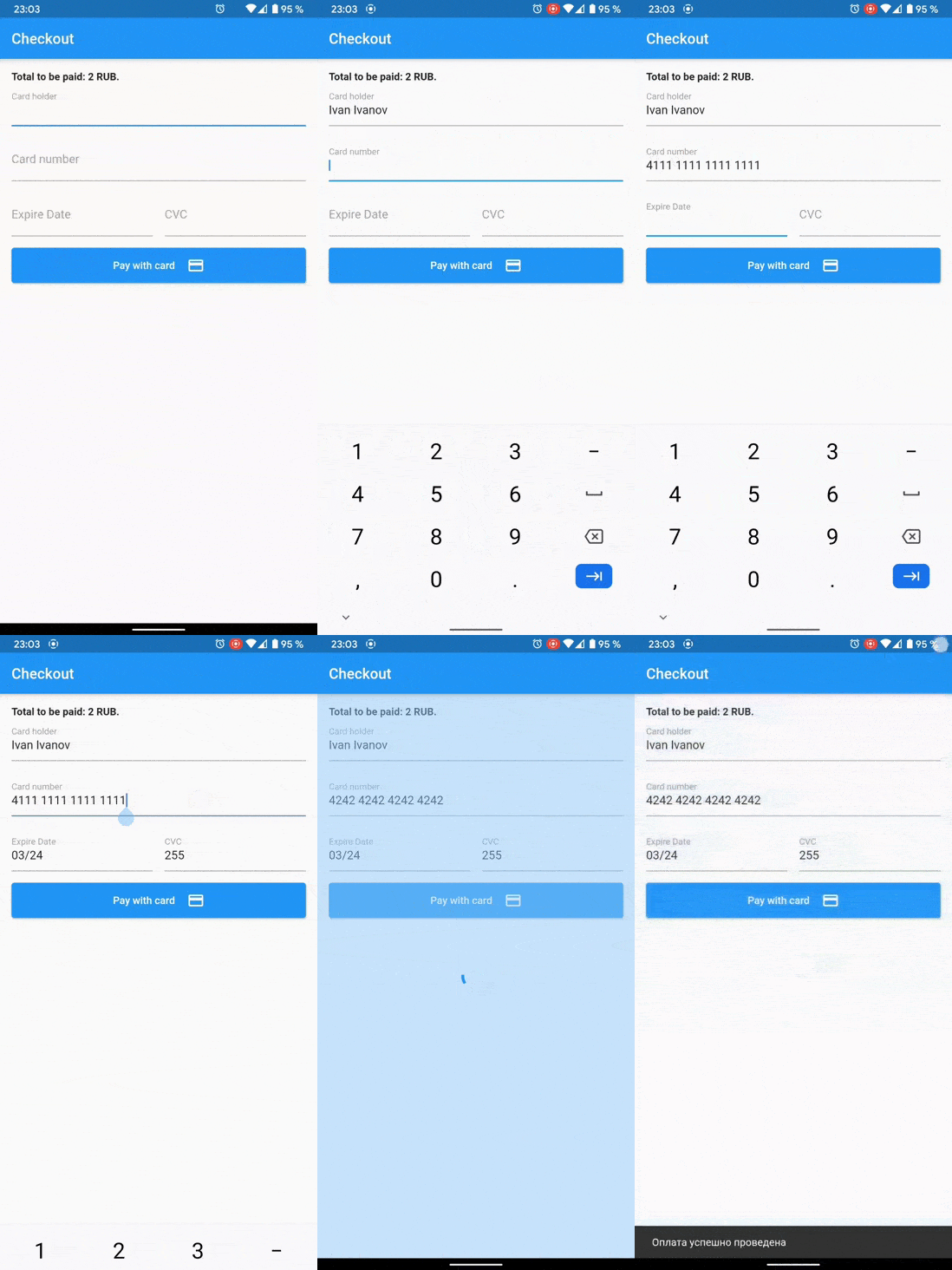
In the application, you need to obtain card data: number, expiration date, holder's name, and CVV;
Create a card data cryptogram using this plugin;
Send a cryptogram and all data for payment from a mobile device to your server;
Make a payment via API call with your server.
See the official documentation:
Supports
[X] Check the validity of the card's parameters.
[X] Generate card cryptogram packet.
[X] Show 3ds dialog.
[X] Google Pay payments.
[X] Apple Pay payments.
Getting Started
Initializing for Android
If you want to show 3ds dialog on Android, make MainActivity implements FlutterFragmentActivity instead of FlutterActivity
android/app/src/main/.../MainActivity.kt:
import io.flutter.embedding.android.FlutterFragmentActivity

class MainActivity: FlutterFragmentActivity() {}
Usage
Check card number validity.
bool isValid = await Cloudpayments .isValidNumber (cardNumber);
bool isValid = await Cloudpayments .isValidExpireDate (cardNumber);
Generate card cryptogram packet. You need to get your publicId from your personal account .
final cryptogram = await Cloudpayments .cardCryptogram (cardNumber, expireDate, cvcCode, publicId);
Showing 3DS form and get results of 3DS auth.
final result = await Cloudpayments .show3ds (acsUrl, transactionId, paReq);
Apple Pay
Create instance of CloudpaymentsApplePay.
final applePay = CloudpaymentsApplePay ();
Check whether Apple Pay is available on this device and can process payment requests.
final isApplePayAvailable = await applePay.isApplePayAvailable ();
final paymentToken = await applePay.requestApplePayPayment (
merchantId: 'merchant.com.YOURDOMAIN' ,
currencyCode: 'RUB' ,
countryCode: 'RU' ,
products: [
{"name" : "Red apple" , "price" : "170" },
{"name" : "Mango" , "price" : "250.50" },
{"name" : "Delivery" , "price" : "100" },
{"name" : "Discount" , "price" : "-89.90" },
{"name" : "Total" , "price" : "430.60" },
],
);
Now you can use paymentToken for payment by a cryptogram.
Google Pay
Create instance of CloudpaymentsGooglePay. Pass Google Pay Evironemnt (test or production) into constructor.
final googlePay = CloudpaymentsGooglePay (GooglePayEnvironment .production);
Check whether Google Pay is available on this device and can process payment requests.
final isGooglePayAvailable = await googlePay.isGooglePayAvailable ();
final result = await googlePay.requestGooglePayPayment (
price: '430.6' ,
currencyCode: 'RUB' ,
countryCode: 'RU' ,
merchantName: 'Example Merchant' ,
publicId: 'test_api_00000000000000000000002' ,
);
if (result != null ) {
if (result.isSuccess) {
final paymentToken = result.token;
}
}
Now you can use paymentToken for payment by a cryptogram.