Coachmaker
Coach marks are temporary messages that educate users through new or unfamiliar product experiences. They can be chained into a sequence to form a tour.
Adobe Said 👨🎓
Stt..... this package simple to use 🤫
Demo 😎
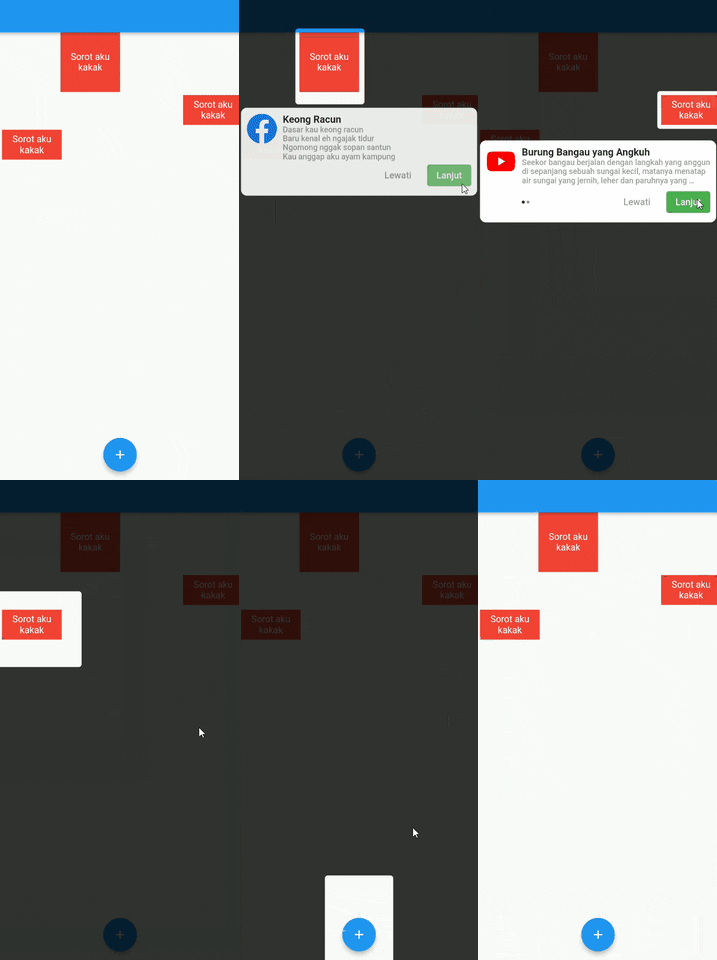
Full Demo
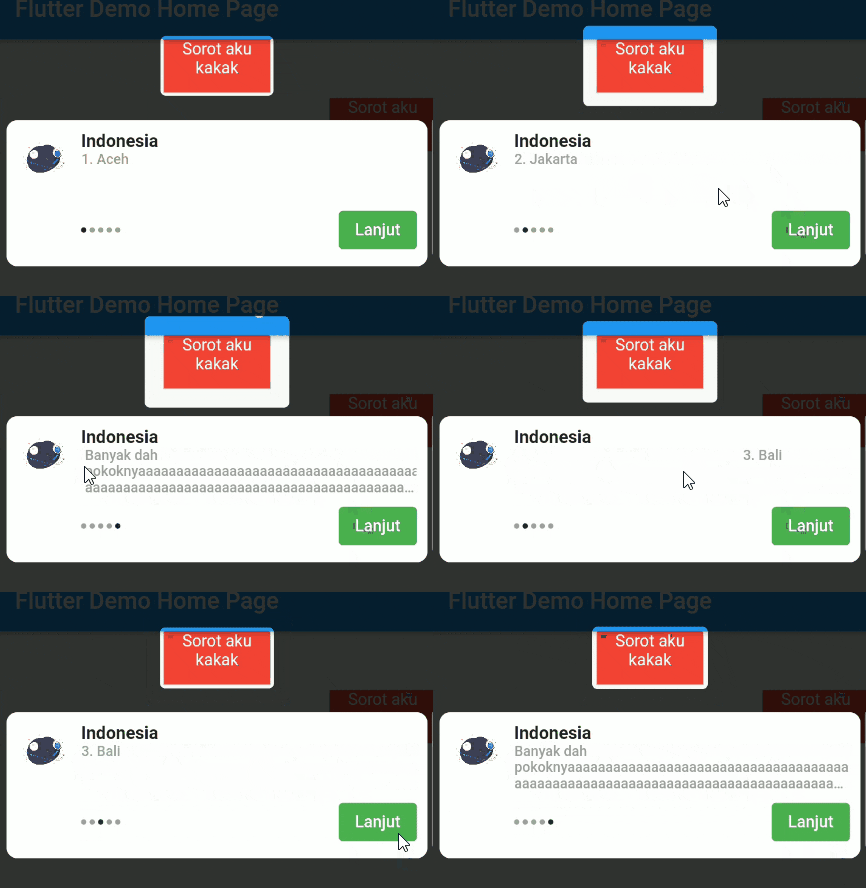
Pageview Slider
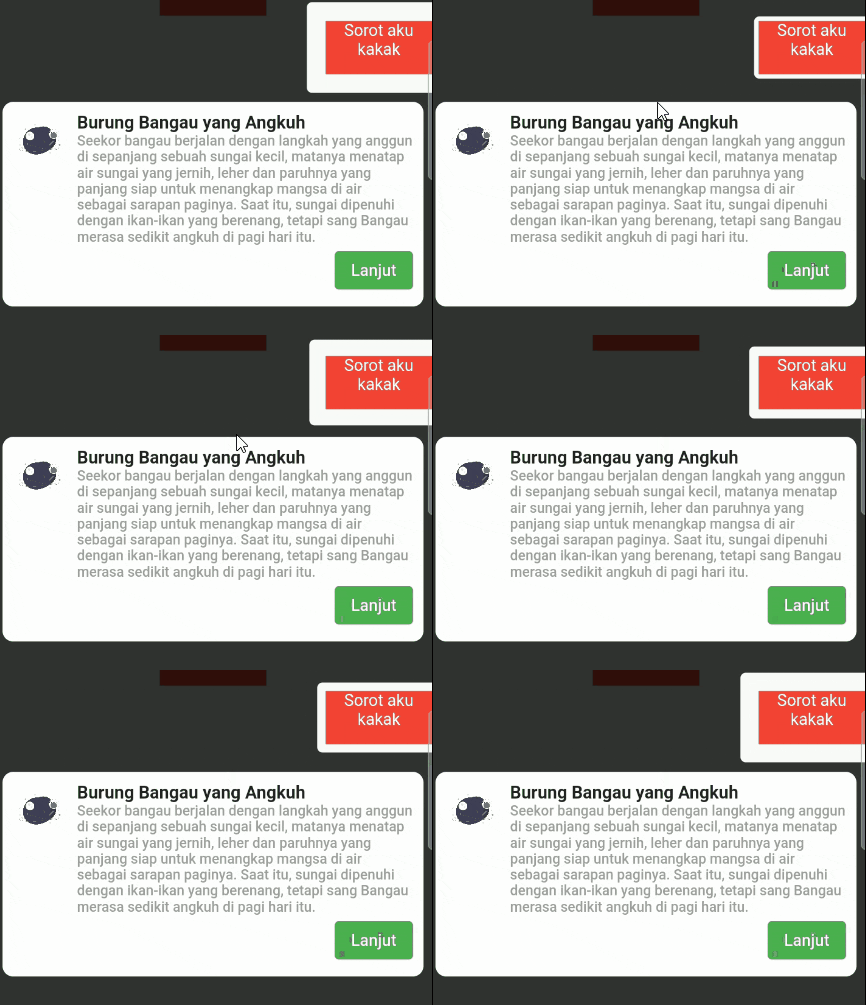
Single Page
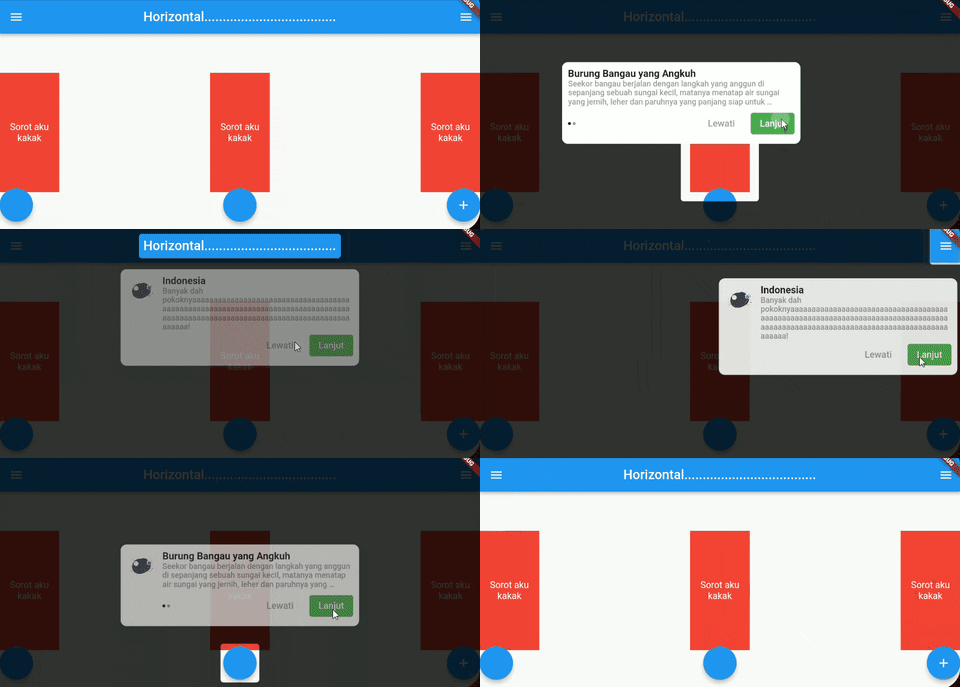
Landscape Page
Usage 🍽️
Time to fight🥊 :
#1. add coachmaker as a dependency in your pubspec.yaml file .
#2. import package on your file, import 'package:coachmaker/coachmaker.dart';
#3. Wrap your widget with CoachPoint
Example :
CoachPoint (
initial: '1' ,
child: Container (
color: Colors .red,
height: 50 ,
width: 100 ,
child: Text (
'Sorot aku kakak' ,
textAlign: TextAlign .center,
style: TextStyle (color: Colors .white),
),
),
),
*Create a initial with a unique name unique name
#4. Call this method for show coachmaker
Example :
FloatingActionButton (
onPressed: () {
CoachMaker (context,
initialList: [
CoachModel (
initial: '1' ,
title: 'Indonesia' ,
maxWidth: 400 ,
subtitle: [
'1. Aceh' ,
'2. Jakarta' ,
'3. Bali' ,
'4. Papua' ,
],
header: Image .asset (
'images/logo.png' ,
height: 50 ,
width: 50 ,
)),
CoachModel (
initial: '2' ,
title: 'Burung perkutut, burung kuthilang' ,
maxWidth: 400 ,
alignment: Alignment .centerRight,
subtitle: [
'kamu kentut enggak bilang bilang ' ,
],
header: Image .asset (
'images/logo.png' ,
height: 50 ,
width: 50 ,
)),
],
nextStep: CoachMakerControl .next,
buttonOptions: CoachButtonOptions (
buttonTitle: 'Lanjut' ,
buttonStyle: ButtonStyle (
backgroundColor:
MaterialStateProperty .all (Colors .green),
elevation: MaterialStateProperty .all (0 ))))
.show ();
},
tooltip: 'Increment' ,
child: Icon (Icons .add),
),
#5. Running your project 🚗
Full example : Example Coachmaker
List Controller
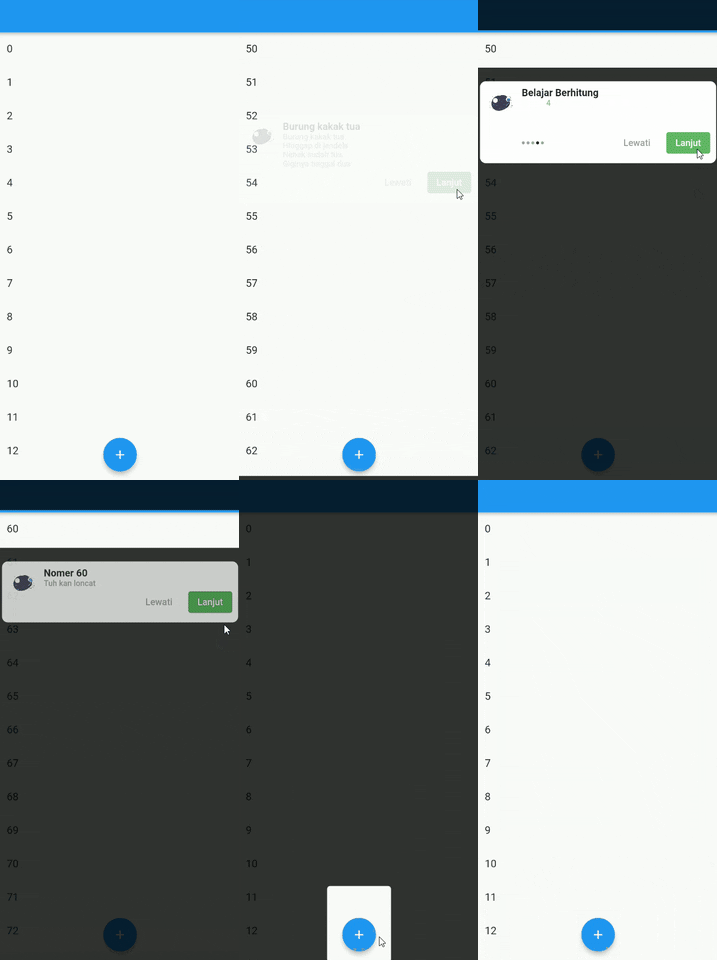
Now you can auto scroll of list and coach the item
2 way to use it :
#1 Using Index
used when all list items are the same height size
CoachModel (
initial: '60' ,
title: 'Nomer 60' ,
maxWidth: 400 ,
subtitle: [
'Tuh kan loncat' ,
],
scrollOptions: ScrollOptions (
scrollController: _scrollController,
isLast: true
),
header: Image .asset (
'images/logo.png' ,
height: 50 ,
width: 50 ,
)
),
confused? you can check this Example Here
#2 Using Manual Height
Sometimes, maybe your list item haven't same height, you can using manualHeight for sliding to item
CoachModel (
initial: '1' ,
title: 'Burung kakak tua' ,
maxWidth: 400 ,
subtitle: [
'Burung kakak tua\nHinggap di jendela\nNenek sudah tua\nGiginya tinggal dua' ,
],
header: Image .asset ('images/logo.png' ,
height: 50 ,
width: 50 ,
),
scrollOptions: ScrollOptions (
scrollController: _scrollController,
manualHeight: 600
),
),
confused? you can check this Example Here
Contribution 🆘
If you find any errors or want to add improvements, you can open a issue or develop the fix and open a pull request. Thank you!
Support Me 🙏
Bisa pake Gopay, Dana, Link Aja, OVO, dan QRIS loh gaes....
klik gambar dibawah ya