搜索插件、代码仓与 APP 分类

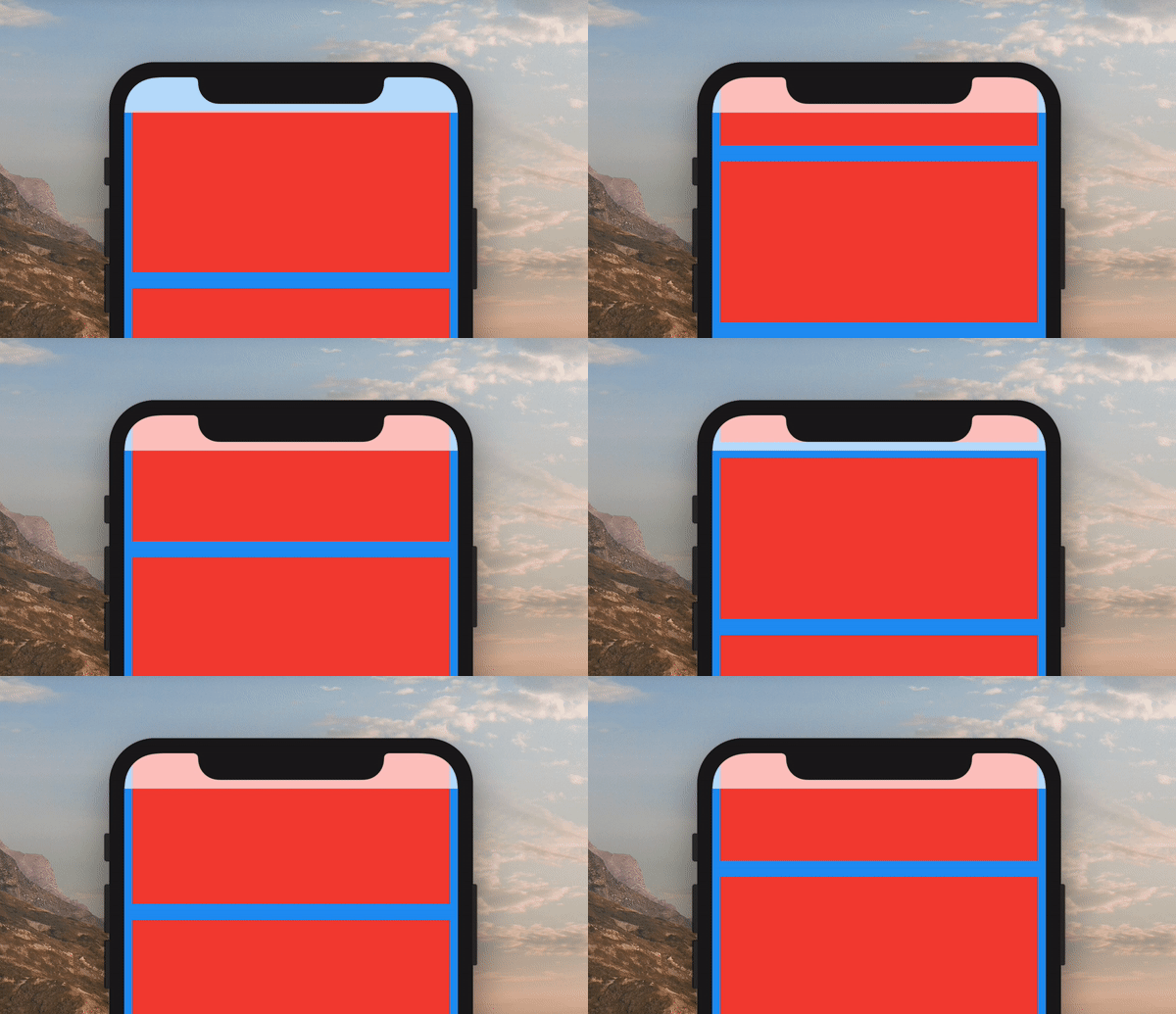
colorful_safe_area 封面
插件详情v1.0.0

colorful_safe_area

SafeArea 小部件的更可自定义替代方案。它允许您设置 SafeArea 的颜色,而不会影响其子项的颜色。

AndroidiOSWebmacOSWindowsLinux
近 30 天下载
9980
喜欢数
59
Pub 分数
150

安装插件

flutter pub add colorful_safe_area

插件介绍

基于插件公开信息、社区数据与项目使用情况整理的选型参考。

ColorfulSafeArea 是标准 SafeArea 小部件的可自定义替代方案,允许开发者为安全区域设置独特的背景颜色,而不会影响子小部件的外观。它提供了对填充和视觉样式的精细控制,非常适合需要在不同设备上实现精确 UI 布局的应用程序。该包支持所有主要平台,并与 Flutter 的渲染管道无缝集成。

适合场景

  • 自定义安全区域背景
  • 创建视觉上截然不同的导航栏
  • 设计沉浸式的全屏体验
  • 实现平台特定的内边距调整
  • 增强设备间的UI一致性

主要特点

  • 安全区域的独立颜色控制
  • 对子 Widget 样式无影响
  • 跨平台支持
  • 与现有代码的简单集成
  • 灵活的内边距配置

适合对象

  • 寻求视觉精度的UI设计师
  • 开发响应式布局的开发者
  • 具有复杂导航栏的应用程序
  • 需要一致边距的项目
  • 面向多个平台的团队

使用建议

  • 可能需要对边缘情况做额外测试
  • 不适用于嵌套安全区域场景
  • 仅限背景颜色自定义
  • 不替换 SafeArea 的核心功能
  • 在需要独立控制背景颜色时效果最佳

原始 README

以下为关联源码仓库的 README 原文快照,最新内容请访问源码仓库。

ColorfulSafeArea

Pub

A more customizable replacement for the SafeArea widget. It lets you set the color of your SafeArea without affecting the color of its child.

Example of ColorfulSafeArea

Use it just like a regular SafeArea widget.

Scaffold(
    body: ColorfulSafeArea(
        child: SomeWidget(),
    ),
);

Setting Color

The color of ColorfulSafeArea widgets are transparent by default. To change their color, set the color property.

Scaffold(
    body: ColorfulSafeArea(
        color: Colors.red,
        child: SomeWidget(),
    ),
);

Using Transparent Colors

You can use any color that has transparency

Scaffold(
    body: ColorfulSafeArea(
        color: Colors.red.withOpacity(0.7),
        child: SomeWidget(),
    ),
);

Overflow Rules

If you are using a transparent color and want the child of the ColorfulSafeArea to appear behind it, you can set overflowRules to define how the ColorfulSafeArea's child should appear. The default value is OverflowRules.all(false). The OverflowRules class works much like EdgeInsets.

// allows the child to overflow behind all sides
overflowRules: OverflowRules.all(true)

// allows the child to overflow only on the left and bottom sides
overflowRules: OverflowRules.only(left: true, bottom: true)

// allows the child to overflow on the top and bottom
overflowRules: OverflowRules.symmetric(vertical: true)

Blurring Overflow Area

If you want to apply a blur effect to the ColorfulSafeArea, you can apply a filter.

Scaffold(
    body: ColorfulSafeArea(
        overflowRules: OverflowRules.all(true),
        filter: ImageFilter.blur(sigmaX: 10, sigmaY: 10),
        child: SomeWidget(),
    ),
);

Making Overflow Area Interactive

When you set overflowRules and would like for the parts of the child that have overflowed to be interactable behind the ColorfulSafeArea, you can set overflowTappable to true.


Scaffold(
    body: ColorfulSafeArea(
        overflowRules: OverflowRules.all(true),
        overflowTappable: true
        child: SomeWidget(),
    ),
);

所属分类

源码仓库

使用此插件的项目

暂无相关数据。