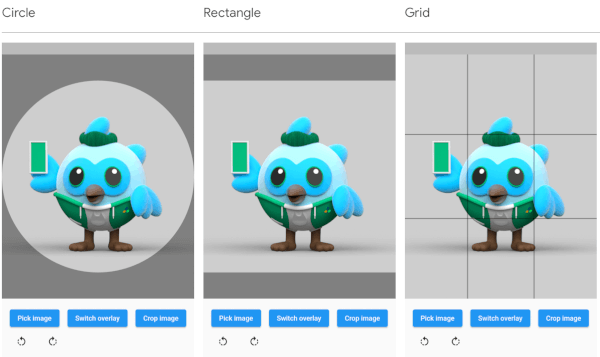
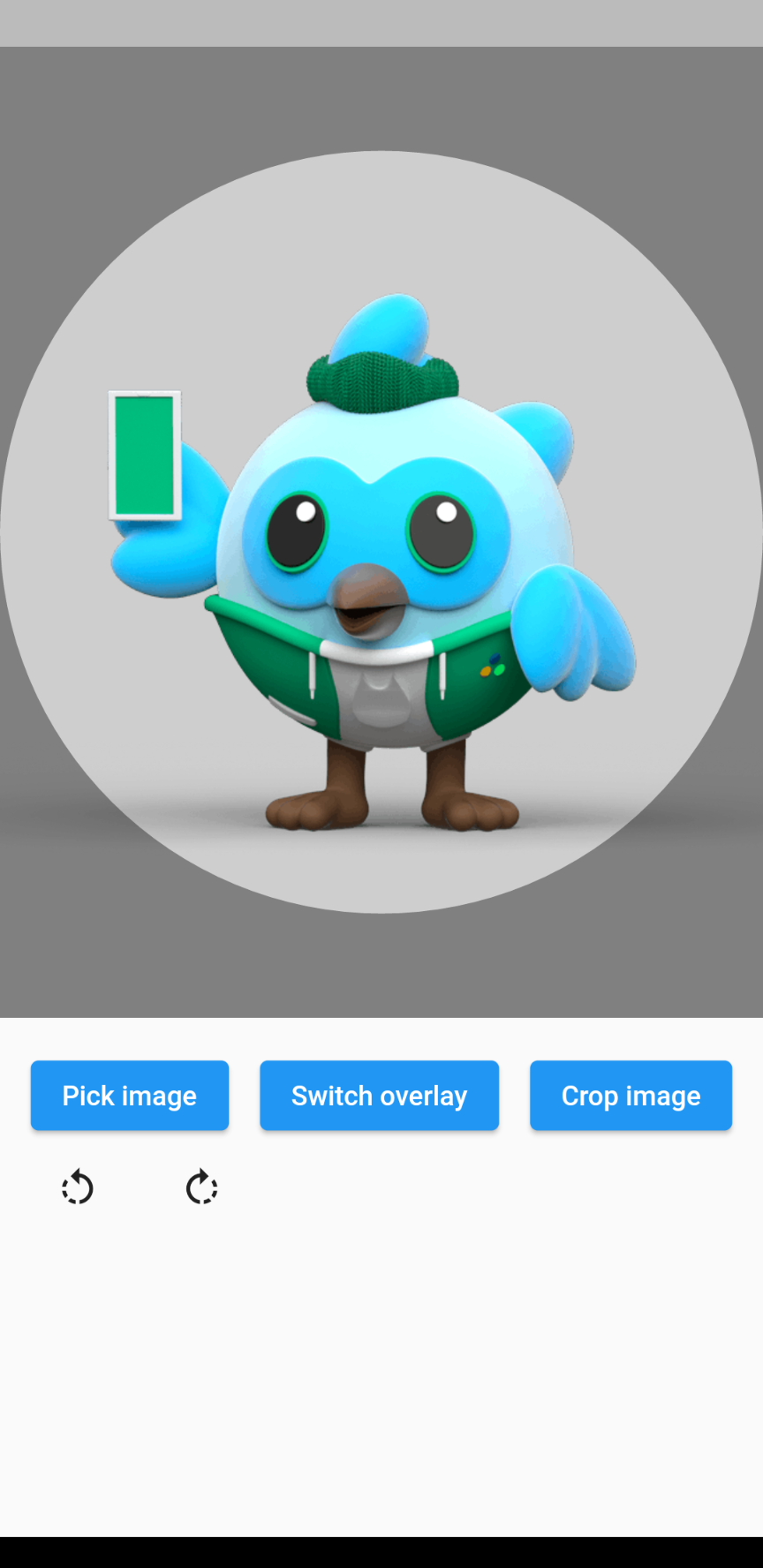
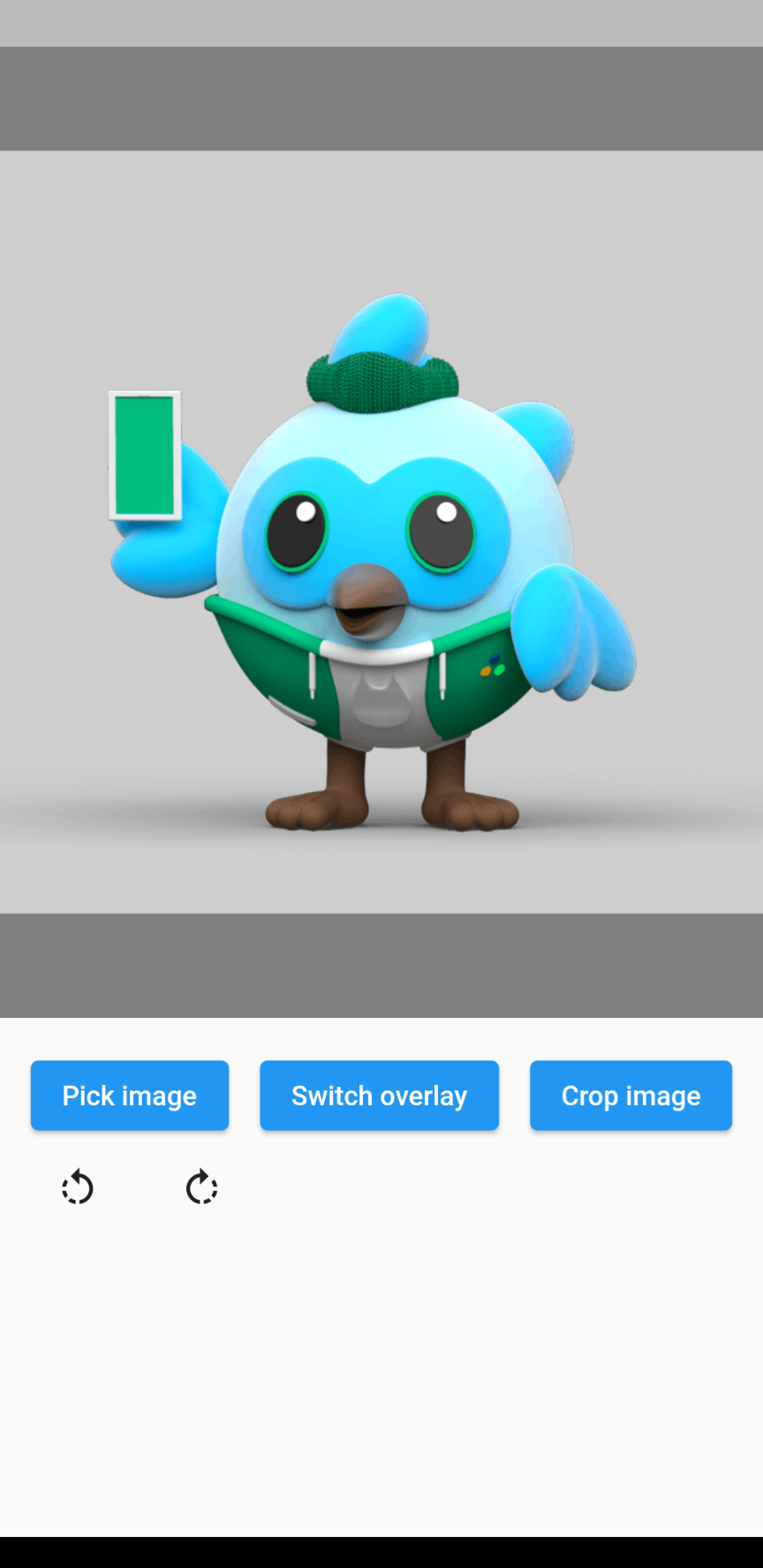
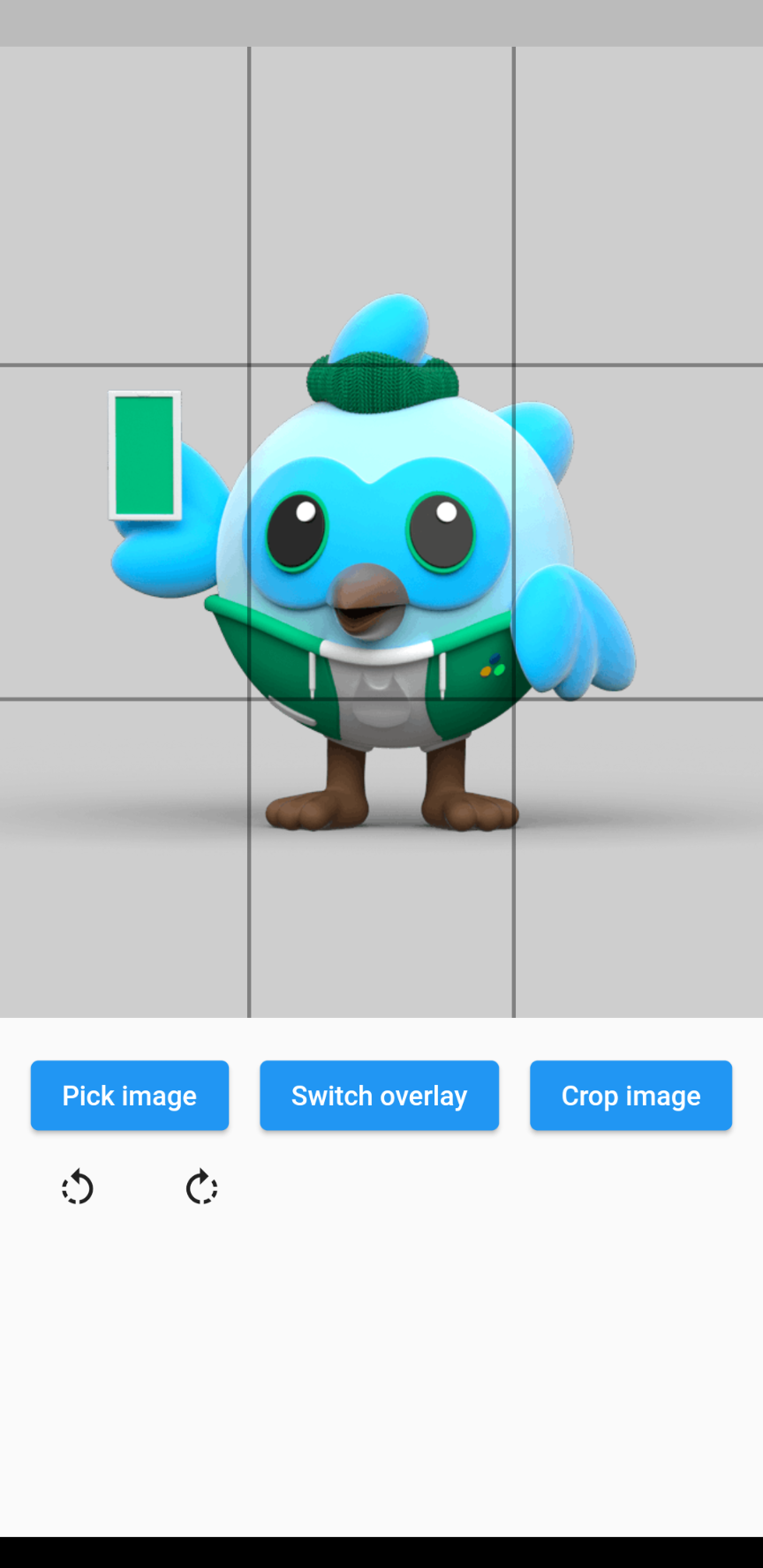
The overlay can be defined by adding an overlay type through the overlayType parameter. The following types are currently supported:
OverlayType.none: No overlay at all.
OverlayType.circle: An overlay with a circular gap.
OverlayType.rectangle: An overlay with a rectangular gap, takes the given aspect ratio.
OverlayType.grid: An overlay of grid lines: 2 horizontal and 2 vertical, evenly spaced.
OverlayType.gridHorizontal: An overlay of 2 horizontal grid lines, evenly spaced.
OverlayType.gridVertical: An overlay of 2 vertical grid lines, evenly spaced.
Rotating the image
The image rotation can be defined through the rotationTurns parameter. The default value is 0, corresponding to 0 degrees of rotation. Making the value larger by 1 will rotate the image 90 degrees clockwise, making it smaller will rotate the image 90 degrees counterclockwise. 0 to 4 is not a limit, so going above or below these values will keep rotating the image.
Example
// Import packageimport'package:cropperx/cropper.dart';
// Define a keyfinal _cropperKey = GlobalKey(debugLabel: 'cropperKey');
// Add the Cropper widget to your tree, using the above key and adding the image to cropCropper(
cropperKey: _cropperKey, // Use your key here
image: Image.network(
'https://i.pinimg.com/originals/6b/4d/18/6b4d18c0b756ab20c3591490dfc10090.jpg',
),
)
// Get the cropped image as bytesfinal imageBytes = awaitCropper.crop(
cropperKey: _cropperKey, // Reference it through the key
)