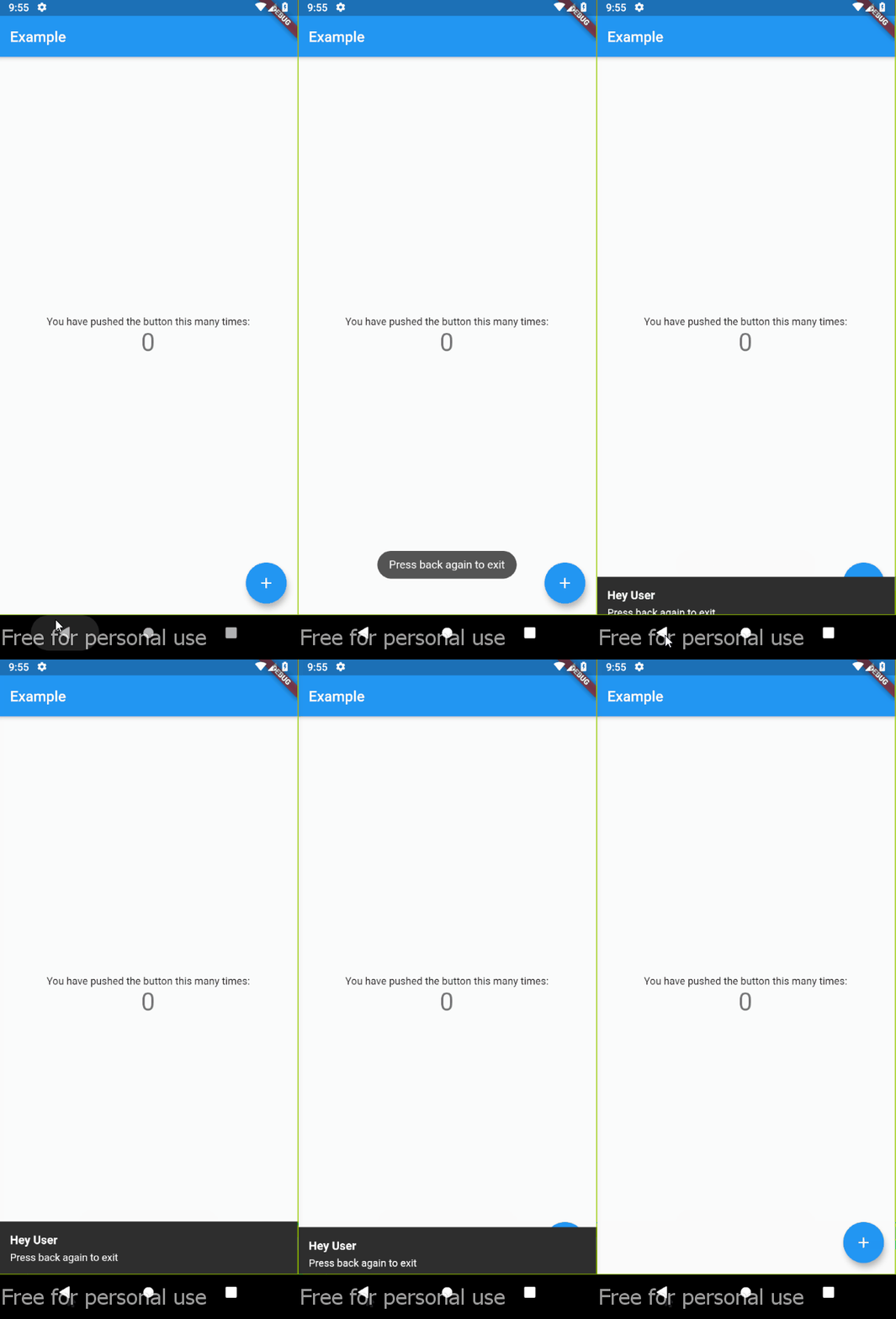
classMyAppextendsStatelessWidget{
@overrideWidgetbuild(BuildContext context) {
returnMaterialApp(
home: DoubleBack(
onFirstBackPress: (context) {
// you can use your custom here// change this with your custom actionfinal snackBar = SnackBar(content: Text('Press back again to exit'));
ScaffoldMessenger.of(context).showSnackBar(snackBar);
// ---
},
child: Home(),
),
);
}
}
with custom delay
classMyAppextendsStatelessWidget{
@overrideWidgetbuild(BuildContext context) {
returnMaterialApp(
home: DoubleBack(
onFirstBackPress: (context) {
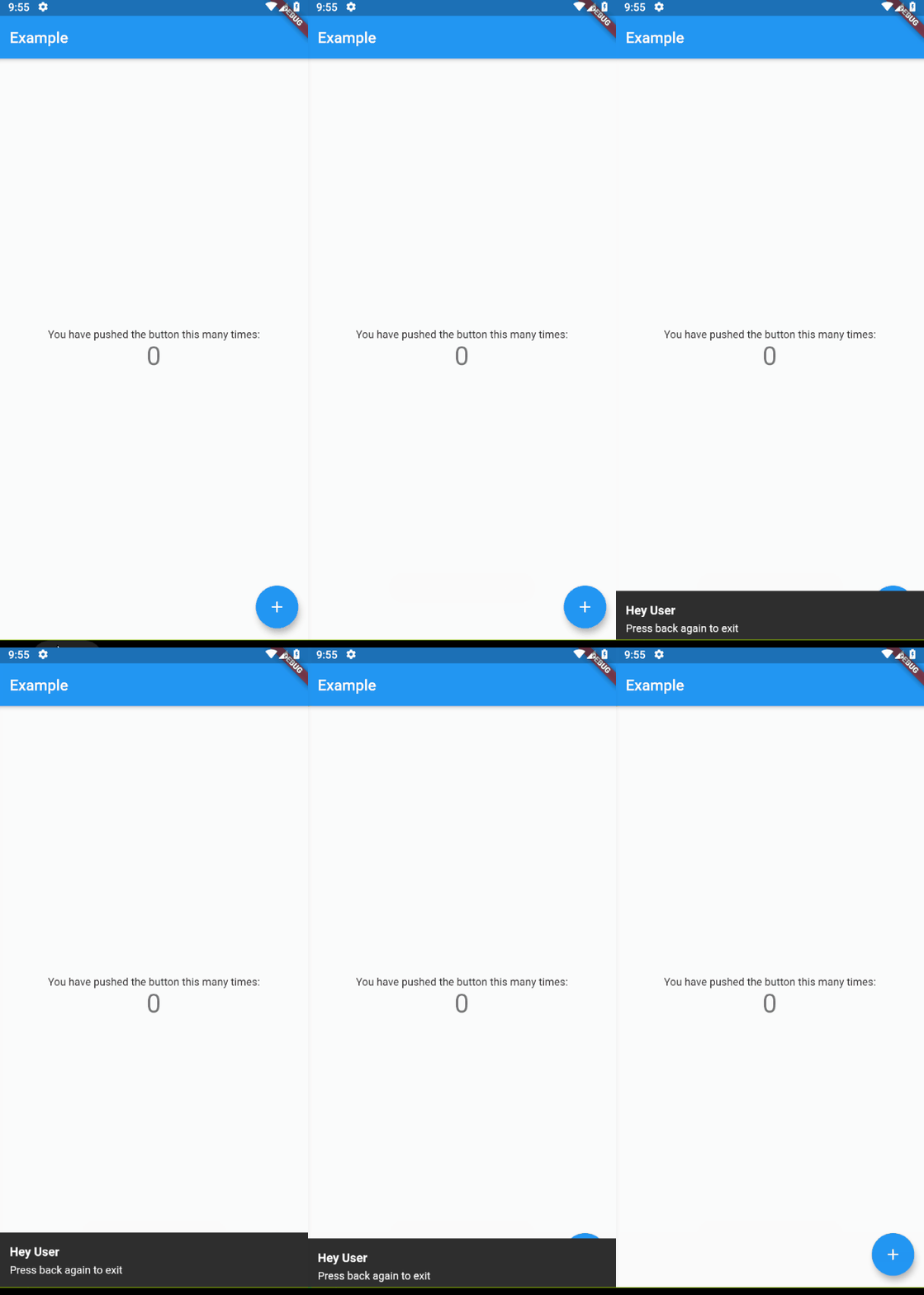
Flushbar(
title: "Hey User",
message: "Press back again to exit",
duration: Duration(seconds: 15), // show 15 second flushbar
)..show(context);
},
child: Home(),
waitForSecondBackPress: 15, // wait for 15 second for second back pressed
),
);
}
}
with custom condition
if you want to show message at spesific condition, for example, only show message if pageView at index 0.
classMyAppextendsStatelessWidget{
@overrideWidgetbuild(BuildContext context) {
returnMaterialApp(
// Imagine that you are using materialbottom and only want to close when tabIndex = 0
home: DoubleBack(
condition: tabIndex == 0, // only show message when tabIndex=0
onConditionFail: (){
setState((){
tabIndex = 0; // if not 0, set pageview jumptopage 0
});
}
child: Home(),
),
);
}
}