搜索插件、代码仓与 APP 分类

easy_loader 封面
插件详情v2.0.0

easy_loader

在 Flutter 中处理简单全屏加载器的最简单方法。用 Dart 编写。完全可自定义。

AndroidiOSWebmacOSWindowsLinux
近 30 天下载
109
喜欢数
16
Pub 分数
160

安装插件

flutter pub add easy_loader

插件介绍

基于插件公开信息、社区数据与项目使用情况整理的选型参考。

Easy Loader 是一个轻量级的 Flutter 包,为您的应用程序提供简单且完全可自定义的全屏加载器。使用 Dart 编写,它使开发者能够用最少的代码快速实现加载指示器。该包支持所有主要平台,包括 Android、iOS、Web、macOS、Windows 和 Linux,非常适合跨平台项目。通过直观的 API 和丰富的自定义选项,Easy Loader 在异步操作(如数据获取或处理)期间提升了用户体验。

适合场景

  • 在 API 调用期间显示加载状态
  • 显示应用程序初始化过程中的进度
  • 增强数据处理过程中的用户体验
  • 使用加载器实现启动画面
  • 在表单提交期间提供反馈

主要特点

  • 全屏加载覆盖层
  • 高度可定制的外观
  • 简单集成,设置最少
  • 跨平台兼容性
  • 支持自定义组件和动画
  • 轻量且高效

适合对象

  • 初学者 Flutter 开发者
  • 需要快速加载器实现的项目
  • 频繁执行异步操作的应用程序
  • 以用户体验为中心的应用程序
  • 跨平台移动和网页应用

使用建议

  • 可能需要额外的样式来支持复杂的用户界面
  • 不适用于非全屏加载场景
  • 自定义可能需要基本的Dart知识
  • 受限于每屏仅支持单个加载器,无需额外逻辑

原始 README

以下为关联源码仓库的 README 原文快照,最新内容请访问源码仓库。

EasyLoader

The easiest way to handle a simple full screen loader in Flutter. Written in Dart. Fully customizable.

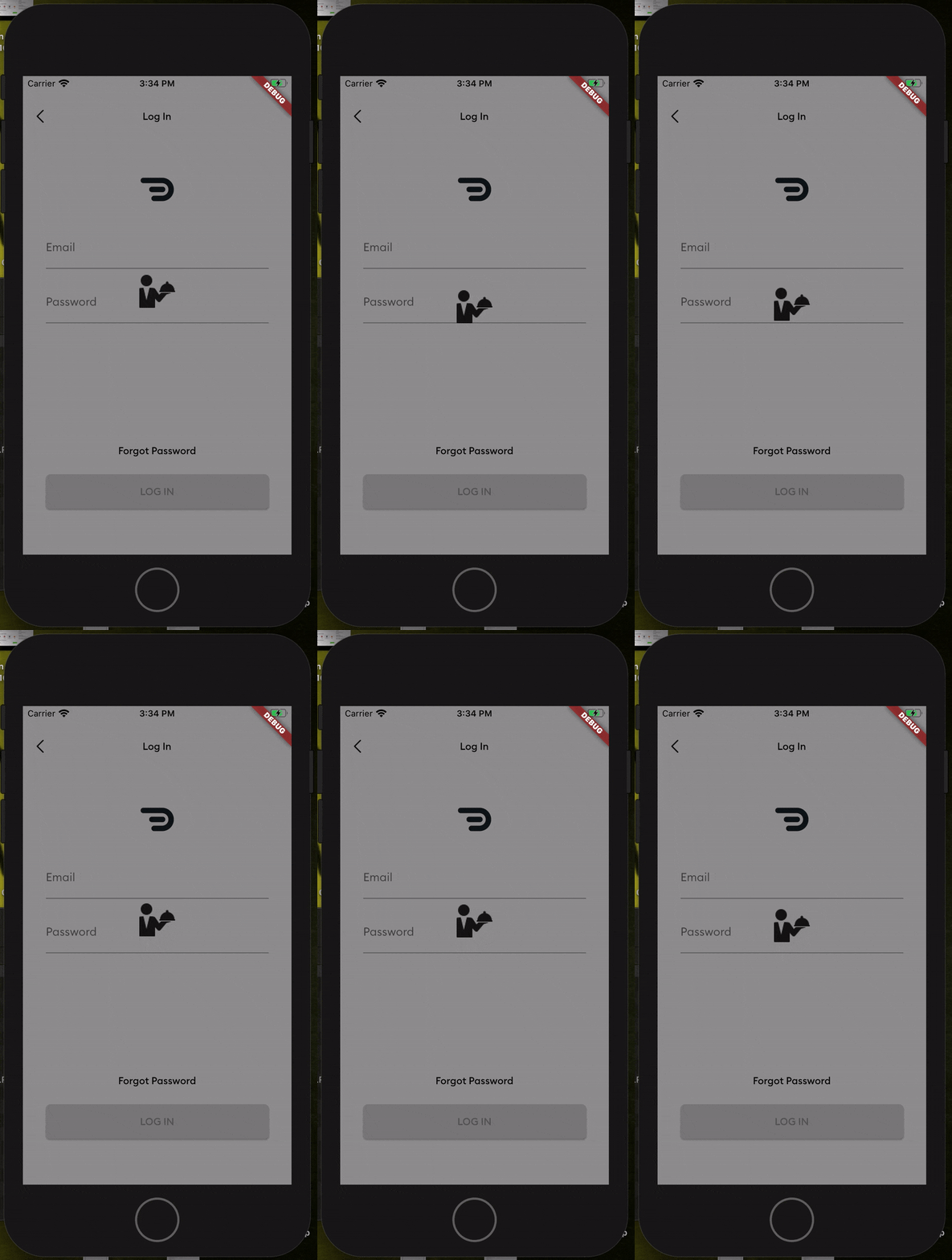
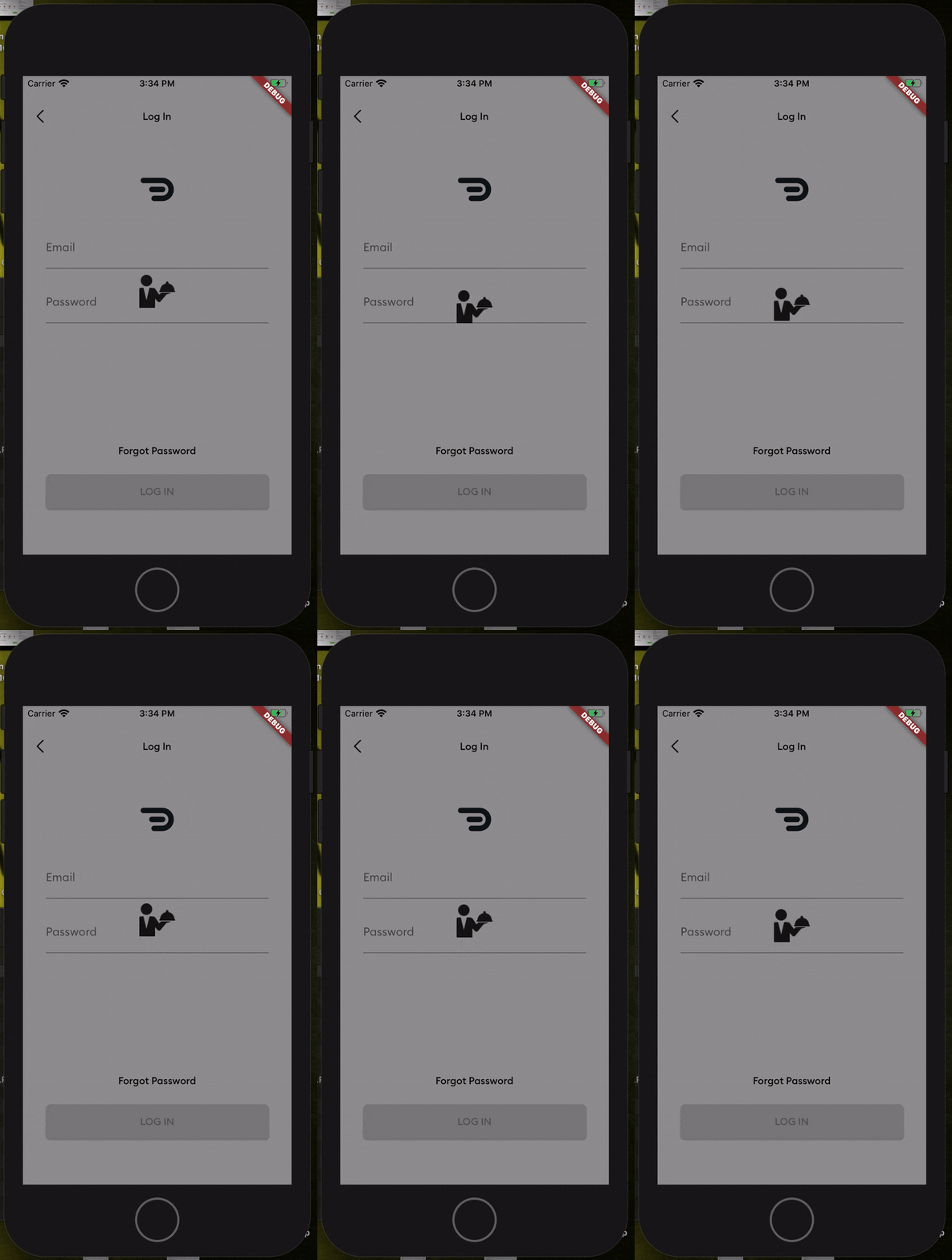
Screenshot

Getting Started

Add this to your package's pubspec.yaml file

dependencies:
  easy_loader: ^1.0.3

Usage

Next, you just have to import the package using:

import 'package:easy_loader/easy_loader.dart';

Then wrap your body within a Stack and place the EasyLoader() widget at the end of the Stack

  Widget build(BuildContext context) {
    return Scaffold(
      //// Wrap your body in a stack
      body: Stack(
        children: <Widget>[
          Center(
            child: Text("Lorem Ipsum"),
          ),
          //// Put the loader widget at the end of the stack. You can set it to appear based on a boolean. E.g. a loading flag.
          EasyLoader(image: AssetImage('assets/loading.png'),)
        ],
      ),
    );
  }

All done! You can customize other things like the icon size, background color, icon color and the animation by passing the values into the constructor.

所属分类

源码仓库

使用此插件的项目

暂无相关数据。