Flutter Widget that can easily create Breadcrumb in Flutter.
A breadcrumb or breadcrumb trail is a graphical control element frequently used as a navigational aid in user interfaces and on web pages. It allows users to keep track and maintain awareness of their locations within applications, documents, or websites.
Show Cases
Show Case
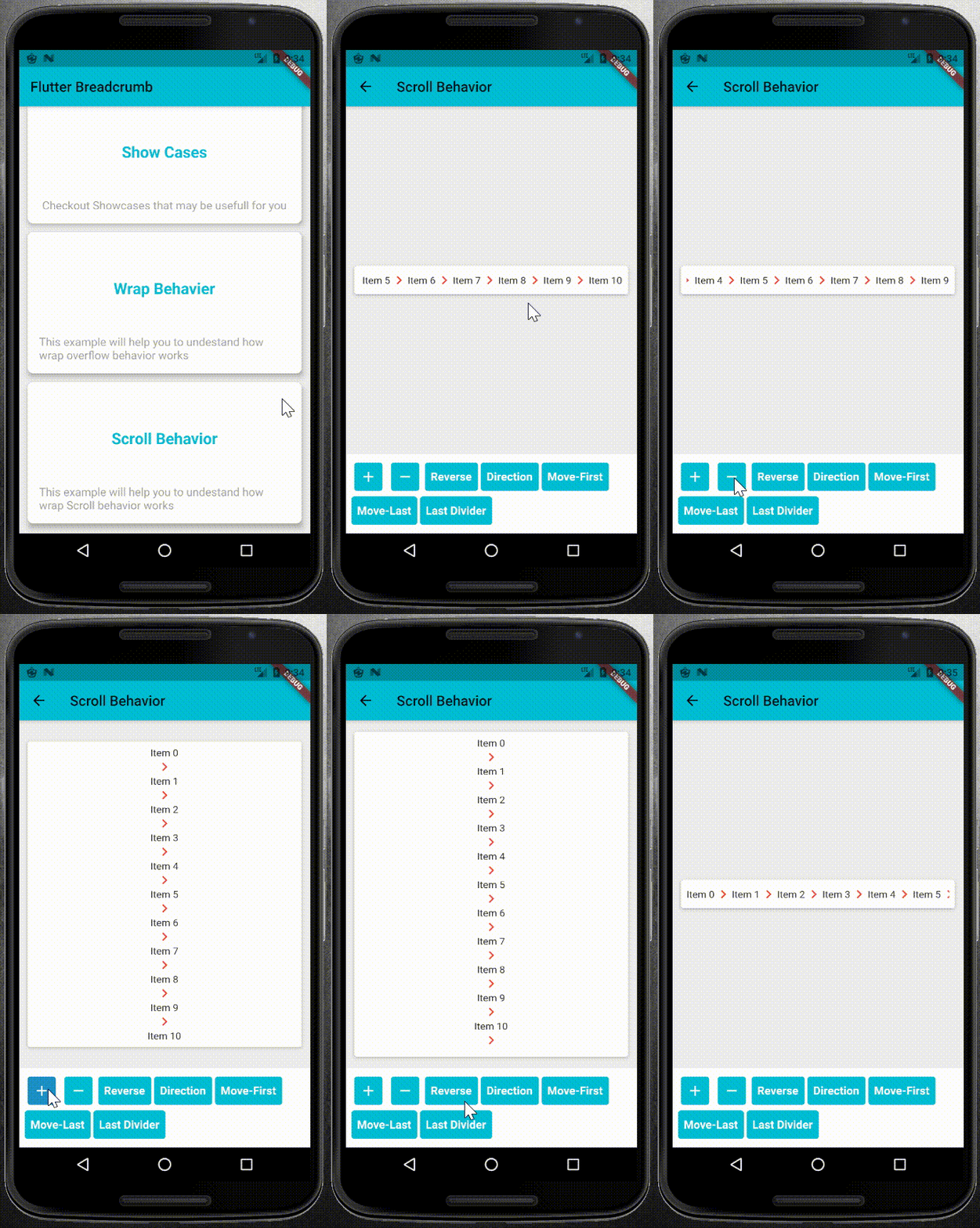
Wrap Behavior
Scroll Behavior
Getting Start
1. Add it to Your pubspec.yaml file as dependency:
select a right overflow behavior for your BreadCrumb widget.
1. WrapOverflow behavior: you can use this behavior when you want to your widget, wrap whenever it uses all of the main Side sizes:
BreadCrumb(
	items: <BreadCrumbItem>[
		//add your BreadCrumbItem here
	],
	divider: Icon(Icons.chevron_right),
	overflow: WrapOverflow(
		keepLastDivider: false,
		direction: Axis.horizontal,
	),
)
2. ScrollableOverflow behavior: use it whenever you want to content your widget scroll if it needed.
BreadCrumb(
	items: <BreadCrumbItem>[
		//add your BreadCrumbItem here
	],
	divider: Icon(Icons.chevron_right),
	overflow: ScrollableOverflow(
		keepLastDivider: false,
		reverse: false,
		direction: Axis.horizontal,
	),
)
3. Custom Overflow behavior: you can easily create your own overflow behavior. the only thing you need is to create a class and extends it from the BreadCrumbOverflow class and overwrite its dependencies.
* override widgetItems method to create List<Widget> with items and divider parameters.
* override build method to create your own widget behavior. for example wrap behavior uses Wrap widget. and you can use widgetItems method in your build method to create List<Widget> items.
Contribution and Support
Feel free for Contributing. your Pull Requests are welcome.