flutter_incoming_call
A Flutter plugin to show incoming call in your Flutter app! Alpha version(not ready for production!)
Usage
To use this plugin:
- Configure android project:
Just add to your manifest activity and receiver.
<activity
    android:name="com.github.alezhka.flutter_incoming_call.IncomingCallActivity"
    android:theme="@style/Theme.AppCompat"
    android:screenOrientation="portrait"
    android:showOnLockScreen="true">
    <intent-filter>
        <action android:name="com.github.alezhka.flutter_incoming_call.activity.ACTION_INCOMING_CALL" />
        <category android:name="android.intent.category.DEFAULT" />
    </intent-filter>
</activity>

<receiver android:name="com.github.alezhka.flutter_incoming_call.CallBroadcastReceiver"
    android:enabled="true"
    android:exported="false"/>
- Configure Flutter plugin:
FlutterIncomingCall.configure(
    appName: 'example_incoming_call',
    duration: 30000,
    android: ConfigAndroid(
        vibration: true,
        ringtonePath: 'default',
        channelId: 'calls',
        channelName: 'Calls channel name',
        channelDescription: 'Calls channel description',
    ),
    ios: ConfigIOS(
        iconName: 'AppIcon40x40',
        ringtonePath: null,
        includesCallsInRecents: false,
        supportsVideo: true,
        maximumCallGroups: 2,
        maximumCallsPerCallGroup: 1,
    )
)
- Listen events:
FlutterIncomingCall.onEvent.listen((event) {
if(event is CallEvent) {
} else if(event is HoldEvent) {
} else if(event is MuteEvent) {
} else if(event is DmtfEvent) {
} else if(event is AudioSessionEvent) {
}
});
- Call api:
FlutterIncomingCall.displayIncomingCall(String uid, String name, String avatar, String handle, String type, bool isVideo);
FlutterIncomingCall.endCall(String uuid);
FlutterIncomingCall.endAllCalls();
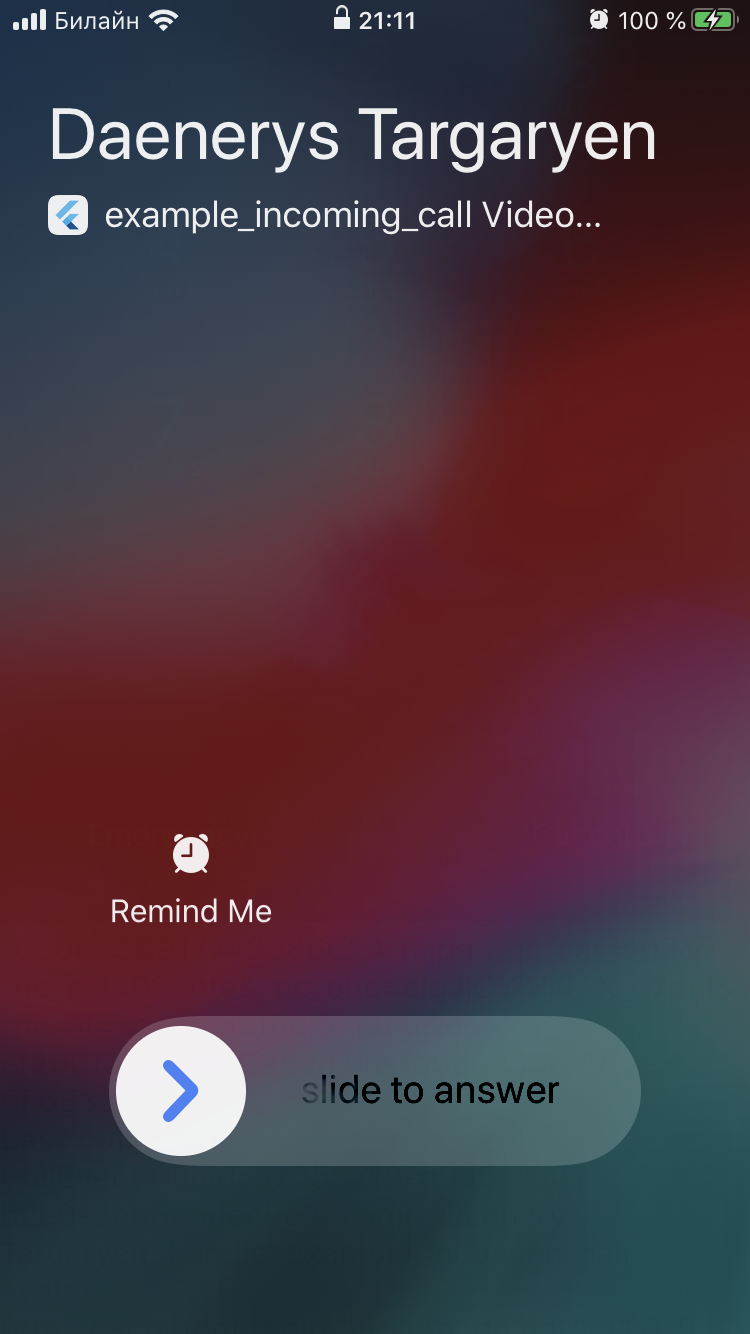
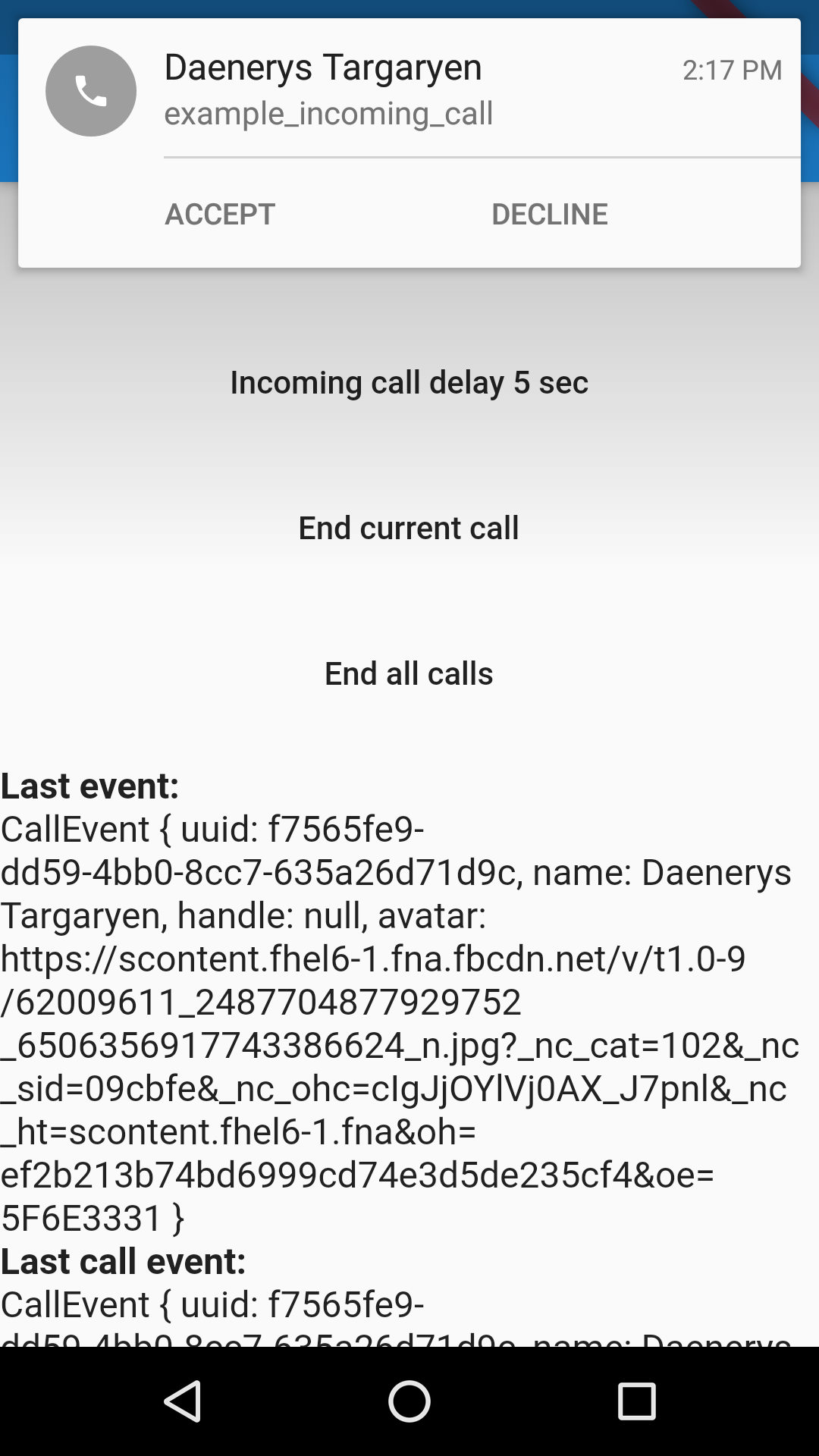
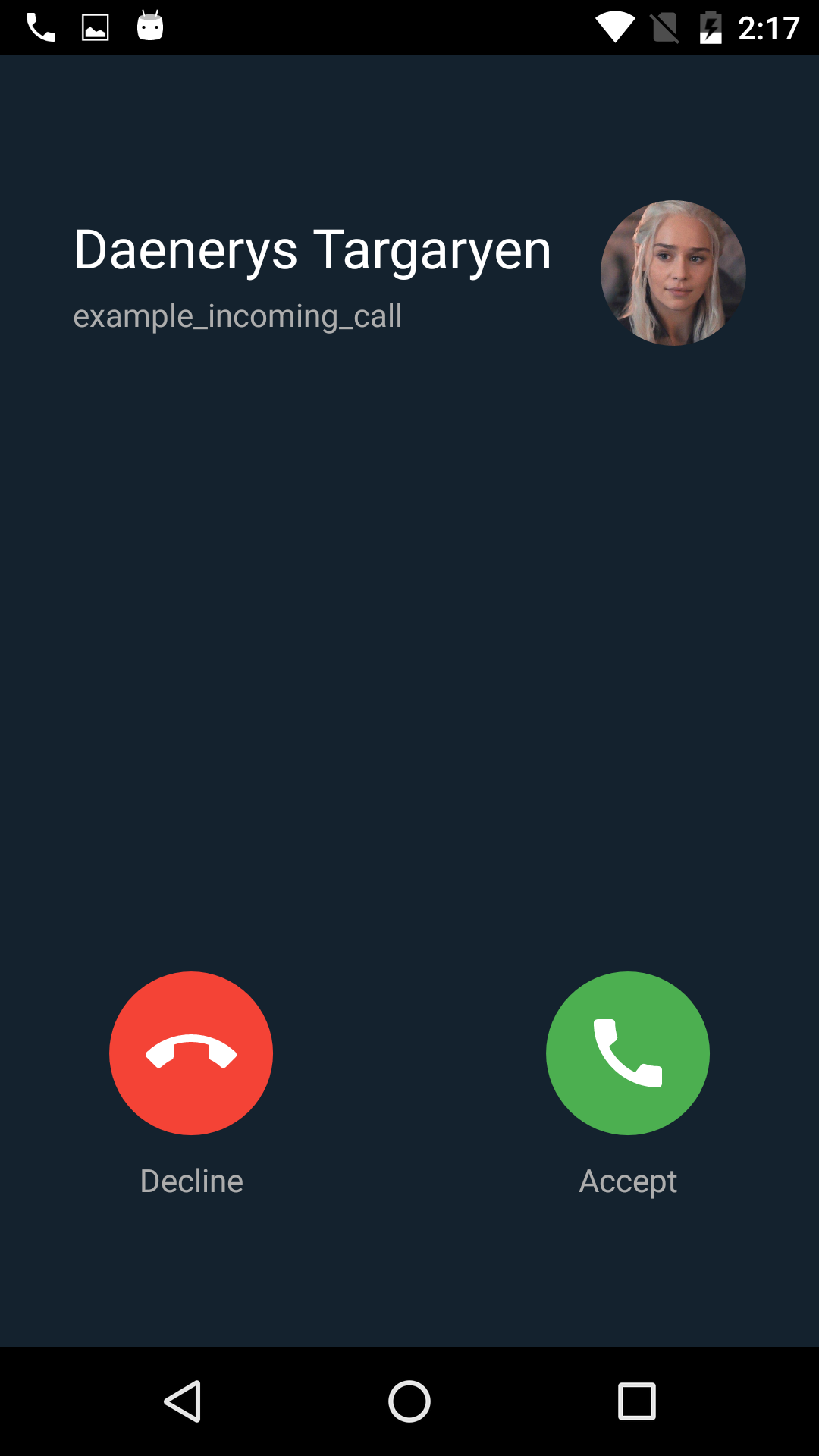
Demo
| ios |
ios (Lockscreen) |
Android |
Android (Lockscreen) |
 |
 |
 |
 |
Example
Check out the example in the example project folder for a working example.

