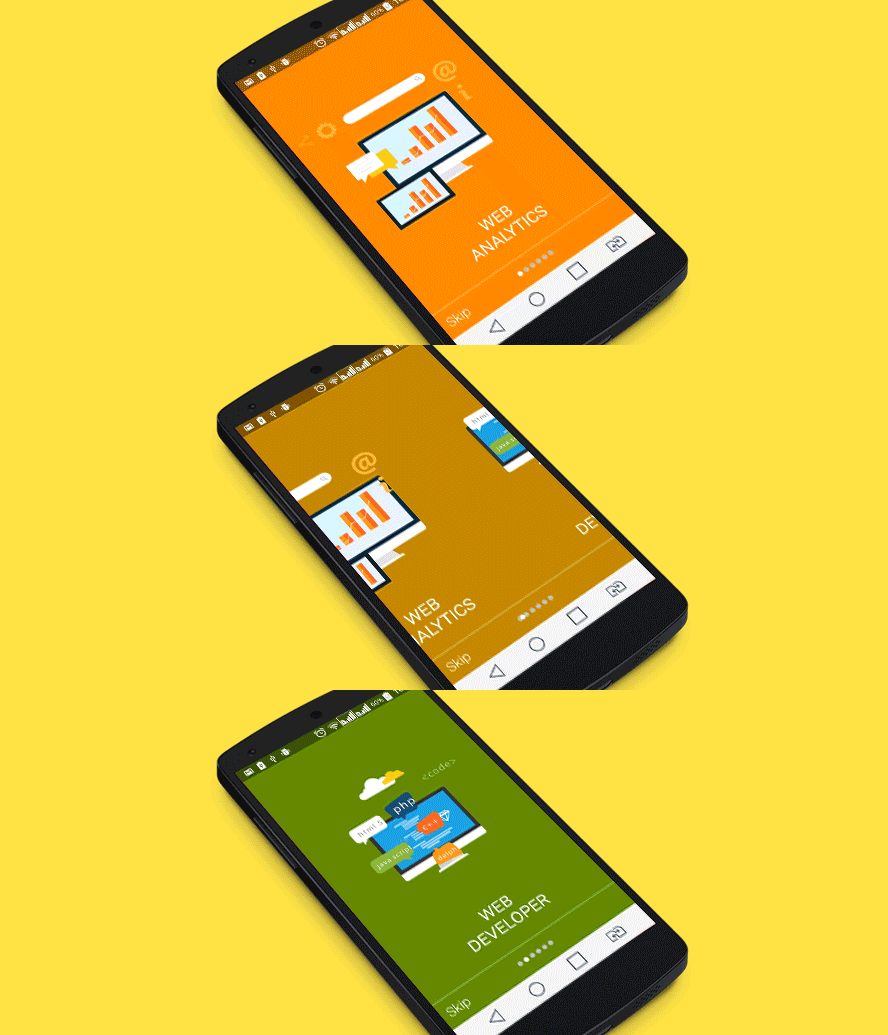
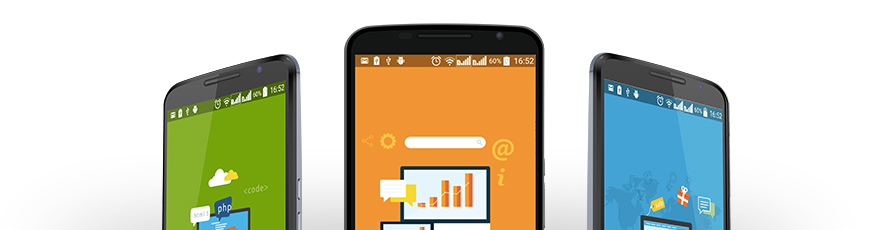
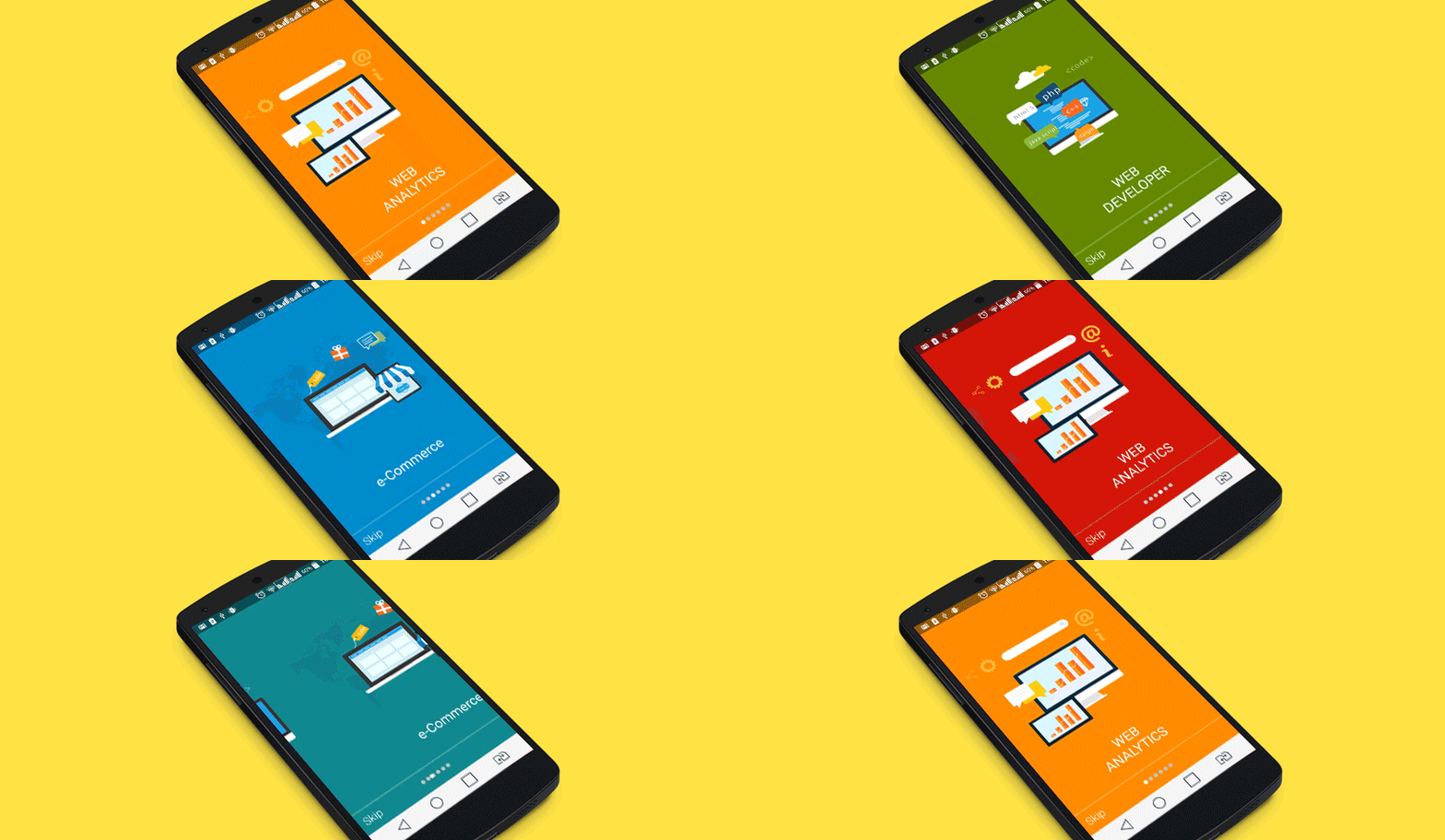
Flutter 滑动教程是一个可自定义的引导轮播包,通过应用视差效果创建动态、引人入胜的产品导览,让人联想到 Google 的应用教程。专为流畅的用户引导体验而设计,支持 Android、iOS、Web、macOS、Windows 和 Linux 等多个平台。该包通过分层动画和响应式滑动过渡增强视觉吸引力,非常适合以现代、互动的方式介绍功能。它可通过 pub.dev 轻松集成,并且是开源的,允许开发者扩展或自定义其行为。
适合场景
移动应用的入门屏幕
产品功能介绍
交互式教程流程
Web 和桌面端用户入门
吸引首次使用用户的体验
引导式应用导览
主要特点
视差滚动效果
多平台支持
可自定义的幻灯片过渡
响应式设计
通过 pub.dev 轻松集成
开源代码库
适合对象
开发人员构建引导流程
寻求现代UI交互的设计人员
需要引导式用户教程的应用程序
跨平台应用程序团队
专注于用户体验的初创公司
受谷歌材料设计启发的项目
使用建议
可能需要在旧设备上进行性能调优
有限的内置自定义选项,仅限基本样式
依赖外部依赖项进行动画
未针对复杂的导航模式进行优化
最适合简单的线性引导流程
需要理解Flutter动画原理
原始 README
以下为关联源码仓库的 README 原文快照,最新内容请访问源码仓库。
SlidingTutorial
Cleveroad introduces Sliding Tutorial Library for Flutter
Hey guys, hope you haven’t started developing a tutorial for your Flutter app yet, as we have already completed a part of your job. Don’t worry, we act from good motives only. Our aim is to help you create a sliding tutorial in a fast and simple manner. So we’ve done some work and voila!. A simple Flutter Sliding Tutorial library is at your service.
Open tutorial in the browser
The invention is going to ease the problem of structural design but not to limit a stretch of your imagination at the same time. We took care of the suitability aspect. So, your app is not going to look alien among other Flutter elements.
Applied parallax effects will make your product presentation look like Google apps tutorial.
All you need to do is:
1. Create background designs for each screen of your tutorial (assistance with mobile design)
2. Create icons for each screen of your tutorial
3. Follow the instructions below
Full Documentation
Setup
In the pubspec.yaml of your flutter project, add the following dependency:
If you have any questions regarding the use of this tutorial, please contact us for support at info@cleveroad.com (email subject: «Sliding Tutorial: Flutter. Support request.»)
or
Use our contacts:
Cleveroad.com Facebook account Twitter account Google+ account
License
    The MIT License (MIT)

    Copyright (c) 2021 Cleveroad

    Permission is hereby granted, free of charge, to any person obtaining a copy
    of this software and associated documentation files (the "Software"), to deal
    in the Software without restriction, including without limitation the rights
    to use, copy, modify, merge, publish, distribute, sublicense, and/or sell
    copies of the Software, and to permit persons to whom the Software is
    furnished to do so, subject to the following conditions:

    The above copyright notice and this permission notice shall be included in all
    copies or substantial portions of the Software.

    THE SOFTWARE IS PROVIDED "AS IS", WITHOUT WARRANTY OF ANY KIND, EXPRESS OR
    IMPLIED, INCLUDING BUT NOT LIMITED TO THE WARRANTIES OF MERCHANTABILITY,
    FITNESS FOR A PARTICULAR PURPOSE AND NONINFRINGEMENT. IN NO EVENT SHALL THE
    AUTHORS OR COPYRIGHT HOLDERS BE LIABLE FOR ANY CLAIM, DAMAGES OR OTHER
    LIABILITY, WHETHER IN AN ACTION OF CONTRACT, TORT OR OTHERWISE, ARISING FROM,
    OUT OF OR IN CONNECTION WITH THE SOFTWARE OR THE USE OR OTHER DEALINGS IN THE
    SOFTWARE.
For help getting started with Flutter, view our
online documentation, which offers tutorials,
samples, guidance on mobile development, and a full API reference.