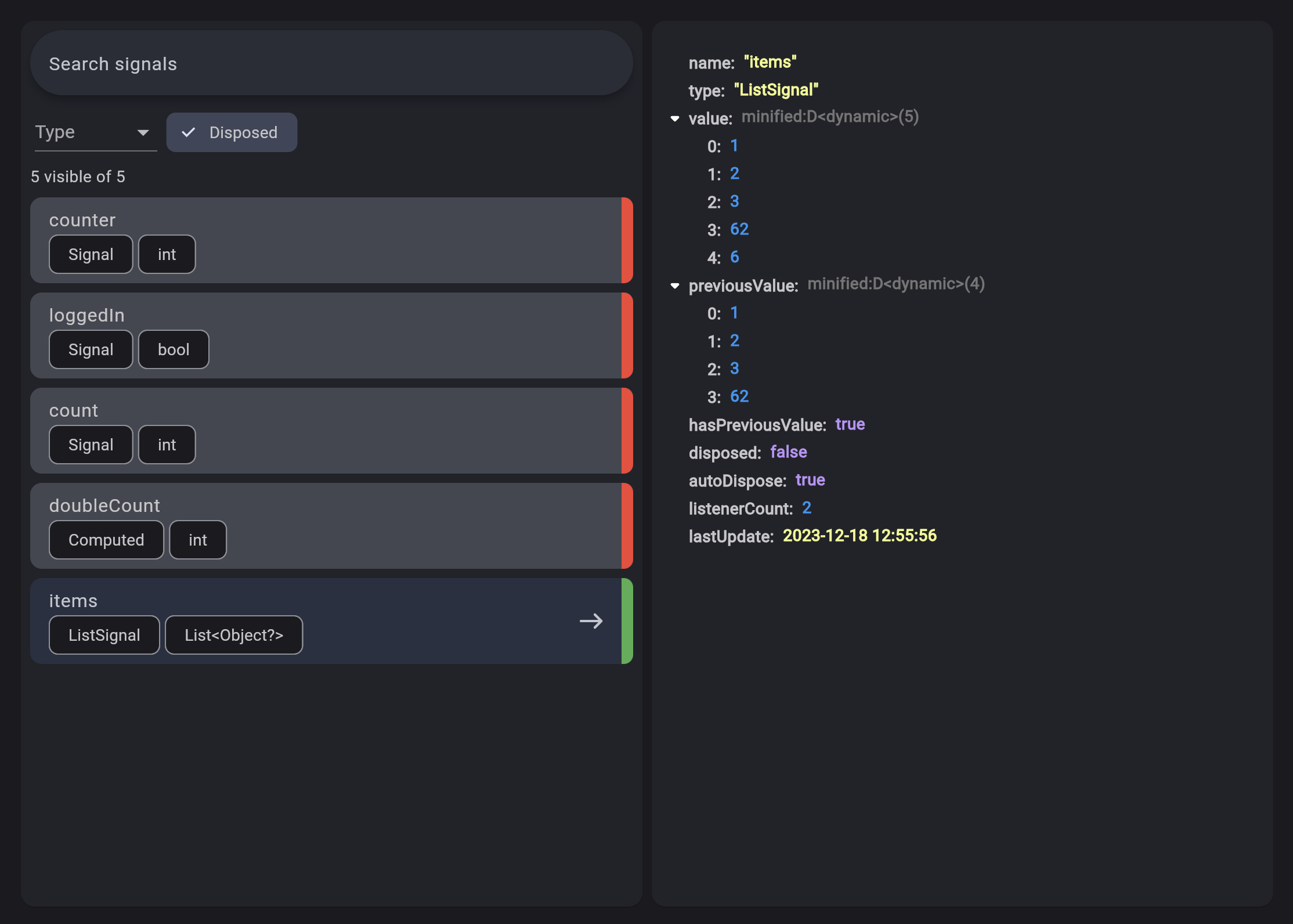
Signals are the cornerstone of reactivity in solidart. They contain values that change over time; when you change a signal's value, it automatically updates anything that uses it.
To create a signal, you have to use the Signal class:
final counter = Signal(0);
The argument passed to the class is the initial value, and the return value is the signal.
To retrieve the current value, you can use:
print(counter.value); // prints 0
To change the value, you can use:
// Set the value to 2
counter.value = 2;
// Update the value based on the current value
counter.updateValue((value) => value * 2);
Effect
Signals are trackable values, but they are only one half of the equation. To complement those are observers that can be updated by those trackable values. An effect is one such observer; it runs a side effect that depends on signals.
An effect can be created by using the Effect class.
The effect automatically subscribes to any signal and reruns when any of them change.
So let's create an Effect that reruns whenever counter changes:
final disposeFn = Effect(() {
    print("The count is now ${counter.value}");
});
Computed
A computed signal is a signal that depends on other signals.
To create a computed signal, you have to use the Computed class.
A Computed automatically subscribes to any signal provided and reruns when any of them change.
final count = Signal(0);
final doubleCount = Computed(() => count.value * 2);
Effect(() {
print('The counter is ${count.value}');
print('The double counter is ${doubleCount.value}');
});
count
..value = 1
..value = 2;
// The output will be:// The counter is 0// The double counter is 0// The counter is 1// The double counter is 2// The counter is 2// The double counter is 4
Resource
Resources are special Signals designed specifically to handle Async loading. Their purpose is wrap async values in a way that makes them easy to interact with.
Resources can be driven by a source signal that provides the query to an async data fetcher function that returns a Future.
The contents of the fetcher function can be anything. You can hit typical REST endpoints or GraphQL or anything that generates a future. Resources are not opinionated on the means of loading the data, only that they are driven by futures.
Let's create a Resource:
// The sourcefinal userId = Signal(1);
// The fetcherFuture<String> fetchUser() async {
final response = await http.get(
Uri.parse('https://jsonplaceholder.typicode.com/users/${userId.value}/'),
headers: {'Accept': 'application/json'},
);
return response.body;
}
// The resourcefinal user = Resource(fetchUser, source: userId);
A Resource can also be driven from a Stream instead of a Future, and can be created with Resource.stream(() => stream).
In this case you just need to pass the stream field to the Resource class.
If you're using SignalBuilder you can react to the state of the resource:
The on method forces you to handle all the states of a Resource (ready, error and loading).
The are also other convenience methods to handle only specific states.
Dependency Injection
The dependency injection in flutter_solidart is done using the disco package.
This replaced the Solid widget which was used in the previous versions of flutter_solidart.
disco has been built on top of Solid to provide a more powerful and flexible way to handle dependency injection.