flutter_syntax_view
Flutter Syntax Highlighter
Basic Usage
class HomePage extends StatelessWidget const HomePage ({super .key});
final String code = """
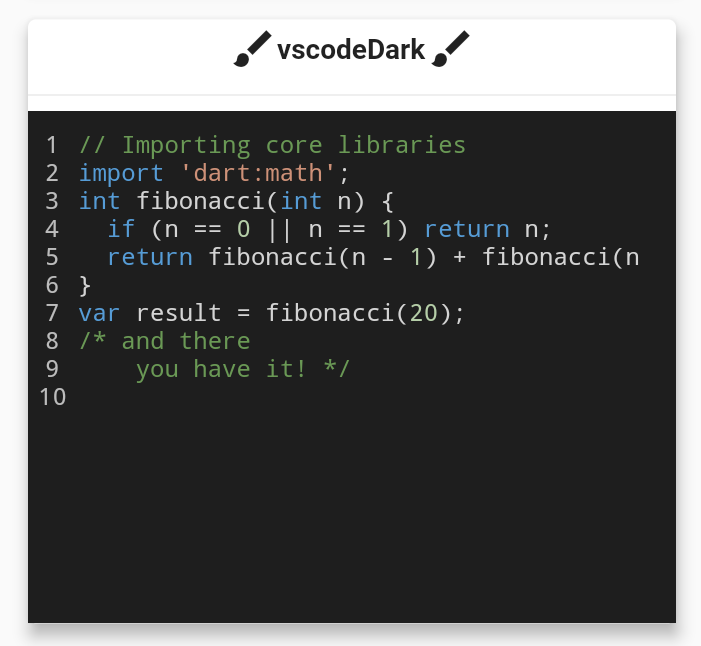
// Importing core libraries
import 'dart:math';
int fibonacci(int n) {
if (n == 0 || n == 1) return n;
return fibonacci(n - 1) + fibonacci(n - 2);
}
final int result = fibonacci(20);
/* and there
you have it! */
""" ;
@override
Widget build (BuildContext context) {
return Scaffold (
body: Center (
child: SyntaxView (
code: code,
syntax: Syntax .DART,
syntaxTheme: SyntaxTheme .vscodeDark (),
fontSize: 12.0 ,
withZoom: true ,
withLinesCount: true ,
expanded: false ,
selectable: true
),
),
);
}
}
Create a Custom SyntaxTheme
class AppColors static const Color backgroundColor = Color (0xff1A1A19 );
static const Color linesCountColor = Color (0xffEFE9D5 );
static const Color commentStyle = Color (0xffEEDF7A );
static const Color zoomIconColor = Color (0xff77CDFF );
static const Color stringStyle = Color (0xffF87A53 );
static const Color baseStyle = Color (0xffF5F5F5 );
static const Color keywordStyle = Color (0xffCAE0BC );
static const Color classStyle = Color (0xffB9E5E8 );
}
class HomePage extends StatelessWidget HomePage ({super .key});
static const String code = r"""
import 'dart:math' as math;
// Coffee class is the best!
class Coffee {
late int _temperature;
void heat() => _temperature = 100;
void chill() => _temperature = -5;
void sip() {
final bool isTooHot = math.max(37, _temperature) > 37;
if (isTooHot)
print("myyy liiips!");
else
print("mmmmm refreshing!");
}
int? get temperature => temperature;
}
void main() {
var coffee = Coffee();
coffee.heat();
coffee.sip();
coffee.chill();
coffee.sip();
}
/* And there
you have it */""" ;
final SyntaxTheme myCustomTheme = SyntaxTheme .standard ().copyWith (
backgroundColor : AppColors .backgroundColor,
linesCountColor : AppColors .linesCountColor,
commentStyle : const TextStyle (color: AppColors .commentStyle),
zoomIconColor : AppColors .zoomIconColor,
stringStyle : const TextStyle (color: AppColors .stringStyle),
baseStyle : const TextStyle (color: AppColors .baseStyle),
keywordStyle : const TextStyle (color: AppColors .keywordStyle),
punctuationStyle: const TextStyle (color: AppColors .keywordStyle),
classStyle : const TextStyle (color: AppColors .classStyle),
);
@override
Widget build (BuildContext context) {
return Scaffold (
body: Center (
child: SyntaxView (
code: code,
syntax: Syntax .DART,
syntaxTheme: myCustomTheme,
fontSize: 12.0 ,
withZoom: true ,
withLinesCount: true ,
expanded: false ,
selectable: true
),
),
);
}
}
Supported Syntax
[x] Dart
[x] C
[x] C++
[x] Java
[x] Kotlin
[x] Swift
[x] JavaScript
[x] YAML
[x] Rust
[x] Lua
[x] Python
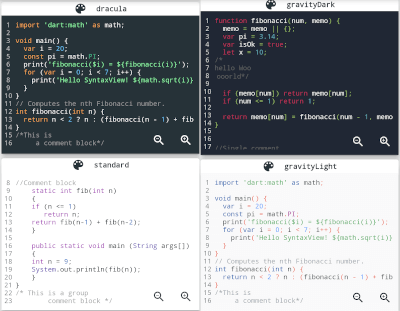
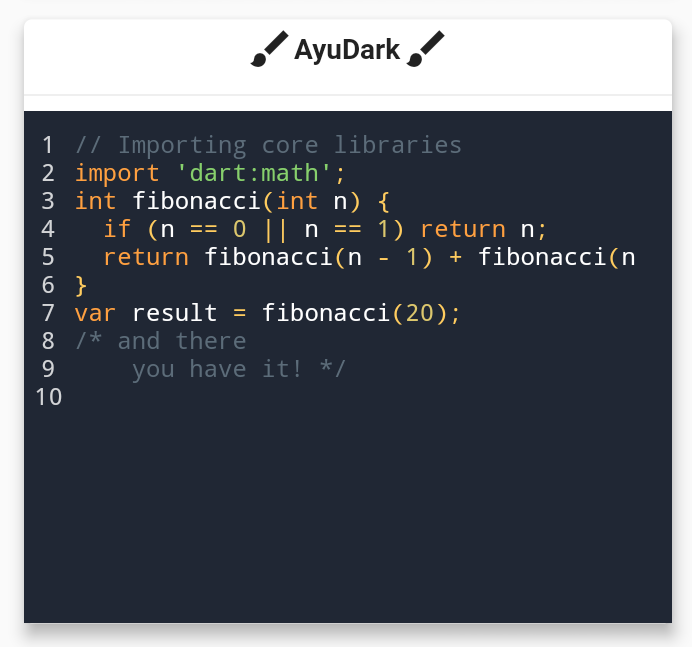
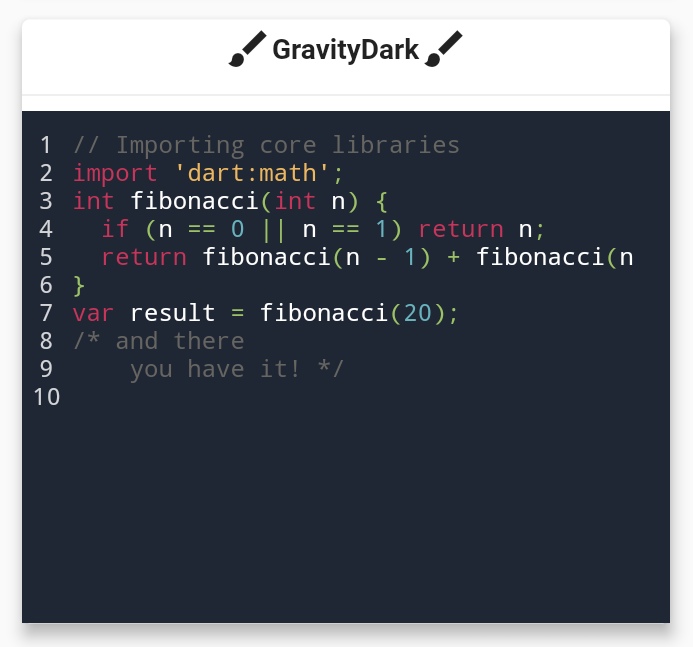
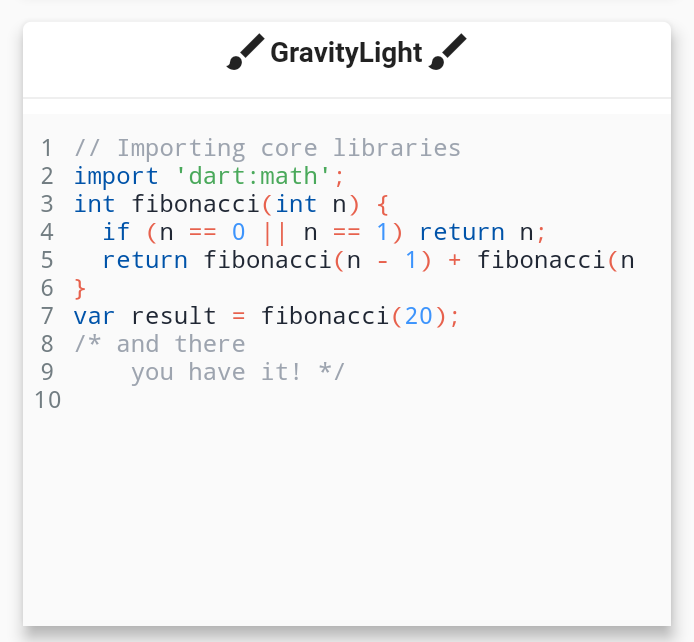
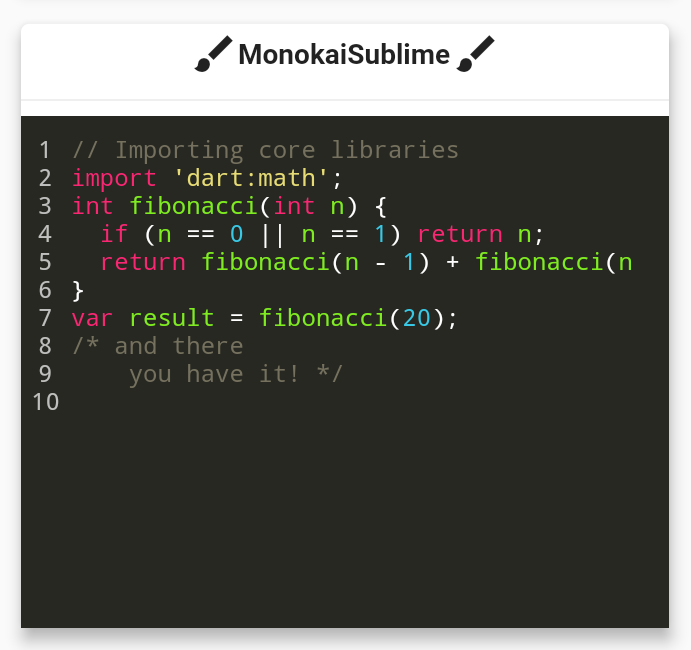
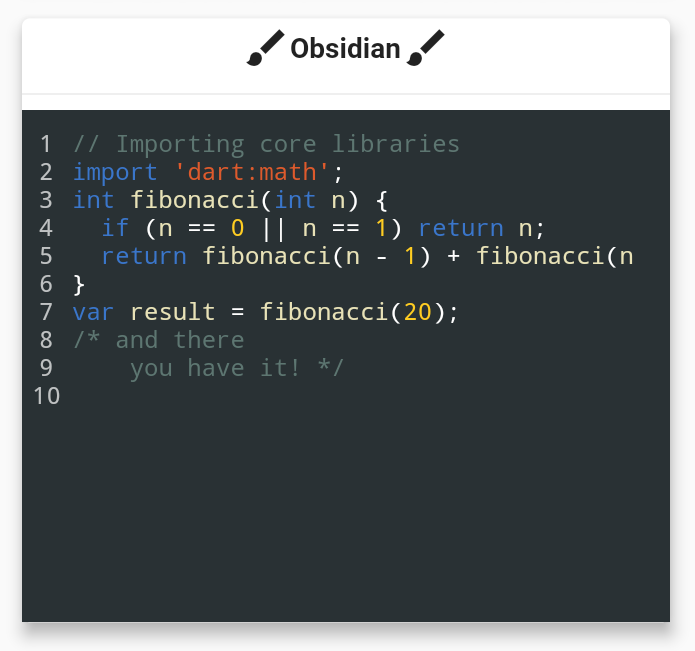
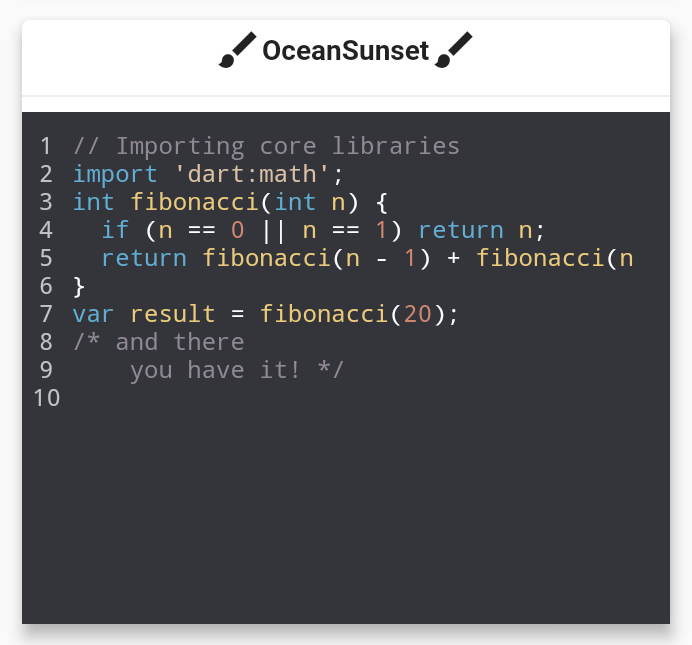
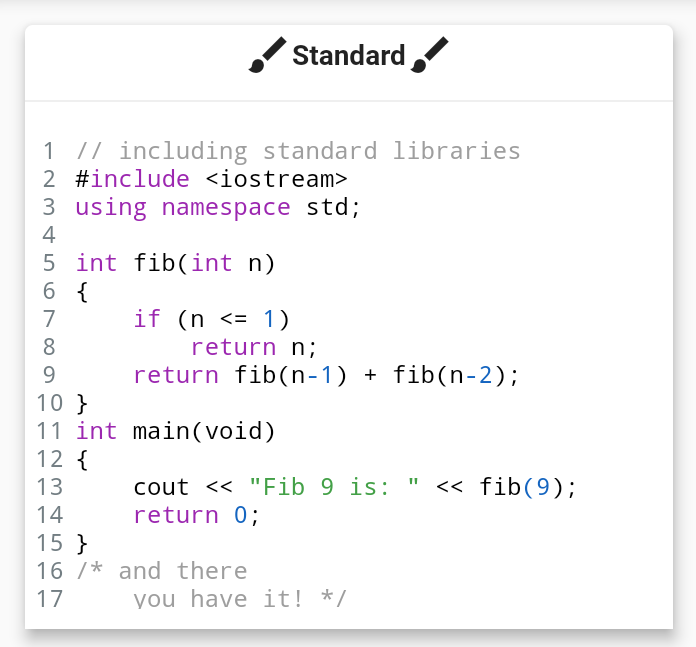
Themes
Installing
Package
Contributing
if you are familiar with Regular Expressions in Dart and would like contribute in adding further syntax support. it will be very appreciated!
Contributors ✨
Thanks goes to these wonderful people!
Features and bugs
If you face any problems feel free to open an issue at the issue tracker . If you feel the library is missing a feature, please raise a ticket on Github. Pull request are also welcome.