Flutter Upgrade Version Package
A Flutter plugin for Android, iOS allowing get information about package, version info.
Features
- Get Package Information (app name, package name, version, build number).
- Get Information of Version at store (Apple Store).
- Support In App Update - Android
Installation
First, add flutter_upgrade_version as a dependency in your pubspec.yaml file.
dependencies
  flutter_upgrade_version: ^1.1.8
In-app Updates
The in-app updates feature is supported on devices running Android 5.0 (API level 21) or higher. Additionally, in-app updates are only supported for Android mobile devices, Android tablets, and ChromeOS devices.
How to test In-App Update
Your app can use the Google Play Core libraries to support the following UX flows for in-app updates:
Flexible Update Flows
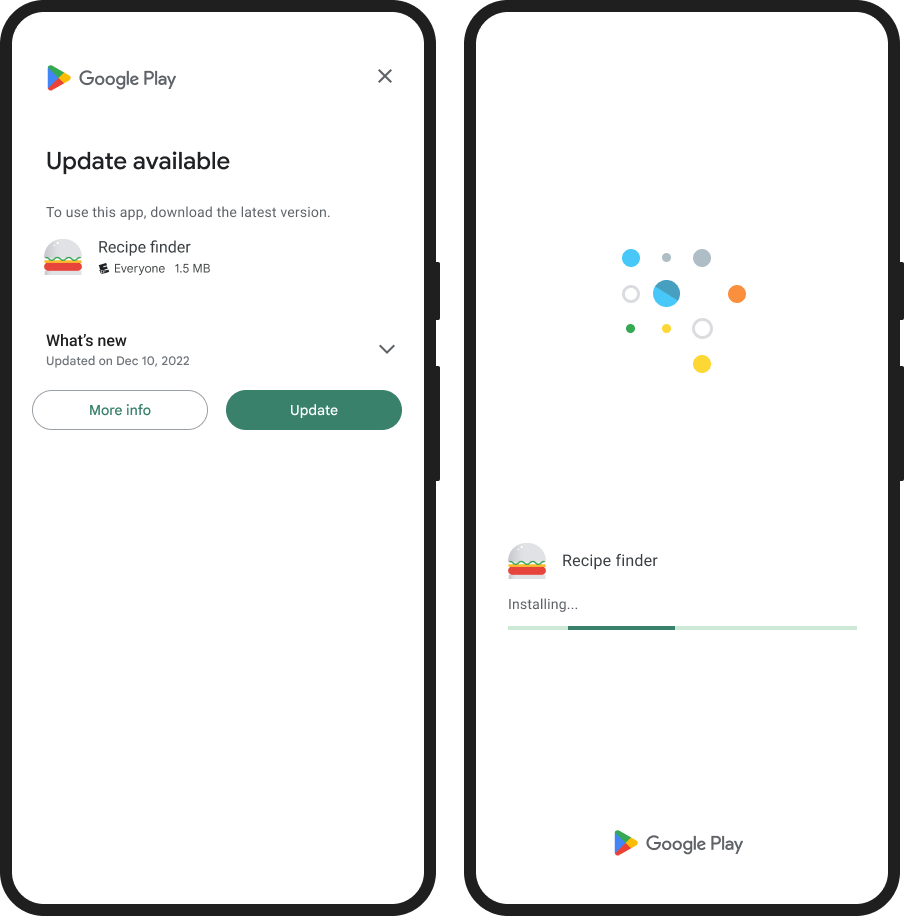
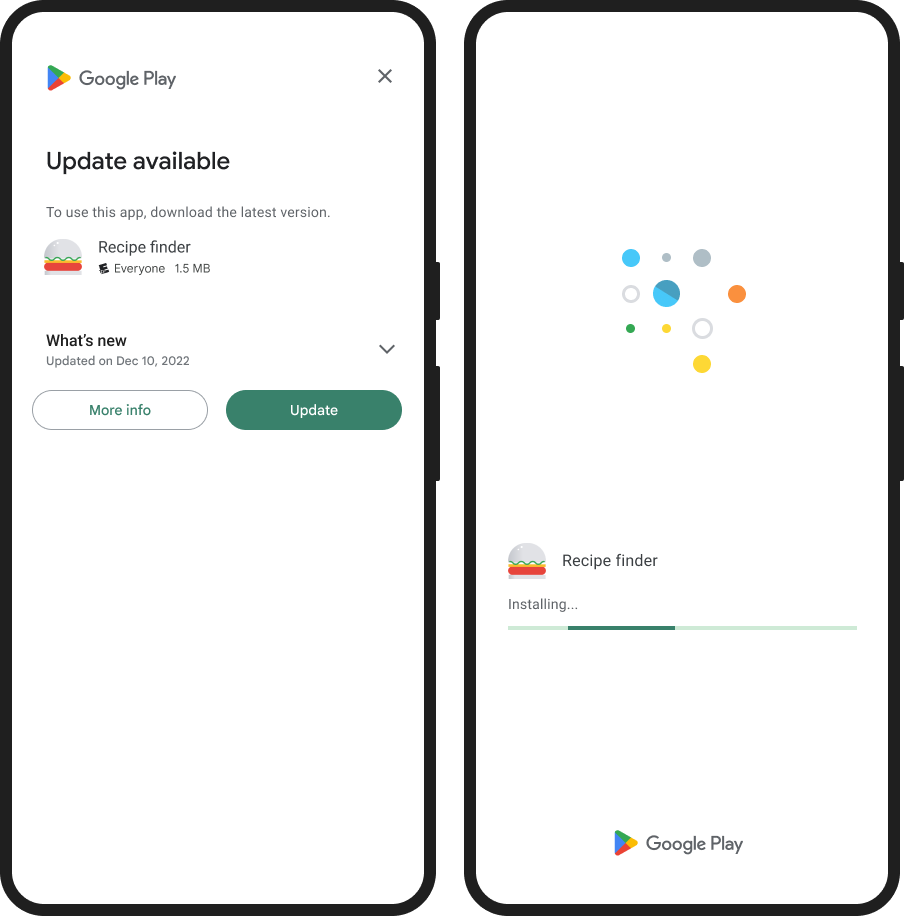
Flexible updates provide background download and installation with graceful state monitoring. This UX flow is appropriate when it's acceptable for the user to use the app while downloading the update. For example, you might want to encourage users to try a new feature that's not critical to the core functionality of your app.
Immediate Update Flows
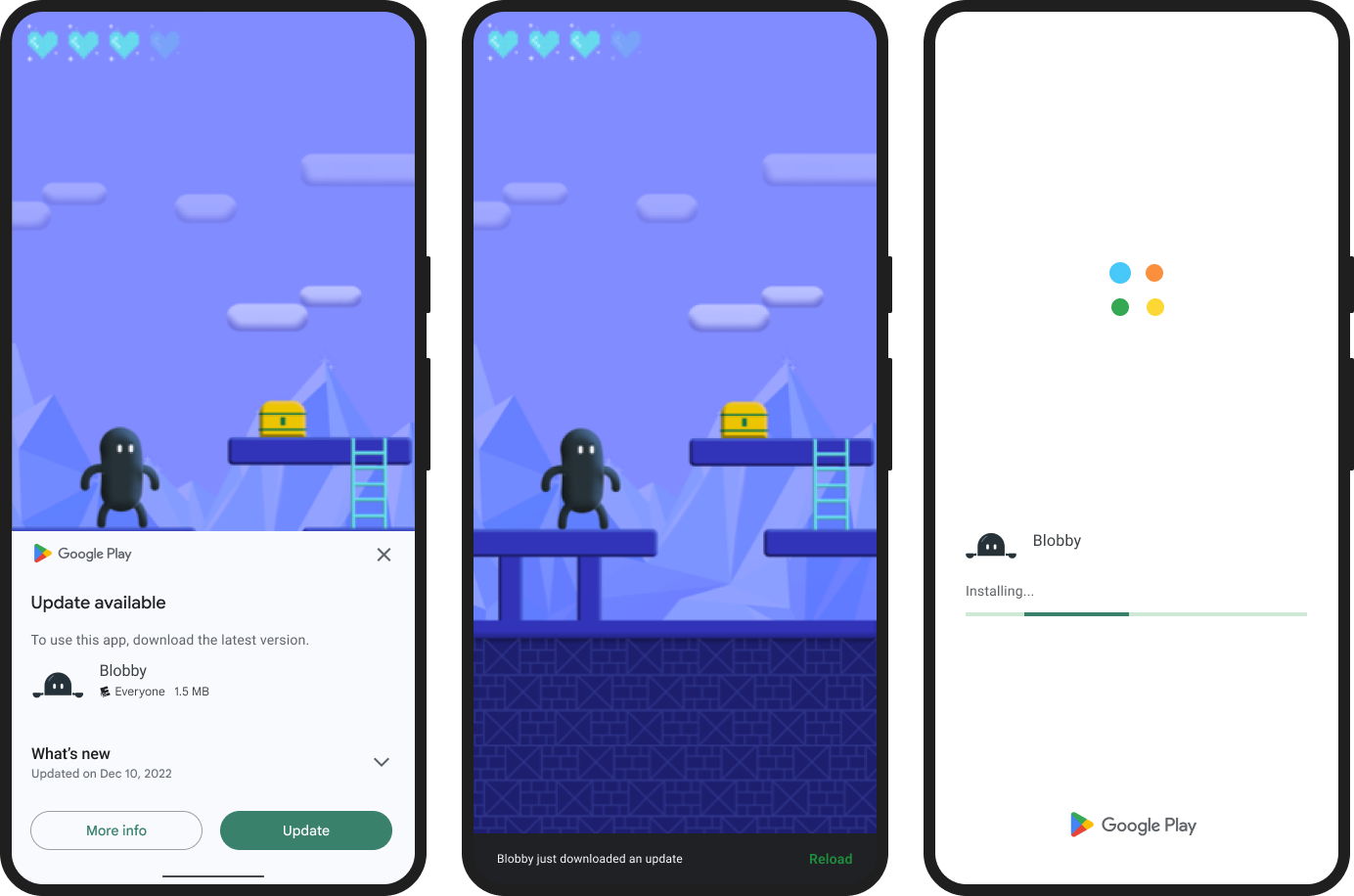
Immediate updates are fullscreen UX flows that require the user to update and restart the app in order to continue using it. This UX flow is best for cases where an update is critical to the core functionality of your app. After a user accepts an immediate update, Google Play handles the update installation and app restart.
Usage
Package Information
You can use PackageManager to get information about the package.
import 'package:flutter_upgrade_version/flutter_upgrade_version.dart';

Future<void> getPackageData() async {
  PackageInfo _packageInfo = await PackageManager.getPackageInfo();
}
PackageInfo class - Fields:
appName : the app namepackageName : the package nameversion : the package versionbuildNumber : the build numberlanguageCode : the language code of Locale.regionCode : the country/region code for this locale. ISO 3166 alpha-2 country code
Android: Using In-app Update
Note: Be mindful of how often you request updates to avoid annoying or tiring your users. You should only request in-app updates for changes that are important to the core functionality of your app.
if (Platform.isAndroid) {
InAppUpdateManager manager = InAppUpdateManager();
AppUpdateInfo? appUpdateInfo = await manager.checkForUpdate();
if (appUpdateInfo == null) return;
if (appUpdateInfo.updateAvailability == UpdateAvailability.developerTriggeredUpdateInProgress) {
String? message = await manager.startAnUpdate(type: AppUpdateType.immediate);
} else if (appUpdateInfo.updateAvailability == UpdateAvailability.updateAvailable) {
if (appUpdateInfo.immediateAllowed) {
debugPrint('Start an immediate update');
String? message = await manager.startAnUpdate(type: AppUpdateType.immediate);
} else if (appUpdateInfo.flexibleAllowed) {
debugPrint('Start an flexible update');
String? message = await manager.startAnUpdate(type: AppUpdateType.flexible);
} else {
debugPrint('Update available. Immediate & Flexible Update Flow not allow');
}
}
}
iOS: Information of Version on the Apple Store
We get the app information on Apple Store throught the package_name and regionCode.
-
You need to make sure the ID already exits on the Store.
-
RegionCode where your app will be available to purchase or download. If your app is not available across countries or regions, you can't lookup the app information on iTunes Search API.
AppStoreConnect: My Apps > AppName > Pricing and Availability > App Availability
Recommnend to ensure the getiOSStoreVersion function works: The version number is shown on the App Store and should match the one you used in Xcode.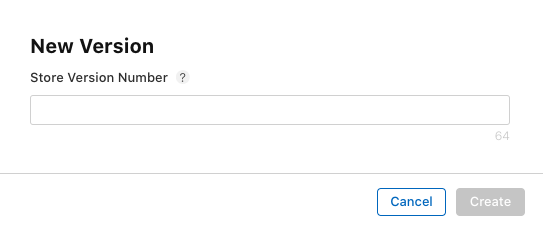
| Parameter |
Description |
packageInfo |
Required.
PackageManager.getPackageInfo |
regionCode |
Optional. The default is US
The two-letter country code for the store you want to search. The search uses the default store front for the specified country.
See ISO_3166-1_alpha-2 for a list of ISO Country Codes. |
if (Platform.isIOS) {
VersionInfo? _versionInfo2 = await UpgradeVersion.getiOSStoreVersion(
packageInfo: _packageInfo,
regionCode: 'VN',
);
}
With VersionInfo class, I have provided information about:
-
canUpdate: Return true if app can update.
-
isReviewing: Return true if app is reviewing.
-
localVersion: The current version of app.
-
storeVersion: The current version of app on the store.
-
releaseDate: The release date of current version on the store.
-
appStoreLink: Link connect to App Store.
-
releaseNotes: The notes of version on the store.
In-app Update message
Note: startAnUpdate() return String? (a notification message). When update successfully, message is nullable.
| Message |
Description |
| MSG_USER_HAS_DENIED_OR_CANCELED_THE_UPDATE |
The user has denied or canceled the update. |
| MSG_RESULT_IN_APP_UPDATE_FAILED |
Some other error prevented either the user from providing consent or the update from proceeding. |
| MSG_APP_UPDATE_TYPE_NO_SUPPORT |
AppUpdateType not support |
| MSG_REQUIRE_CHECK_FOR_UPDATE |
Required call checkForUpdate before startAnUpdate |
| MSG_UPDATE_LISTENER_ERROR |
|