google_speech 包是一个 Flutter 插件,可实现与 Google Cloud GRPC 语音转文字 API 的集成,使 Flutter 应用程序能够实现实时语音转录。它支持流式音频输入,并在多个平台上提供准确的语音识别。专为开发语音功能的开发者设计,通过最少的设置即可轻松访问 Google 强大的自动语音识别(ASR)功能。该插件通过 Google Cloud 凭据处理身份验证,并提供事件驱动的响应以实现连续转录。适用于语音助手、语音输入工具和辅助功能。
适合场景
语音助手
实时转录
语音输入应用
无障碍工具
音频记录
主要特点
实时流媒体
Google Cloud 集成
跨平台支持
事件驱动API
通过 Google Cloud 进行身份验证
适合对象
开发语音功能应用的开发者
需要高精度语音识别的应用程序
使用 Google Cloud 服务的项目
移动和桌面语音应用
使用建议
需要 Google Cloud 项目和 API 密钥
计费适用于使用情况
需要网络连接
低带宽连接下的更高延迟
原生依赖项的平台特定设置
原始 README
以下为关联源码仓库的 README 原文快照,最新内容请访问源码仓库。
Google Speech
This package allows the use of Google Speech Api with grpc as a pure
Dart implementation. With the support of grpc it is also possible to use the streaming transcription
of the Google Speech Api with this package.
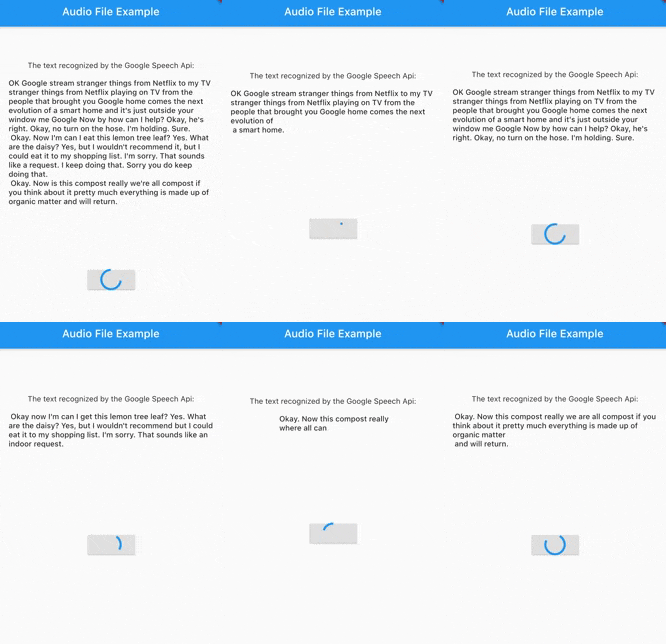
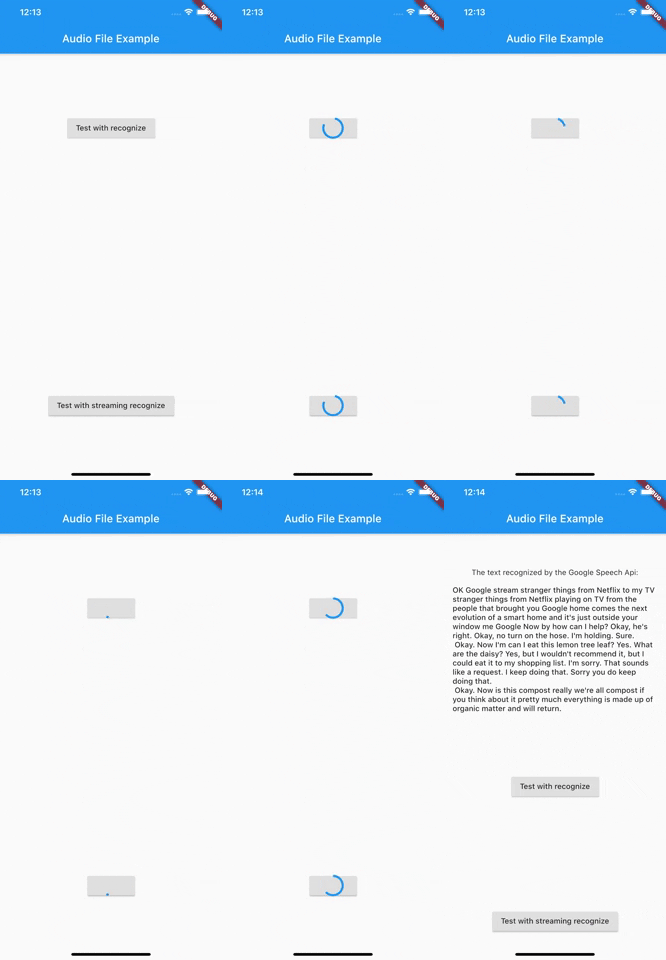
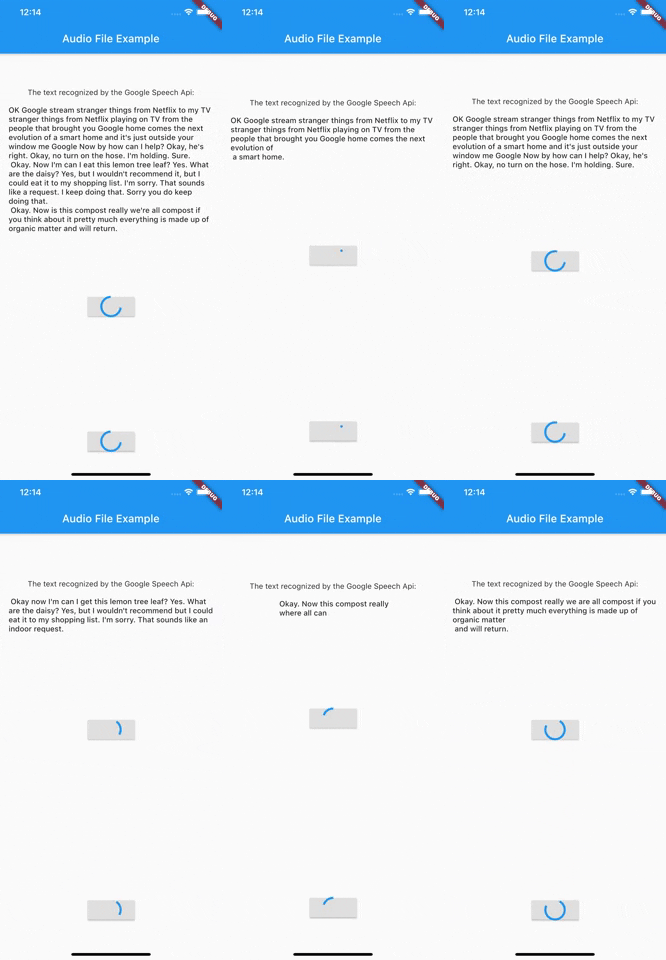
Demo recognize
Demo Streaming
Before we get started
To use the Google Speech Api it is first of all important to create a Google Cloud account and activate the Speech Api.
The best way to do this is to follow the first point of this documentation.
After you have created a service account and downloaded the Json file with the necessary access data, you can start
using this package.
At this time this package only supports authentication via service account. It is therefore necessary to create a service account and have the necessary Json data ready.
Getting Started
Authentication
As of version 3.0.0 there are now 3 different ways to authenticate. In addition to the old way viaServiceAccount, there is now also the possibility to authenticate via token or ThirdPartyAuthenticator.
Authentication via ThirdParty Authenticator [> Version 3.0.0]
final speechToText = SpeechToText.viaThirdPartyAuthenticator(
ThirdPartyAuthenticator(
obtainCredentialsFromThirdParty: () async {
// request api to get tokenfinal json = awaitrequestCredentialFromMyApi();
returnAccessCredentials.fromJson(json);
},
),
);
Authentication via Token [> Version 3.0.0]
Creates a SpeechToText interface using a token.
You are responsible for updating the token when it expires.
    final speechToText = SpeechToText.viaToken(
    'Bearer',
    '<token-here>',
    );
Authentication via a service account
There are two ways to log in using a service account. Option number one is the direct transfer of the Json file.
Make sure that the file really exists in the path you passed and that the file has a .json extension.
import'package:google_speech/speech_client_authenticator.dart';
final serviceAccount = ServiceAccount.fromFile(File('PATH_TO_FILE'));
final speechToText = SpeechToText.viaServiceAccount(serviceAccount);
Option number two is to pass the Json data directly as a string.
This could be used for example to load the data from an external service first and not
have to keep it directly in the app.
final serviceAccount = ServiceAccount.fromString(r'''{YOUR_JSON_STRING}''');
/// OR load the data from assetsfinal serviceAccount = ServiceAccount.fromString(
'${(await rootBundle.loadString('assets/test_service_account.json'))}');
final speechToText = SpeechToText.viaServiceAccount(serviceAccount);
After you have successfully connected the ServiceAccount, you can already start using the Api.
Since version 1.1.0 google_speech also supports the use of features available in the Google Speech Beta Api. For this you just have to use SpeechToTextBeta instead of SpeechToText.
Use Google Speech Version 2
Since version 4.0.0 google_speech also supports the use of features available in the Google Speech V2. For this you just have to use SpeechToTextV2 instead of SpeechToText.
An Example could be found in audio_file_example_v2
Endless stream support
Since version 5.0.0 google_speech also supports endless stream.
For this you just have to use EndlessStreamingService instead of SpeechToText.
final serviceAccount = ServiceAccount.fromString(r'''{YOUR_JSON_STRING}''');
/// OR load the data from assetsfinal serviceAccount = ServiceAccount.fromString(
'${(await rootBundle.loadString('assets/test_service_account.json'))}');
final speechToText = EndlessStreamingService.viaServiceAccount(serviceAccount);
final responseStream = speechToText.endlessStream;
speechToText.endlessStreamingRecognize(
StreamingRecognitionConfig(config: config, interimResults: true),
_audioStream!);
responseStream.listen((data) {...});